Automatic Drawing View Creation and Update
| Video: Drawing Views |
3:39
|
Related Packages:
| Next steps: | |||
|
Get a Quote | ||
|
Contact Sales | ||
|
Get a Product Trial | ||
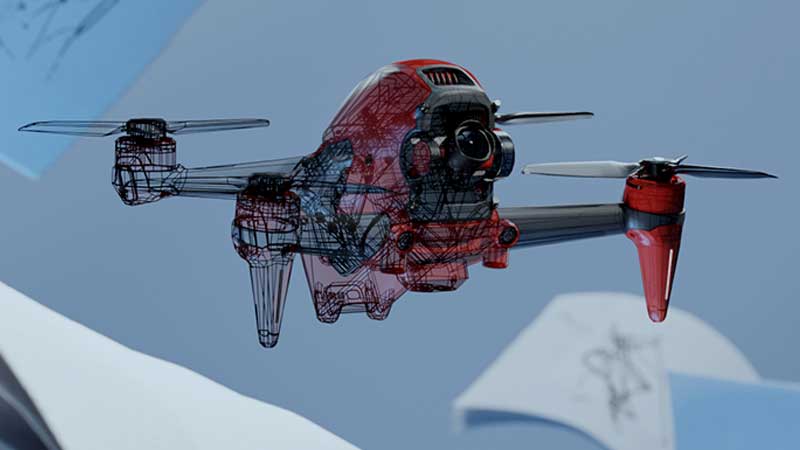
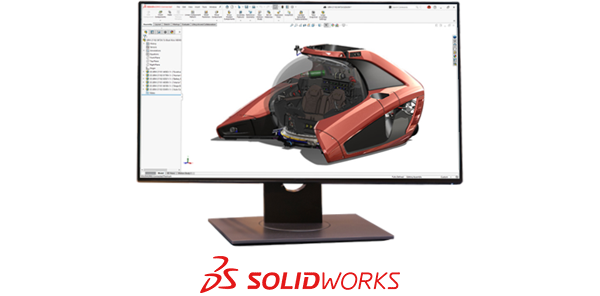
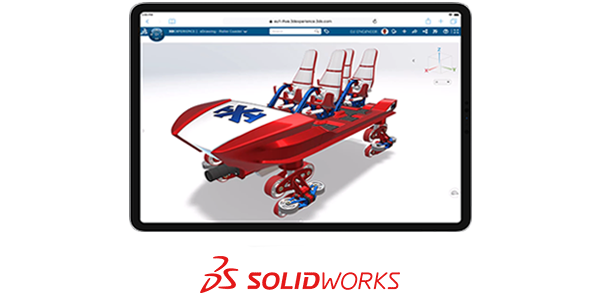
Create and update your 3D part and assembly models quickly and easily with powerful, simple-to-use SolidWorks 3D design. Drag-and-drop editing and automatic update features accelerate your design process, save time, and increase productivity.
Automatic Drawing View Creation and Update Overview
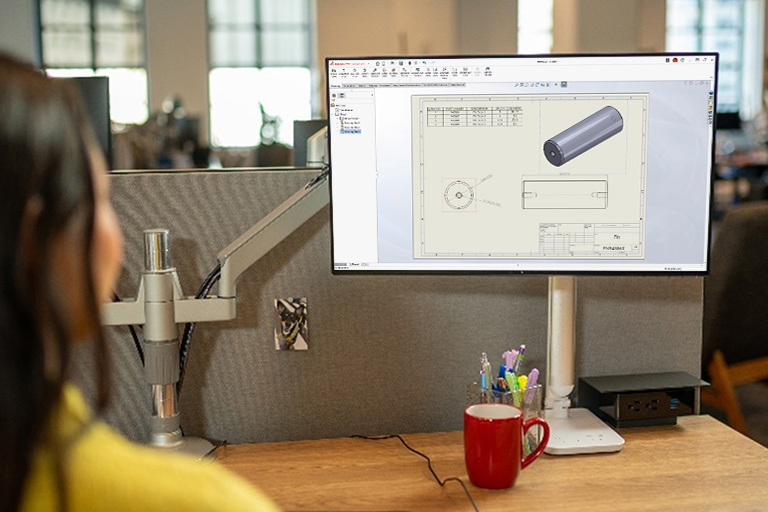
With SolidWorks, simply drag and drop your 3D model into a drawing to create views—or drag and drop predefined drawing views from a palette. Drawing views are always current with the 3D model. All drawing views reflect design changes automatically, eliminating the chance of having out of date or incorrect information.
SolidWorks drawing view creation and update provides:
- Automatic drawing view creation as required—projected, section, detailed, alternate position views, etc.
- All drawing views automatically update when the 3D model is modified
- Drag and drop predefined drawing views from a template or click to create projected views
- Optional first or third angle projection view orientation
- Views are aligned and stay aligned, as they are moved on the drawing sheet
- Views can be shaded, shown with or without hidden lines, or shown in wireframe
- Automatic scaling