CAD Standards Checking (Design Checker) and Drawing Comparison
| Video: Standards Checking |
4:24
|
Related Packages:
| Next steps: | |||
|
Get a Quote | ||
|
Contact Sales | ||
|
Get a Product Trial | ||
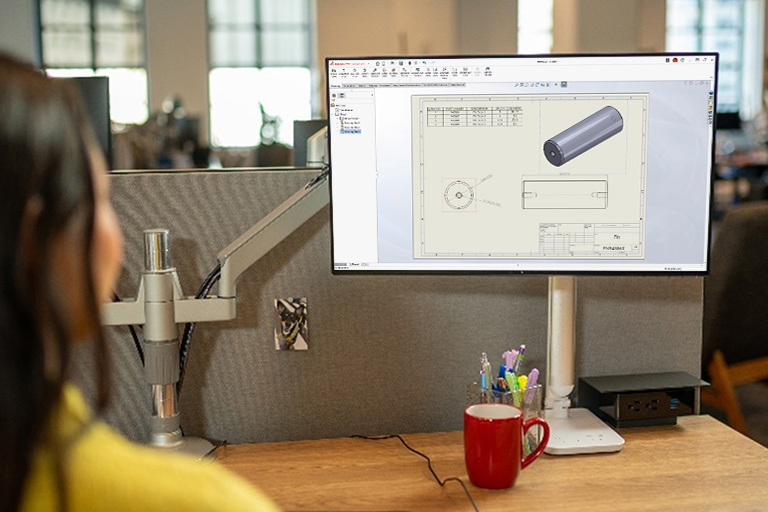
Establish design standards and easily check drawings (or models) with SolidWorks 3D CAD software to create uniform designs and documentation, which speeds up product development, saves time, and increases productivity.
Overview
Use SolidWorks to establish design standards, and then check drawings (or models) against them as you design to ensure consistent and complete drawing outputs. With SolidWorks you can:
- Verify designs against company standards
- Automatically correct nonconforming design and drafting issues
- Build Checks—Set up and save specific design and drafting checks
- Use Check Active Document—Run the check to validate your document (drawing or model) against the requirement
- Use Check Against Existing File—Validate the active document against design checks created from existing files
- Learn Checks Wizard—Retrieve design checks based on attributes from an existing SolidWorks part, assembly, or drawing document
- Check specifically for fonts, dimension arrows, units, and other documentation details
- Compare your drawing to past results from reviews of other drawings