Large Design Review
| Video: SolidWorks Large Design Review |
2:45
|
Related Packages:
| Next steps: | |||
|
Get a Quote | ||
|
Contact Sales | ||
|
Get a Product Trial | ||
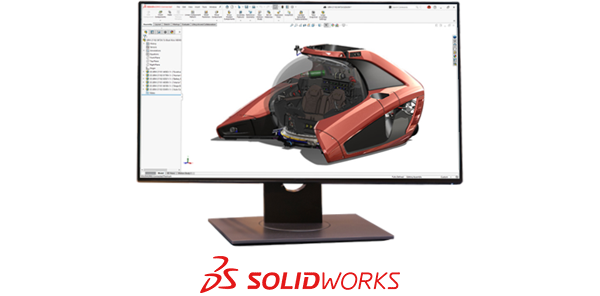
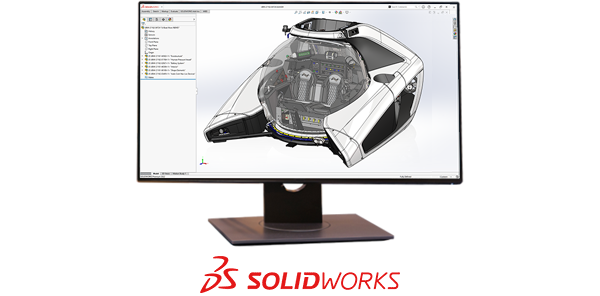
Quickly open, view, and navigate large assemblies in SolidWorks 3D CAD software to help increase design collaboration, speed up project reviews and approvals, accelerate your overall design process, and increase productivity.
Large Design Review Overview
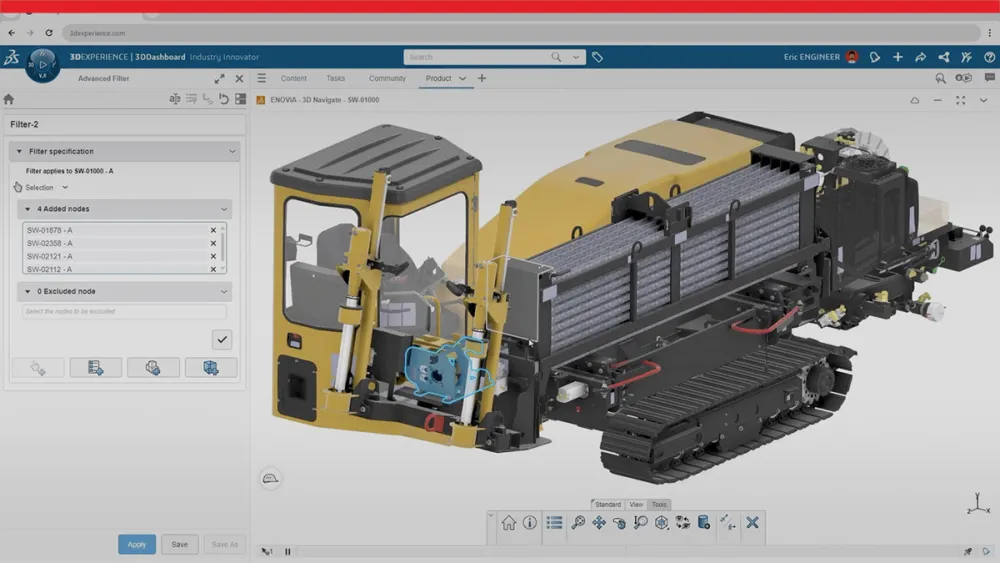
SolidWorks Large Design Review (LDR) mode enables you to quickly open, navigate, walk-through, measure, section, and create snapshot views with comments of massive assemblies containing huge numbers of parts, helping to clearly communicate your design. Key functionality includes the ability to:
- Quickly open, mark up, and investigate extremely large assemblies in SolidWorks
- Select items to open for editing
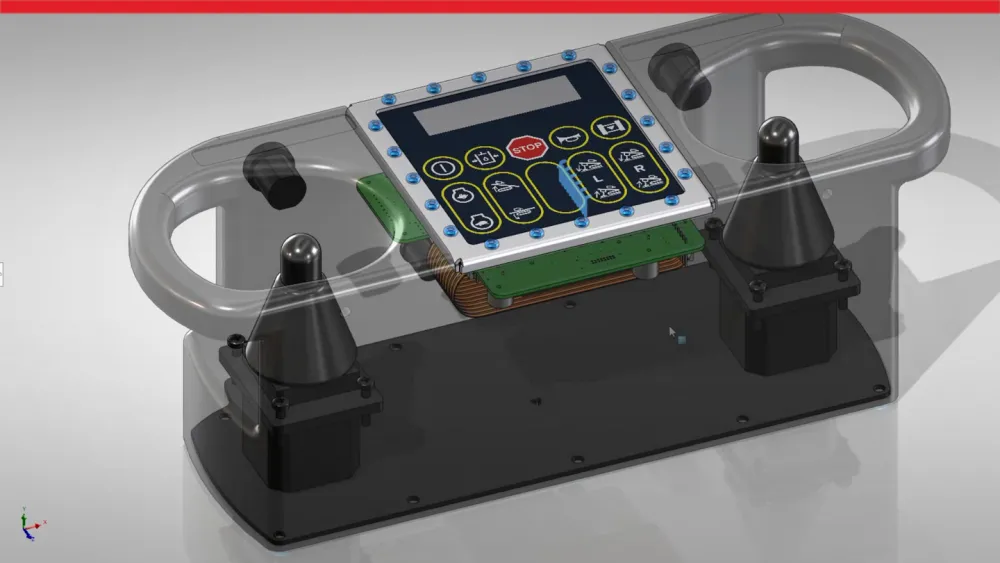
- Section through your design to what is inside
- Measure to assess dimensions and clearances
- Search/Navigate/Select to locate features in your design and explain it to others
- Create a design walk-through to highlight key areas and even record a video as you move along
- Record still views with Snapshots from different perspectives and add comments to show needed changes for later review
- Selectively open and edit a part or assembly while reviewing the design in LDR