Definition and Overview of 3D CAD Software

What Is CAD?

Computer-aided design (CAD) is the use of computer-based design software to create, modify, analyze, and optimize designs digitally. CAD technology replaces traditional hand-drawing methods with sophisticated digital tools that enable engineers and designers to develop precise technical drawings and three-dimensional models. This revolutionary approach to design has fundamentally transformed how products are conceived, developed, and brought to market across virtually every industry.

Key Characteristics of 3D CAD Software

Young people at computer in office setting

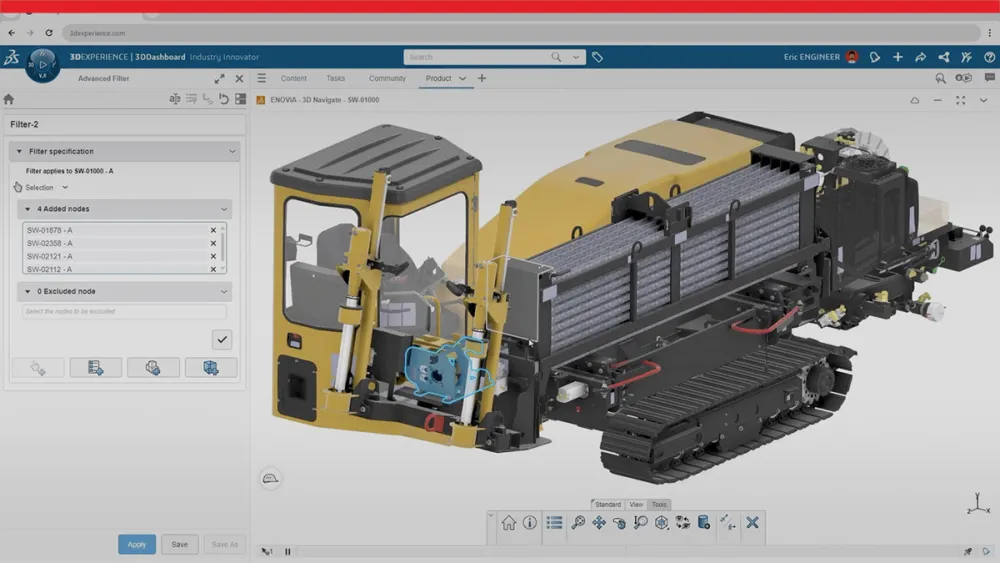
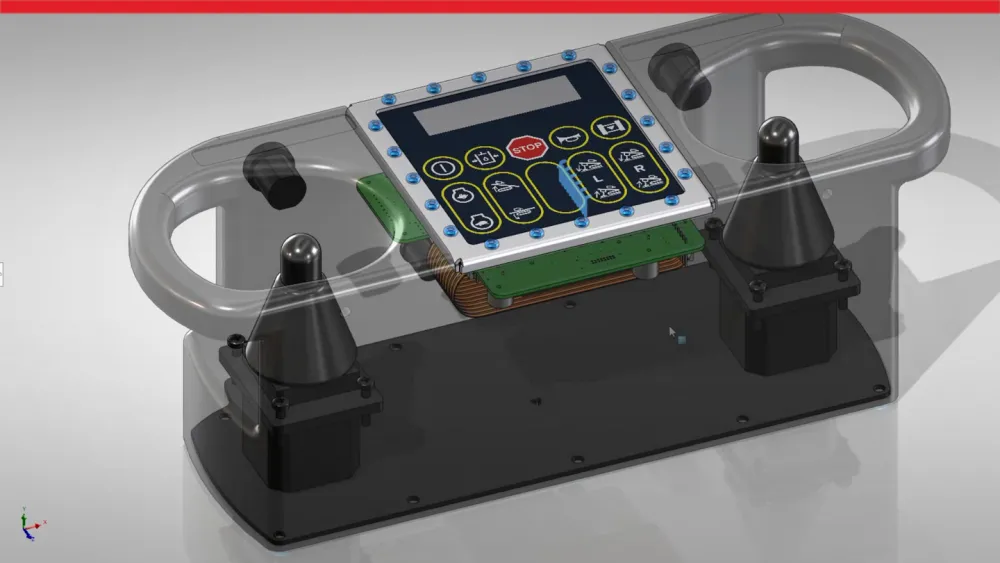
3D CAD software contains several fundamental characteristics that set it apart from traditional design methods. Three-dimensional CAD models allow users to create realistic representations of products with complete geometric information, providing a comprehensive view of how components will appear and function in the real world. Parametric design functionality enables dynamic modifications through design parameters, ensuring that changes propagate throughout the entire model while maintaining design intent and relationships between features.

Real-time visualization provides immediate feedback on design changes, allowing engineers to evaluate modifications instantly without waiting for lengthy processing times. Integrated analysis tools enable testing and validation before manufacturing, reducing costly errors and iterations. Collaborative features support team-based design workflows, enabling multiple stakeholders to contribute to projects while maintaining version control and design integrity.
 

Overview of Computer-Aided Design (CAD)

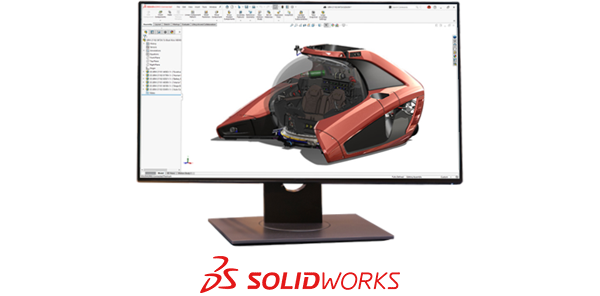
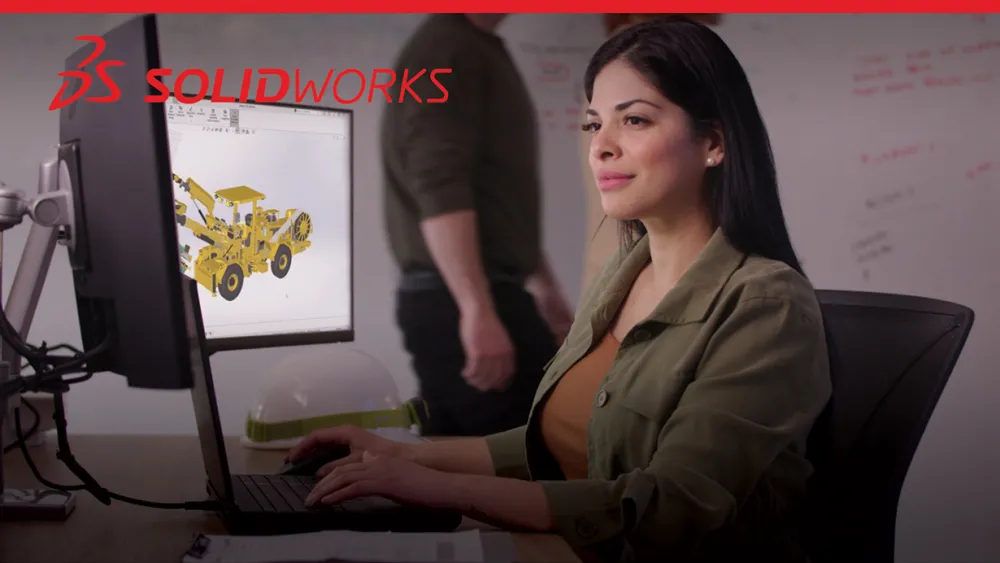
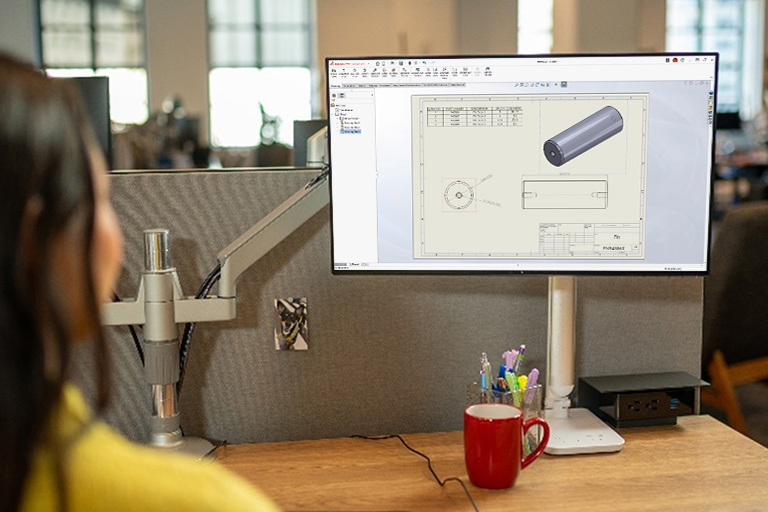
Person looking at SOLIDWORKS 3D CAD model on a monitor screen

Modern 3D CAD tools are advancing to include cloud-based collaboration and AI-driven features to meet the growing needs of product development. Cloud connectivity enables teams to access designs from anywhere, share feedback instantly, and keep a consistent source of truth across projects. AI capabilities improve the design process by automating repetitive tasks, predicting design intent, and providing guidance for more efficient decision-making. Major advancements in AI for use with CAD include assistive tools that simplify routine tasks, predictive systems that identify potential issues or improvements early, and generative AI, which can propose, create, and document solutions collaboratively with designers and engineers. This evolution highlights the vital role of AI and cloud connectivity in shaping the future of product development.

Functions and Benefits of 3D CAD Software


Applications of 3D CAD Software

SOLIDWORKS icon showing a factory

Industrial Equipment

Manufacturers in the Industrial Equipment sector rely on 3D CAD software to design complex machinery, production systems, and automation tools with precision and efficiency. The software enables engineers to enhance designs for performance, durability, and manufacturability while meeting stringent industry standards. 

SOLIDWORKS icon showing a gears on a computer screen

Product Design

Industrial designers use 3D CAD to create Home and Lifestyle products, focusing on aesthetics, ergonomics, and manufacturability while meeting functional requirements. The software enables rapid exploration of design alternatives and facilitates communication with marketing teams and end users.

SOLIDWORKS icon showing robotic arm on manufacturing assembly line

Engineering Design

Mechanical engineers use 3D CAD to develop complex machinery, equipment, and mechanical systems with precise tolerances and performance requirements. The software enables detailed analysis of stress, thermal, and dynamic characteristics, ensuring that designs meet performance specifications under real-world operating conditions.

SOLIDWORKS icon showing different car designs

Automotive Industry

Automotive engineers rely on 3D CAD for vehicle design, from individual components to complete assemblies, ensuring safety, performance, and regulatory compliance. The complex supply chains and strict quality requirements of the automotive industry make advanced CAD capabilities essential for success.

SOLIDWORKS icon showing two different types of buildings

Architecture, Engineering, and Construction

Architecture, Engineering, and Construction professionals use 3D CAD to design buildings, infrastructure, and architectural elements with accurate spatial relationships and material specifications. Building Information Modeling (BIM) capabilities enable comprehensive project coordination and clash detection before construction begins.

Dark fabric texture - SOLIDWORKS

Who Benefits From 3D CAD Software?

3D CAD software delivers value across a wide range of professional roles and industries. Mechanical engineers use CAD to design complex machinery and mechanical systems, while product designers focus on creating innovative consumer goods that strike a balance between functionality and aesthetic appeal. Manufacturing engineers use 3D CAD to optimize production processes and ensure designs are manufacturable at scale.

Our 3D CAD Solutions

SOLIDWORKS provides 3D CAD solutions tailored to the needs of engineers, designers, and businesses of all sizes. Whether you require cloud-based flexibility, robust local installations, or browser-based access, our 3D CAD tools support a wide range of industry-standard file formats, enabling you to bring your ideas to life more quickly and efficiently.

Cloud-Enabled, Locally Installed

SOLIDWORKS Design

The trusted, professional choice for 3D CAD and product development.

Installed locally with the ability to connect to cloud capabilities for enhanced teamwork, data management, and AI features.

Single-User License

  • Single-user, a cloud-based, named user license accessible on multiple devices
  • Immediate connection to cloud capabilities

Device License 

  • Device license, machine-locked, accessible by any user on a single device with a serial number
  • Activate your connection to cloud capabilities when you are ready

Cloud Native, Browser-Based

SOLIDWORKS xDesign

Cloud native design and collaboration tools available on any device using a web browser.

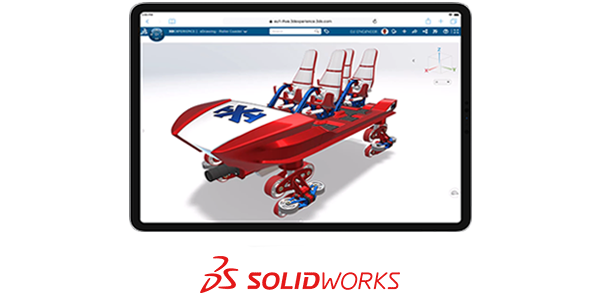
Browser-based CAD and real-time collaboration lets your team design and stay connected from any device with no installation, updates, or special hardware needed.

Single-User License

  • Single-user, a cloud-based, named user license accessible on multiple devices
  • Immediate cloud capabilities

Advantages of SOLIDWORKS Design’s 3D CAD

How SOLIDWORKS Enhances Your Projects

  • Industry-Leading 3D CAD Tools: Trusted by professionals for creating parts, assemblies, and production-ready documentation
  • Cloud Collaboration: Manage 3D CAD files and revisions in real time with cloud capabilities
  • Scalable Solutions: Adaptable 3D CAD tools that grow with your business, reducing long-term costs
  • User-Focused Design: Decades of enhancements driven by engineers and designers like you

Watch the video and discover how SOLIDWORKS Design 3D CAD solutions can transform your design process.
 

Explore What’s New in SOLIDWORKS Design

Stay ahead of the curve in 3D CAD with the latest advancements in SOLIDWORKS Design. Each year, SOLIDWORKS introduces hundreds of user-driven enhancements designed to accelerate your design process, improve collaboration, and unlock new levels of innovation. Whether you’re creating complex assemblies, detailed drawings, or innovative products, SOLIDWORKS Design’s 3D CAD continues to set the standard for design excellence.

Key 3D CAD Enhancements in SOLIDWORKS Design 2026:

  • AI-Powered Design Tools: Automate repetitive tasks like drawing generation and assembly rebuilds, saving time and reducing manual effort.
  • Enhanced Collaboration: Connect with the 3DEXPERIENCE® platform for real-time feedback, data management, and streamlined teamwork.
  • Selective Loading: Work more efficiently on large assemblies by loading only the components you need, improving performance and focus.
  • Improved User Experience: Enjoy faster sketching, smarter interfaces, and enhanced tools for sheet metal, physical products, and more.

Community

The SOLIDWORKS Community is a vibrant and collaborative network of designers, engineers, and innovators who share a passion for 3D CAD and product development. With millions of users worldwide, the community offers a wealth of resources, including forums, user groups, and events, where members can exchange ideas, solve challenges, and stay updated on the latest advancements in SOLIDWORKS software. Whether you’re a seasoned professional or just starting your journey in 3D design, the SOLIDWORKS Community provides invaluable support, inspiration, and opportunities to connect with like-minded individuals who are shaping the future of design and engineering.

Collaborative Design With SOLIDWORKS Design and 3D CAD

SOLIDWORKS Design is the ultimate 3D CAD solution, trusted by professionals across industries to transform ideas into reality. With its intuitive interface and powerful parametric modeling tools, SOLIDWORKS Design streamlines every stage of product development — from initial concept to manufacturing. This industry-leading 3D CAD software enables you to create detailed parts and assemblies and production-ready documentation with unmatched precision and efficiency. Whether you’re designing complex geometries, collaborating with teams via the 3DEXPERIENCE platform, or utilizing advanced simulation tools, SOLIDWORKS Design empowers you to innovate faster and smarter. Discover how SOLIDWORKS Design can elevate your 3D CAD workflows and help you stay ahead in a competitive market.

The Value of the Cloud

Person on laptop with computer servers near them

Cloud sharing, storage, and data management are essential for modern product development. SOLIDWORKS Design offers Cloud Services to integrate these features into your 3D CAD workflows. Cloud Services provide a powerful set of tools designed to simplify and enhance your design process. They offer flexibility and collaboration — all at no extra cost, as they’re included with your subscription. With Share & Markup, you can easily share designs with team members or stakeholders and gather feedback through intuitive markup tools — all without requiring additional software. Store & Revise functionality ensures your design data is securely stored in the cloud, with automatic version control to track changes and maintain a single source of truth. For project oversight, Manage & Control features allow you to organize tasks, assign responsibilities, and monitor progress, ensuring your team stays aligned and productive. These capabilities, combined with the ability to access your designs anytime, anywhere, make SOLIDWORKS Cloud Services an essential solution for modern, connected design teams.

Get Started With SOLIDWORKS Design Today

Two people talking in an office. One person has a laptop.

3D CAD software is the foundation of modern product development, enabling organizations to innovate faster, reduce costs, and deliver superior products to market. As the industry standard for over 30 years, SOLIDWORKS Design provides the comprehensive tools and capabilities needed to succeed in today’s competitive landscape.

Whether you’re developing the next breakthrough consumer product or designing critical infrastructure components, 3D CAD software provides the precision, efficiency, and collaboration capabilities essential for success. The investment in professional CAD tools pays dividends through reduced development time, improved product quality, and enhanced team productivity.

Frequently Asked Questions