Sheet Metal Data Exchange
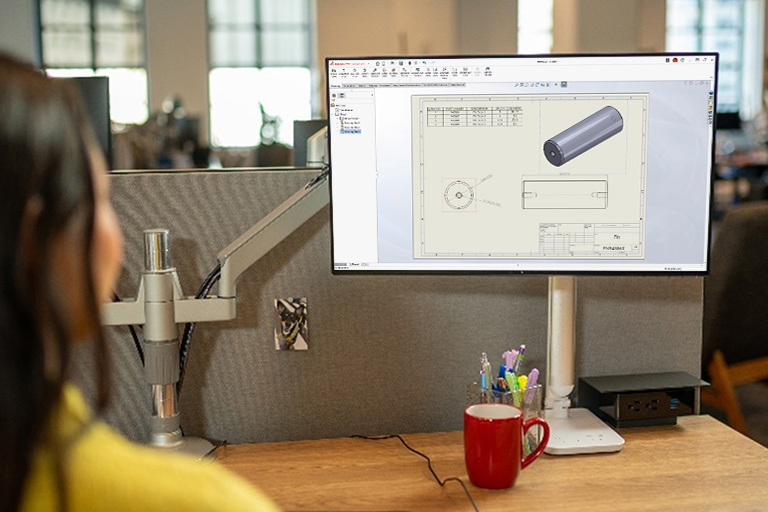
| Video: Sheet Metal Documentation |
3:02
|
Related Packages:
| Next steps: | |||
|
Get a Quote | ||
|
Contact Sales | ||
|
Get a Product Trial | ||
Simplify and accelerate your design process, save time and development costs, and increase productivity when you convert imported CAD data directly to SolidWorks 3D CAD sheet metal models—and automatically input your own bend radius, thickness, and K-factor.
Sheet Metal Data Exchange Overview
SolidWorks enables sheet metal part designers and manufacturers to work together closely and develop highly cost effective part designs. Manufacturers can work from either SolidWorks models or import non-SolidWorks 3D CAD models. Sheet metal conversion allows users to input their own desired thickness, bend radii and bend compensation tables or K-factors. Key functionality includes:
- Convert-to-Sheet Metal—Convert SolidWorks 3D models or imported CAD models directly to SolidWorks sheet metal models and automatically input your own bend radius, thickness, and K-factor
- Automatic Flat Pattern creation—Once models are converted, SolidWorks automatically flattens the sheet metal part (including bend compensation)
- Bend Tables —Share standard bend table information to speed design and planning
- Punch Tables—Share libraries of punches that match shop capability
- Form Tools—Share listings of Library Features that are commonly used in your designs