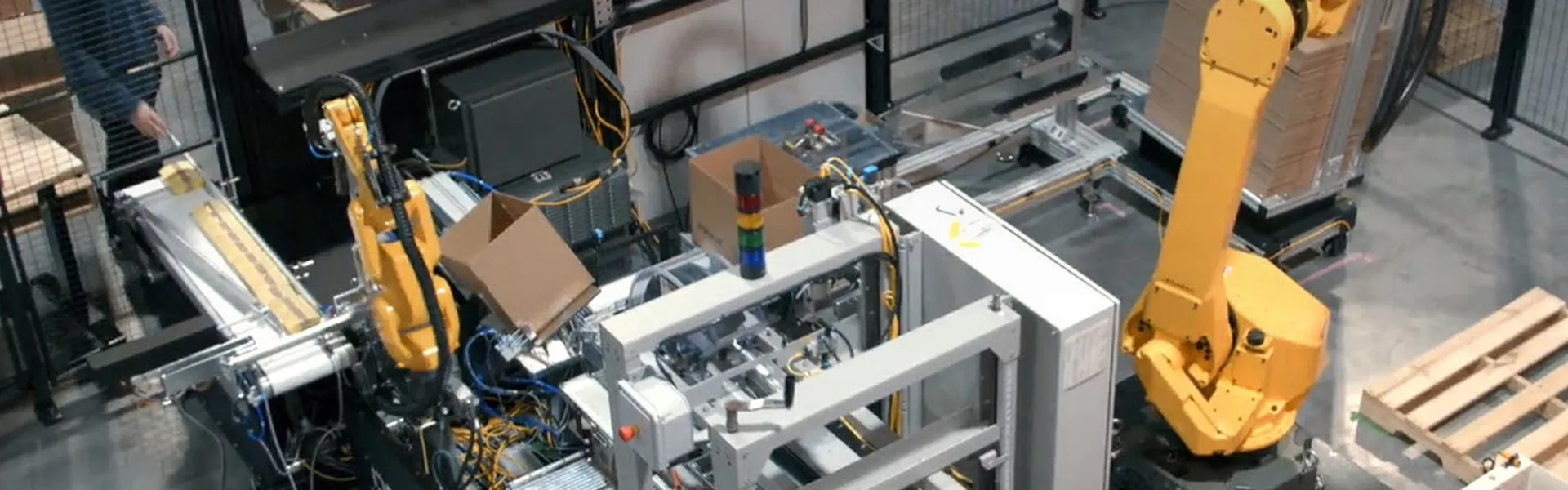
Develop LLC Advances Automation with Disciplined Engineering
Industrial automation and bespoke machine design company leverages SOLIDWORKS Design, Electrical, and PDM to improve collaboration and speed product development.
Challenge
Keep mechanical, electrical, and software engineering tightly aligned while moving from concept to build without costly rework.
Solution
Standardize workflows using SOLIDWORKS Design, SOLIDWORKS Electrical, and SOLIDWORKS PDM to refine internal processes so digital models, assemblies, and drawings directly reflect how machines were built and assembled.
Results
- Closer day-to-day collaboration between mechanical and electrical engineers as designs evolve through test and build phases.
- Faster incorporation of design changes during testing without losing alignment between models and schematics.
- Stronger consistency between digital designs and how machines are physically wired, assembled, and documented.
Custom automation equipment sits at the intersection of precision, safety, and speed. For manufacturers investing in automation, every machine must flow reliably from concept to operation without surprises or disruptions. That expectation places heavy demands on engineering teams tasked with translating ideas into machines that can be built, wired, tested, and integrated under real-world constraints.
Develop® LLC operates squarely in that environment. The company designs and builds custom manufacturing equipment and robotic cells for manufacturers across industries, bringing mechanical, electrical, and software engineering together under one roof in Verona, Wisconsin. That scope requires not only technical depth, but a disciplined approach to how designs move from digital models to the shop floor.
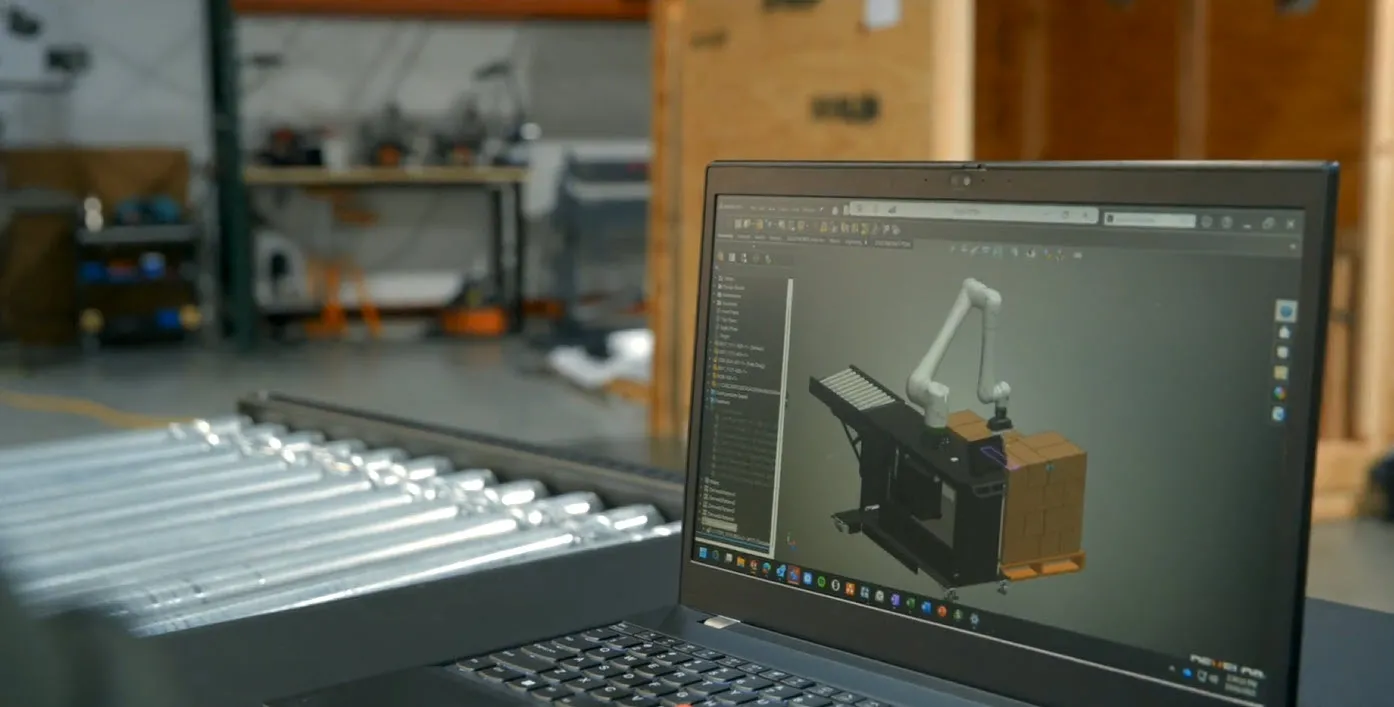
Engineering Under One Roof
Develop LLC founder and president Matt Moseman grew up on a small Wisconsin farm and earned a degree in mechanical engineering followed by an MBA in new product development. Before founding Develop LLC in 2014, he gained experience in military optics, high-performance automotive, and advanced manufacturing. Those experiences shaped Develop’s culture of precision, speed, and craftsmanship, along with emphasis on vertical integration.
Develop LLC’s mechanical, electrical, and software engineers work alongside technicians who machine components and assemble the equipment they design. According to Moseman, “The benefit of having the engineers that design our machines actually assemble them is that they become stronger engineers because they see the problems or pains in maintenance and assembly.” That feedback loop raises the bar for design accuracy and clarity in design documentation.
As automation projects scale in size and complexity, that loop becomes harder to manage without consistent digital workflows. Designs evolve as machines are tested, subsystems change, and new requirements surface. Without a disciplined product development process and design approach, late-stage changes can ripple across teams and introduce countless undesirable risks.
Related Resources
We've probably written 10 to 20 custom macros for SOLIDWORKS that have really helped us.
Keeping Digital and Physical Work Aligned
The core challenge for Develop LLC was ensuring that what engineers created digitally matched what technicians built physically, even as designs changed. Timothy Molitor, Develop LLC Design Engineer explains, “For the past year, we've spent hundreds of hours just refining our process so that what we do in SOLIDWORKS® matches what we do on the floor.”
Automation projects rarely reach the testing stage without changes. Components are added, layouts adjusted, and systems refined as machines move from concept to real-life operation. Develop LLC Electrical Engineer Robert Linnemann notes, “I'll have an initial revision of what I think the machine looks like, and it's never the same in the end.” Changes often surface during testing, when time pressure is greatest. As Linnemann explains, “Things change all the time. So a lot of my day is, ‘Hey, we found out we actually need to add this thing to the machine,’ and make those changes and then reflect those changes.”
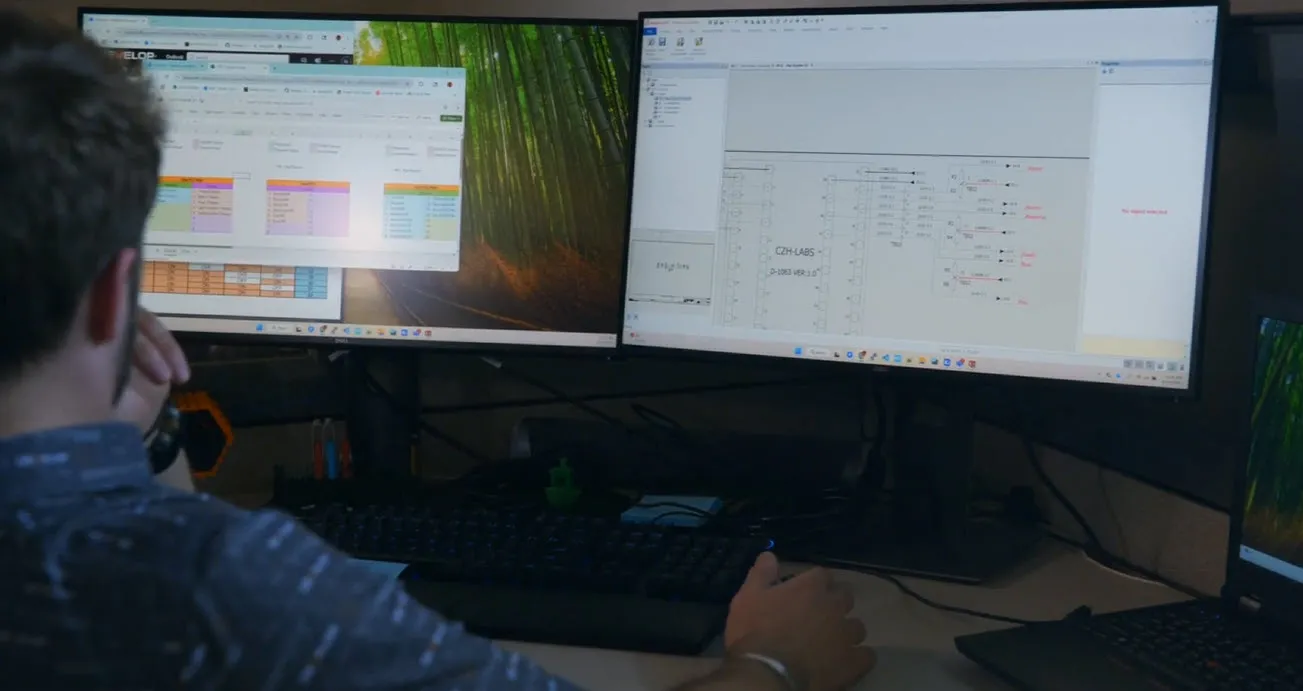
After transitioning to SOLIDWORKS Electrical, revisions are implemented directly within the schematics, while reusable control structures carry forward from project to project, significantly reducing time spent recreating work and allowing electrical documentation to evolve in step with the machine. That shift turned late-stage changes from a documentation burden into a routine design update process.
SOLIDWORKS Design as a Common Language
Develop LLC addressed this challenge by centering its mechanical workflows on SOLIDWORKS Design and tightly aligning those workflows with electrical and documentation processes. The team invested significant effort in customizing how SOLIDWORKS supports its real-world build practices. According to Molitor, “We've probably written 10 to 20 custom macros for SOLIDWORKS that have really helped us.”
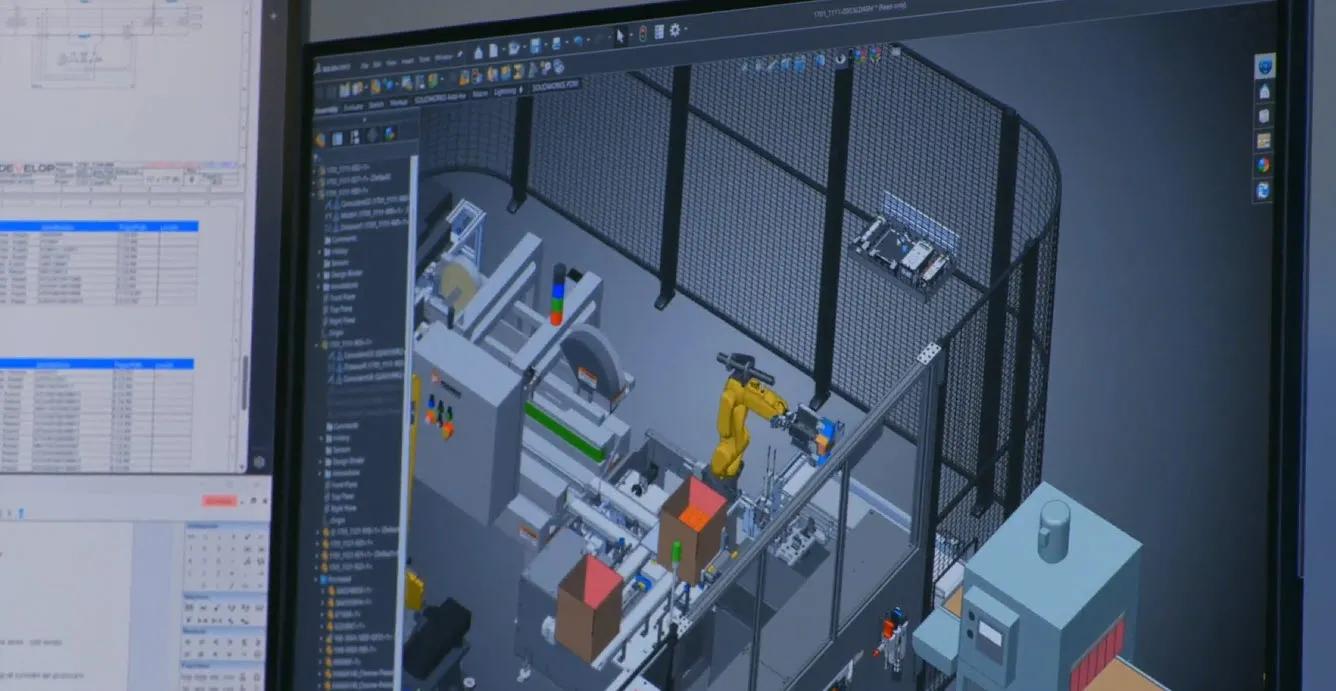
SOLIDWORKS Design enabled Develop LLC engineers to develop detailed models and assemblies that reflected how machines would actually be built. As designs evolved, parametric relationships helped ensure updates flowed consistently through drawings and documentation. This consistency is critical as projects move from design to build and test.
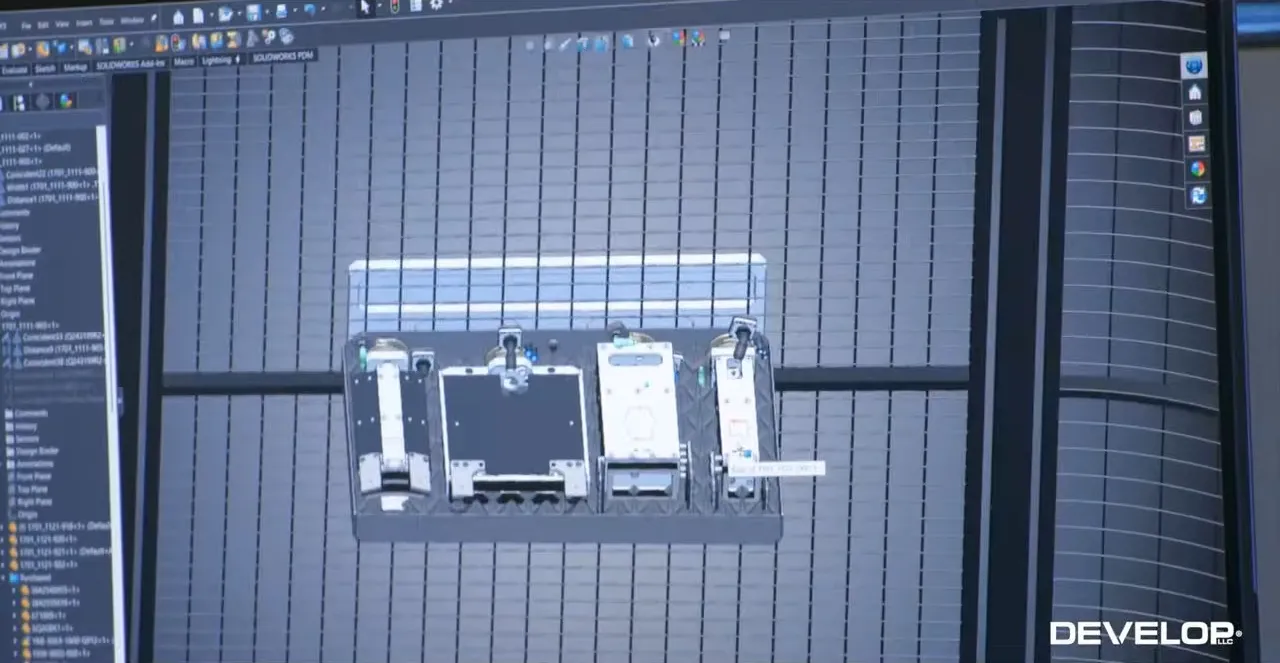
Electrical workflows were brought into closer alignment via SOLIDWORKS Electrical, which enables Develop LLC to align electrical and mechanical design work early so routing, wire lengths, and physical clearances are defined in context of the full machine layout rather than resolved during assembly. According to Linnemann, “Being able to interact with the mechanical team to make sure that we get cut lengths of wires and being able to describe the wiring and how it's going to flow through the machine lets us collaborate on building the machine as efficiently as possible.”
A Connected Design Ecosystem
That efficiency becomes critical once testing begins. Linnemann emphasizes, “So whether it's adding sensors, adding whole modules, or replacing how certain things work, all of that needs to be done as quickly as possible so we can go back to testing.” By keeping electrical schematics, routing, and mechanical context aligned, the team can implement changes without losing track of the vision for the final machine. By capturing electrical intent in the schematic and implementing it within the 3D mechanical layout, Develop LLC reduces ambiguity during build and ensures late-stage changes are reflected consistently across the full machine design.
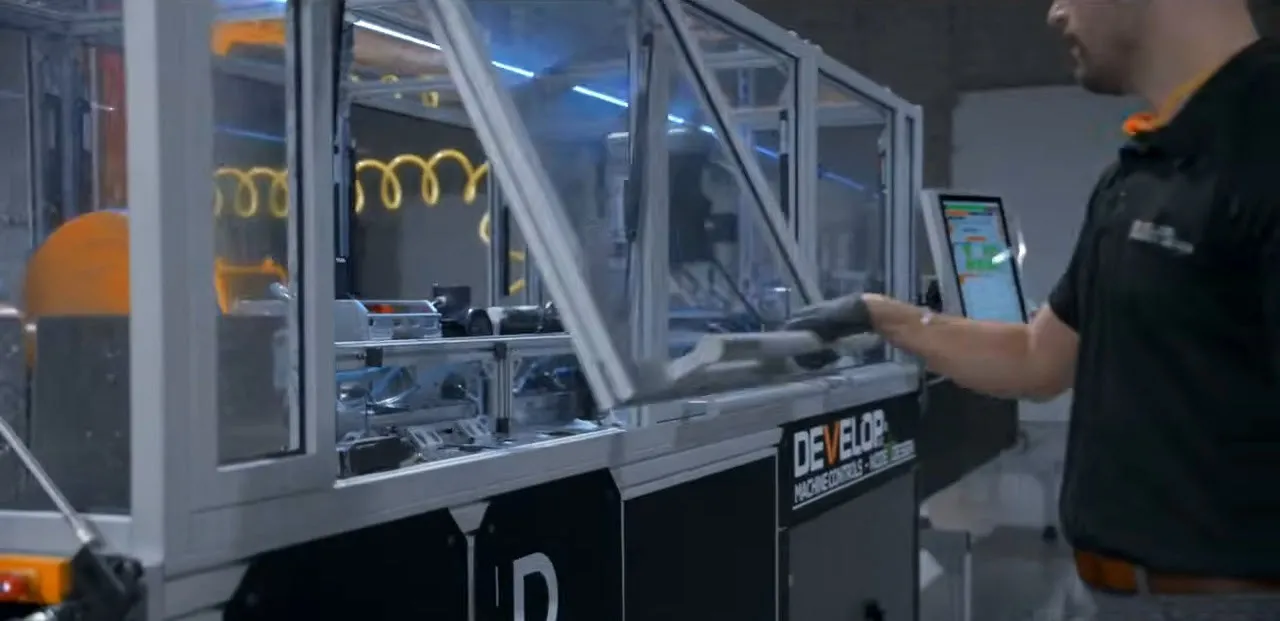
SOLIDWORKS PDM further supports this alignment by managing revisions and ensuring that teams work from the correct versions as changes occur. Moseman explains that productivity comes from using SOLIDWORKS Design, SOLIDWORKS Electrical, and SOLIDWORKS PDM together as a connected ecosystem rather than as isolated tools. By working within a shared design and data environment, teams can coordinate changes more easily and move faster and more cohesively.
Benefits Grounded in Execution
By aligning SOLIDWORKS with shop-floor realities, Develop LLC strengthens the connection between engineering intent and physical execution. Engineers can make changes quickly during testing, knowing updates will be reflected accurately across models and schematics. Electrical and mechanical teams share a clearer understanding of how systems fit together, which reduces delays caused by miscommunication.
This approach also reinforces Develop LLC’s culture of continuous learning. With engineers involved in both digital design and physical assembly, design decisions are informed by real-world constraints. With mechanical, electrical, and assembly teams working from the same design context, lessons from each build cycle carry forward. Linnemann concludes, “That close collaboration lets us learn really quickly.” Over time, the company’s learning has translated into cleaner designs and more predictable builds.
Disciplined Innovation in Automation
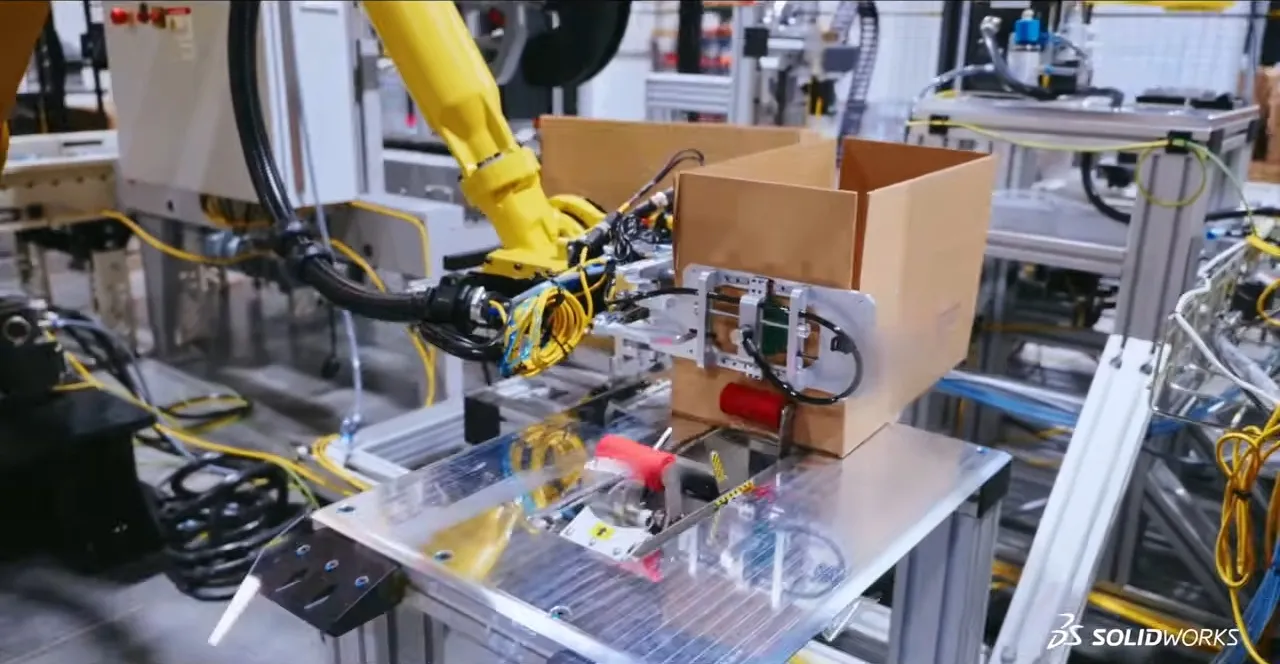
SOLIDWORKS is not positioned as a shortcut or a substitute for engineering discipline at Develop LLC. It is a tool embedded within a structured process that values accuracy, collaboration, and accountability from concept through installation. By refining how digital designs reflect physical reality, the company has built a foundation that supports efficient iteration that maintains control.
In the automation industry, where efficiency and reliability are non-negotiable, disciplined design workflows matter. Develop LLC’s experience shows how SOLIDWORKS can support that discipline when paired with clear processes and close collaboration across engineering teams.
Products
- SOLIDWORKS Design Professional
- SOLIDWORKS Electrical Schematics
- SOLIDWORKS PDM
Learn More About SOLIDWORKS
Have questions about SOLIDWORKS Solutions?
SOLIDWORKS solutions enable you and your team to quickly transform new ideas into great products.