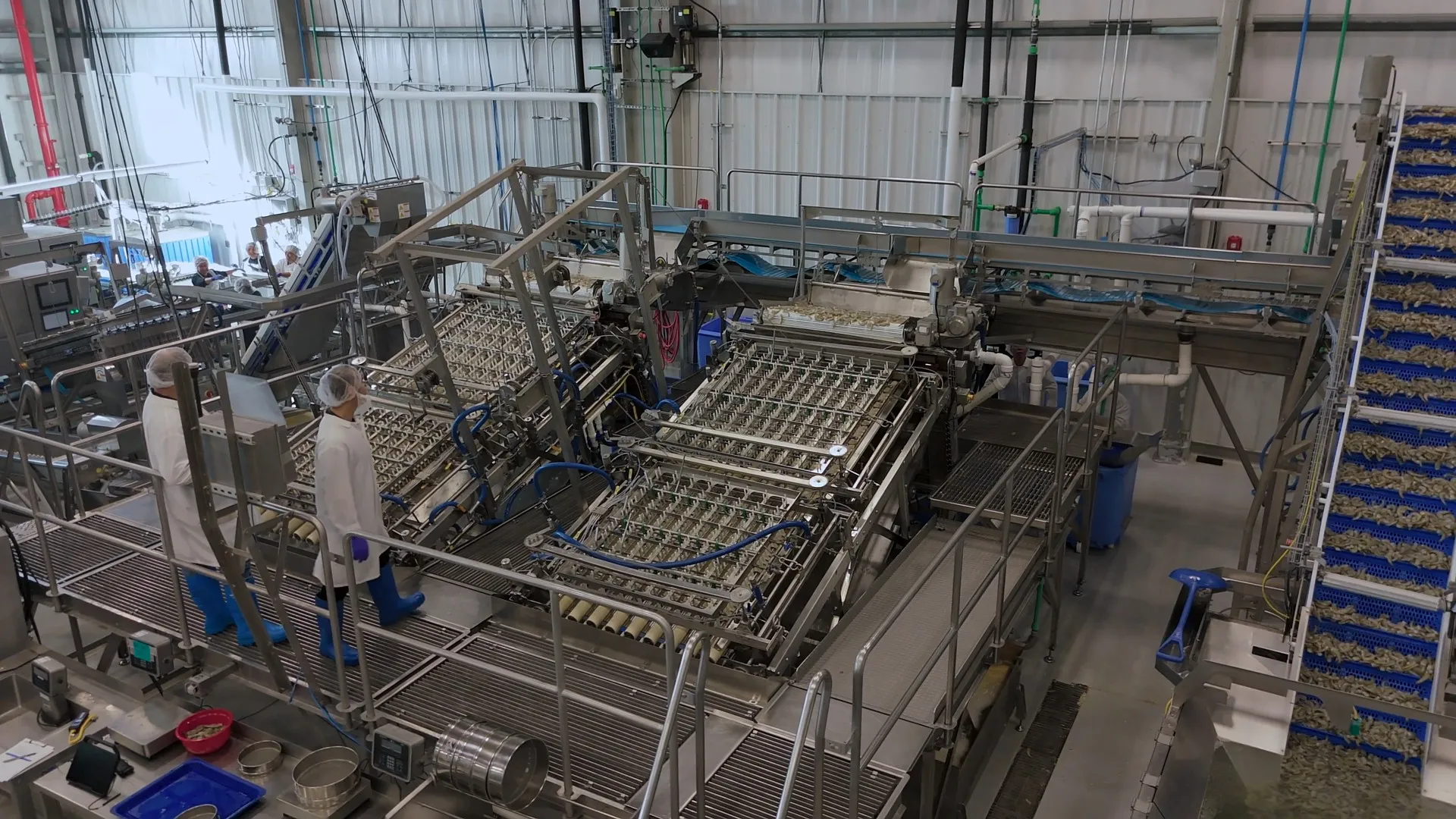
Laitram Machinery Advances Food-Processing Equipment Design
Food-processing equipment manufacturer uses SOLIDWORKS to develop smarter, more complex machines while continuing its long-standing legacy of innovation.
Challenge
Transform food-processing equipment from primarily mechanical machinery into smarter, logic-driven systems while managing more moving parts, tighter space constraints, and frequent R&D-driven changes.
Solution
SOLIDWORKS Design, SOLIDWORKS Electrical Schematic, SOLIDWORKS PDM Professional, and SOLIDWORKS Visualize.
Results
- Completed electrical design work in days instead of weeks
- Reduced electrical design errors
- Managed more complex machine designs
- Improved file management
Before automation, peeling, deveining, washing, and grading shrimp depended heavily on manual labor, which meant limited throughput, lack of product consistency, and difficulty scaling production. Moving delicate seafood flesh through a machine without damaging the product and controlling quality is a considerable engineering challenge.
Laitram Machinery took on that challenge with gusto many years ago.
The New Orleans company’s roots trace to J.M. Lapeyre’s early work on automated shrimp peeling, including the Model A Peeler introduced in 1949. More than 75 years later, Laitram Machinery designs, manufactures, and services automated systems for peeling, deveining, grading, blanching, cooking, and pasteurizing warm- and cold-water shrimp.
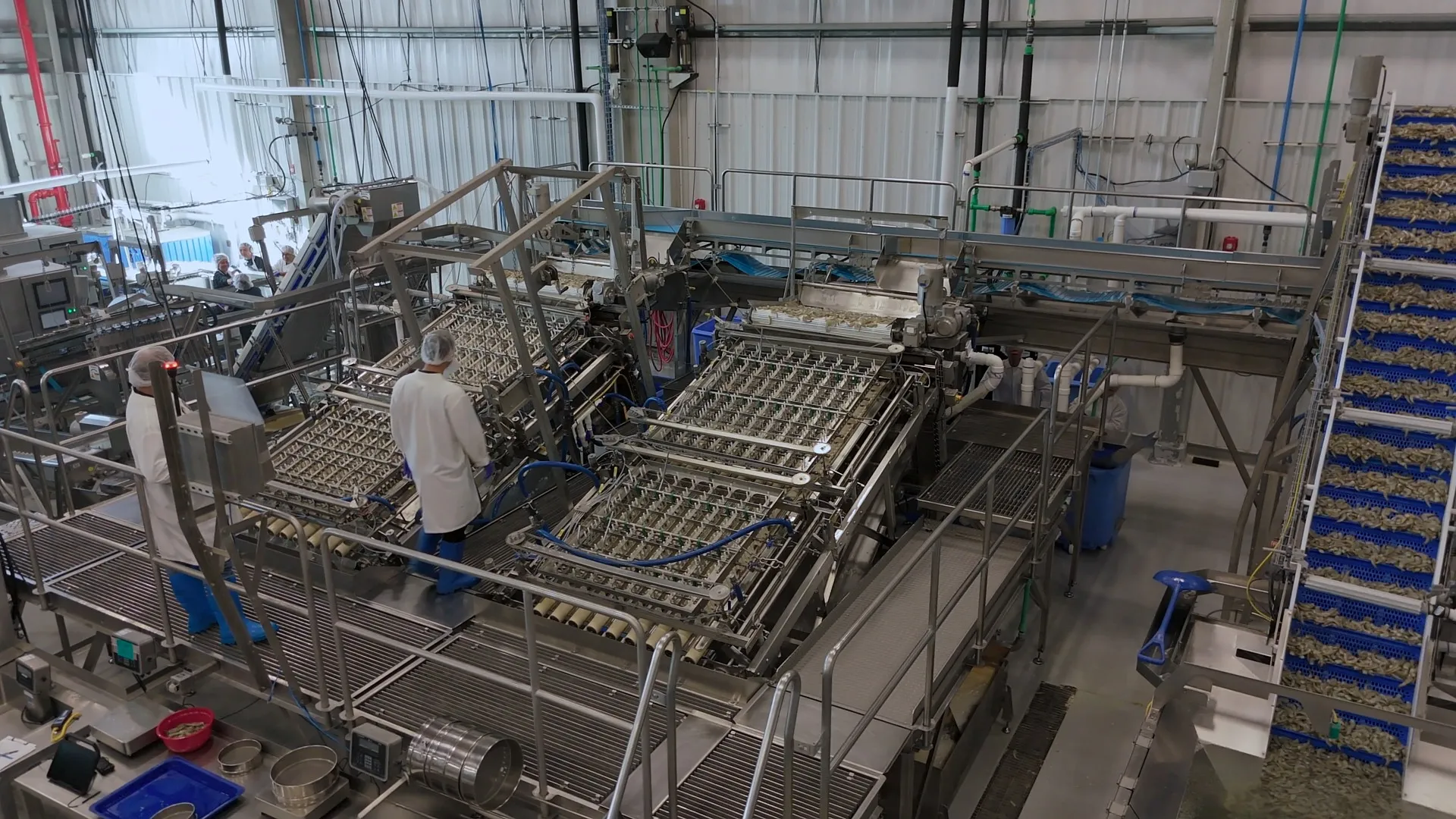
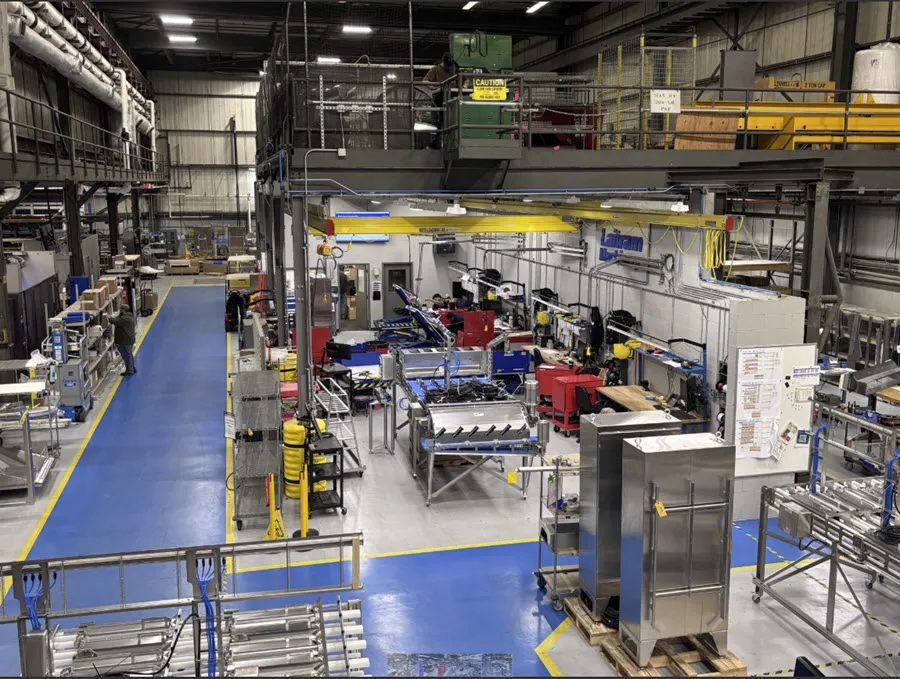
Seafood processing equipment is evolving from primarily mechanical machinery into smarter, more complex systems that integrate motion, electrical logic, vision systems, sensor inputs, and machine data and controls. For manufacturers, the challenge is no longer simply making a machine work: It is designing equipment with mechanical and electrical systems that operate harmoniously and with greater precision, speed, and reliability.
Related Resources
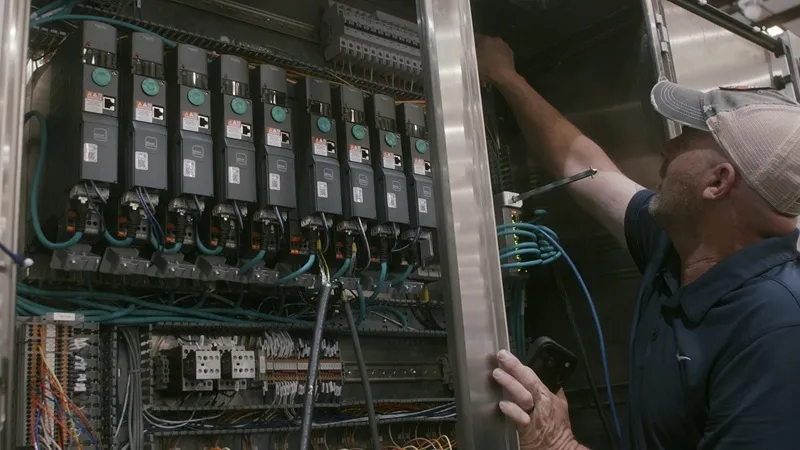
Before, when I used AutoCAD, I had to do everything manually, so there was a high chance of error. Things that would take me weeks with AutoCAD, I can now do in days, sometimes even hours [in SOLIDWORKS Electrical Schematic].

More Logic in the Machine
Evolving food processing equipment creates additional design challenges. Even more moving parts must fit together without colliding. Electrical systems must be coordinated with mechanically designed enclosures. Potential interferences must be discovered before manufacturing, or time, product, and money will be wasted and delivery dates missed. Furthermore, R&D-driven machinery creates an environment where design change is no longer the exception but the rule. It is an integral part of the process, so engineering teams and their product development technologies need to be nimble.
According to Laitram Mechanical Designer Cody Beckemeyer, “The evolution of the machines has definitely moved into a smarter area. They used to be primarily mechanical, but now we’re incorporating more logic and controls into them. We have a lot of moving pieces internally and externally, and SOLIDWORKS® has helped us manage that complexity.”
Faster Electrical Design Changes
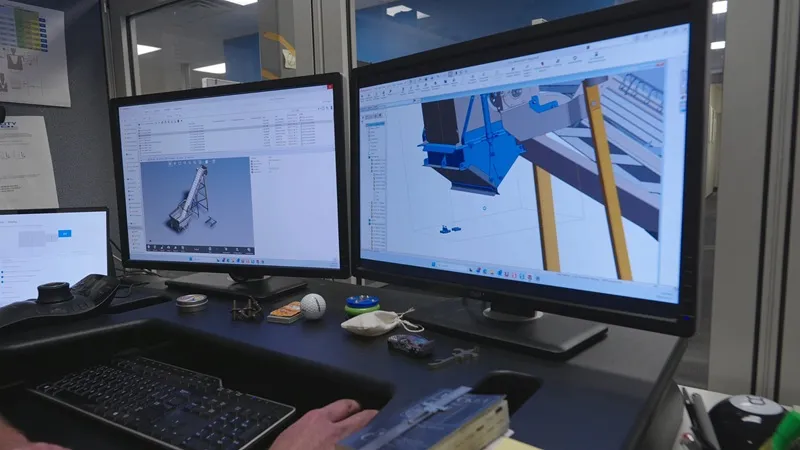
Laitram Machinery uses SOLIDWORKS Design for mechanical design work, including models, assemblies, drawings, sheet metal, and interference detection. SOLIDWORKS Electrical Schematic supports electrical design and faster project changes. SOLIDWORKS PDM Professional supports checkout, file-state control, and revisions. SOLIDWORKS Visualize helps turn CAD data into realistic equipment imagery for communication with internal stakeholders and customers.
“Before, when I used AutoCAD, I had to do everything manually, so there was a high chance of error,” recalls Electrical Designer Cory Prestwood. “Things that would take me weeks with AutoCAD, I can now do in days, sometimes even hours [in SOLIDWORKS Electrical Schematic].” SOLIDWORKS Electrical Schematic also supports change control. Prestwood says the team can make global changes faster as design directions change, and they can easily and quickly return to a controlled project state through SOLIDWORKS PDM rather than manually undoing hours of work.
Managing Complexity Before Manufacturing Begins
Electrical changes are easier to manage. Manual documentation errors are reduced. Sheet metal flat patterns are generated from the design workflow.
“What I love about SOLIDWORKS sheet metal is that it does the heavy lifting for us,” enthuses Beckemeyer. “It generates our flat patterns, and interference detection captures [problems] before they go into welding. We can optimize designs before they get to manufacturing.” Beckemeyer also notes that before Laitram had SOLIDWORKS for analysis the company did a lot of physical testing. “With SOLIDWORKS, we are able to eliminate that extra cost and time,” he concludes.
Laitram’s design work is grounded in processor problems, not novelty for novelty’s sake. Business Unit Manager Michael Sclafani notes, “We’re looking to work with our partner processors to understand whether we can leverage our core competencies to bring value in new industries. That’s how we create new products and new applications: by developing a deep understanding of our customers’ problems, addressing those problems, and creating value.”

Smarter Machines Require Disciplined Design
More than 75 years after J.M. Lapeyre’s early work on automated shrimp peeling, Laitram Machinery is still fine tuning the process to move delicate food products faster, more consistently, and with less waste. With SOLIDWORKS, Laitram can keep innovating, building smarter more complex equipment to maintain its competitive edge in the market. That commitment to continual improvement positions Laitram to extend its legacy of ingenuity into the next generation of food-processing automation.
Products:
- SOLIDWORKS Design Premium
- SOLIDWORKS Electrical Schematic
- SOLIDWORKS Electrical 3D
- SOLIDWORKS PDM
- SOLIDWORKS Visualize
Learn More About The SOLIDWORKS Portfolio
Have questions about SOLIDWORKS Solutions?
SOLIDWORKS solutions enable you and your team to quickly transform new ideas into great products.