Schur Automation Engineers Smarter Packaging Lines
How Schur Automation uses a fully digital SOLIDWORKS workflow to design, validate, and deliver integrated packaging systems faster and with greater confidence.
Challenge
Deliver fully integrated packaging lines on aggressive timelines and tight budgets, while avoiding late-stage interference issues and rework as system complexity and moving-part interactions increase.
Solution
Standardize on a fully digital SOLIDWORKS® workflow: SOLIDWORKS Design for complete 3D assemblies and production drawings, SOLIDWORKS Simulation for early validation, SOLIDWORKS sheet metal tools for manufacturing-ready outputs, and SOLIDWORKS PDM for controlled data and collaboration.
Results
- Minimized downstream issues by leveraging early-stage validation
- Shortened development cycles and reduced prototype costs
- Decreased manufacturing waste and increased production throughput
A modern packaging shop floor looks nothing like one of a generation ago. Isolated machines performing single tasks have evolved into fully integrated, automated lines that run faster, changeover quicker, and operate with far less manual intervention. For packaging manufacturers, this evolution has raised the bar for both engineering precision and delivery speed.
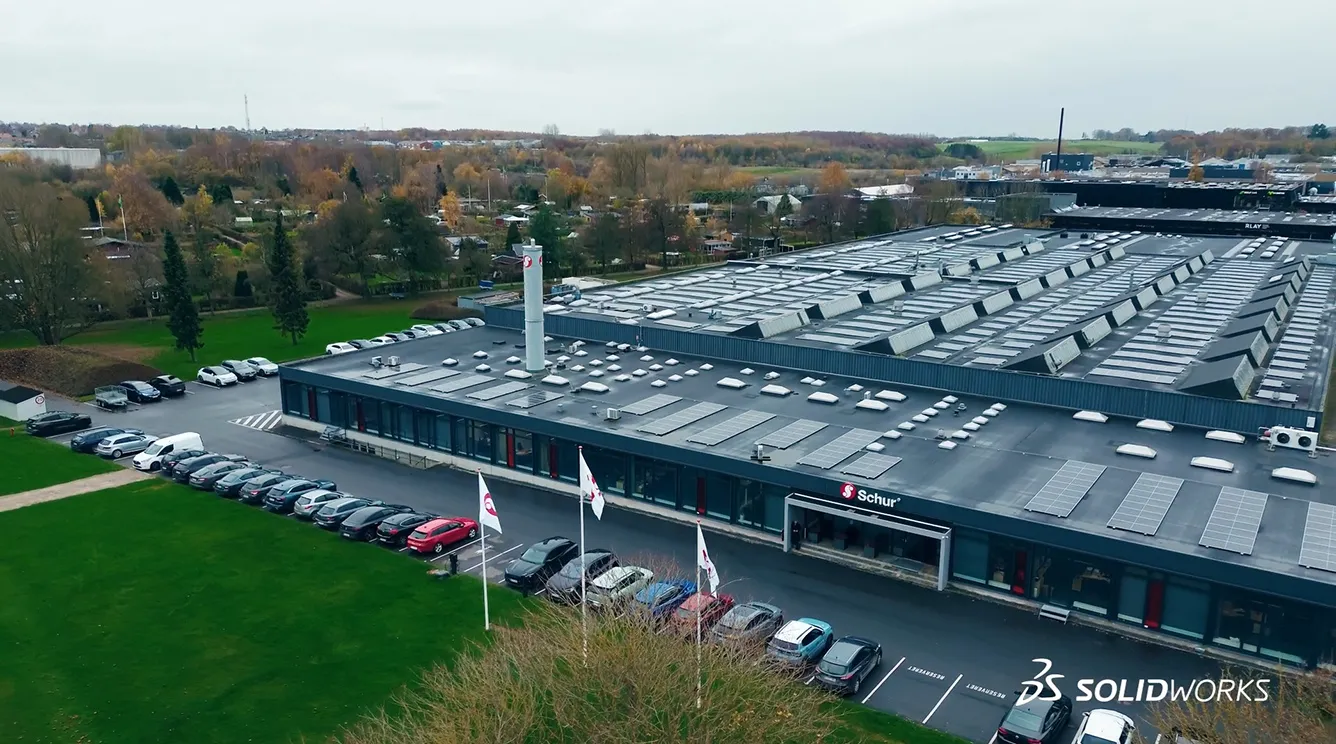
As part of a company with roots stretching back to the 19th century, Schur Automation has long understood that longevity in manufacturing comes from adapting as quickly as possible. Today, as an international team of twelve companies with operations in six countries, Schur’s automation teams design and deliver advanced packaging machines and logistics systems for customers all over the world who demand flexibility, reliability, and efficiency across the entire production process.
From Standalone Machines to Fully Integrated Systems
The packaging market has fundamentally evolved. Customers no longer want a single machine to solve a specific problem. They want complete, automated solutions that link multiple processes in one cohesive system that are delivered on aggressive timelines within tight budgets.
As Dennik Ringgard, Director of Engineering at Schur Automation, explains, “Customers now want more integrated systems where several processes are automated, so the projects we work on have become bigger and more advanced. In the past, we might have delivered a single machine for our customer. Today, we provide complete solutions.”
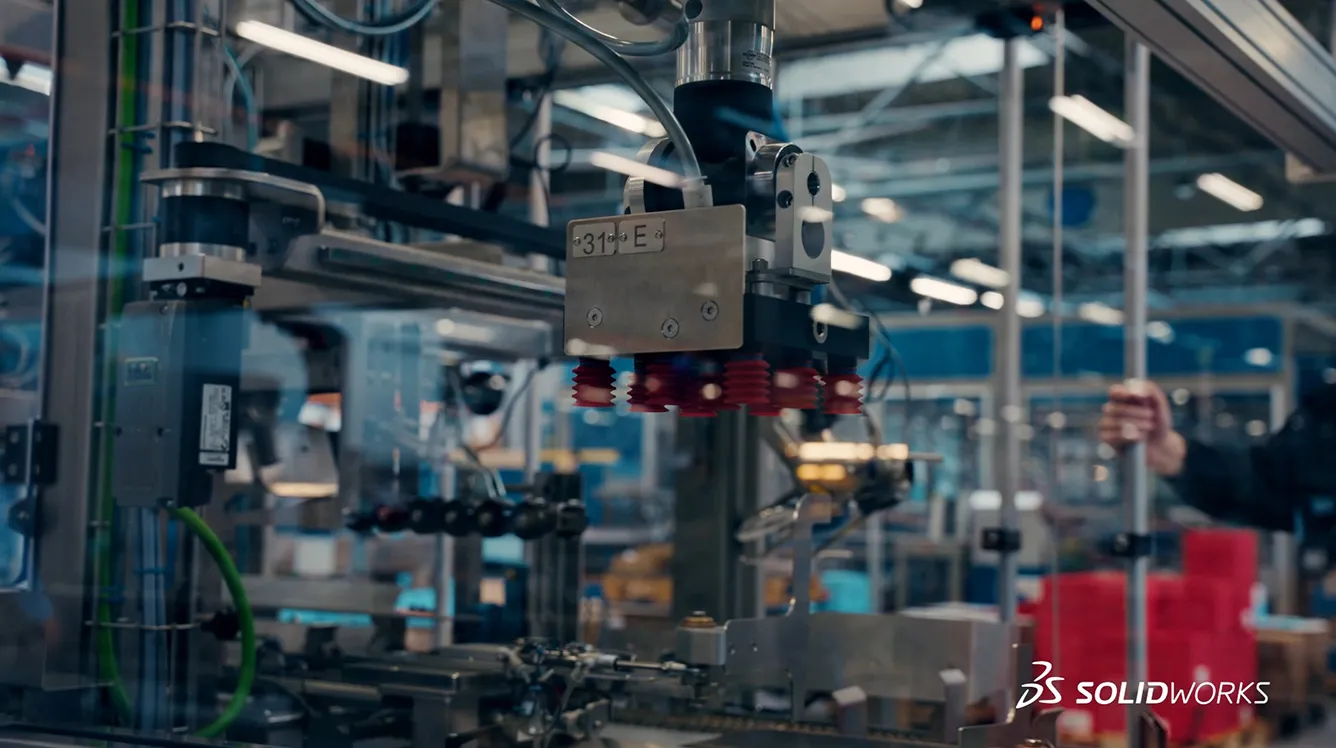
That shift brings significant engineering challenges. Larger systems mean more moving parts, more mechanical interactions, and more opportunities for costly errors if problems surface late in the design process. At the same time, Schur faces pressure on both price and delivery time, so designs must be accurate from the start and ready for production without excessive rework.
Related Resources
One of the big advantages is that we can build complete assemblies in 3D. Our machines often include a lot of moving parts, and with SOLIDWORKS, we can see how everything interacts early in the design process
A Fully Digital Engineering Workflow with SOLIDWORKS
To meet its customers’ demands, Schur Automation relies on SOLIDWORKS® Design as a core engineering platform across its automation projects. According to Ringgard, “We use SOLIDWORKS in all our automation projects, from the first concept to the final production drawings. It gives us the reliability we need through the whole engineering phase.”
Using SOLIDWORKS Design, Schur engineers build complete machines and automated lines as detailed 3D assemblies. This approach allows teams to see early in the design process how components interact, long before anything reaches the shop floor. Early visibility is critical for identifying risks in machines with many moving parts, so issues can be resolved while changes are still inexpensive.
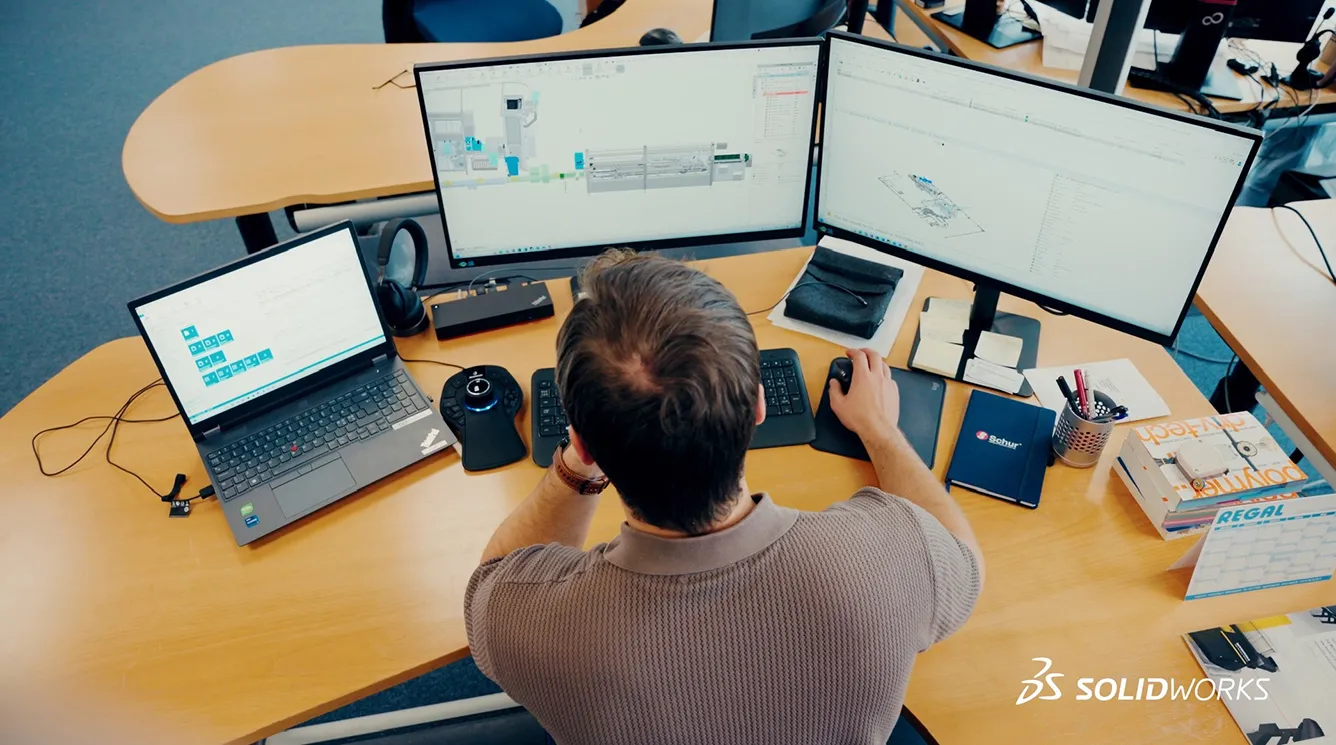
“One of the big advantages is that we can build complete assemblies in 3D. Our machines often include a lot of moving parts, and with SOLIDWORKS, we can see how everything interacts early in the design process,” Ringgard notes. That early insight reduces reliance on physical prototypes and helps ensure designs behave as intended once built. When combined with SOLIDWORKS Simulation, Schur can further validate structural behavior and motion to reinforce confidence before production begins.
Manufacturing-ready designs with controlled files and 3D views
Manufacturability is addressed directly through SOLIDWORKS sheet metal tools, which enable engineers to design parts exactly as they will be produced. Ringgard explains, “With sheet metal tools, we can design parts the way they actually are manufactured. We can unfold them into flat patterns, optimize the material use, and send production-ready files straight to the workshop.”
Schur manages the volume of data generated by these complex projects through SOLIDWORKS PDM, which keeps design information structured, current, and accessible across engineering teams. This reduces time spent searching for files or resolving version conflicts and enables engineers to stay focused on design rather than administration.
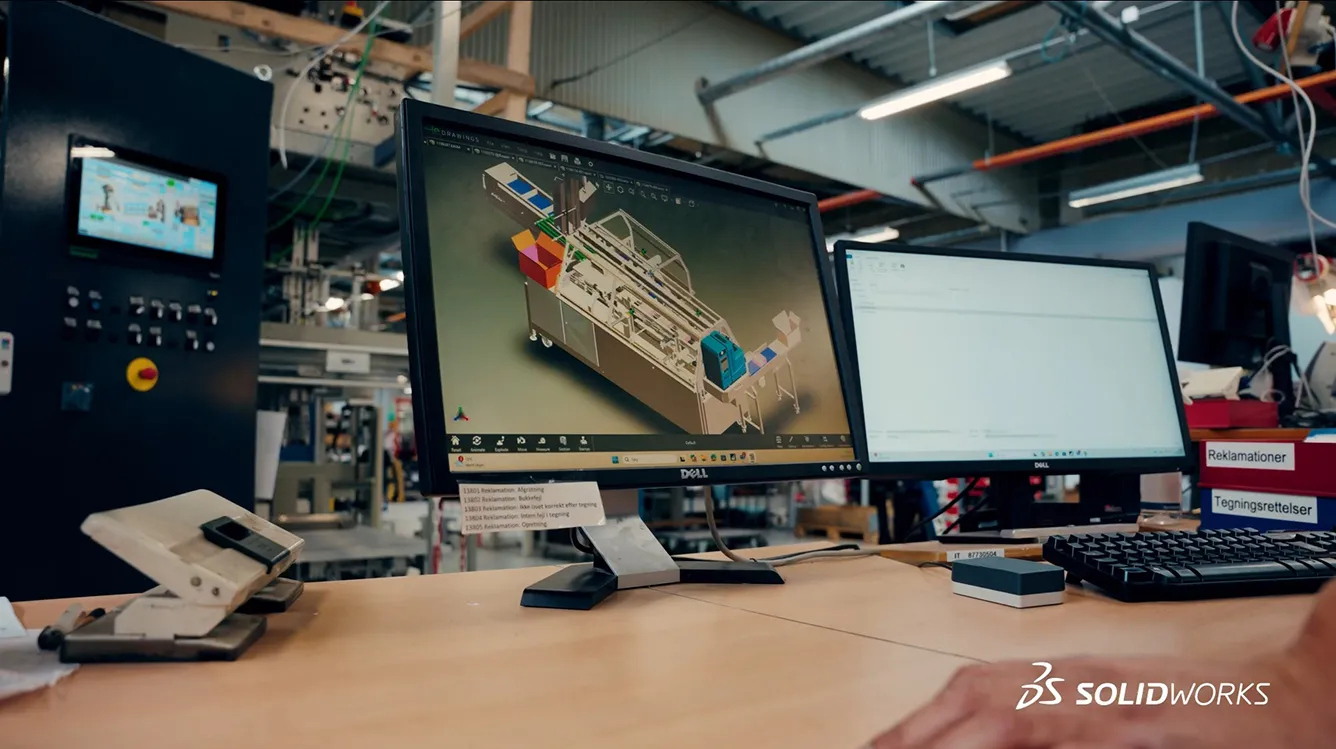
Visualization also plays a critical role in customer communication. “It can be hard to explain a complex machine just with words, but when we visualize solutions with SOLIDWORKS Design, it becomes real. Our customer gets a much clearer idea on what they'll receive and how it fits into their production,” notes Ringgard.
Faster Delivery, Better Decisions, and Smarter Automation
By leveraging SOLIDWORKS Design, SOLIDWORKS Simulation, and SOLIDWORKS PDM, Schur Automation has established a digital engineering workflow that supports larger, more integrated automation projects without sacrificing reliability. Early 3D validation helps teams catch risks sooner and reduce the number of physical prototypes required, which shortens development cycles and controls costs. Sheet metal design tools streamline the path from design to manufacturing, which reduces waste and accelerates production readiness. In addition, centralized data management through PDM improves collaboration and keeps projects moving even as system complexity increases.
“Our focus is really on helping customers stay competitive in the packaging industry that's changing fast. We believe that with the tools we have available today, we can keep improving and making automation smarter for our customers,” explains Ringgard. “And right now, there's a huge focus on sustainability and environmentally friendly packaging that keeps pushing us to find new and smarter solutions.” He concludes, “We don't see limitations, but instead, we see opportunity to innovate and adapt.”
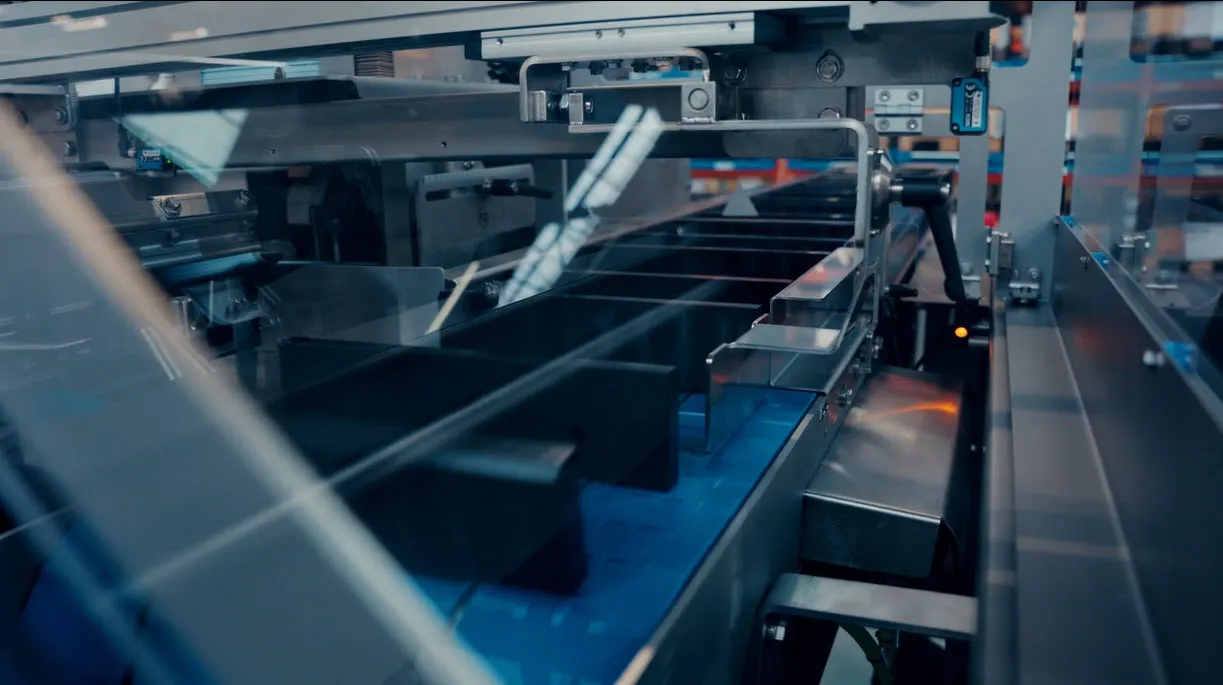
Schur’s long history in packaging has taught them that innovation is not about abandoning proven methods, but about improving them with better tools. With SOLIDWORKS supporting everything from concept to production, Schur Automation continues to turn complex automation challenges into efficient, reliable systems. In an industry defined by movement, precision, and timing, the smartest packaging lines are the ones designed to keep everything flowing.
Products:
- SOLIDWORKS Design Premium
- SOLIDWORKS Simulation Premium
- SOLIDWORKS PDM
Learn More About SOLIDWORKS
Have questions about SOLIDWORKS Solutions?
SOLIDWORKS solutions enable you and your team to quickly transform new ideas into great products.