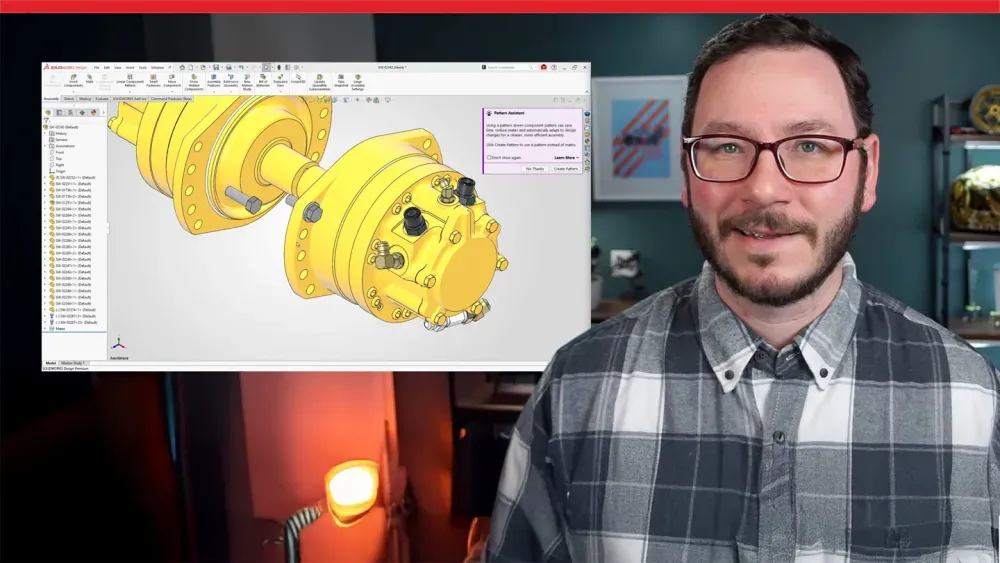
SOLIDWORKS Design 2026 FD01: Top New Enhancements
See what’s new in SOLIDWORKS Design 2026 FD01—from AI‑powered drawing creation and assembly generation to faster error resolution and smarter collaboration across versions. You’ll also get a look at new 3D detailing tools, streamlined content access with Content Explorer, and improved BOM accuracy through direct attribute linking.
Interested in enhancements? Explore the SOLIDWORKS Design enhancements page for release update videos, blog posts, and to stay up-to-date with SOLIDWORKS AI capabilities.
SOLIDWORKS Design AI capabilities and Virtual Companions are now ready to use. Read the Getting Started AI guide to take advantage of these and other expanding AI design skills.