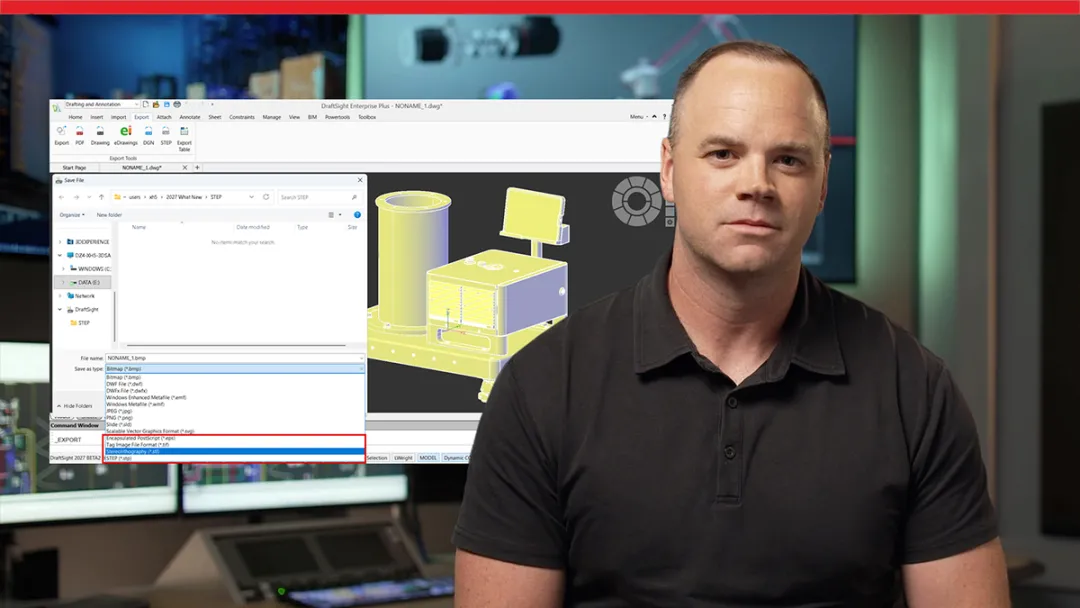
What’s New in DraftSight 2027
Whether you work in 2D CAD drafting, BIM, manufacturing, construction, or overall product development, DraftSight 2027 introduces practical improvements designed to reduce repetitive work and give you greater control over your drawings.
This video explores new capabilities for preserving folder structures during batch uploads, exporting 3D geometry to STEP, accessing PLM drawing attributes, and customizing the DraftSight user interface. You’ll also see improvements for BIM documentation, transferring properties across multiple drawings, editing dimensions directly with QINPUT, and dynamically modifying associative patterns along a path.
Visit the SOLIDWORKS 2027 website to see demos and top enhancements across Design, AI, PDM, Simulation, Electrical, 2D CAD, and more.