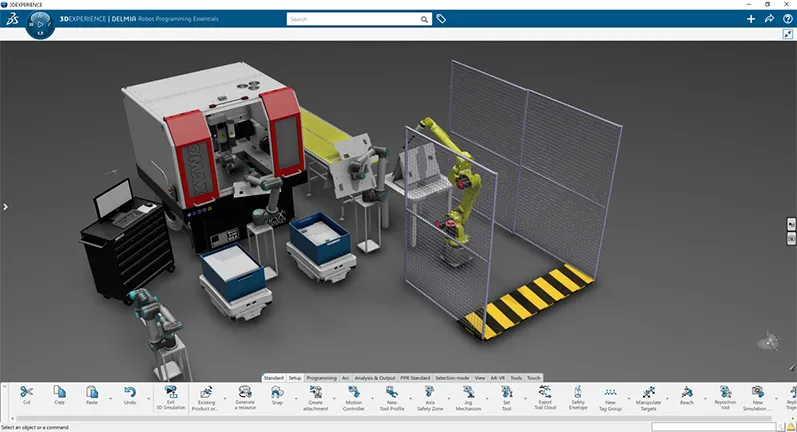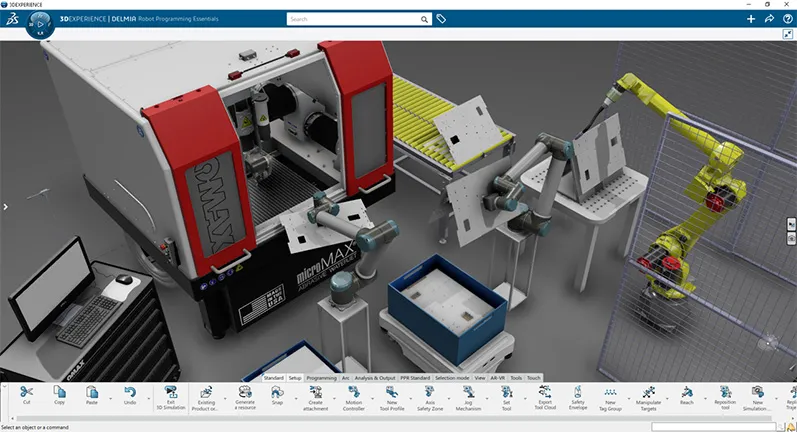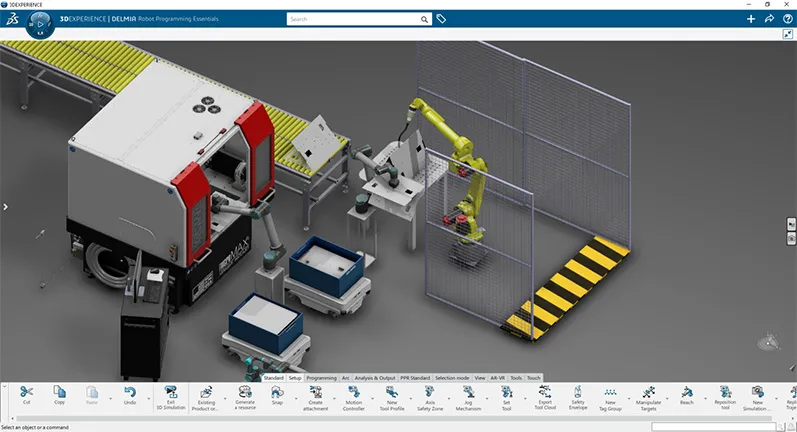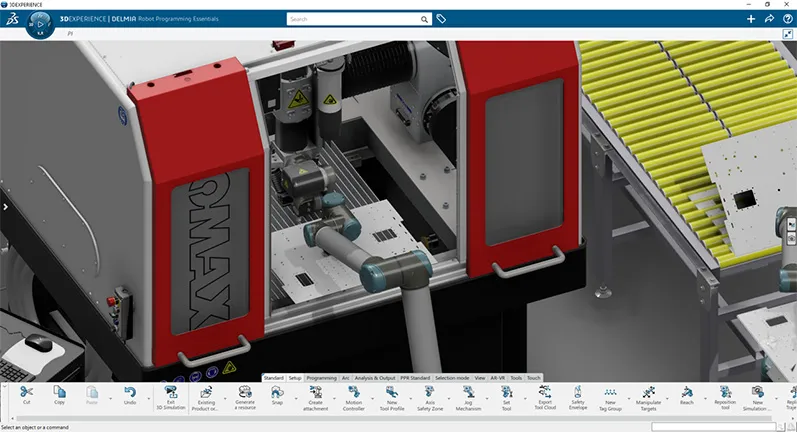
Start the tutorials below today!

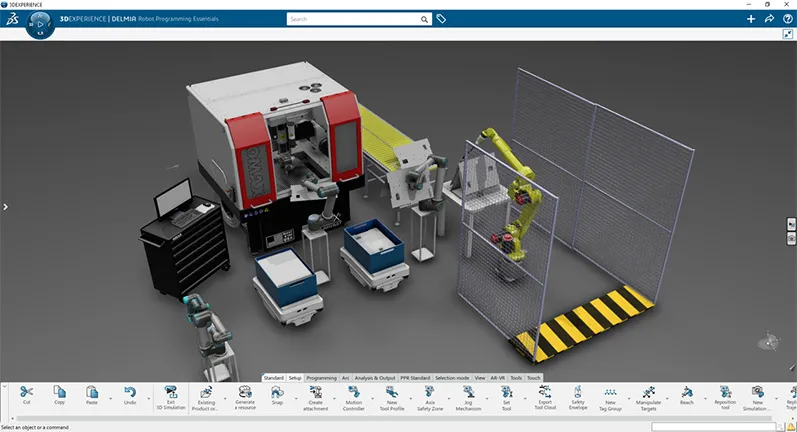
Join Tony Karew, SOLIDWORKS® Robotics Expert, as he walks you through the lessons that will take you from workcell and plant layout, to device building and kinematics, to robot teaching and simulation, and onto validation and also offline programming.

First stepDownload zip folder with model files for tutorials.

1. Getting Started with Robot Programmer

Watch this video to learn how to get up and running with the Robot Programmer role in the SOLIDWORKS® Manufacturing portfolio. The video leads you through installation and some of the environment settings.

Watch to learn how to load 3D data onto the 3DEXPERIENCE® platform, use Bookmarks to begin performing the workcell layout, and import robots from the Robot Library.

2. Building a Kinematic Mechanism

Watch to learn how to add forward kinematics, home positions, speeds and acceleration parameters as well as ports to mount and a Total Center Point (TCP) of a robot. Tony also explains about the different methods for importing and using 3D SOLIDWORKS data on the 3DEXPERIENCE platform using PowerBy and File Open.

3A. Teaching a Material Handling Robot

In this lesson, Tony shows you how to use the Set Tool to mount the end of arm tooling. You will also learn how to create a Robot Task, and how to program the gripper as an Aux Axis. You will also learn how to operate the Teach interface and use Grab and Release commands.

3B. Teaching an Arc Welding Robot

In this video, Tony will explain the importance of Simulation States. You will also learn how to mount the torch using the Set Tool command, and about Weld Profiles. You will also learn some of the functionality of the Teach interface of Robot Programmer.

4. Simulate and Validate

In this fourth lesson, you’ll not only learn how to run a Task, but how to sequence multiple tasks. You will also learn how to run the simulation and compute reachability and robot placement.

5. Offline Programming and Calibration
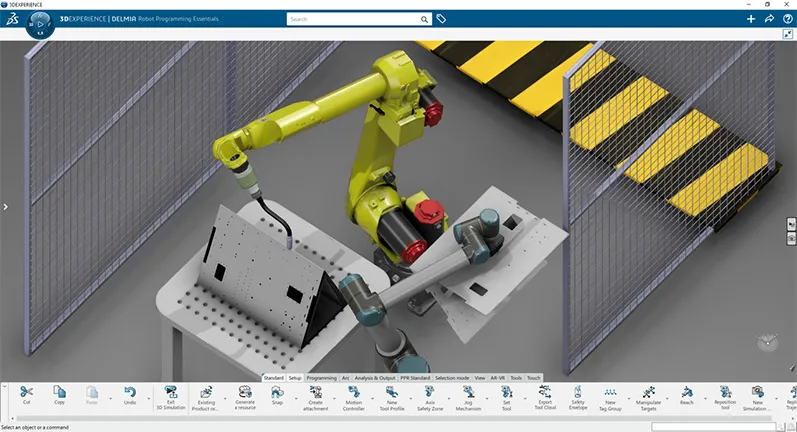
In this final lesson, Tony provides an overview of offline programming (OFP) and calibration. You will also learn how to load the translators and a little about how they operate. Tony also discusses how to calibrate  the virtual and real worlds.

The 3DEXPERIENCE platform Helps You Automate Manufacturing