Upgrade Your SOLIDWORKS Design Software for Easier, Faster 3D CAD Workflows
Design expert Sean O’Neill shows the top 3D CAD enhancements included in the latest SOLIDWORKS Design releases
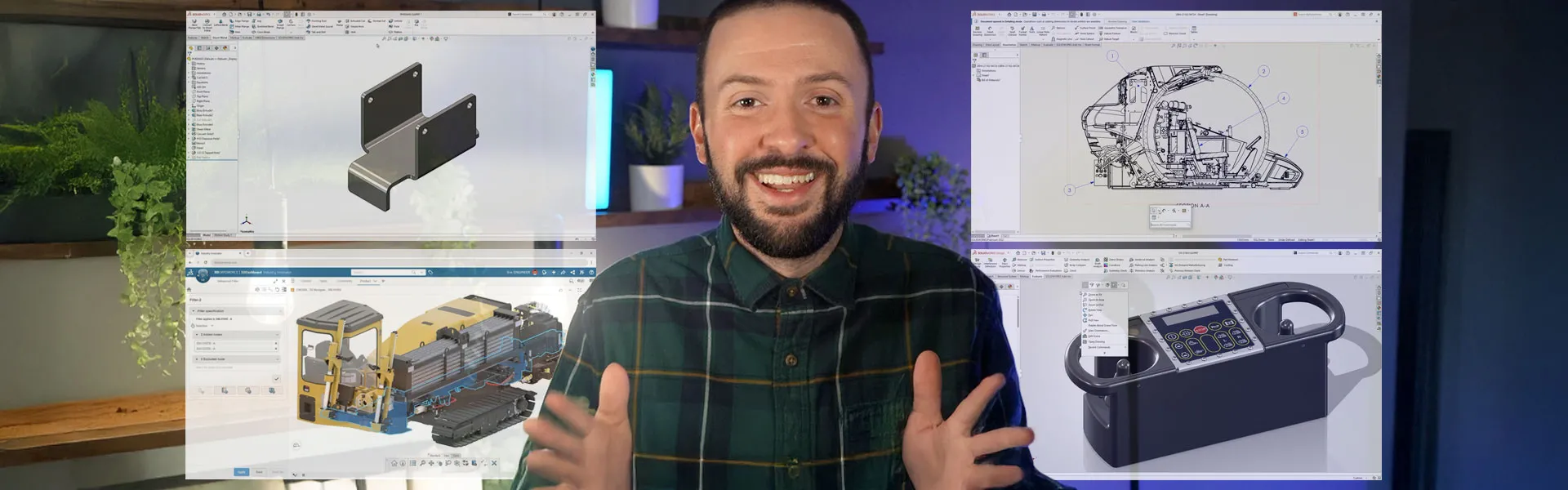
When was your last SOLIDWORKS upgrade? If it’s been a while since you’ve upgraded SOLIDWORKS Design versions, now is the perfect time to see what you’ve been missing.
Over the past few years, SOLIDWORKS has introduced significant enhancements to parts, assemblies, drawings, and user experience. On this page, SOLIDWORKS Design expert Sean O’Neill is here to walk you through the latest and greatest 3D CAD enhancements, all designed to make your work faster, easier, and more efficient. With five major product releases each year, the software evolves constantly, driven by feedback from engineers and designers like you. These updates are built to solve real-world challenges and aim to simplify your day-to-day.
Explore this page to see the latest SOLIDWORKS Design enhancements, and learn how a SOLIDWORKS upgrade will make work easier for you.
SOLIDWORKS Design: Parts Enhancements
Your Models, but Better: 10 SOLIDWORKS Design Features for Everyday Parts
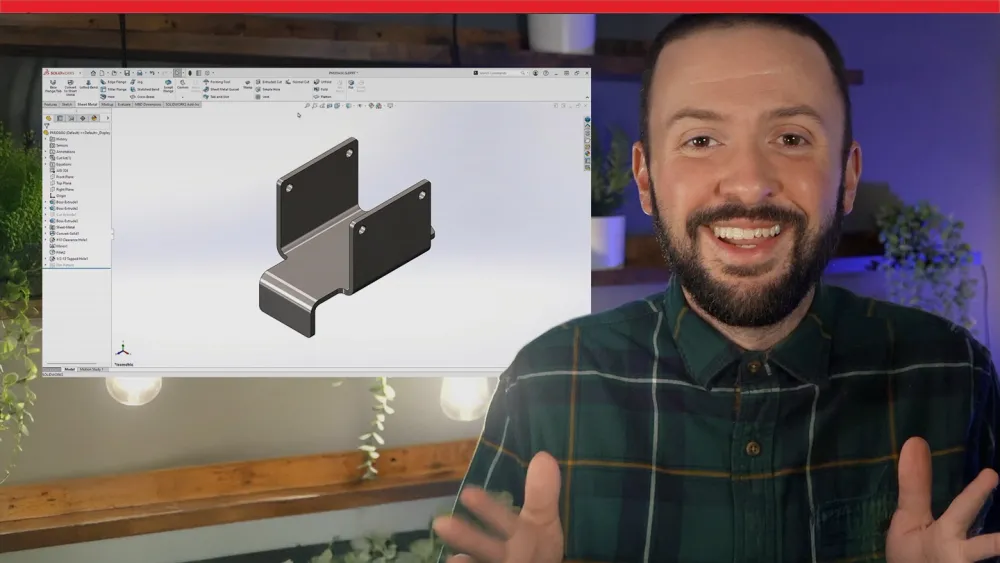
Discover 10 powerful part modeling updates in SOLIDWORKS Design, including direct mesh editing, smoother variable fillets, faster imports, enhanced sheet metal tools, and Cloud Services. These features streamline workflows, improve performance, and make designing more efficient and collaborative than ever!
Explore Years of SOLIDWORKS Design Parts Enhancements
Get up to speed with SOLIDWORKS Design by watching parts enhancements videos from the last several years and learn about the new capabilities that come with an upgrade.
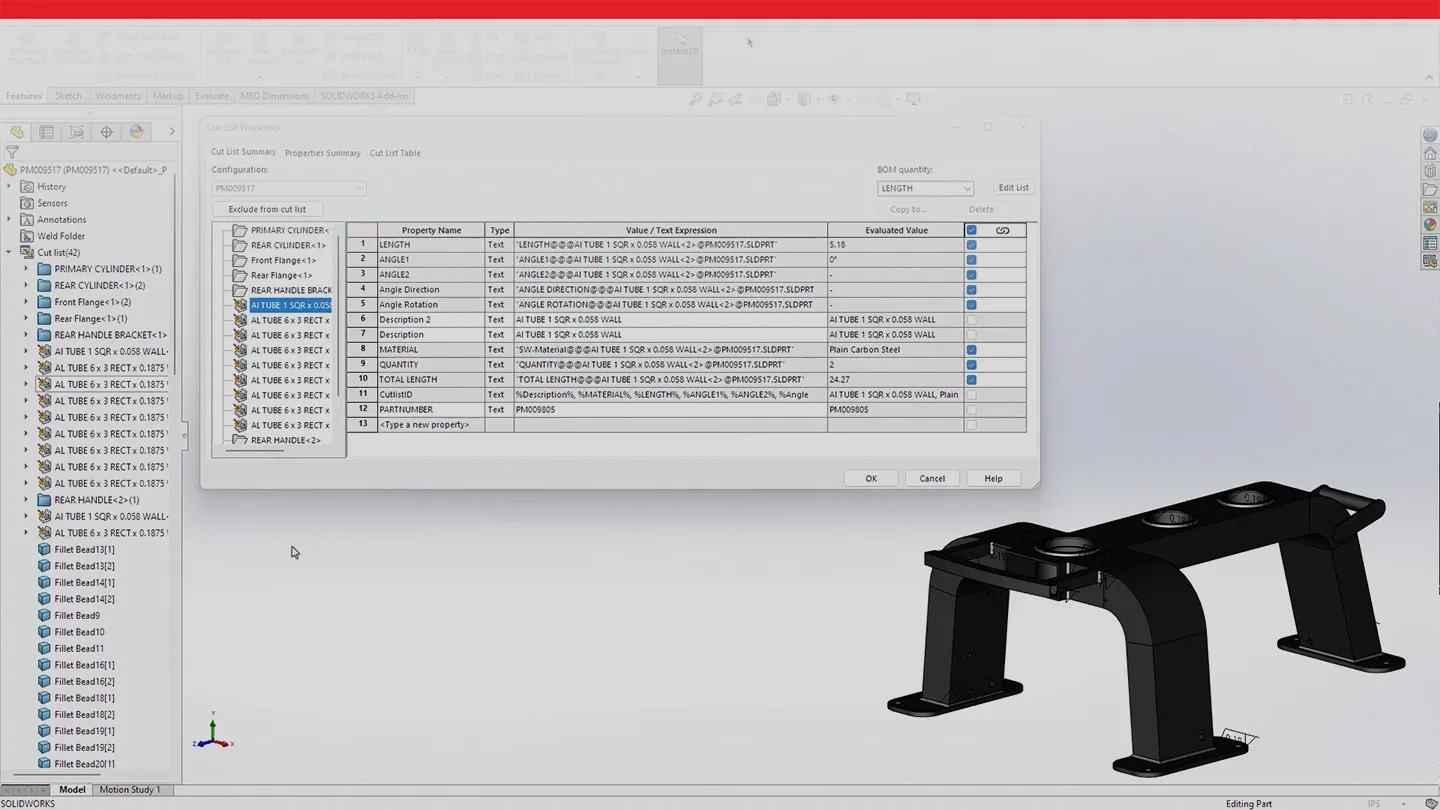
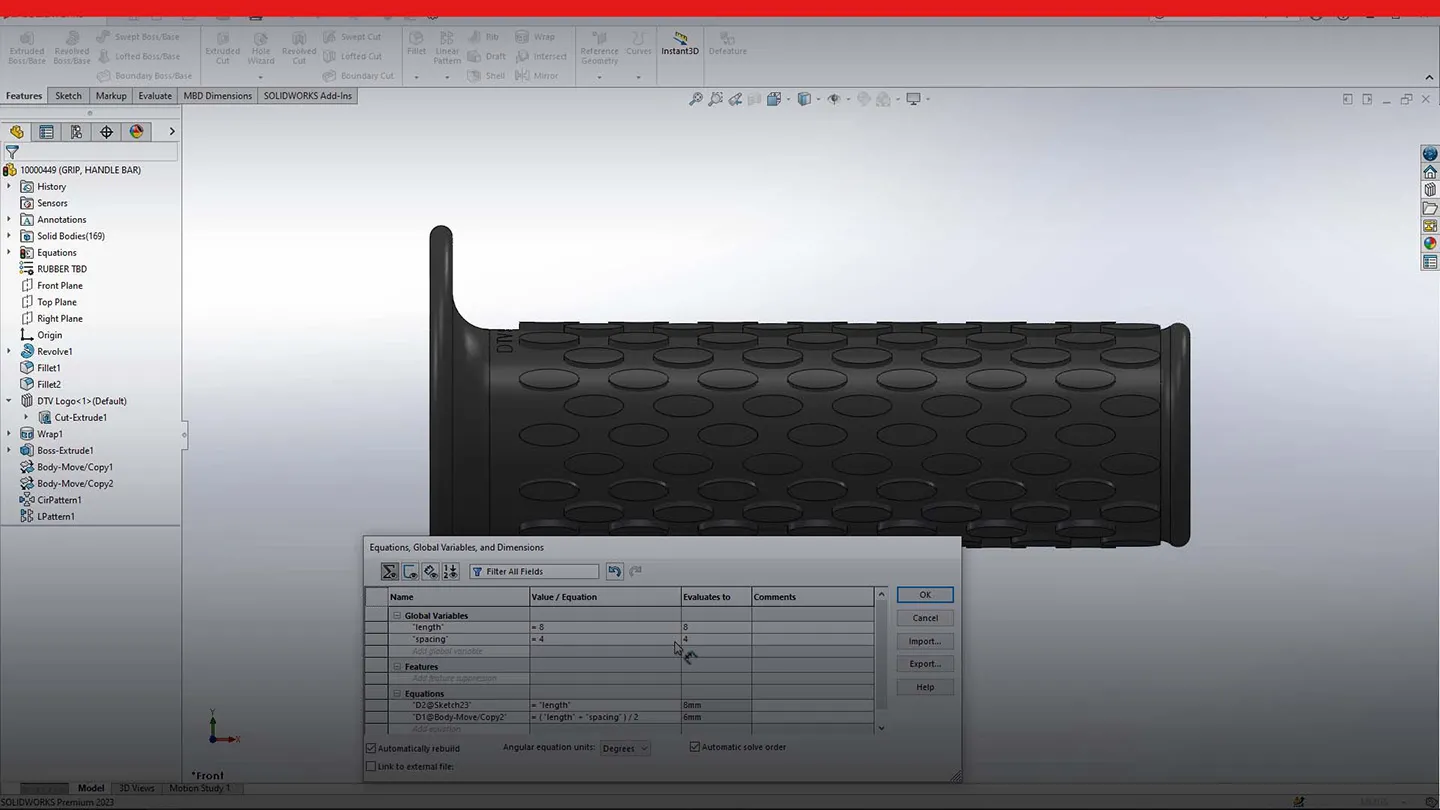
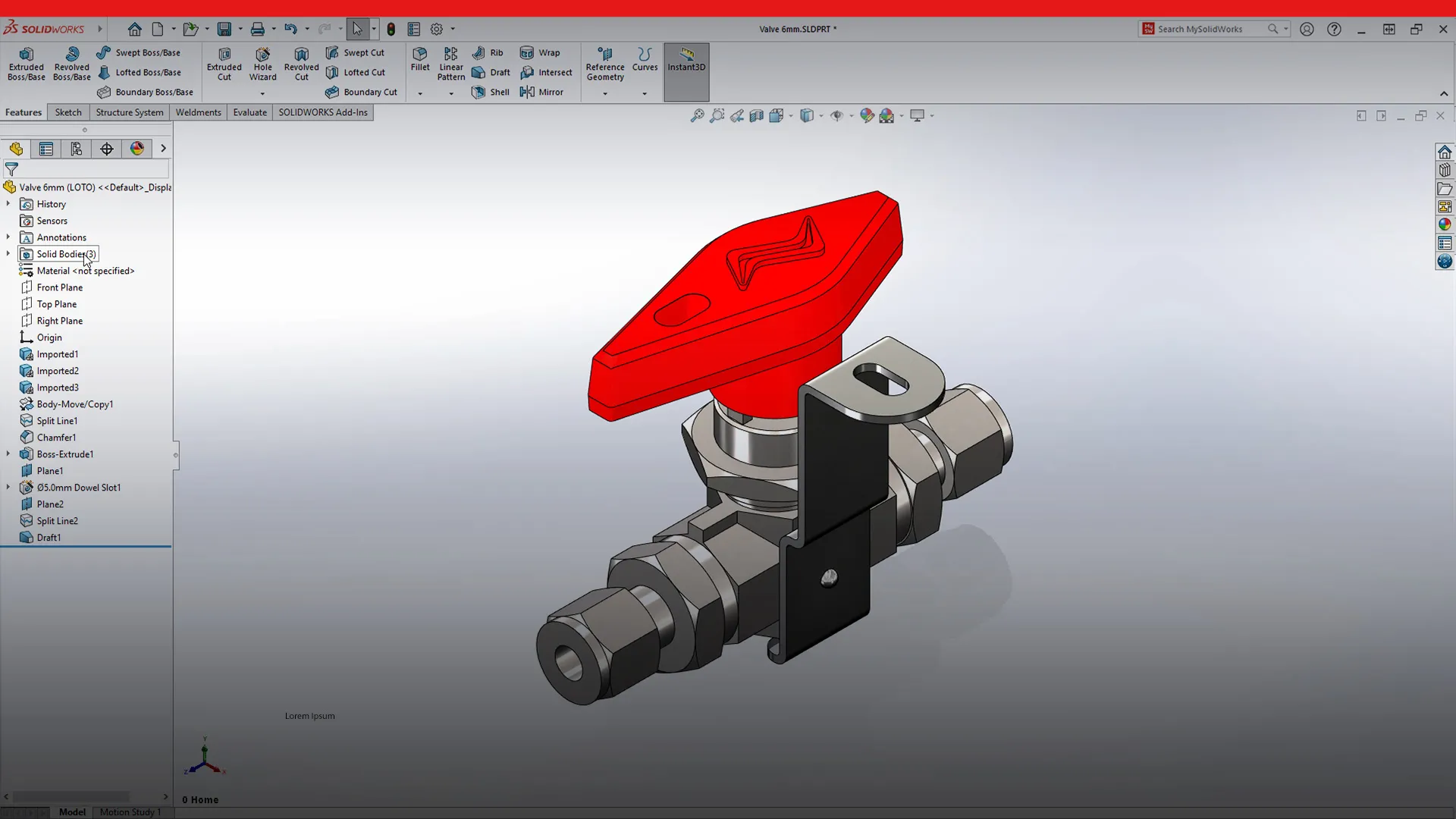
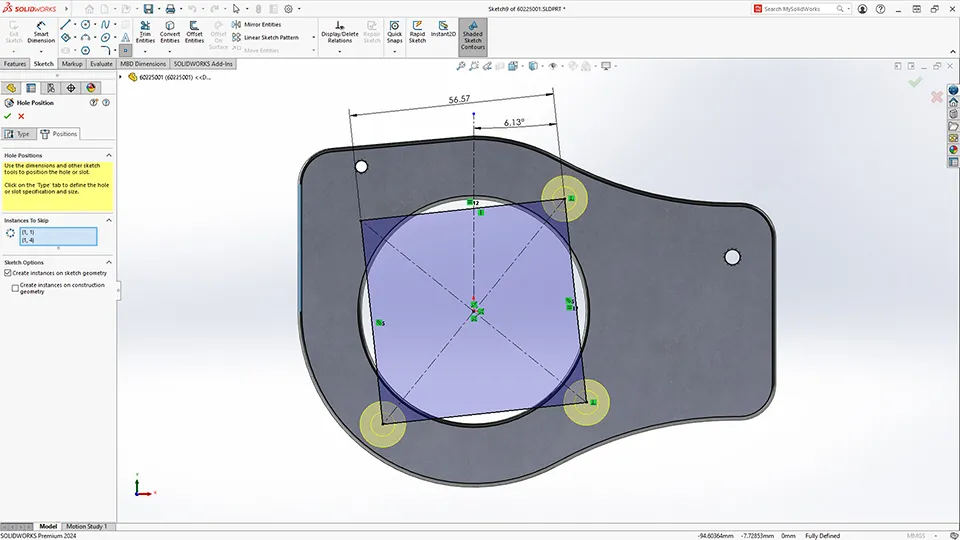
SOLIDWORKS constantly introduces significant enhancements focused on improving your daily design productivity. With so much added to each release, it’s easy to get behind. Don’t worry! Catch up with these highlights of the best parts enhancements to SOLIDWORKS Design going back to 2020.
Ready for a SOLIDWORKS upgrade? Talk to a SOLIDWORKS expert and level-up today.
Contact sales
SOLIDWORKS Design: Assemblies Enhancements
10 Assembly Power-Ups in SOLIDWORKS Design (You’ll Use Them Every Day)
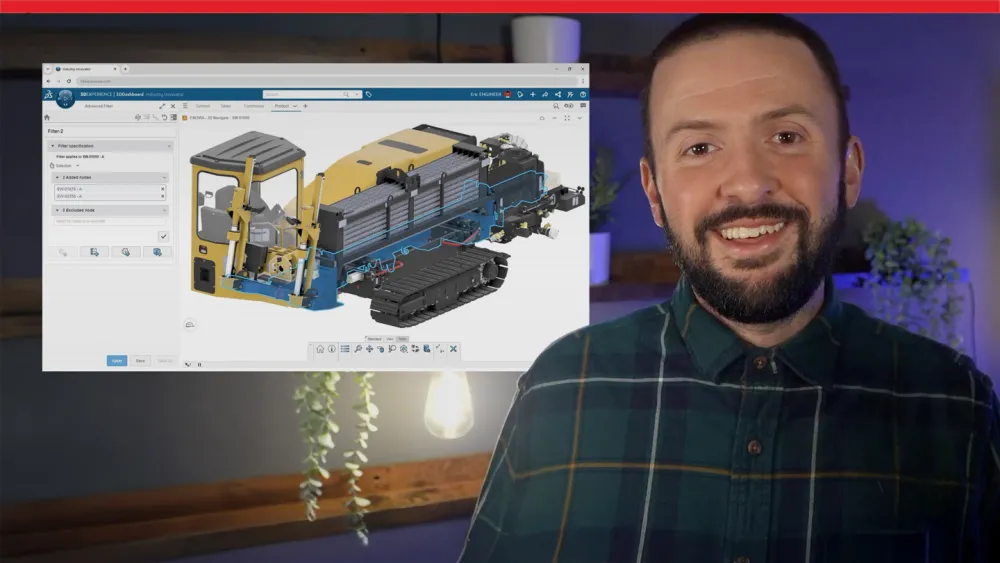
Take advantage of 10 game-changing assembly enhancements in SOLIDWORKS Design, including faster open times, Auto Repair Mates, Fastener Automation, and Selective Loading. These updates redefine efficiency, helping you handle large assemblies effortlessly while keeping your projects on track and under control.
Explore Years of SOLIDWORKS Design Assemblies Enhancements
Watch the videos to see the best SOLIDWORKS Design assemblies enhancements released over the last several years that you can use when you upgrade.
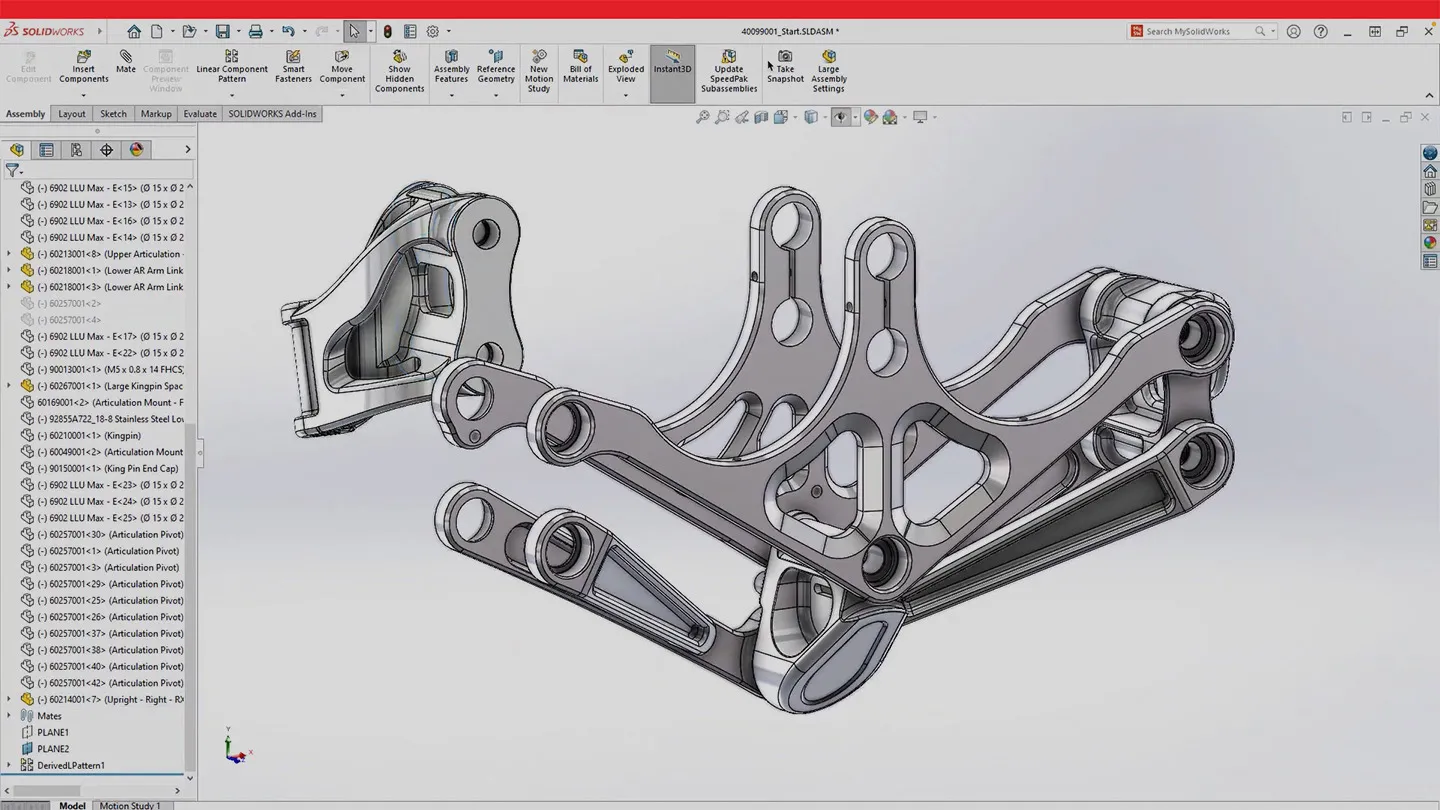
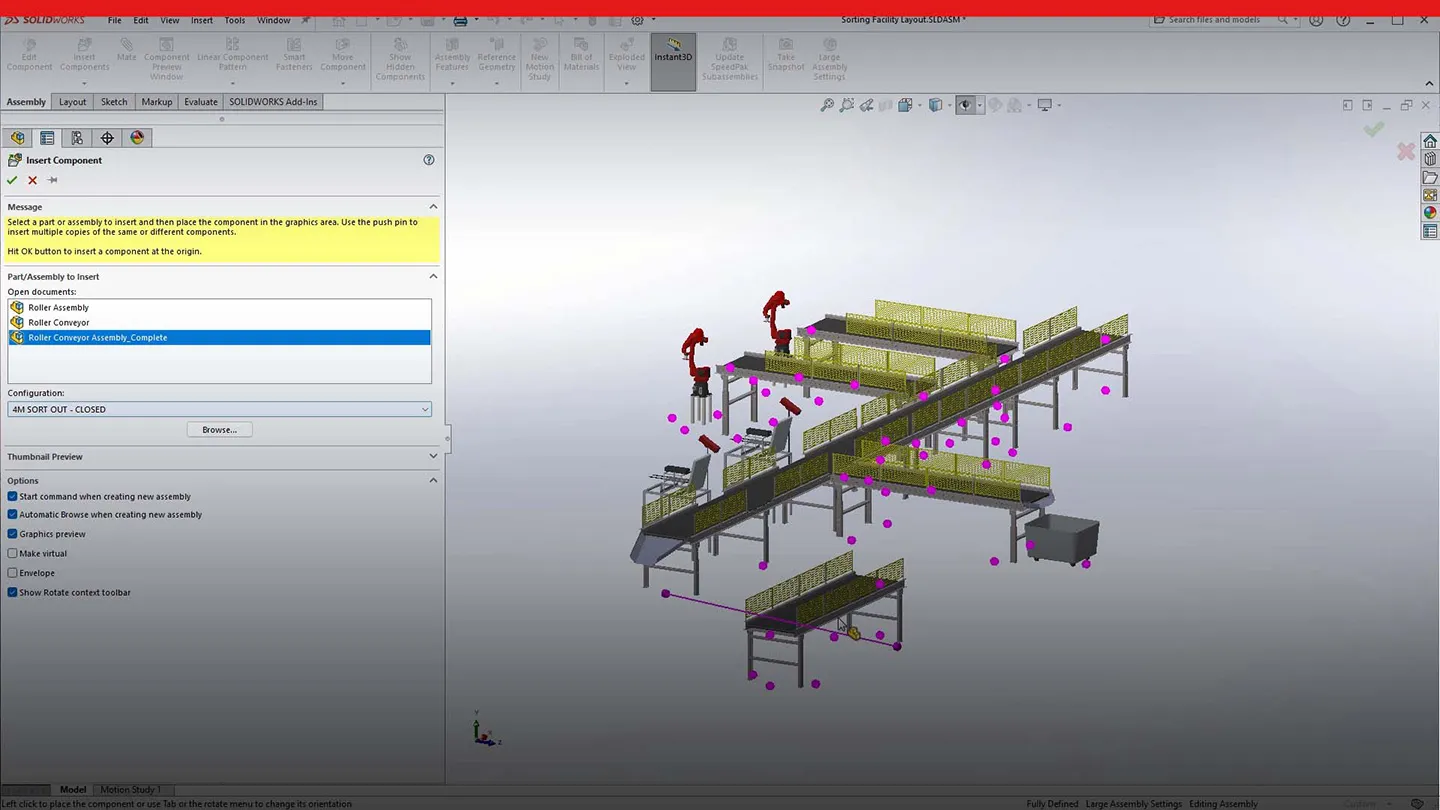
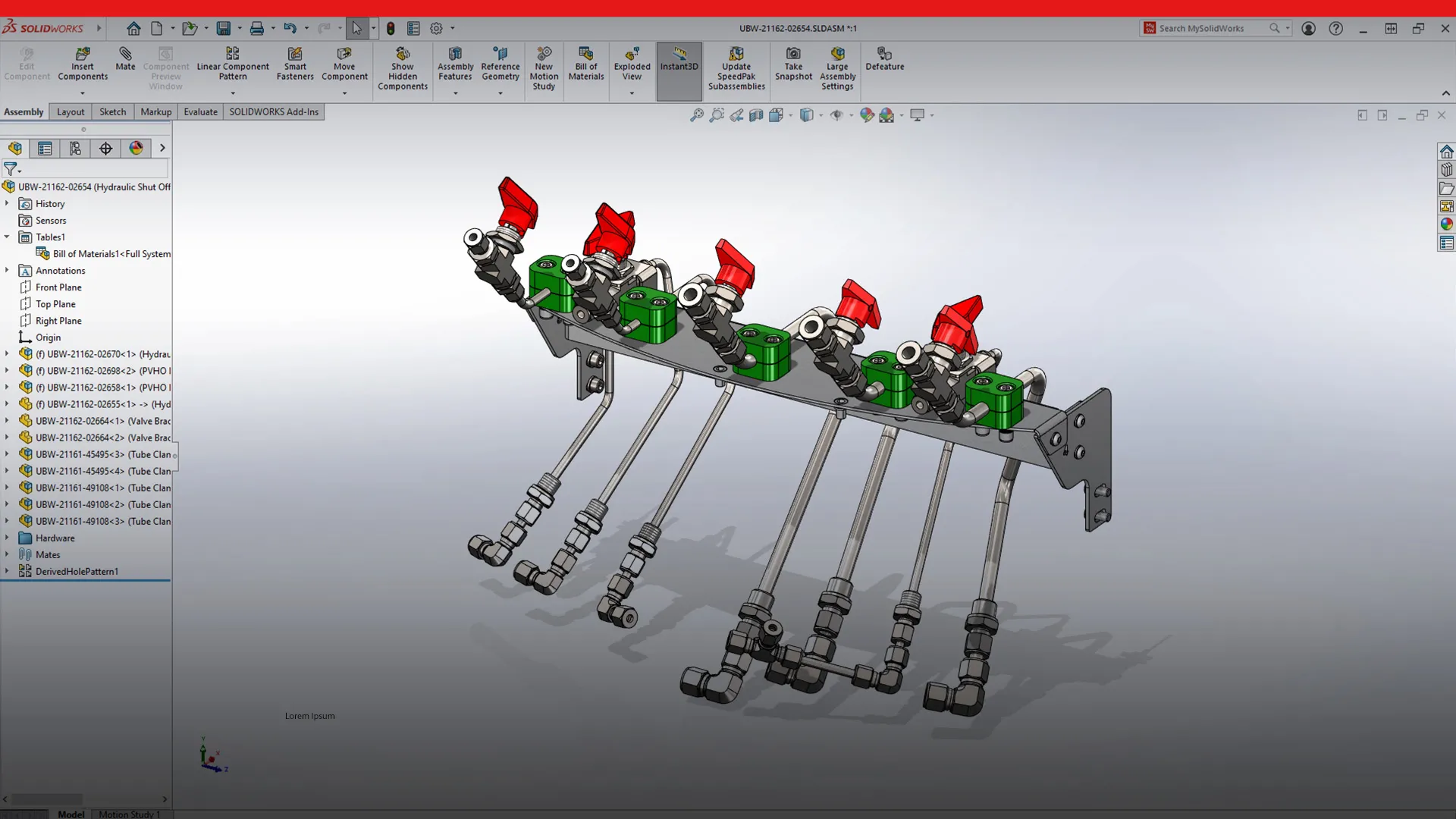
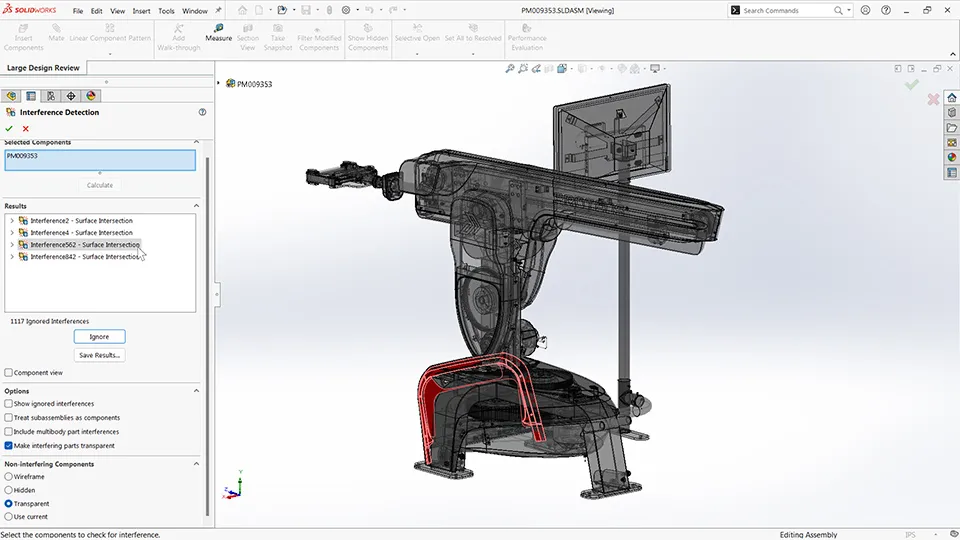
Each year brings meaningful SOLIDWORKS enhancements aimed to improve design efficiency. With five major releases throughout the year, there’s always a chance to learn something new. Review the standout assemblies enhancements added to SOLIDWORKS Design from 2020 to today.
SOLIDWORKS Design: Drawings Enhancements
10 Drawing Enhancements in SOLIDWORKS Design That Actually Save You Time
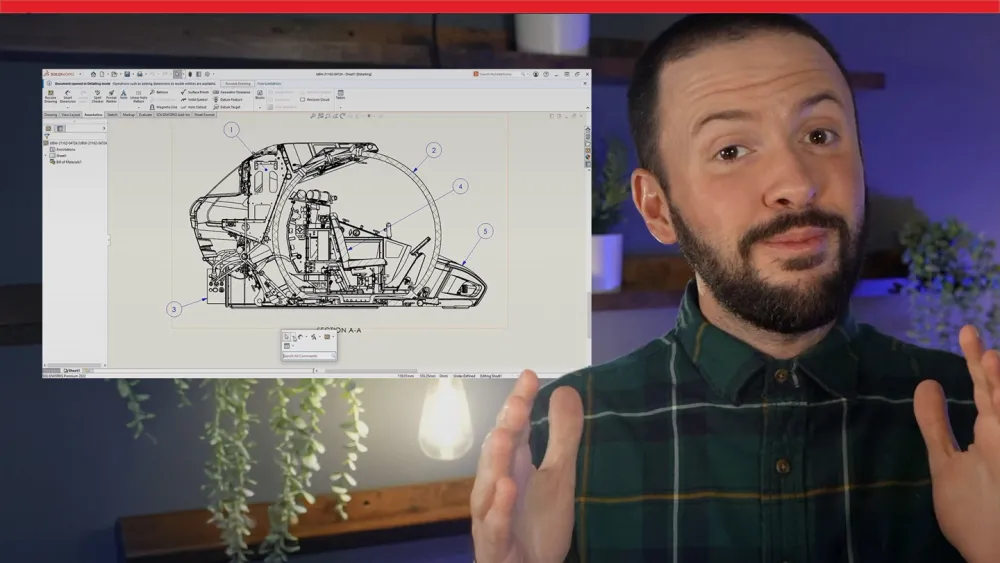
Explore the top 10 drawing enhancements in SOLIDWORKS Design, from faster open times and smarter BOM tables to AI-powered auto-generated drawings, enhanced Detailing mode, and cleaner dimension tools. These 3D CAD enhancements simplify documentation, improve accuracy, and ensure your drawings are production-ready.
Explore Years of SOLIDWORKS Design Drawings Enhancements
Stay current with SOLIDWORKS Design by watching drawings enhancements videos from the past several years and see what's possible when you upgrade.
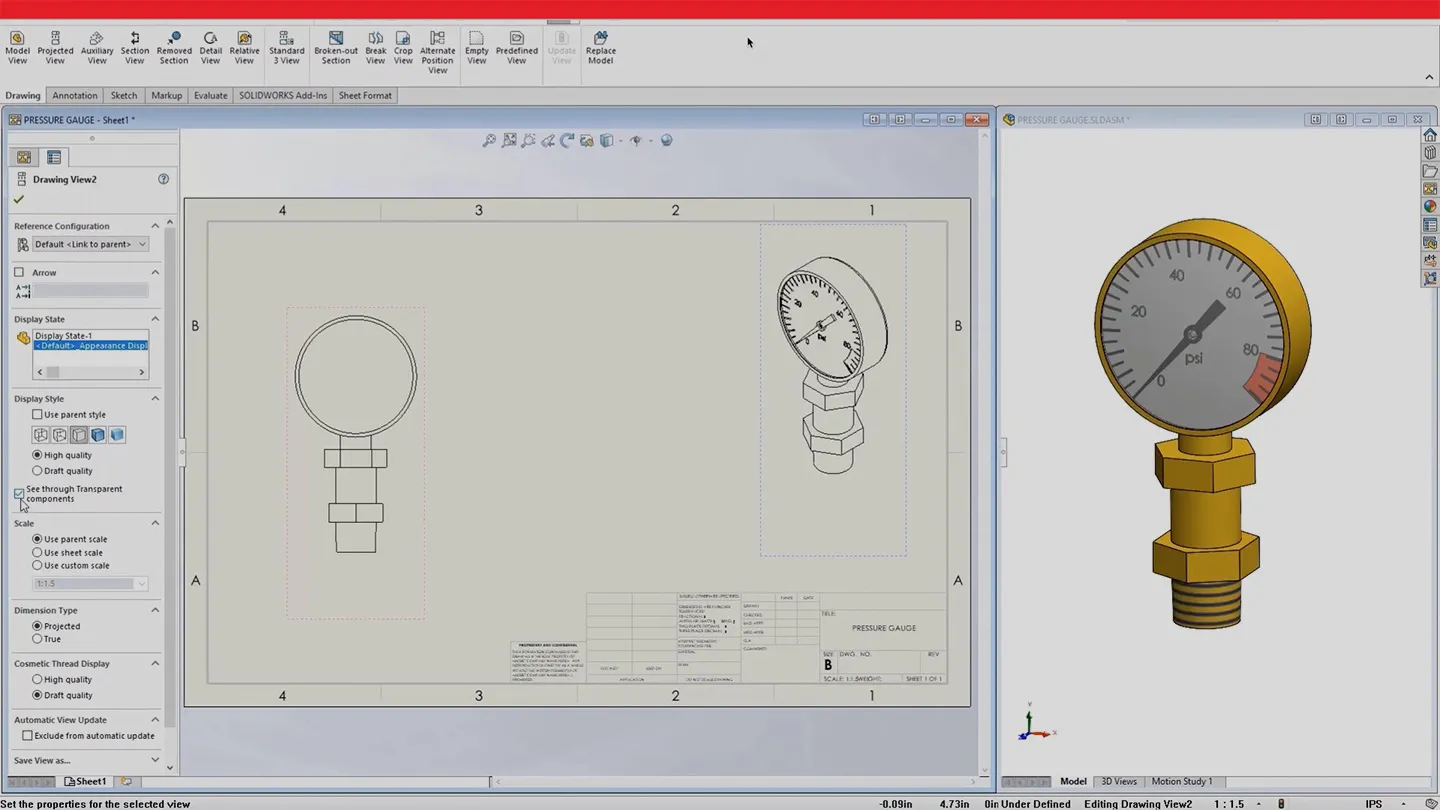
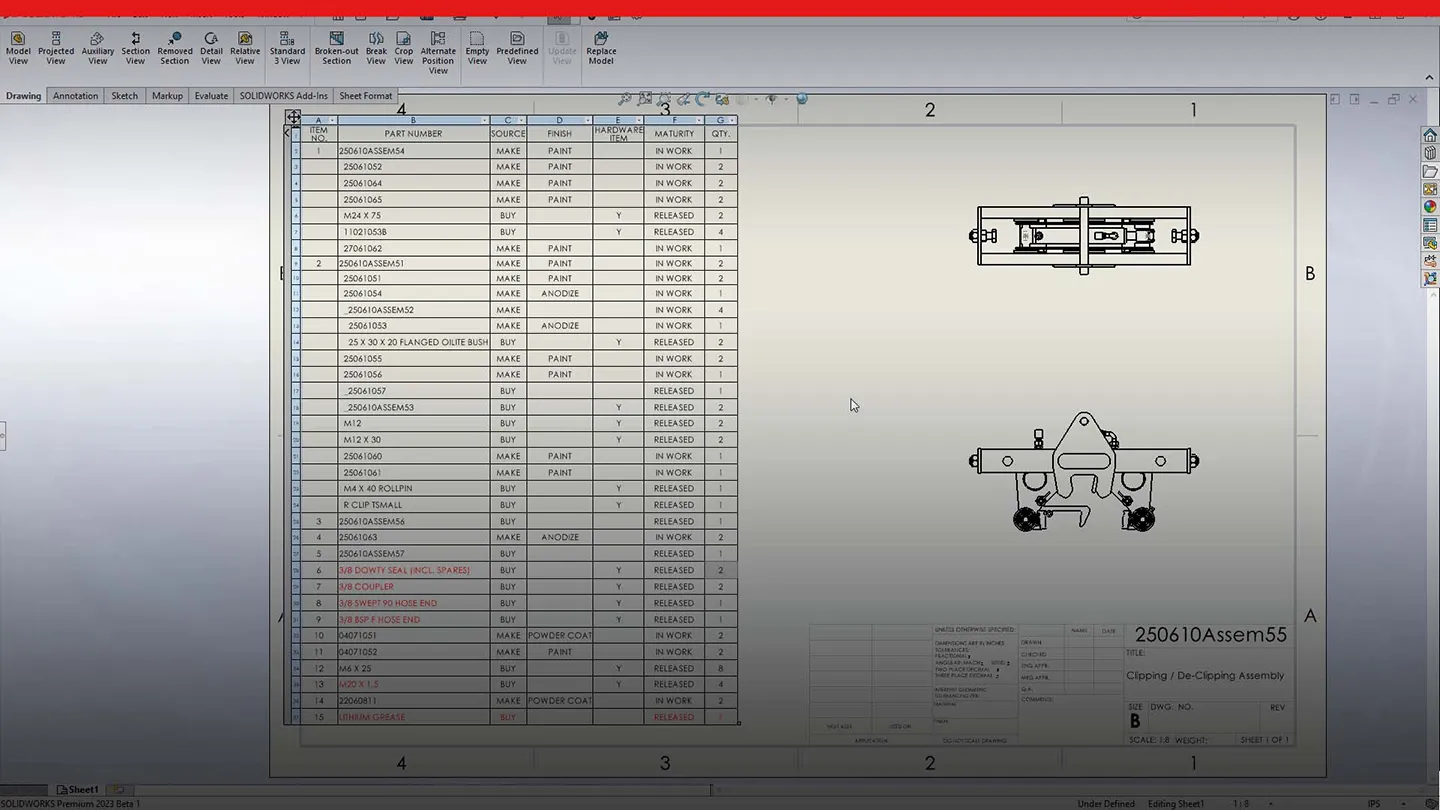
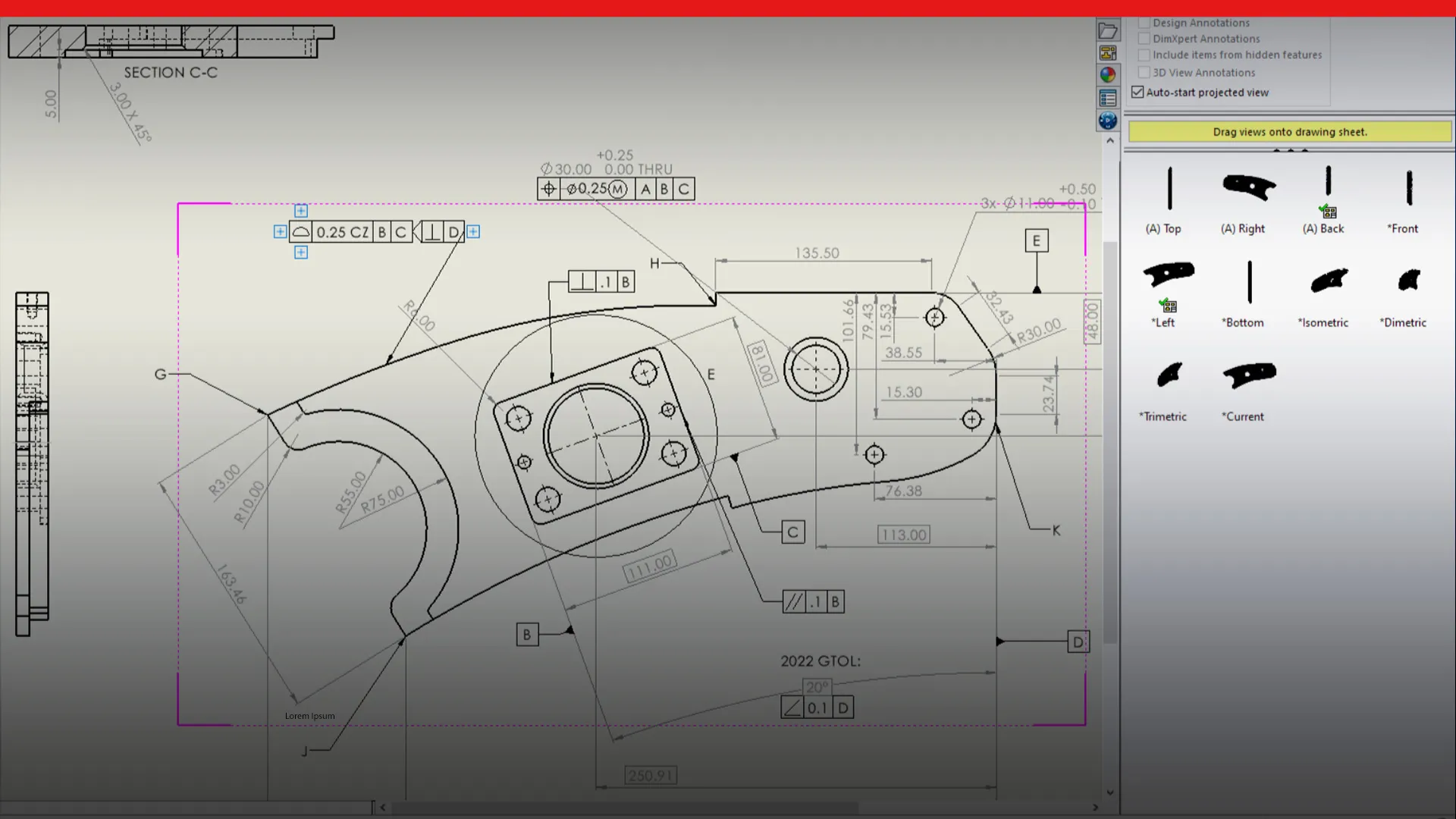
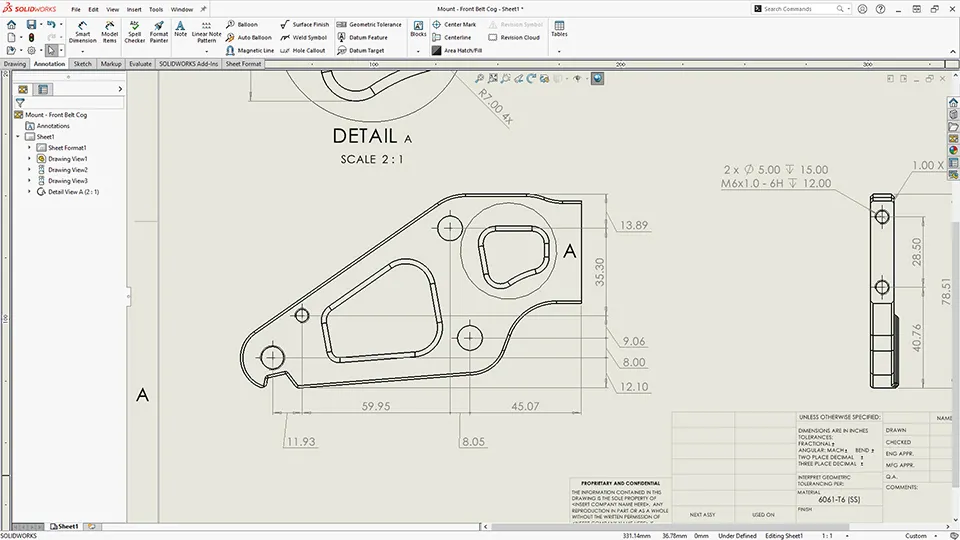
Each year, SOLIDWORKS introduces impactful improvements that streamline drawing creation and documentation. With updates now coming five times throughout the year, even experienced users can discover something new. Catch up with the most valuable drawings enhancements added to SOLIDWORKS Design since 2020.
Upgrade today for better tools, bigger wins, and smarter workflows
Contact sales
SOLIDWORKS Design: User Experience Enhancements
10 SOLIDWORKS Design Upgrades That Make Everything Feel Faster
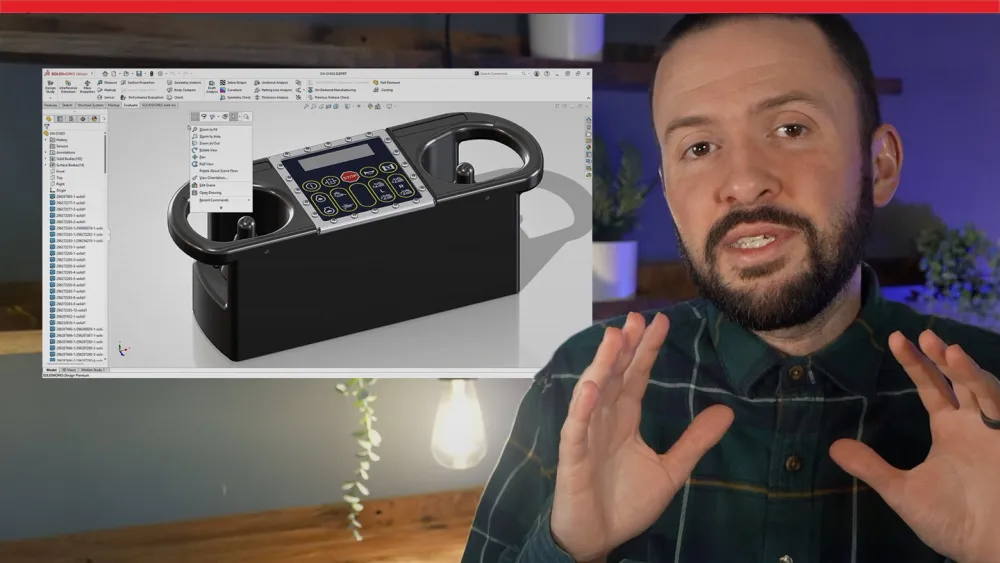
Discover the top 10 user experience updates in SOLIDWORKS Design, from a simplified UI mode and AI-driven command predictions to enhanced commenting, faster selections, and groundbreaking background importing. These updates save you time, boost performance, and make day-to-day design work smoother than ever!
Explore Years of SOLIDWORKS Design User Experience Enhancements
Catch up on what's new in SOLIDWORKS Design by watching user experience enhancements videos from the past several years and learn how upgrades enhance your workflow.
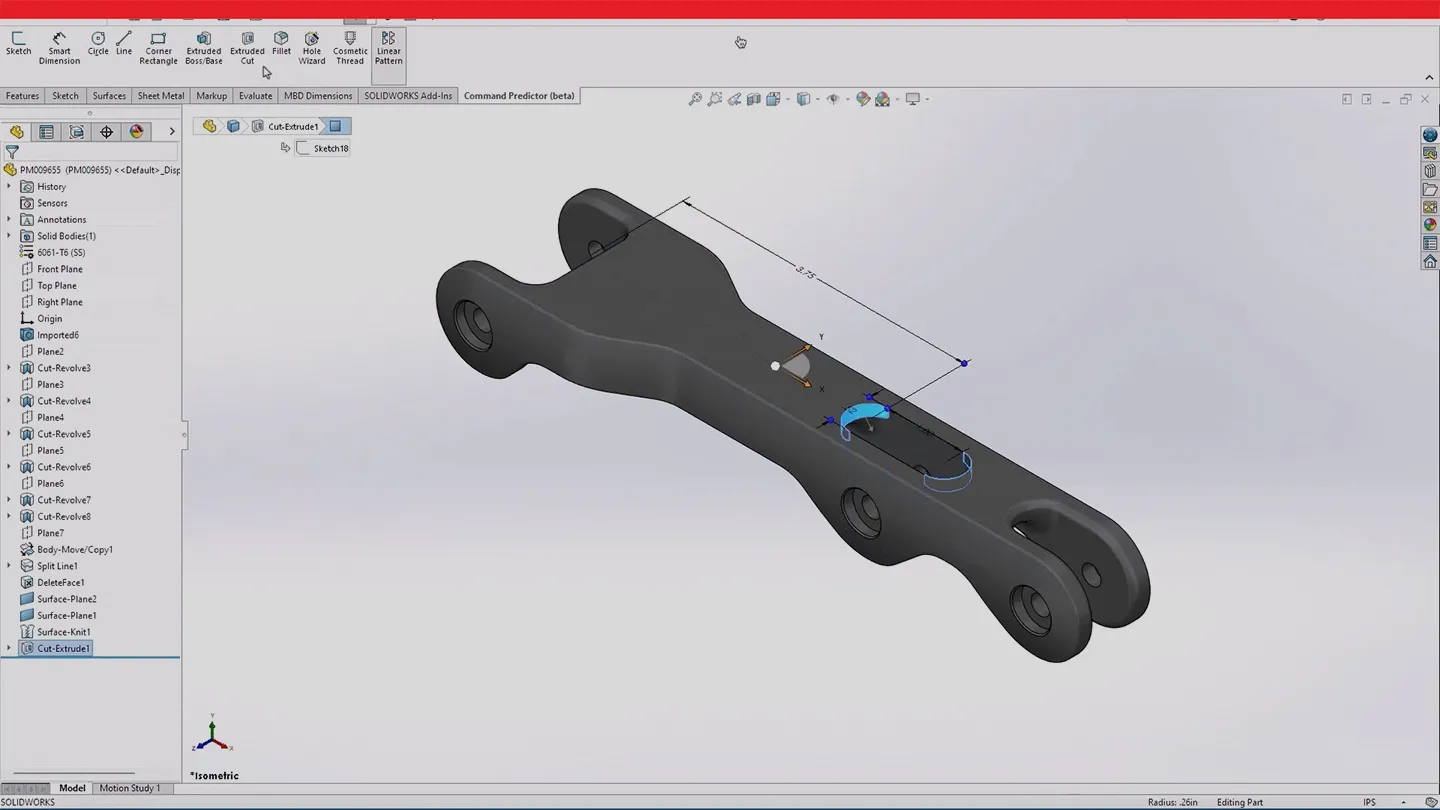
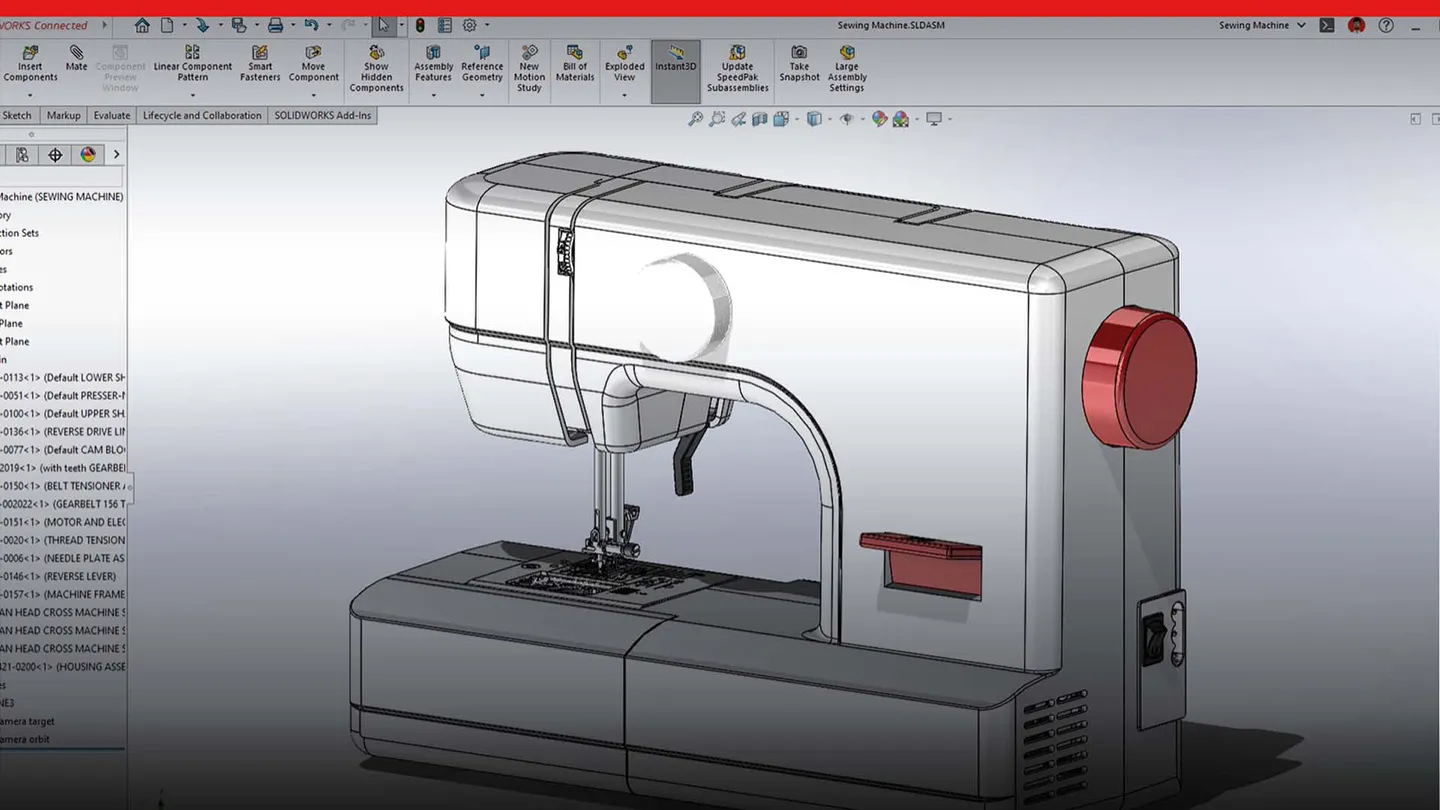
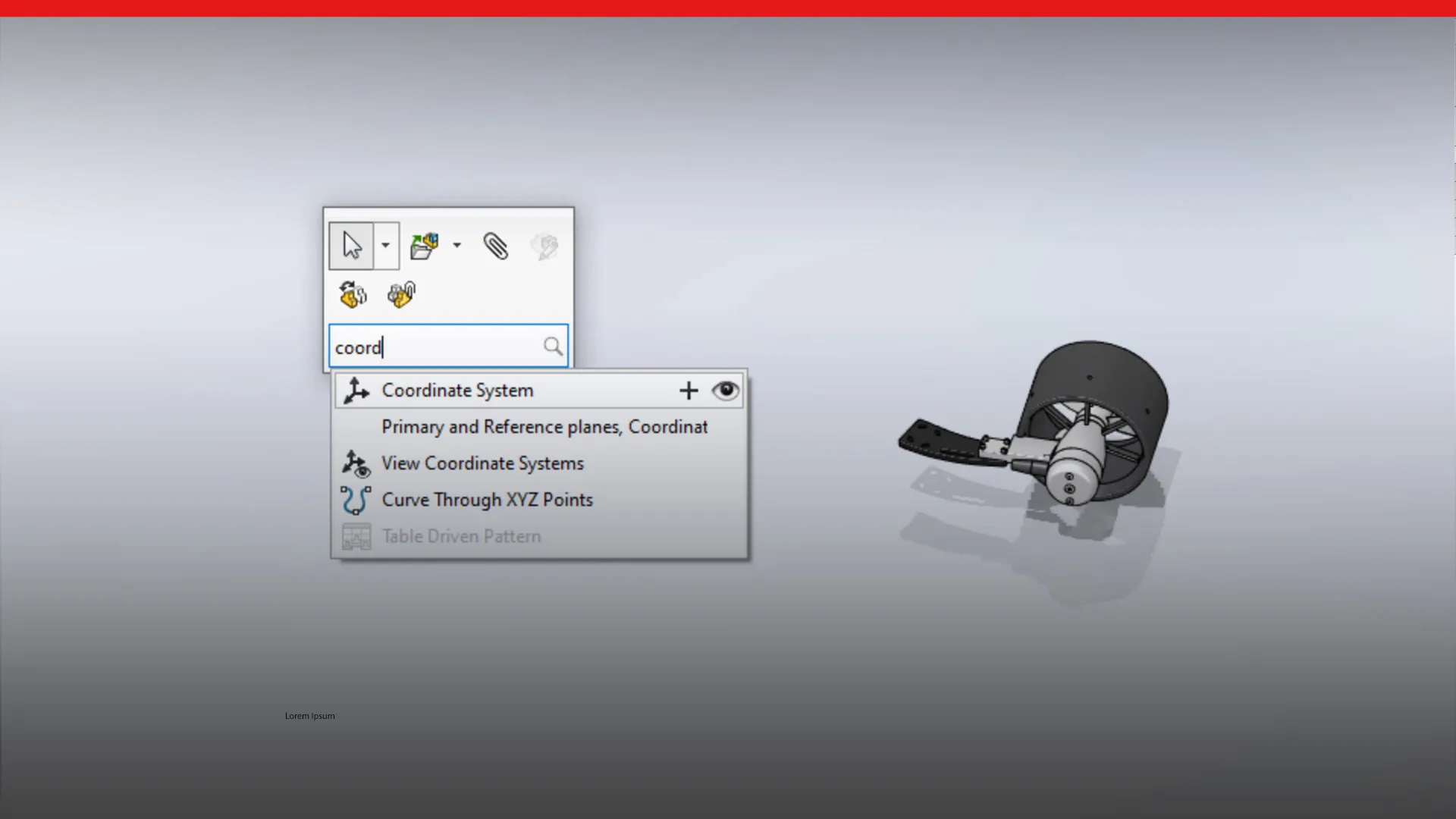
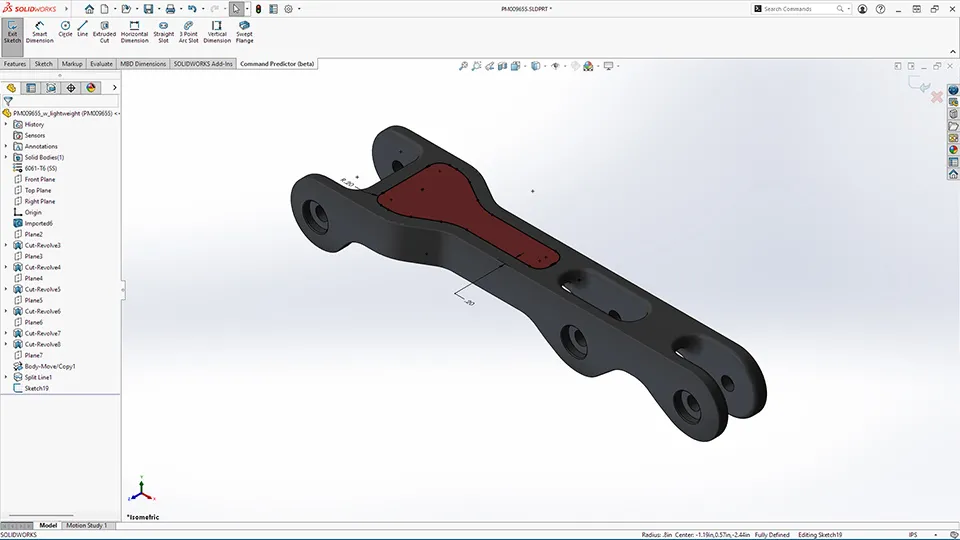
SOLIDWORKS continues to evolve each year with productivity-driven enhancements that make daily design work faster and easier. If you haven’t kept up with every release, you’re not alone. Explore the top user experience improvements introduced in SOLIDWORKS Design since 2020.
What’s New in SOLIDWORKS 2027
Designed for those who build what’s next. See the latest SOLIDWORKS AI, design, simulation, electrical, PDM, and 2D CAD enhancements.

What’s Next?

Want to Upgrade?

Contact us and we’ll connect you with your reseller to discuss the best options for your business.

See What’s New
SOLIDWORKS 2026 is now available. Explore AI features to help you save time and reduce manual effort.

Stay Up to Date
SOLIDWORKS Design is updated every 10 weeks. Check this page for the latest functional delivery release details.
Have Questions about SOLIDWORKS?
We can help you determine the best option for your team.