What’s New in SOLIDWORKS Design
Explore FD Releases for New CAD, Data Management, and AI Updates in SOLIDWORKS Design.
You need the latest design tools to meet your goals and stay ahead of the competition. That’s why user-driven enhancements are at the core of SOLIDWORKS R&D. New features to improve functionality, remove repetition, and address emerging design trends put you in a position for success.
SOLIDWORKS hears your feedback and acts on it, delivering five major functional delivery (FD) and service pack (SP) releases full of new 3D CAD features, quality, and performance improvements throughout the year. Explore this page to learn about the latest enhancements to SOLIDWORKS Design solutions.
90 Percent of Software Enhancements Come from Designers
Learn how SOLIDWORKS user feedback is the driving force behind research and development.

Explore 2026 SOLIDWORKS Design Enhancements
What’s New in SOLIDWORKS Design R2026x FD04, September 2026

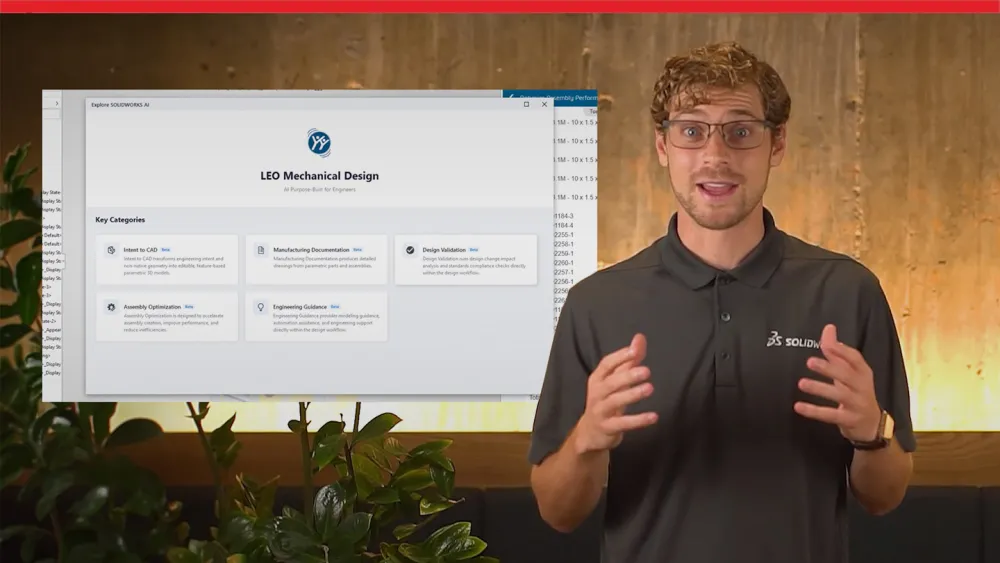
Key enhancements to the LEO AI Virtual Companion in FD04 include:
- Quality Check and Guidance for Sketch Error Analysis: Catch errors before they reach release. Check models, assemblies and drawings automatically against your company-specific or industry-standard checklists, so quality issues surface early rather than after they've cost you time.
- Assembly Risk Assessment: Know the full impact of every change. See how a design change ripples downstream before you commit, including every assembly where the component appears, so you can decide with confidence.
- Enhanced Drawing Generation: Produce manufacturing-ready drawings faster. Let LEO handle sheet size, dimensioning and tolerancing, or apply your own standards across a bulk request to keep documentation consistent and on schedule.
What’s New in SOLIDWORKS Design R2026x FD03, July 2026
-
Design & Data Management
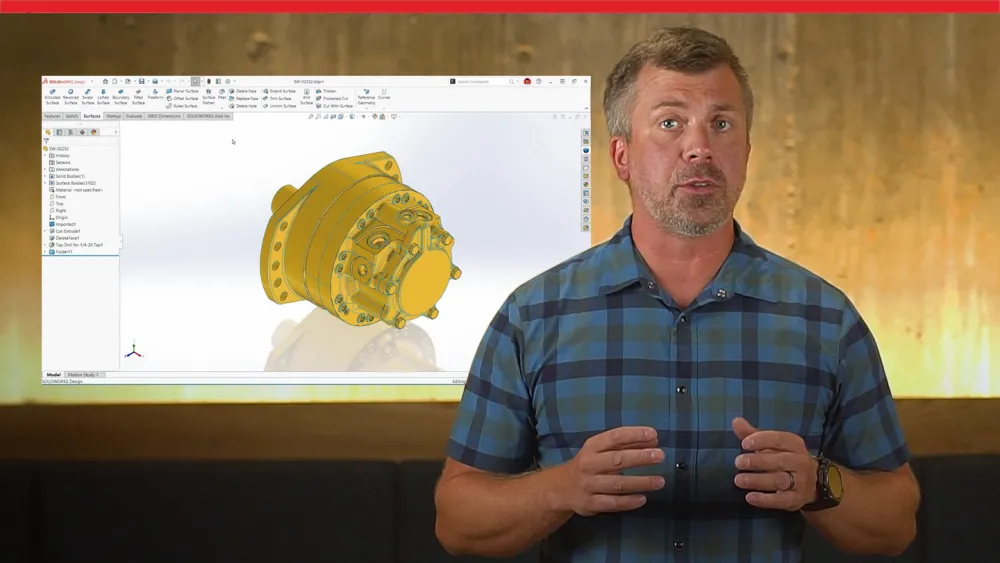
What’s New in SOLIDWORKS Design and Data Management
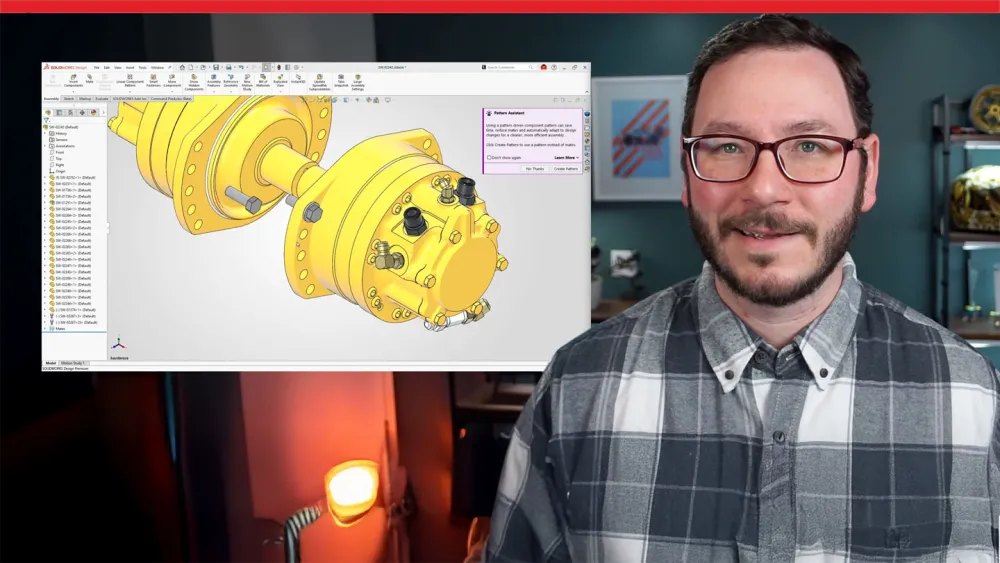
Key enhancements in FD03 include:
- Background Drawing Updates: Drawings of modified parts and assemblies now regenerate in the background, so you don't have to wait or trigger a manual rebuild. Automatic rebuild keeps your CAD productivity high and lets you stay focused on the design workflows that matter.
- Fastener Pattern Assistant: Speed up fastener component placement in SOLIDWORKS Design. Automatically detect and group related hardware components such as bolts, washers, and nuts, into patterns, cutting the manual work of selecting every fastener.
- AI Large Assembly Management: Ask the SOLIDWORKS AI Virtual Companion LEO to simplify heavy geometry, suppress unnecessary model threads, and recommend the right lightweight strategy for your large assemblies. You get better large assembly performance through natural conversation without navigating multiple commands.
- AI Enhancements
What’s New in SOLIDWORKS Design R2026x FD02, April 2026
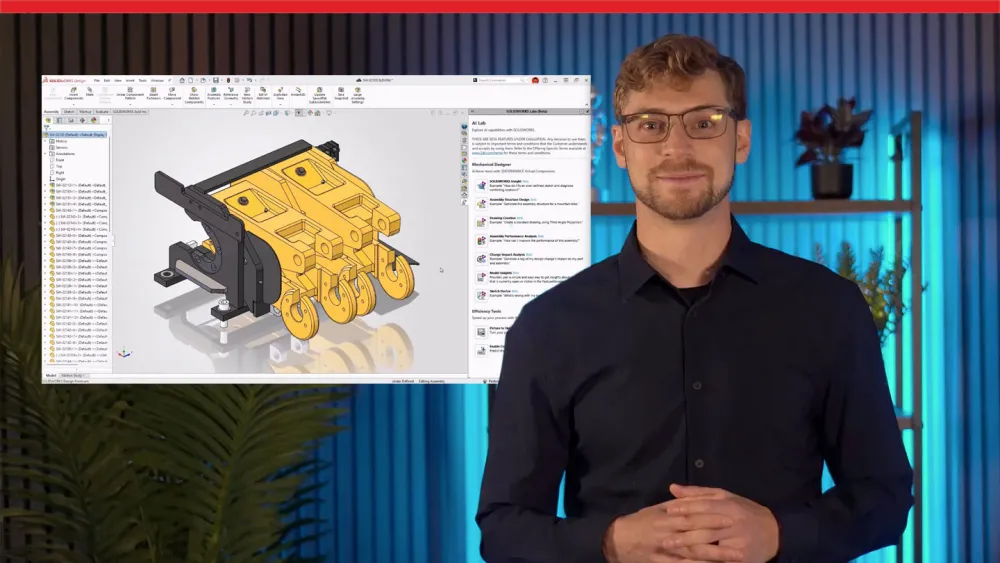
Key enhancements in FD02 include:
- Assembly Performance Evaluator (Beta): Use natural-language prompts to gain immediate insights with AI-driven analysis of your assemblies, along with recommendations for improved performance.
- Design Change Impact (Beta): Quickly evaluate the full impact of design changes, including those with downstream dependencies, enabling teams to manage risks and implement adjustments with confidence.
- Content Explorer in the SOLIDWORKS Design Open Dialog: Access and organize your platform files within SOLIDWORKS through the integrated Content Explorer. Enjoy the same organizational flexibility as the standalone app, now directly in the Open dialog.
What’s New in SOLIDWORKS Design R2026x FD01, February 2026
Key enhancements in FD01 include:
- Install Multiple Versions of SOLIDWORKS Design: Collaborate more efficiently with others who use a different version. Quickly and easily create shortcuts and modify existing installations.
- AI-powered Drawing Generation Through Prompts (Beta): Tell your AI design virtual companion exactly what you need before the drawing is created. Set your template/standards and primary view, refine the preview with prompts, then generate and save the drawing to your chosen file path.
- AI-powered What’s Wrong Analysis (Beta): Fix part model errors faster with AI-guided root-cause analysis. Cut through cascading warnings to find what actually broke, and get clear guidance on how to resolve errors by interacting with your AI virtual companion.
- AI Assembly Structure Generator (Beta): Ask your AI virtual companion to generate an assembly structure from a prompt. Start with a ready-made baseline, iterate with prompts (remove/replace components, change hierarchy), then generate SOLIDWORKS assembly and part files.
Explore 2025 SOLIDWORKS Design Enhancements
What’s New in SOLIDWORKS Design R2025x FD03, July 2025
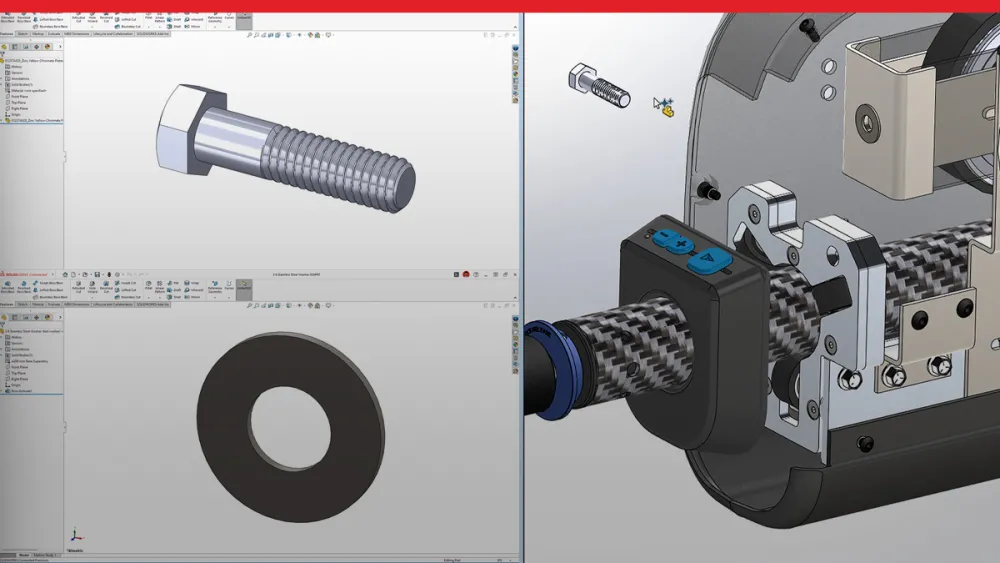
Watch the video and read the blogs to learn more about enhancements, including:
- Further Automate Drawings: AI now arranges drawing views and annotations to avoid overlaps, identifies hole types (even in imports) for accurate callouts. You can automatically match sheet formats and sizes to industry standards – saving time and improving clarity.
- AI Fastener Assembly: AI tools automatically recognize and assemble any component that looks like a fastener (screws, washers, nuts), no matter how the component was created.
- Improved Traceability: Include additional attributes for user names, such as email addresses, for drawing approval “stamping” to enhance downstream communication and traceability.
What’s New in SOLIDWORKS Design: R2025x FD02, April 2025
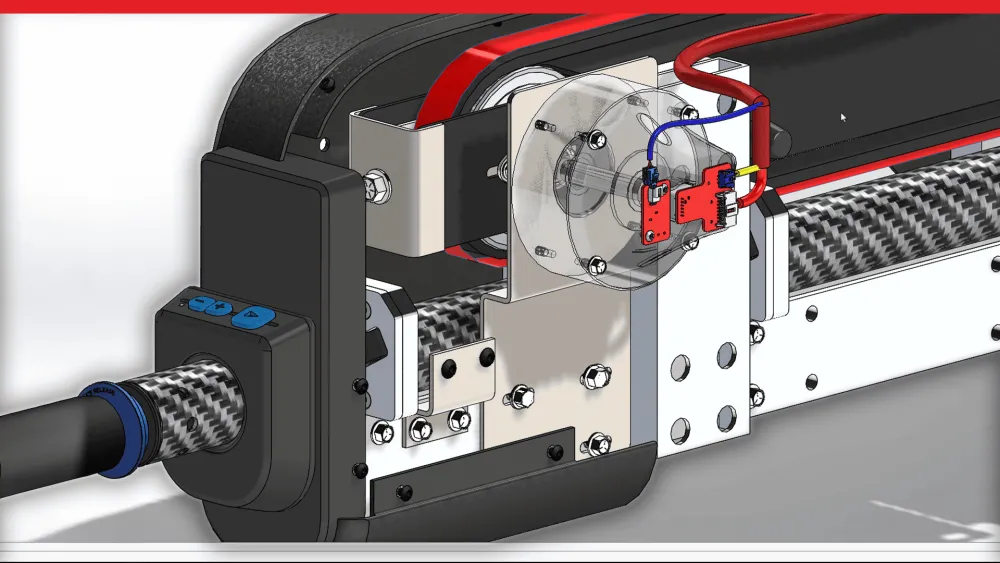
Watch the video to learn more about enhancements, including:
- Unplanned Offline Mode: Continue to be productive working in SOLIDWORKS Design even if your internet connection is lost.
- Disable Auto-Resolve for Lightweight: Disable auto-resolve for lightweight components when expanding the Feature Manager tree, improving performance and saving time when working with large assemblies.
- Save Configuration Compatibility with 3DEXPERIENCE platform: Save a physical product as a new part on the 3DEXPERIENCE platform after a file has been updated for 3DEXPERIENCE compatibility with the new Configuration Manager.
What’s New in SOLIDWORKS Design: R2025x FD01, February 2025
Watch the video and read the blogs to learn more about enhancements, including:
- Simplified User Interface: Focus more on design by reducing the displayed commands to those that are most commonly used.
- Automatic Drawing Generation: New drawing capabilities for automatic drawing generation, flattened BOM, and configuration tables.
- Support SOLIDWORKS Cutlists on the 3DEXPERIENCE Platform: Enhance design-to-manufacturing workflow efficiency with seamless Cut-List management, visualization, and EBOM/MBOM integration.
SOLIDWORKS Delivery Day: Enhancements Unboxed
Deep Dive Into the Latest CAD Enhancements
SOLIDWORKS Delivery Day is your virtual unboxing of every FD release. Stay up-to-date with the most recent updates, features, and tools that can help you streamline your design process and maximize your productivity. Whether you’re an experienced SOLIDWORKS user or just starting out, this series is packed with valuable insights to help you make the most of each new update.
Explore 2024 SOLIDWORKS Design Enhancements
SOLIDWORKS releases new functionality throughout the year in Service Packs (SPs) and Functional Deliveries (FDs). These enhancements are in addition to the annual General Availability (GA) release. Explore the below tabs to learn about 2024 updates for design and modeling and collaboration and data management.
-
R2024x GA
R2024x GA

Discover top enhancements, including previous release compatibility, insert assembly into part, create bidirectional linear patterns, automatically propagate slots, filter unwanted components during STEP import, reattach dangling dimensions more efficiently, access bookmarks from inside SOLIDWORKS, view drawing symbols in 3DPlay, and much more.
- R2024x FD01
- R2024x FD02
- R2024x FD03
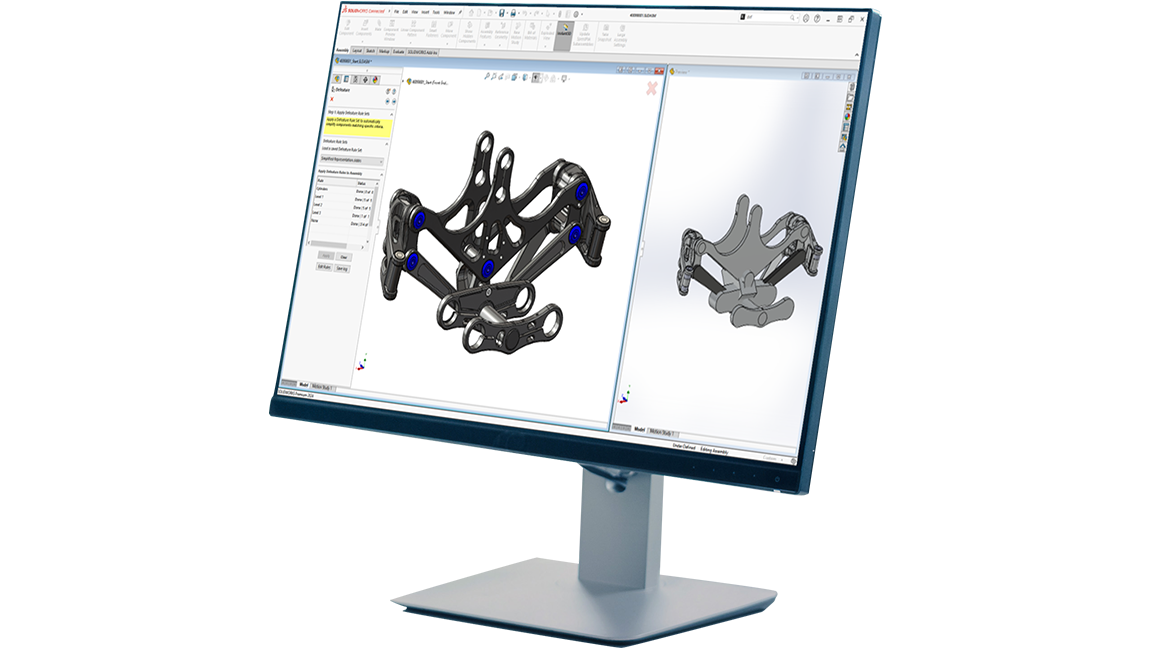
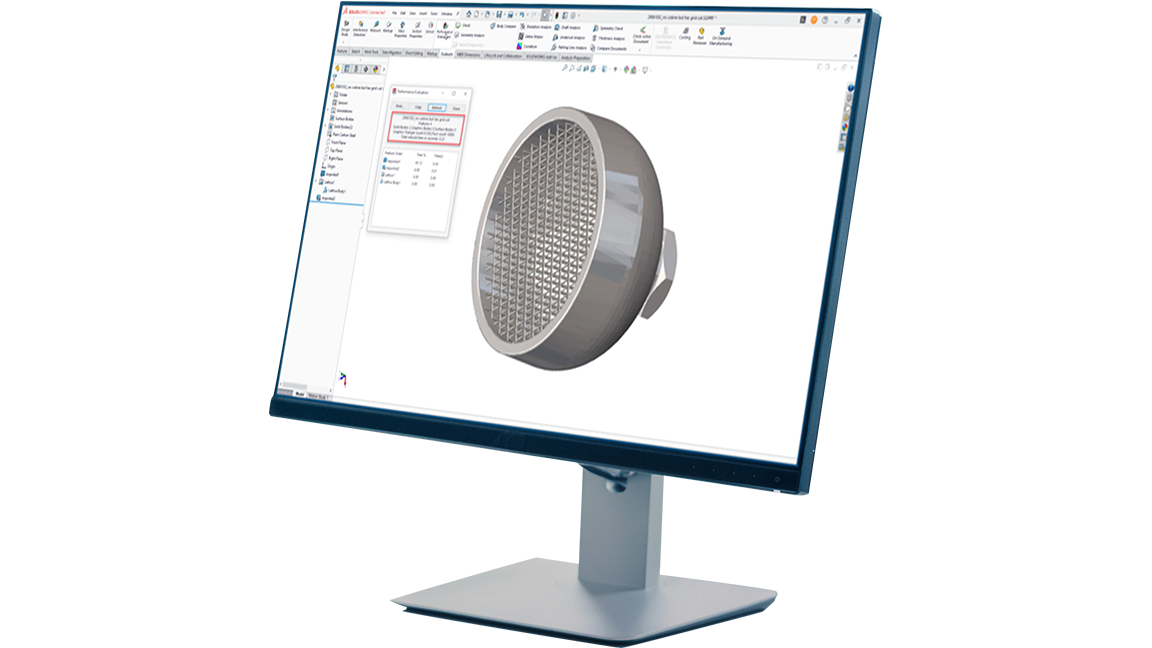
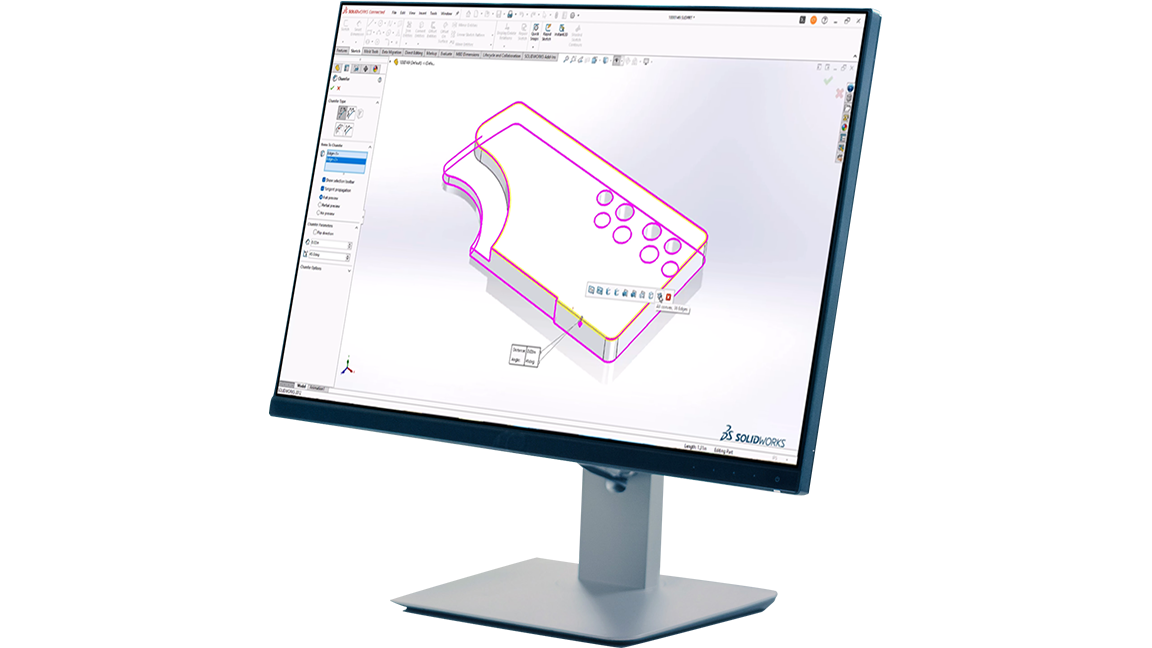
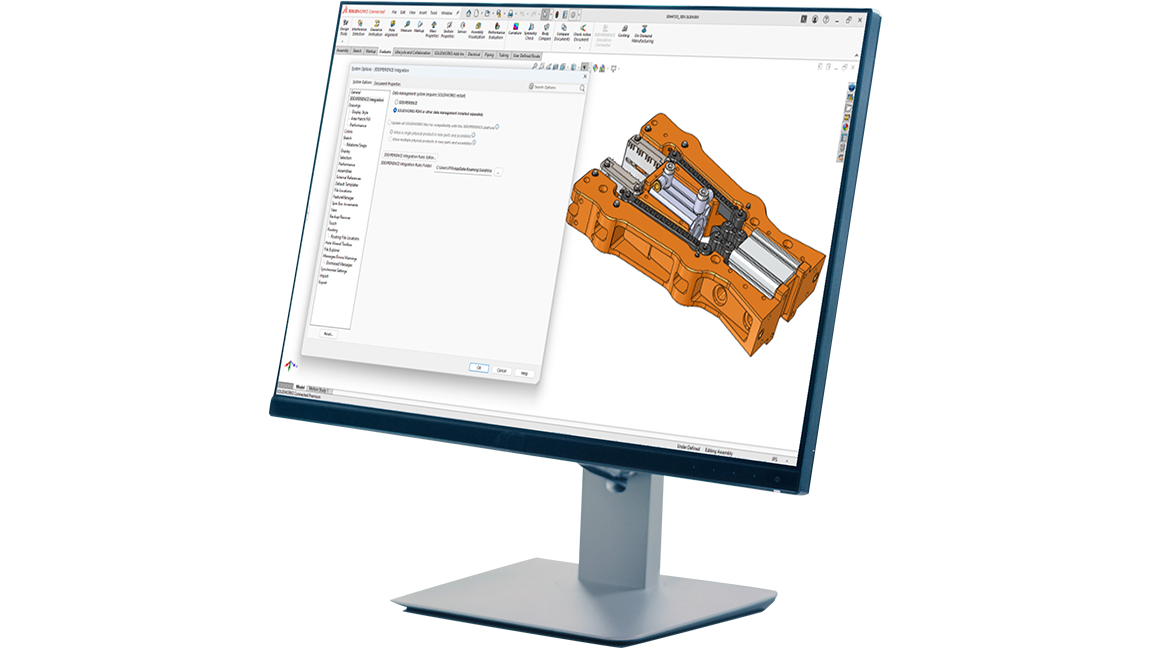
Explore the What’s New Wiki for more enhancement demos and information
Learn more
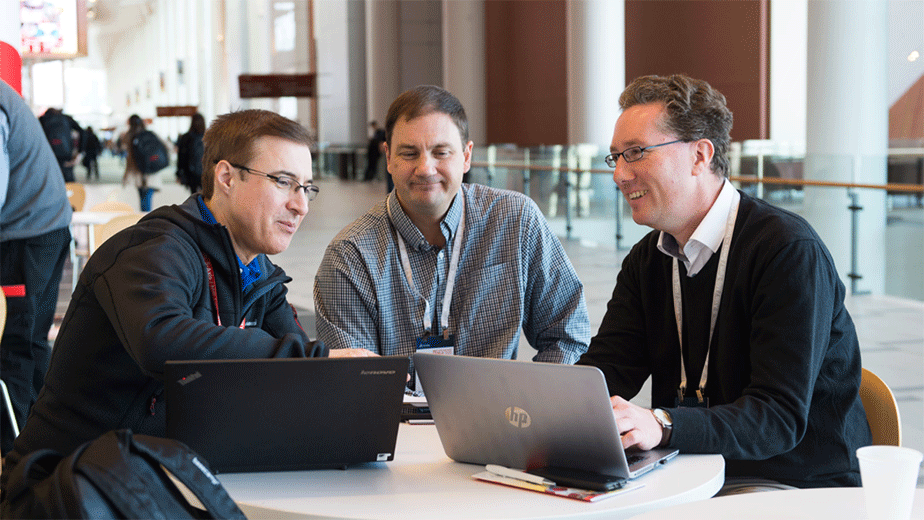
Share Your Enhancement Requests
SOLIDWORKS is built by designers and engineers for designers and engineers. 90% of product enhancements come directly from SOLIDWORKS Design users. Simply put, we need your feedback to build the product development tools you need to get the job done. Share your ideas on the SOLIDWORKS Enhancement Ideas Community and let us know what would make your workflows smoother and more efficient.
Catch Up with SOLIDWORKS
Been a while since your last upgrade? Looking to eliminate time-intensive tasks? Catch up on years of time-saving enhancements and discover an easier way to work! The last several major releases of SOLIDWORKS Design each introduced significant new Parts, Assemblies, Drawings, and User Experience enhancements and workflows.
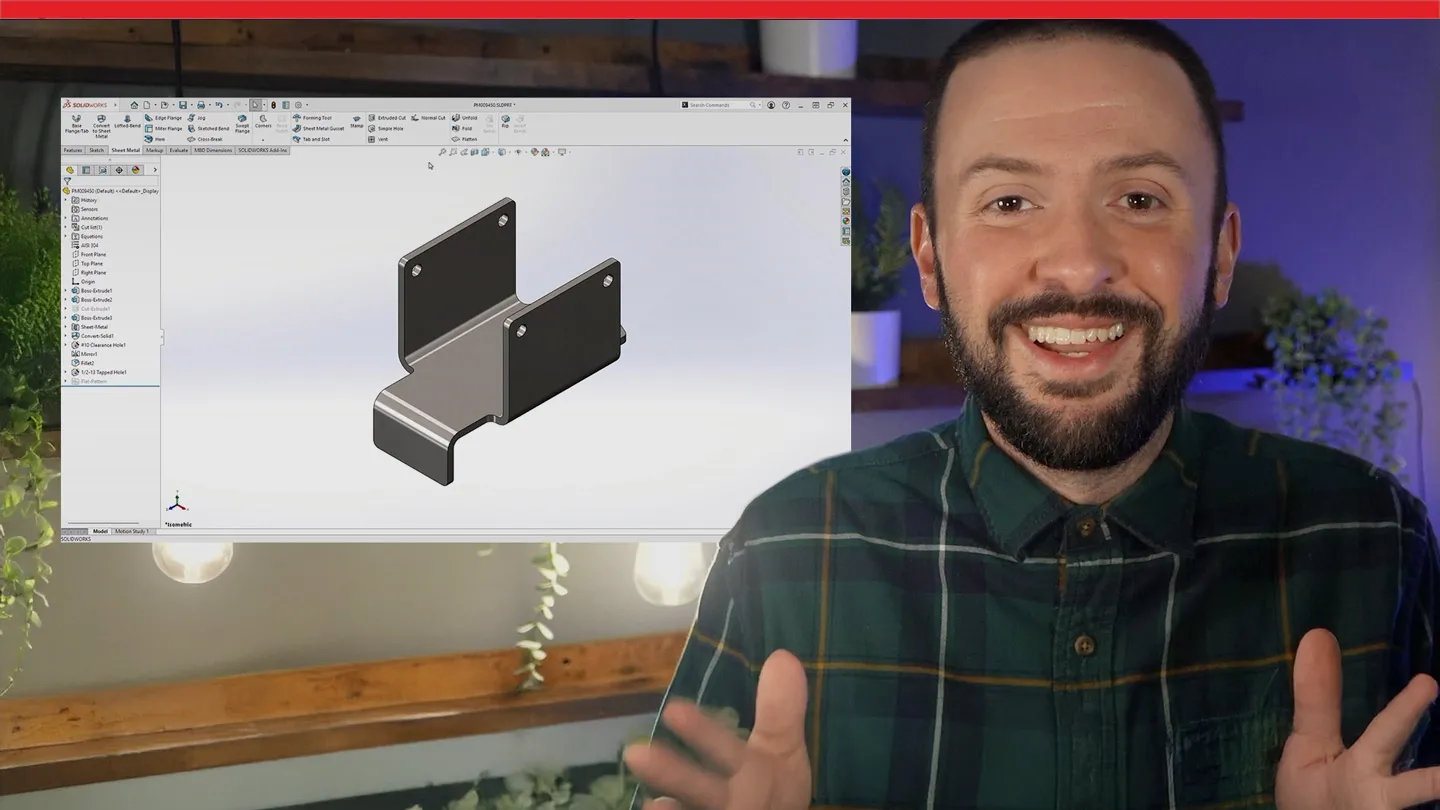
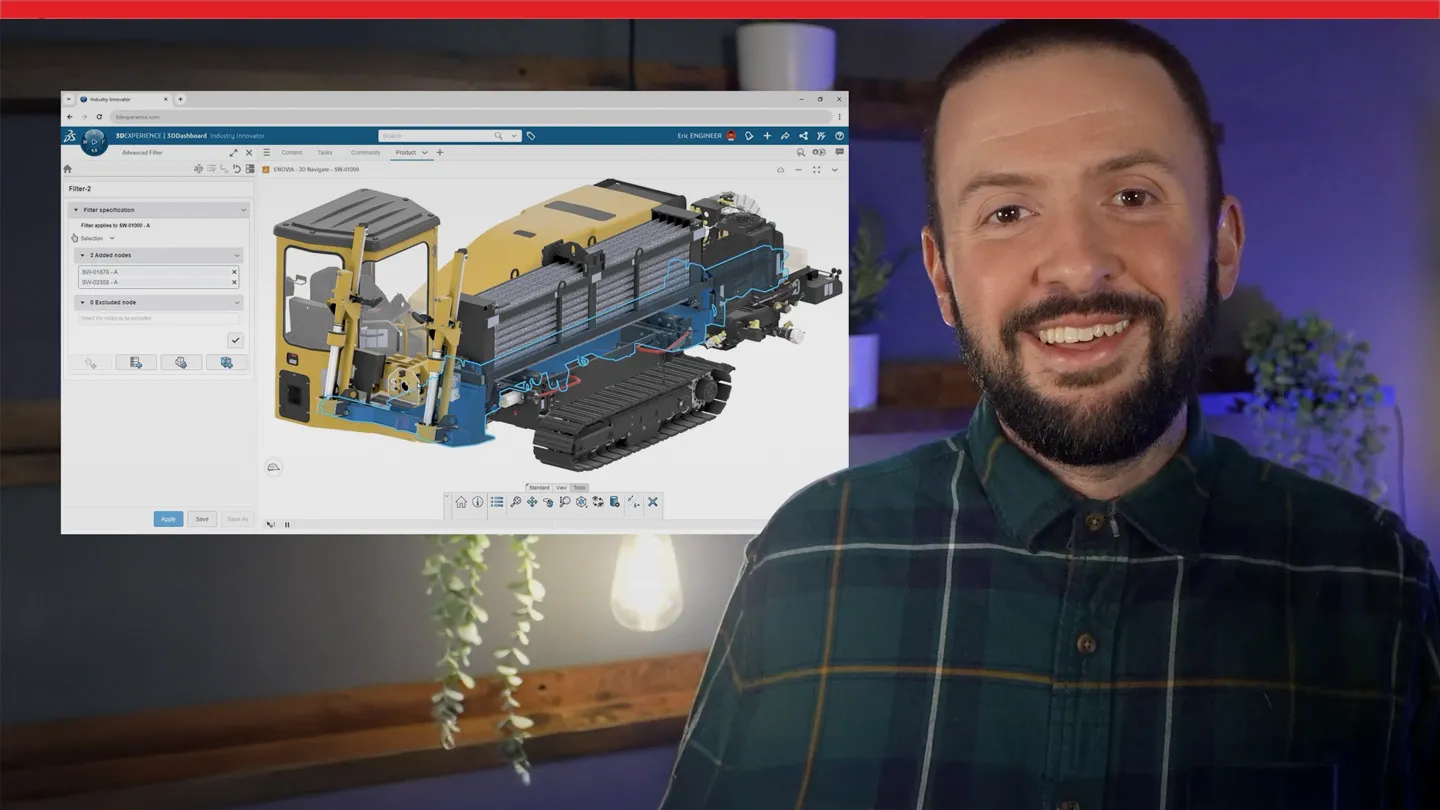
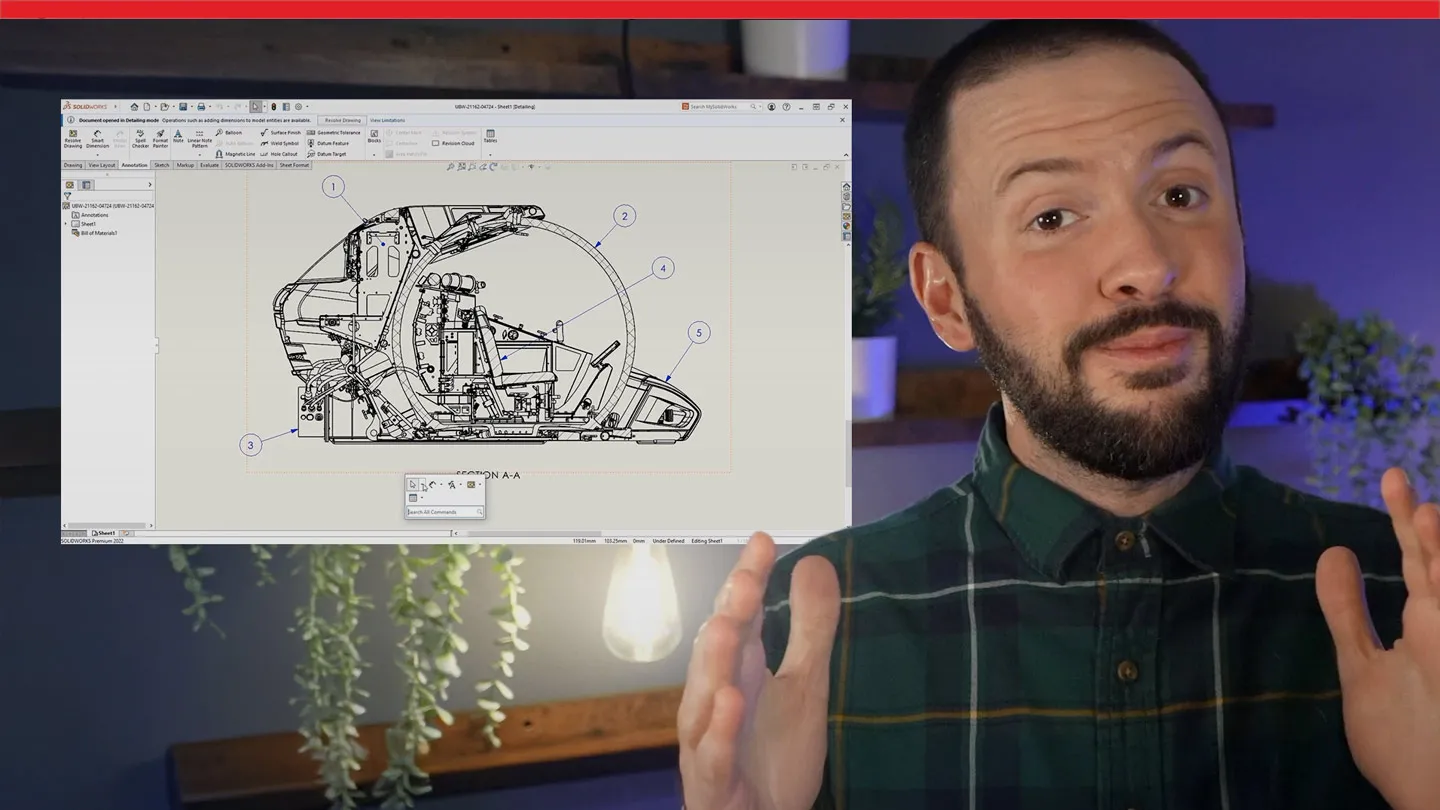
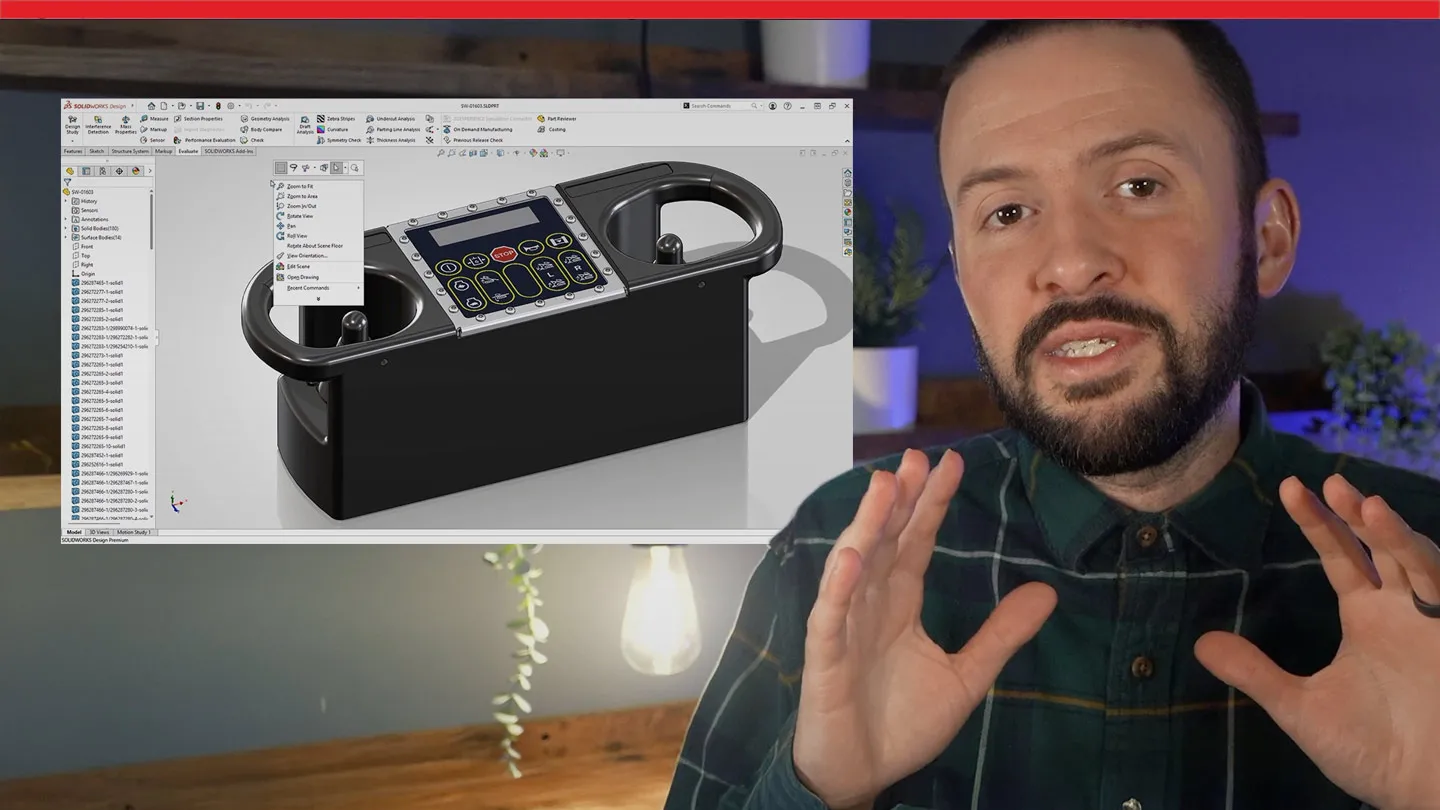

Catch up with Sean O'Neill now on what you might have missed out on since your last upgrade. And get a first look at highlights from the initial release of SOLIDWORKS Design 2026.
What’s New in SOLIDWORKS 2027
Designed for those who build what’s next. See the latest SOLIDWORKS AI, design, simulation, electrical, PDM, and 2D CAD enhancements.

SOLIDWORKS Design Enhancements FAQs
How often does SOLIDWORKS release enhancements?
Where do I learn about enhancements?
Can I make an enhancement request?
What is an FD release?
What is an SP release?
What is a GA release?

Find SOLIDWORKS Support
Get technical support for SOLIDWORKS products and explore ways to grow your engineering design skills.

Contact Us
Connect with us in person, by phone, email, or online community. Find the right contact for your goal.

News & Info
Stay up to date with the latest news, upcoming events, and connect with SOLIDWORKS brand experts.
Have Questions about SOLIDWORKS?
We can help you determine the best option for your team.