SOLIDWORKS for Makers
3D Modeling and Cloud-Based Design Tools for Ambitious Makers

Start making today with SOLIDWORKS for Makers
Explore at $48 USD/year*
SOLIDWORKS® for Makers is a full 3D CAD license for personal use, for just $48 USD a year. It is built for makers, hobbyists and DIY enthusiasts who generate less than $2,000 USD in annual revenue from their projects. Choose from two design packages, cloud or desktop, built for your maker projects. The same SOLIDWORKS tools engineers use, priced for personal use.
Pick the Makers package that's right for you:
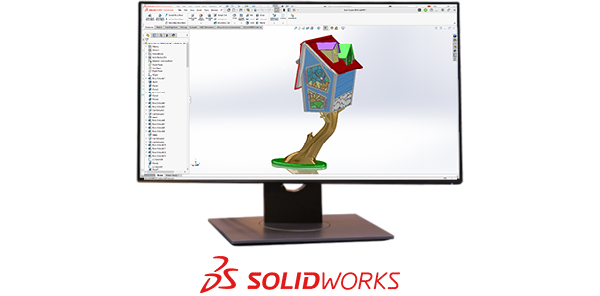
3DEXPERIENCE SOLIDWORKS for Makers
Proven and powerful SOLIDWORKS 3D CAD
Features include:
- 3D CAD: Locally Installed
- Local & Cloud Storage
- Photorealistic Rendering
- 2.5 & 3-Axis CAM
- Access to Learning Content and Maker Communities
Devices Supported:
- Windows PC
- Installation required
*USA price for single user excluding local taxes.
Local pricing listed in cart. 15-day money-back policy on yearly subscriptions.
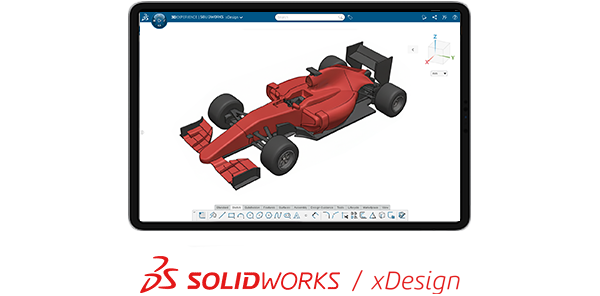
SOLIDWORKS xDesign for Makers
Browser-based SOLIDWORKS xDesign 3D CAD
Features include:
- Cloud 3D CAD: Browser-based
- Cloud Storage
- AI-powered Design Guidance and Design Assistant
- Cloud Rendering and Interactive 3D Presentations
- Simulation: Motion Studies
- Access to Learning Content and Maker Communities
Devices Supported:
- Chromebooks, MACs, Tablets, Windows PC
- No installation required
*USA price for single user excluding local taxes.
Local pricing listed in cart. 15-day money-back policy on yearly subscriptions.
Need a detailed comparison between these packages?
| Capabilities | 3DEXPERIENCE SOLIDWORKS for Makers | SOLIDWORKS xDesign for Makers |
|---|---|---|
| Parts & Assemblies | ||
| Drawings | ||
| Freeform Designs | ||
| Sheetmetal | ||
| Structural & Framing | ||
| Mold Design | ||
| Motion Studies | ||
| CAM (NC Programming) | ||
| Rendering | ||
| Interactive 3D Presentations | ||
| No Installation Required | PC Installation | |
| Learning Content | ||
| Online Communities |
Start making today with SOLIDWORKS for Makers
Choose your package
Learn More About SOLIDWORKS for Makers
Explore SOLIDWORKS for Makers:
Woodworking, CNC, DIY, and 3D Printing
-
3D Printing
3D Printing

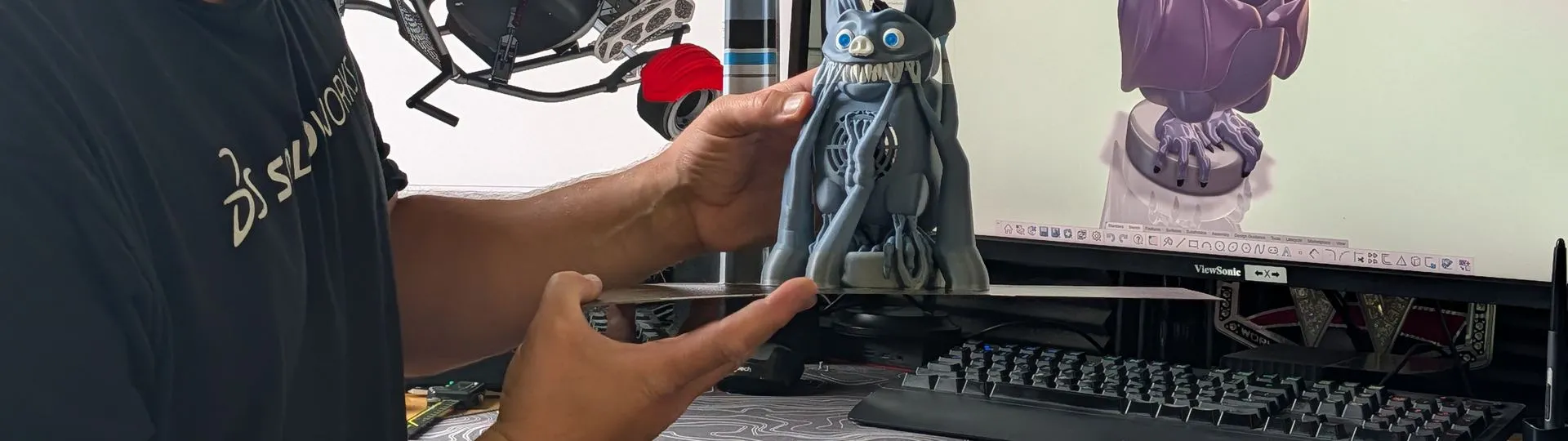
Print parts that fit the first time. Model in SOLIDWORKS for Makers, check wall thickness and overhangs before you print, then export .stl or .obj files for your slicer.
- DIY Projects
- Woodworking
- CNC Machining


Learn More – 3DEXPERIENCE SOLIDWORKS for Makers
Learn More – SOLIDWORKS xDesign for Makers
Connect with Your Maker Community

Share your projects and get feedback from people who understand the work. Thousands of makers and hobbyists post updates, ask questions, and help each other troubleshoot along the way.
SOLIDWORKS for Makers | FAQs
How much does SOLIDWORKS for Makers cost?
Is SOLIDWORKS for Makers available in my country?
What do I get with my subscription?
How do I know which offer is best for me?
Is SOLIDWORKS for Makers good for beginners?
Can I use SOLIDWORKS for Makers to design for 3D printing?
Are my SOLIDWORKS for Makers files, formats, or data restricted?
What are the usage restrictions for SOLIDWORKS for Makers?
Is there a storage limit in SOLIDWORKS for Makers?
Can I cancel if I change my mind?
How long does my purchase of SOLIDWORKS for Makers last?
How can I access and manage my subscription at any time, even if my subscription has lapsed?
What kind of support will I get?
Can I use SOLIDWORKS xDesign for Makers offline?
How can someone who is new to CAD learn how to use SOLIDWORKS for Makers?
Who can use the SOLIDWORKS for Makers packages?
Can I use SOLIDWORKS for Makers on a Mac?
Do I need a special license to use SOLIDWORKS for Makers at home?
How do I download SOLIDWORKS for Makers?
Is there a free version or a free trial of SOLIDWORKS for Makers?
Level-Up Your Maker Game
Design your next project with SOLIDWORKS for Makers.