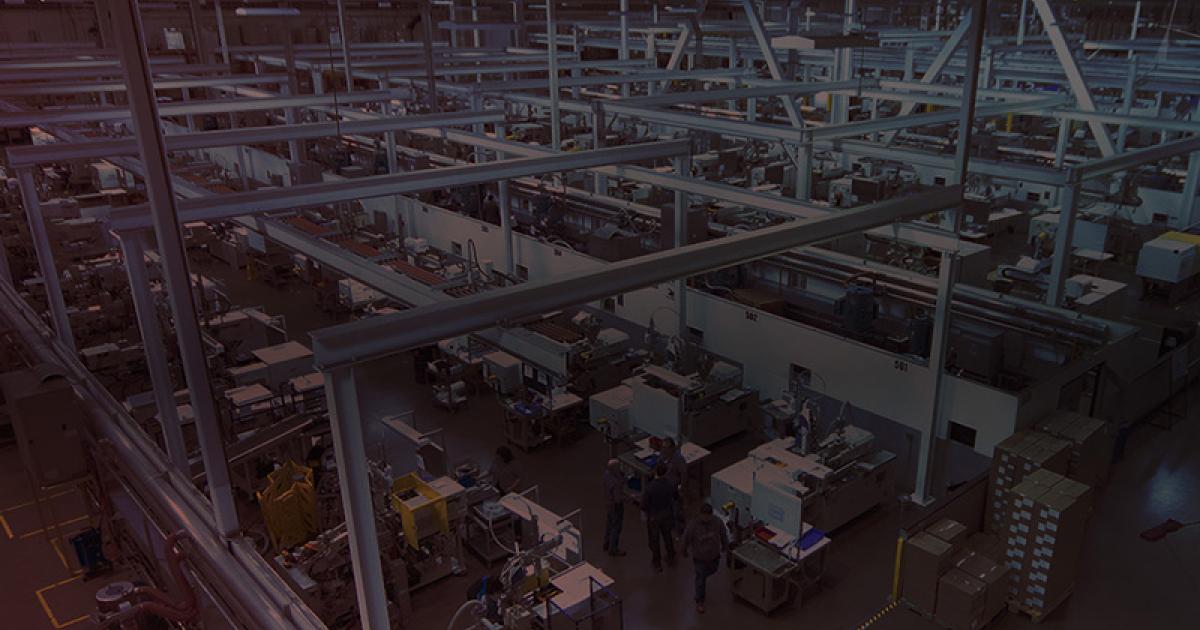
SOLIDWORKS Design
Discover SOLIDWORKS Design, the industry-standard 3D CAD software with cloud collaboration, secure file management, and AI-powered features.
SOLIDWORKS
Automating Design-Through-Manufacturing Processes for Thermoformed Parts with SOLIDWORKS and DELMIAWORKS Solutions
Automate design-through-manufacturing processes for thermoformed plastic parts and components while using real-time production data to boost efficiency, support quality compliance, and keep pace with a growing customer base with increasingly complex requirements. As SAY Plastics’ work expanded across customer-supplied models, custom-designed parts, prototype tooling, production tooling, CNC machining, robotics, and multiple forming centers, the company needed a more connected way to manage design data, documentation, production visibility, quality control, and delivery performance.
Implement SOLIDWORKS design, product data management, eDrawings, and photorealistic rendering solutions alongside the DELMIAWorks manufacturing ERP system. Together, these Dassault Systèmes solutions help SAY Plastics connect design data, ERP, document control, shop-floor access, production monitoring, quality processes, and customer communication in a more unified design-through-manufacturing workflow.
SAY Plastics is a custom plastic solutions contract manufacturer that designs, manufactures, and assembles thermoformed plastic parts and components for leading manufacturing customers. Founded in 1986 and ISO 9001:2015 certified, the company serves customers across mass transit, agriculture and horticulture, heavy equipment, energy, entertainment, food and beverage, healthcare and medical, industrial, telecommunications, and transportation and logistics markets.
As customer requirements became more complex, SAY Plastics needed a more connected way to manage design data, tooling, documentation, production visibility, quality control, and delivery performance across its thermoforming operations. To support that need, the company implemented SOLIDWORKS® Design, product data management, eDrawings®, and photorealistic rendering solutions alongside the DELMIAWorks® manufacturing enterprise resource planning (ERP) system. Together, these Dassault Systèmes solutions are helping SAY Plastics connect design-through-manufacturing processes, improve the accuracy of estimates, support stronger profit margins, maintain on-time delivery, boost quality, and streamline the transition from engineering to the shop floor where the final plastic part or thermoplastic solution is made.
“With the types of thermoformed parts that we produce continually changing, some from customer models and some custom-designed parts that we create, along with tooling, and operating nine separate forming centers, with some using CNC machines and robotic arms, we simply needed to streamline the flow of information and automate processes to boost productivity,” says IT Director Bobby May. “We have continually improved the use of our SOLIDWORKS and DELMIAWorks solutions, but our efficiencies really took off when we added the Document Control and Real-Time Production Monitoring modules to our DELMIAWorks manufacturing ERP system in 2021 and added our own custom dashboards to integrate design data from our SOLIDWORKS product data management system with the manufacturing processes on the shop floor.”
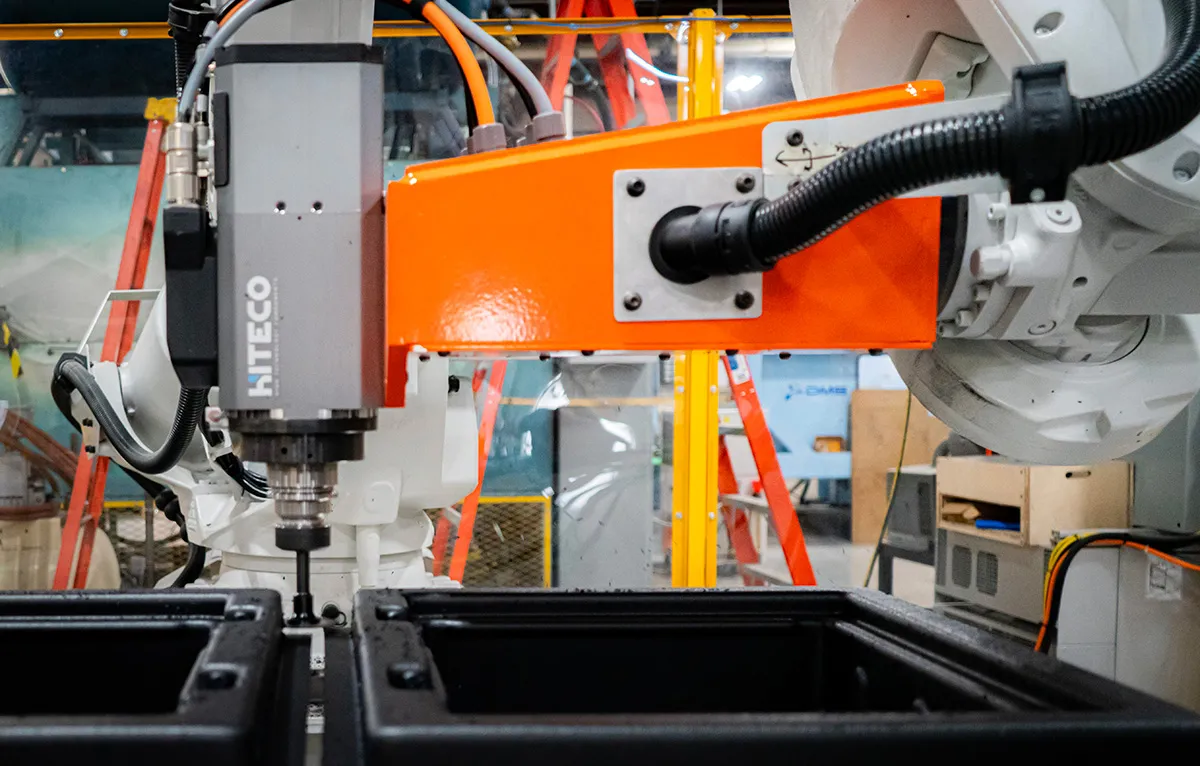
SAY Plastics implements SOLIDWORKS Design CAD models to interface with Mastercam® 5-axis machining software, CNC machines, forming centers, robotic arms, and 3D printers to create molds, tooling, and fixtures used to produce thermoformed plastic parts. With dashboards developed around the DELMIAWorks manufacturing ERP quality management system and SOLIDWORKS PDM data, SAY Plastics can provide real-time production data as well as shop-floor access to current design information for its thermoplastic solutions. This integrated Dassault Systèmes environment helps increase productivity, support accountability, improve decision-making, and maintain ISO 9001:2015 quality compliance. It also supports SAY Plastics’ planned future use of robotics and automation by giving the company better visibility into design and production data across its thermoforming operations.
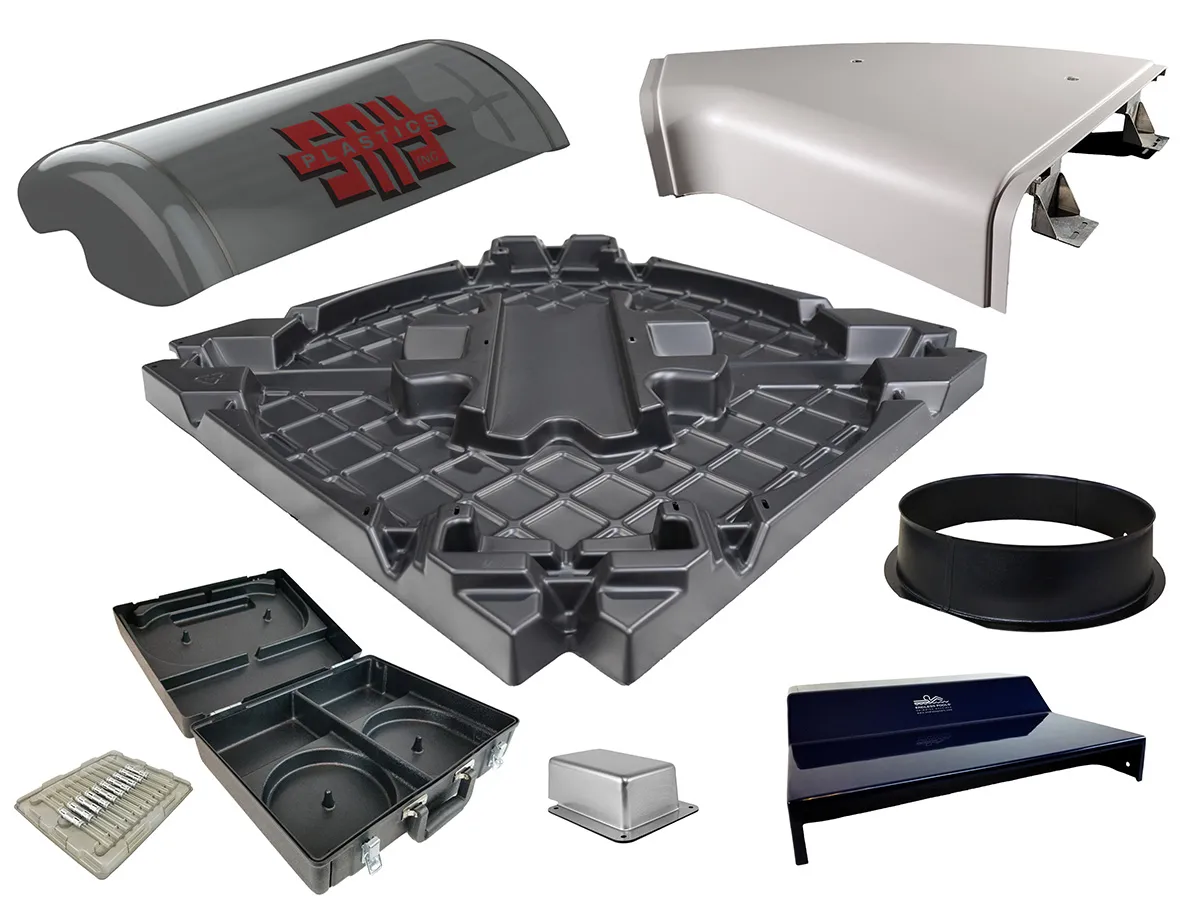
SAY Plastics is leveraging SOLIDWORKS and DELMIAWorks solutions to automate and accelerate the design and production of more challenging thermoformed plastic parts, including light-gauge products with thicknesses as small as 0.04 inches.
While about 60% of SAY Plastics’ manufacturing operations involve creating tooling with SOLIDWORKS and managing production using product models supplied by customers, roughly 40% of the company’s business requires custom design conception and tooling with SOLIDWORKS, according to CNC & Robotics Engineer Ian McCamant. “Our business ranges from developing quick prototypes and production tooling using customer models to creating entirely new product designs and tooling from scratch using SOLIDWORKS,” McCamant explains.
For example, Kenworth Trucks came to SAY Plastics requesting a paint-masking system for the hood of one of its trucks. McCamant received the CAD model for the truck and used SOLIDWORKS to design the thermoplastic solution including mask and plug components, review the design internally, and share the concept with the customer before producing a prototype and moving toward production. The project demonstrates how SOLIDWORKS helps SAY Plastics move quickly from customer-supplied geometry to manufacturable thermoformed designs and tooling concepts.
“This type of project is becoming more common,” McCamant adds. “SAY Plastics supports customers throughout the product life cycle — from prototype development and production validation through full-scale manufacturing. Our combination of thermoforming, CNC machining, robotics, and integrated digital manufacturing tools allows us to efficiently support both low- and high-volume programs. SOLIDWORKS design software is helping us accelerate development and manage increasingly diverse customer requirements.”
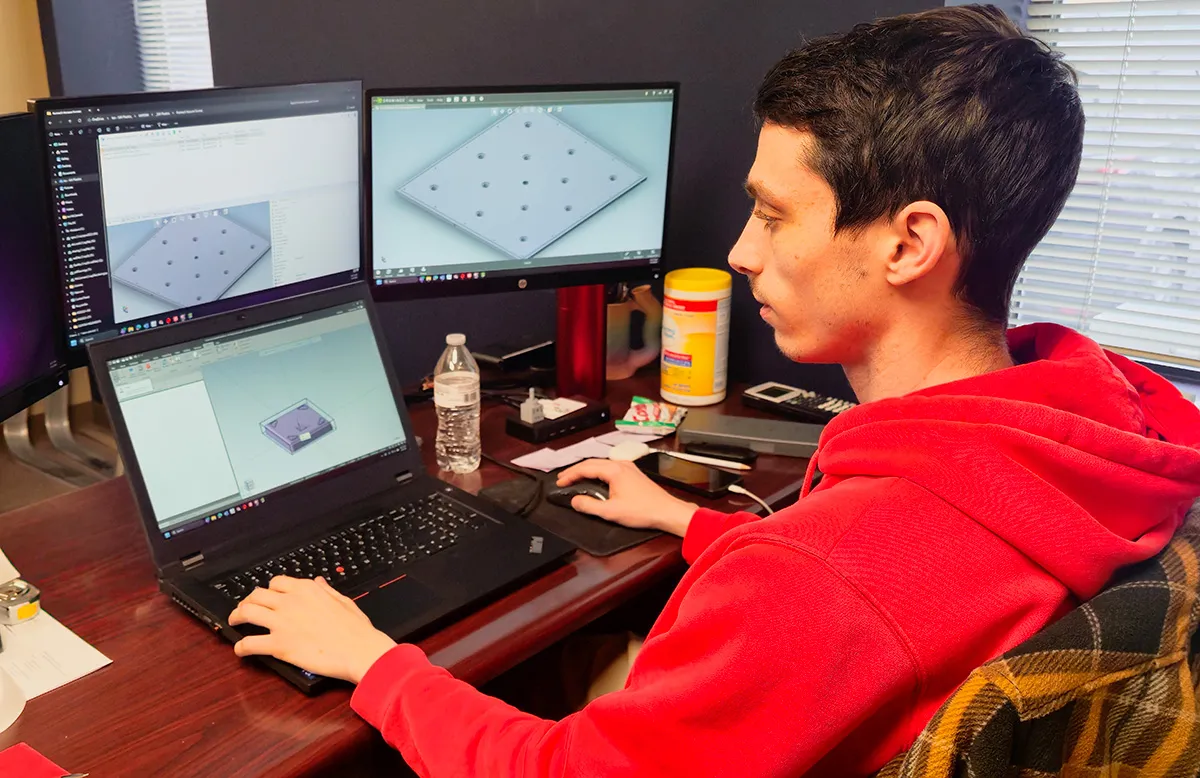
SAY Plastics CNC & Robotics Engineer Ian McCamant relies on SOLIDWORKS surfacing tools to efficiently create product designs, molds, and tooling that have become increasingly more complex and challenging.
Although SAY Plastics production once focused almost entirely on heavy-gauge thermoformed plastics ranging in thickness from 0.125 to 0.375 inches, the company is now working on more light-gauge products with thicknesses as small as 0.04 inches, similar to plastic clamshell trays used in grocery stores.
As SAY Plastics expands the types of products it supports, SOLIDWORKS surfacing tools are helping the company accelerate the design and manufacture of more challenging parts.
“I spend 90% of my time using SOLIDWORKS and use most of the surfacing design tools,” McCamant says. “For complex products, I use the mirroring tool as much as possible. The more I can mirror, the more I can save time and effort because I don’t have to create both sides of a mold; and if I need to make a change to a mold, every change I make will be reflected in the mirrored side, which is a big time-saver.”
With SOLIDWORKS surfacing and mirroring tools, SAY Plastics can accelerate mold and tooling design for more complex thermoformed products. These capabilities help the engineering team reduce repetitive modeling work, make changes more efficiently, avoid manufacturing defects, eliminate costly rework, and move designs toward tooling and production more quickly.
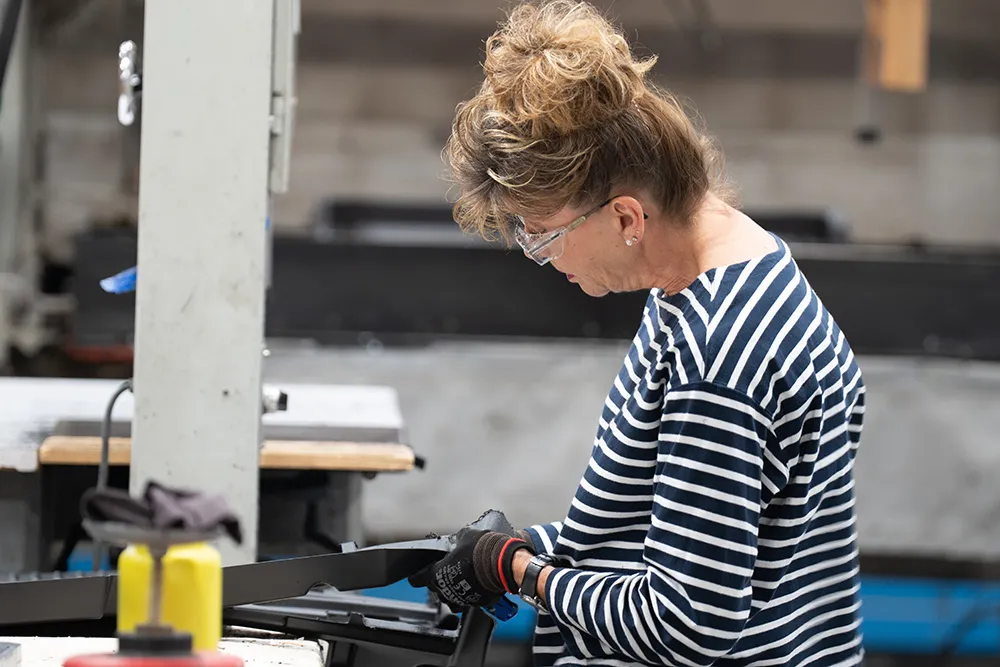
SAY Plastics quality control personnel utilize SOLIDWORKS eDrawings when inspecting manufactured parts as shown here. If more information is needed, quality control personnel can leverage DELMIAWorks to go beyond the eDrawings file
Discover SOLIDWORKS Design, the industry-standard 3D CAD software with cloud collaboration, secure file management, and AI-powered features.
SOLIDWORKS
An end-to-end ERP System developed with a “shop floor first” focus to help mid-market manufacturers increase efficiency and visibility of performance on the plant floor
SOLIDWORKS
“With DELMIAWorks dashboards connected to SOLIDWORKS PDM data, our production and quality teams can access the current design information they need without relying on paper packets or searching for files. That helps us keep design, production, and inspection aligned.”
In addition to saving time during initial design, SAY Plastics uses dashboards connected to the DELMIAWorks Document Control module to access design data stored in the SOLIDWORKS PDM system. This gives production and quality teams direct access to current design information where the work is taking place: on the shop floor. Each forming center is equipped with a 27-inch digital monitor, which production personnel can use to access the SOLIDWORKS eDrawings file for the part to be machined or thermoformed. Quality control personnel also use SOLIDWORKS eDrawings when inspecting manufactured parts. If more information is needed, teams can go beyond the eDrawings file and pull up the 3D SOLIDWORKS model as well.
“With DELMIAWorks dashboards connected to SOLIDWORKS PDM data, our production and quality teams can access the current design information they need without relying on paper packets or searching for files,” May says. “That helps us keep design, production, and inspection aligned.”
This level of automation has helped SAY Plastics reduce paper use while improving access to controlled documentation. It has also reduced the time required to prepare for and participate in the company’s annual ISO audit. “We used to need two weeks of preparation and three days to conduct the audit,” May continues. “Now, it takes a week of preparation and six hours for the ISO audit, plus the benefit of improved quality overall.” This improvement shows how connecting SOLIDWORKS design data with the DELMIAWorks Document Control module can help manufacturers reduce administrative effort while supporting quality and compliance requirements.
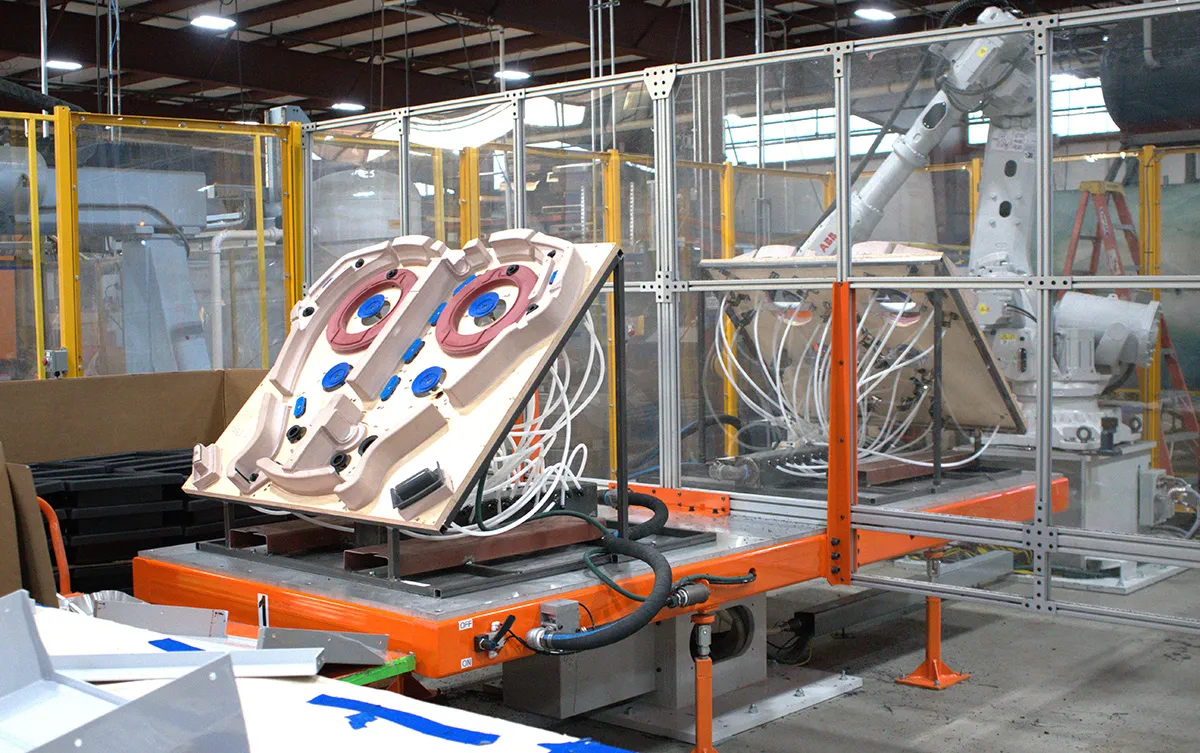
On the production floor, SAY Plastics uses large digital monitors positioned at each forming center to gain a better understanding of the part to be machined or thermoformed, and how it should be assembled.
The impetus for acquiring the DELMIAWorks Document Control module and developing dashboards to automate design-through-manufacturing processes was improving on-time delivery performance, which is now nearly 100%. “In the past, the lack of automation meant that we didn’t have access to information regarding issues that can create unforeseen delays, such as problems related to inventory, materials, production capacity, and the supply chain,” May says.
Using DELMIAWorks dashboards, advanced tracking, and alert systems, SAY Plastics can monitor production timelines and inventory levels, identify potential issues earlier, adjust schedules on the fly, and optimize resource allocation to meet customer deadlines. “This has allowed us to achieve on-time delivery rates between 99 and 100%,” May continues. “And, if there is a delay, we’ve reduced the delay to an average of less than one day.”
By giving SAY Plastics better visibility into production timelines, inventory, capacity, and potential supply-chain issues, DELMIAWorks helps the company manage customer commitments more effectively and respond to changing production conditions before they become problems.
SAY Plastics also benefits from using SOLIDWORKS Visualize software to create photorealistic renderings of product designs, prototypes, and tooling for use by marketing and sales representatives.
“On the sales and marketing side, they are always looking for 3D visuals to share with customers,” May says. “Before we began using SOLIDWORKS Visualize, we’d have to make the part and take a photo of it.”
With SOLIDWORKS Visualize, SAY Plastics can create high-quality renderings directly from the model, match color specifications, add textures, and show customers a more accurate view of the proposed design before producing a physical part. “It’s better and more efficient to take the model and use SOLIDWORKS Visualize to create high-quality renderings,” May continues. “We can match the color specifications and even add multiple textures, producing an accurate image without incurring the time and expense of making an actual part.”
SOLIDWORKS Visualize helps SAY Plastics communicate design intent earlier in the customer conversation. Instead of making a part and photographing it, the team can present a realistic rendering that helps customers evaluate appearance, color, texture, and design direction before tooling and production decisions are finalized.
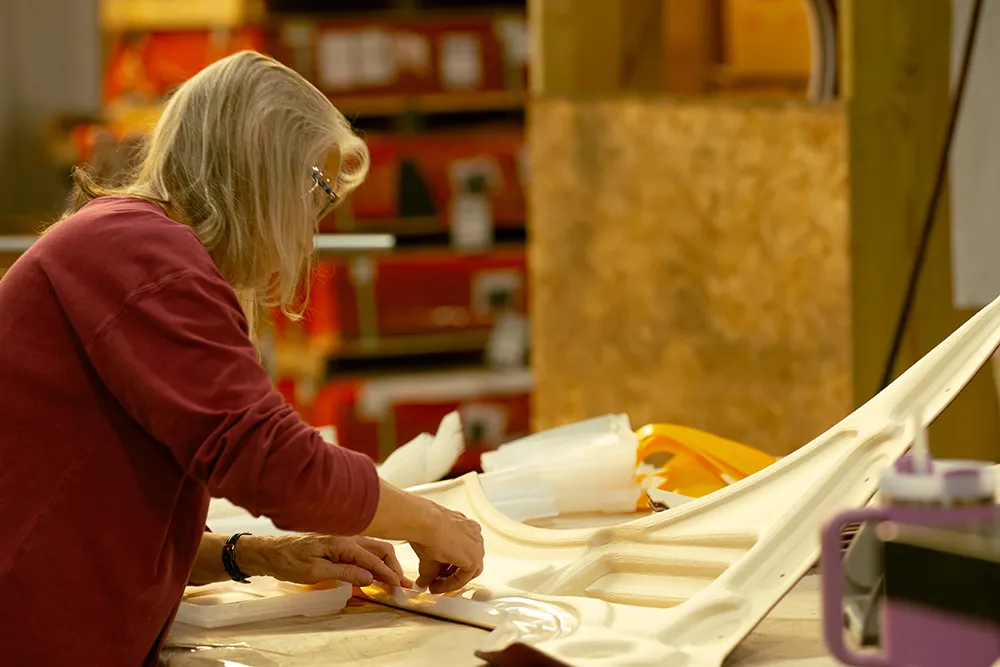
During production and assembly, SAY Plastics team members no longer have to rely on paper drawings or bother engineering with questions because they can access SOLIDWORKS eDrawings, and even the SOLIDWORKS 3D model when necessary
SAY Plastics has realized substantial productivity gains through the automation afforded by SOLIDWORKS and DELMIAWorks solutions, but the company is not resting on its laurels. It is investigating moving design and production data to the cloud on the 3DEXPERIENCE® platform to achieve even greater automation and productivity gains. “There are several reasons why we are considering moving product development and production to the cloud,” May says. “The obvious reason is the cost savings we would enjoy by not having to maintain and update our PDM server.”
The 3DEXPERIENCE platform represents a potential next step in SAY Plastics’ continued use of Dassault Systèmes solutions to connect design and manufacturing data. By moving more product development and production information to the cloud, SAY Plastics expects to reduce the administrative effort of managing local infrastructure while giving engineers and production teams broader access to current data and additional automation opportunities.
“There’s less of an administrative effort in managing data and controlling documentation on the 3DEXPERIENCE platform, and updates are automatic,” May adds. “Our engineers would have access to more beneficial tools at their desktop, we don’t have to have a VPN to access the network, and there are additional opportunities for further automation of our design-through-manufacturing processes. Real-time access to production data, as well as access to design data on the shop floor, show us where we need to improve. Moving operations to the cloud will likely help us to continue to make these improvements.”
For SAY Plastics, moving toward cloud-based development would extend the same Dassault Systèmes-enabled strategy already underway: connecting design process data, production information, documentation, quality processes, and shop-floor decision-making in a more unified digital environment.
Discover collaborative design, its benefits, and tools to boost teamwork. Learn how SOLIDWORKS empowers innovation with seamless design collaboration.
SOLIDWORKS
DELMIAWorks: The Manufacturing ERP Software That Puts Your Shop Floor First
Articles
Innovate faster, design better & grow your career with SOLIDWORKS. Choose the industry standard 3D CAD solution trusted by professionals worldwide.
SOLIDWORKS
Discover advancements in AI CAD tools and their impact on AI product design and how this delivers real-world outcomes for SOLIDWORKS designers.
SOLIDWORKS
SOLIDWORKS solutions enable you and your team to quickly transform new ideas into great products.