SOLIDWORKS AI for CAD Designers and Mechanical Engineers
Make design work easier with AI-powered CAD and SOLIDWORKS

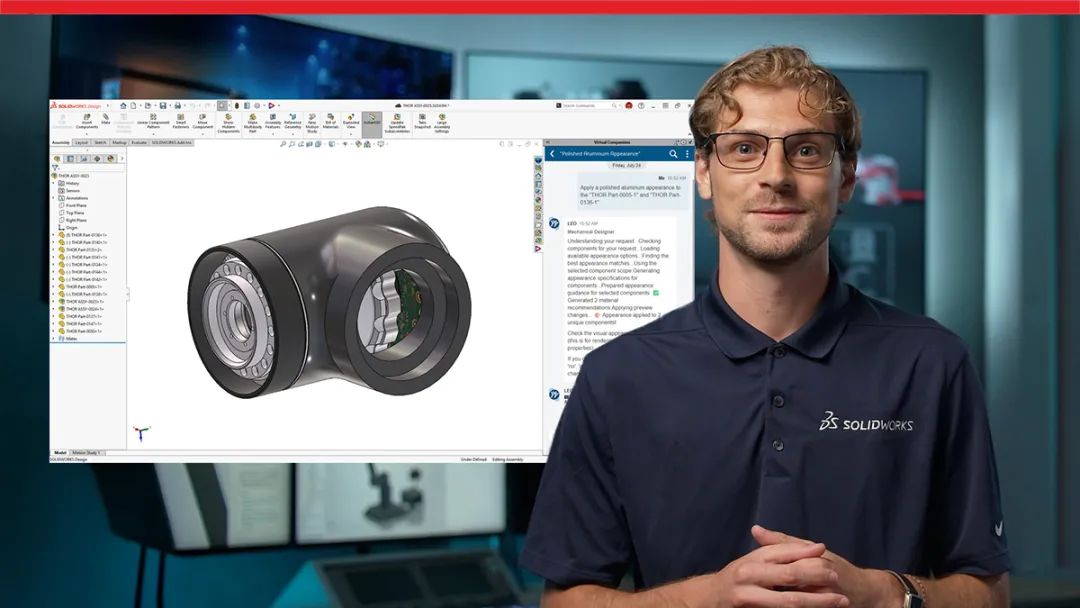
Artificial intelligence and machine learning are transforming how you design. AI powered tools work as a force multiplier, working alongside you to automate repetitive tasks, provide the right information faster, and keep your engineering design work moving forward.
Let’s review some of the recent AI-powered features available in SOLIDWORKS Design.
What Can SOLIDWORKS AI Do for Your Engineering Workflow?
SOLIDWORKS AI delivers expert-level intelligence directly into your design environment, spanning five focused capability areas: Engineering Guidance, Design Validation, Intent to CAD, Manufacturing Documentation, and Assembly Optimization. SOLIDWORKS AI Virtual Companions LEO and AURA power these capabilities, responding to natural language and understanding the full context of your active design. Whether you're modeling parts, validating designs or preparing manufacturing documentation, SOLIDWORKS AI Virtual Companions work alongside you to reduce friction, protect design intent, and help you move from idea to finished product faster.
Engineering Guidance

Virtual Companions give every engineer on your team access to expert-level modeling knowledge without leaving SOLIDWORKS. The Virtual Companion LEO specializes in engineering intelligence and workflow. It automates repetitive tasks, debugs errors with clear, natural-language explanations, and helps users learn advanced techniques on the job. Think of it as having a CSWE-certified expert sitting beside you, ready to answer questions, guide decisions and help anyone on your team work with greater confidence and speed.
-
Design Validation
Design Validation

Design Validation catches problems before they reach production. SOLIDWORKS AI Virtual Companions continuously analyze parts and assemblies against your company and industry standards, surfacing compliance risks, tolerance issues and manufacturing concerns early, when they're the least costly to fix. Instead of relying on late-stage reviews, quality control integrates directly into your design workflow, providing engineers with clear reports and keeping release schedules on track.
- Intent to CAD
- Manufacturing Documentation
- Assembly Optimization
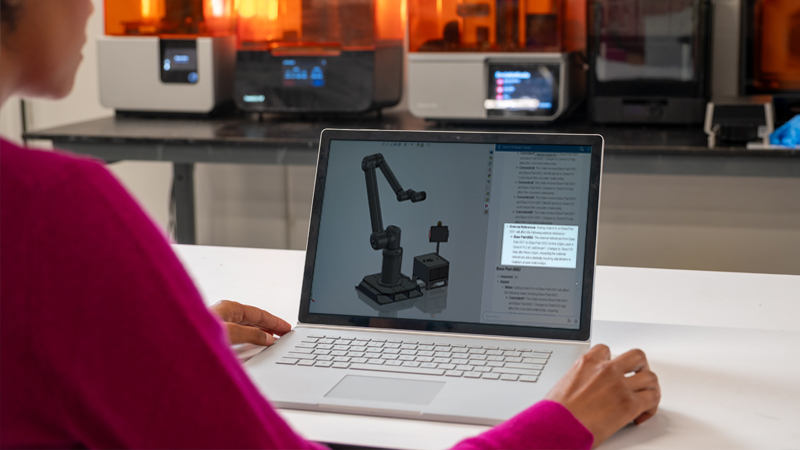
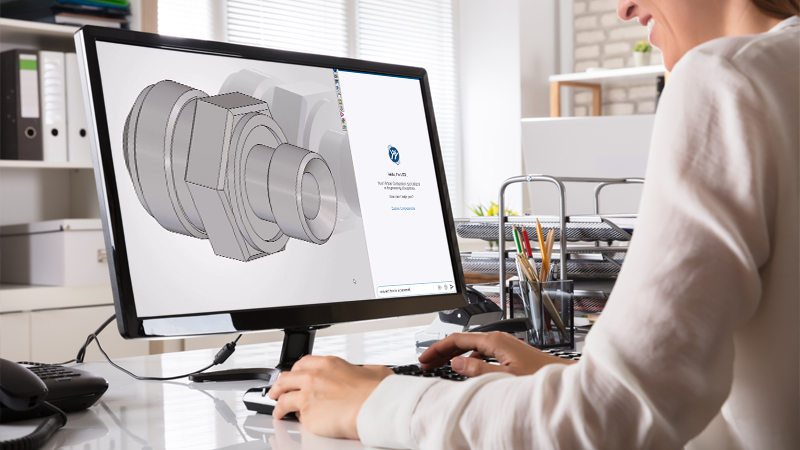
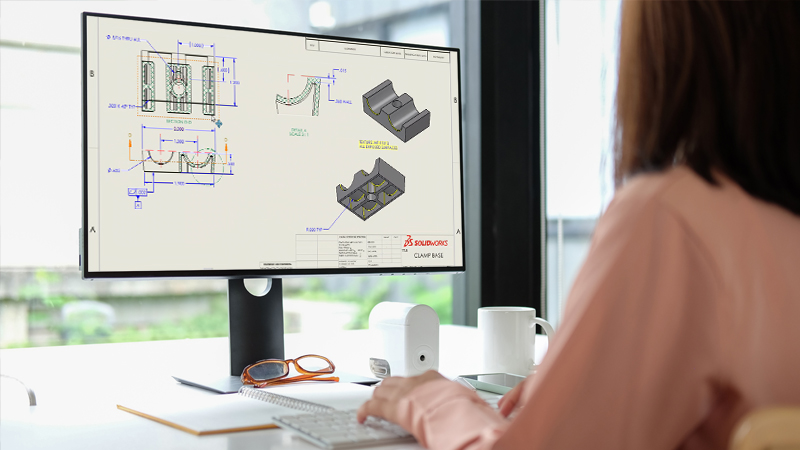
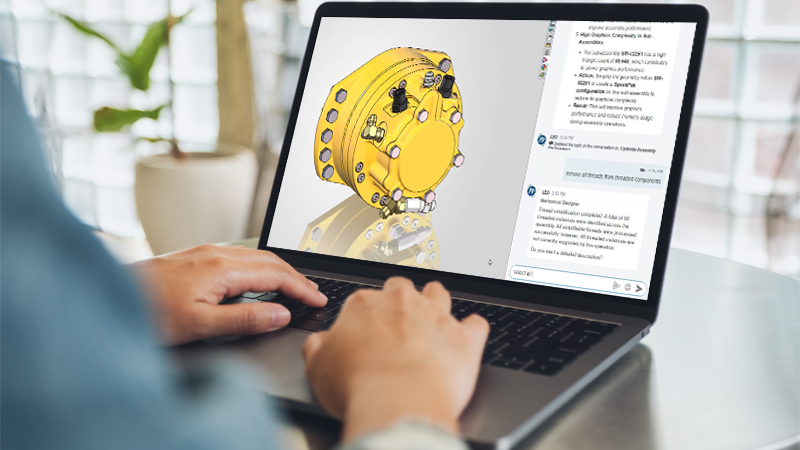
AI-Powered CAD Tools Built for Every Stage of Design
SOLIDWORKS Design delivers 3D CAD enhancements five times a year, and AI is a growing part of every release. These are just a few highlights, with new AI features arriving in each upcoming FD release.
AURA Knowledge Retrieval
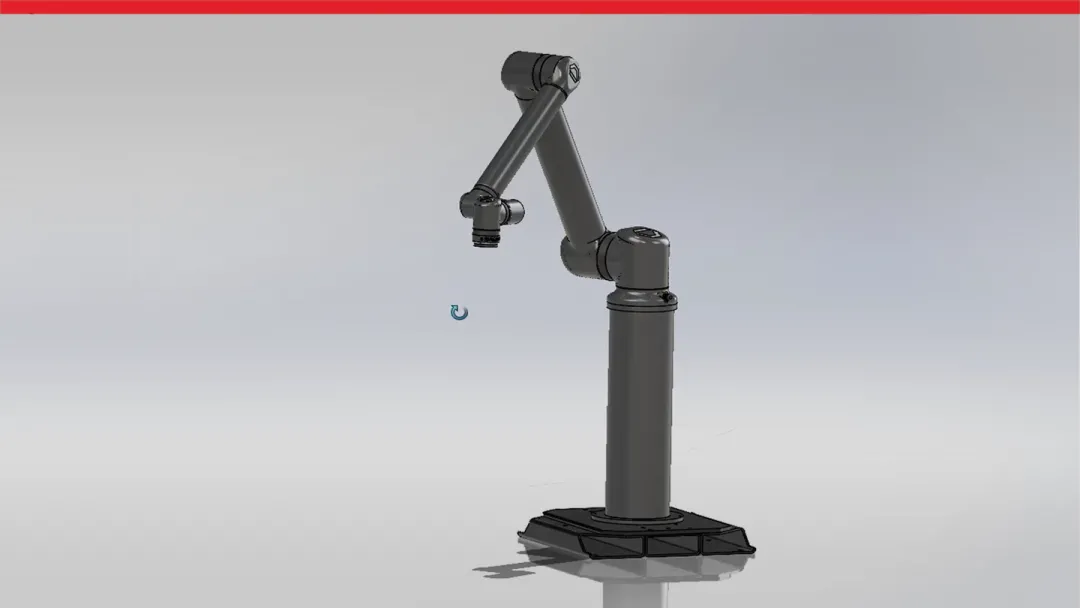
SOLIDWORKS features AURA, an AI Virtual Companion that connects engineering context, documentation, and knowledge within SOLIDWORKS and the 3DEXPERIENCE platform. You own your knowledge, IP, and internal standards and guidelines as a series of living documents stored across secure communities and wikis, and AURA allows you to query it all via natural language to inform design decisions at any point in the process. Explore relevant documentation, summarize discussions, and highlight insights, saving you time and keeping your most valuable knowledge secure and accessible.
Design Change Impact Analysis
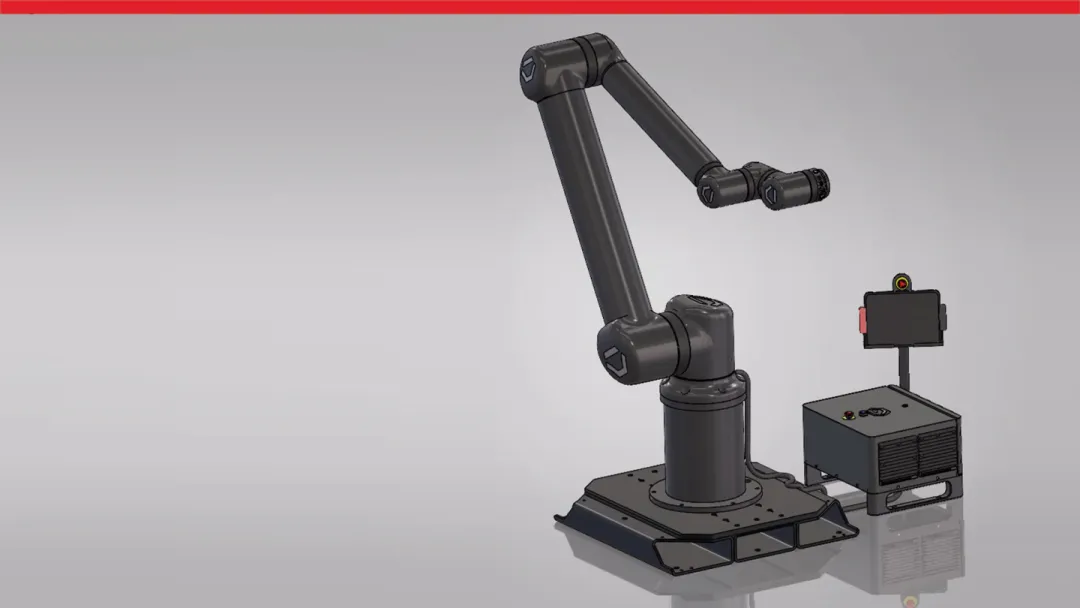
Prompt your SOLIDWORKS AI Virtual Companion to identify which components, subassemblies and drawings a proposed change will affect before you commit to it. Design Change Impact Analysis traces downstream dependencies across your entire assembly, so you can assess scope, catch dependency issues early and make informed design decisions.
BREP to Parametric
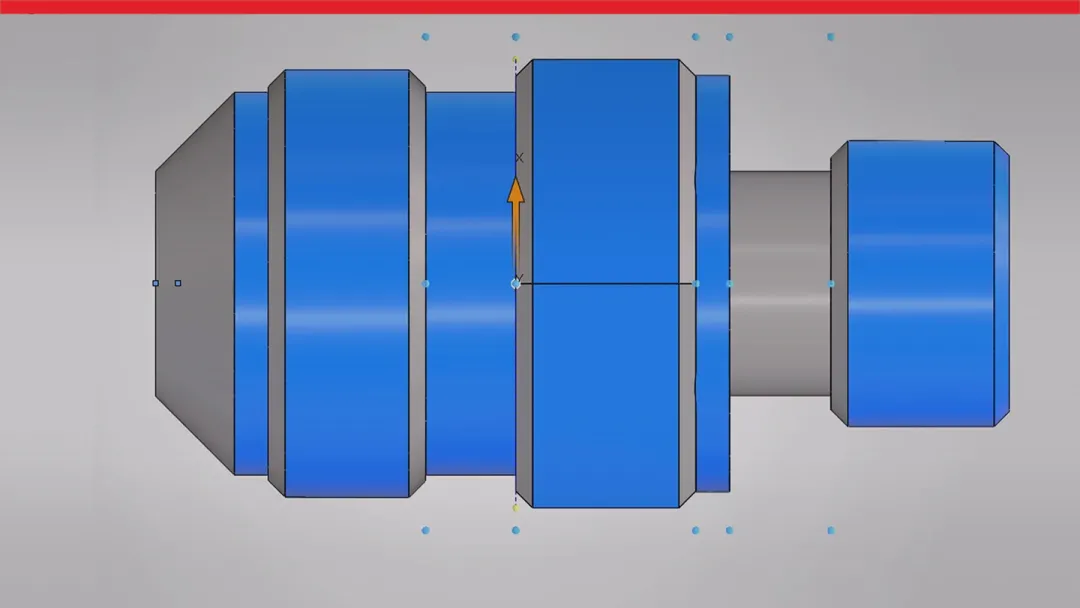
Prompt your SOLIDWORKS AI Virtual Companion to identify which components, subassemblies and drawings a proposed change will affect before you commit to it. Design Change Impact Analysis traces downstream dependencies across your entire assembly, so you can assess scope, catch dependency issues early and make informed design decisions.
How 220+ Engineering Leaders Are Using AI to Build Better Products
Discover how AI is transforming the future of product development and manufacturing.

Drawing Refinement
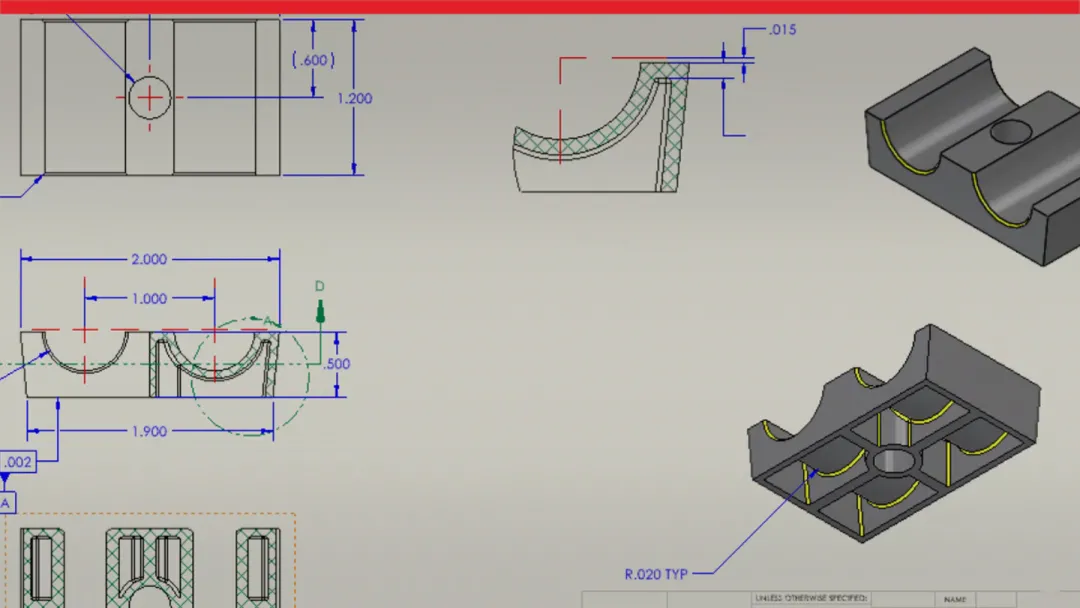
Create and refine production-ready drawings using natural language. This streamlines the process into a conversational workflow. SOLIDWORKS AI Virtual Companions can make changes to your drawings directly within SOLIDWORKS; just describe what you need and the AI Virtual Companion handles the rest.
Thread Simplification
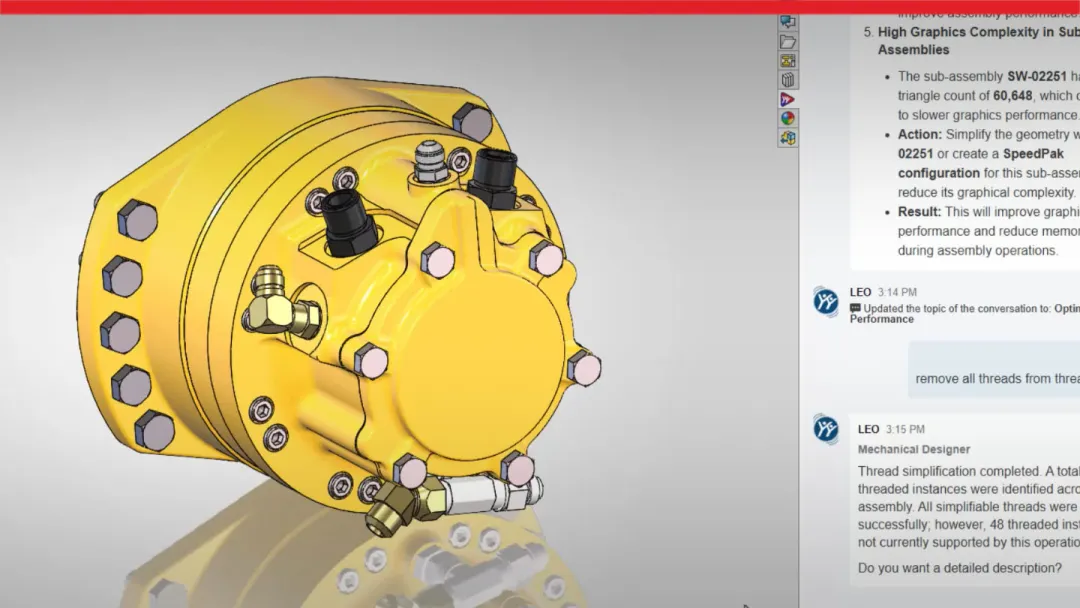
Optimize heavy assemblies faster by asking your AI Virtual Companion to suppress modeled threads on fasteners via natural language. This improves assembly performance while preserving the function and detail of each component. Apply the conversion across the entire assembly in one guided operation, so you don't have to inspect and update each component by hand.
Visit the Getting Started page to try SOLIDWORKS AI today
Get started with AI
SOLIDWORKS AI Features Highlight Library
Stay Up to Date with SOLIDWORKS AI Capabilities
What SOLIDWORKS offers with artificial intelligence right now is only the beginning, and each new release will bring more AI CAD features and capabilities. These AI-powered tools already make your day-to-day a lot easier by taking care of repetitive tasks and tightening up your designs, but there’s a lot more going on behind the scenes and even more on the horizon. The future of CAD software is constantly moving forward, and with 3D CAD enhancements rolling out in SOLIDWORKS Design five times a year, you’re never far from the latest and greatest in AI in CAD design. So, keep an eye out – new features are coming fast and they’re all about making your workflow as smooth and efficient as possible.

Meet the SOLIDWORKS AI Virtual Companions
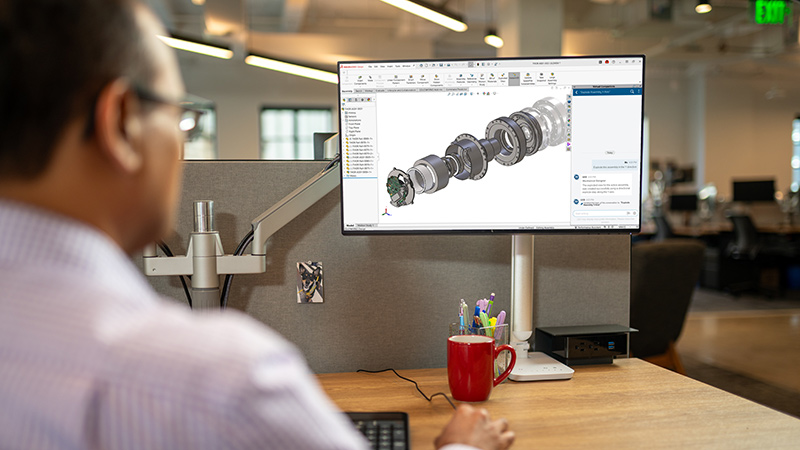
Unlock smarter, faster workflows with AI Companions built into SOLIDWORKS Design. These intelligent companions will help automate routine tasks, suggest relevant commands, assist with geometry and assembly workflows, and provide predictive insights that keep your projects moving. From reducing repetitive clicks to optimizing simulation and collaboration, AI Companions empower you to focus on innovation and quality.
Frequently Asked Questions About AI in CAD Design and Mechanical Engineering
What is artificial intelligence in the context of CAD software?
Will artificial intelligence replace engineers?
What is the difference between generative AI and assistive AI in CAD?
How is SOLIDWORKS AI for CAD designers and mechanical engineers changing the industry?
What is a command predictor?
How does generative design work?
What are assistive AI tools like mate helper or selection helper?
What skills are becoming more important for engineers with the rise of AI?
How can I prepare for a future with AI in mechanical design?
Does SOLIDWORKS Design include AI companions?
How Can We Help?

Find the Flexible Solution for You
Speak with a SOLIDWORKS expert to discuss your business needs.

Find SOLIDWORKS Support
Get technical support for SOLIDWORKS products and explore ways to grow your engineering design skills.

Buy SOLIDWORKS Solutions
Flexible purchasing options give you the power to choose a license that best suits your needs.
Have Questions about SOLIDWORKS Design?
We can help you determine the best option for your team.