AI Built for SOLIDWORKS Engineers

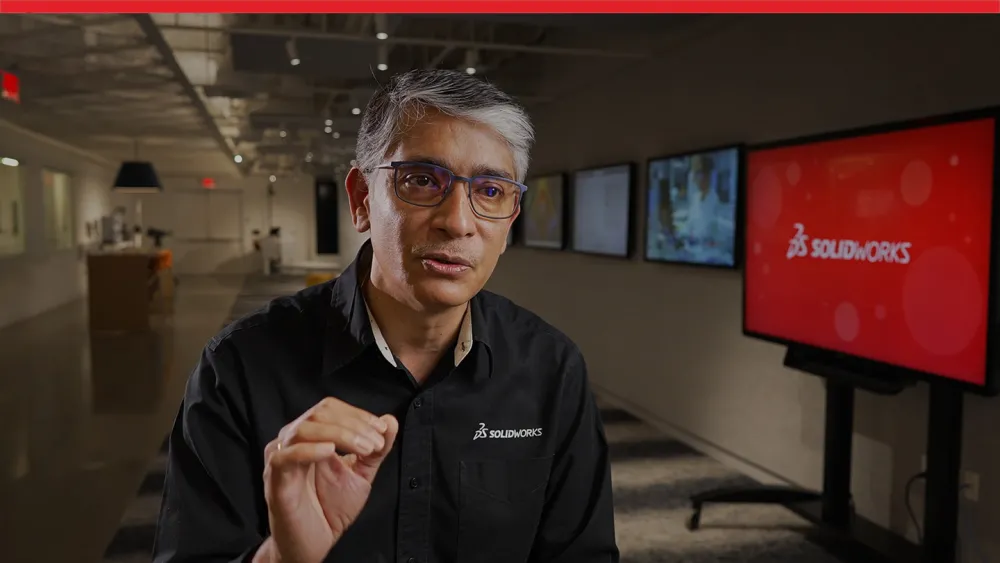
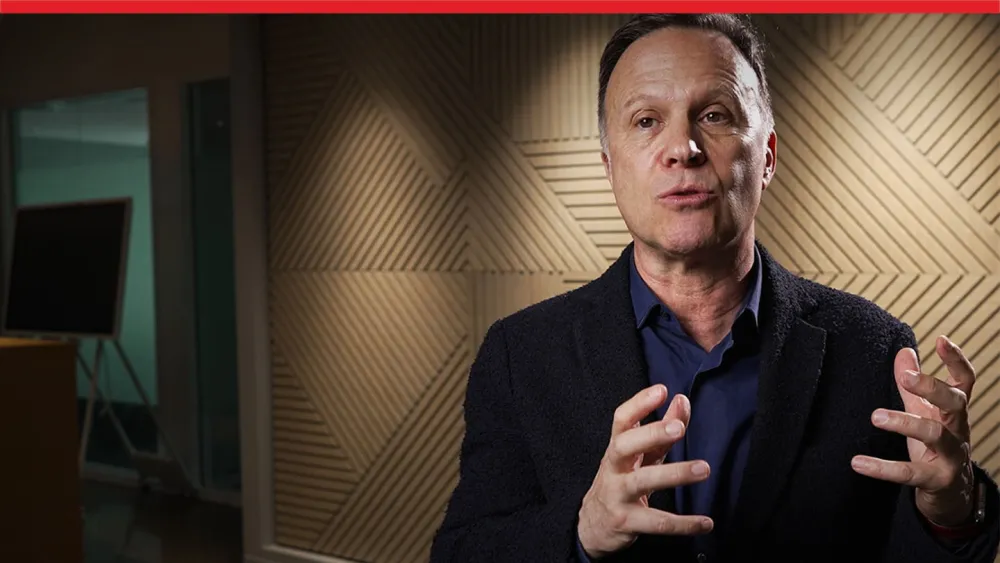
Artificial intelligence is transforming product development, but successful adoption requires more than new technology. Hear directly from SOLIDWORKS executives as they share the company's vision for practical, engineer-focused AI, including the role of human expertise, data security, and the capabilities of SOLIDWORKS AI Virtual Companions. Explore these thought leadership videos to better understand how AI is shaping the future of design without changing what makes engineers indispensable.
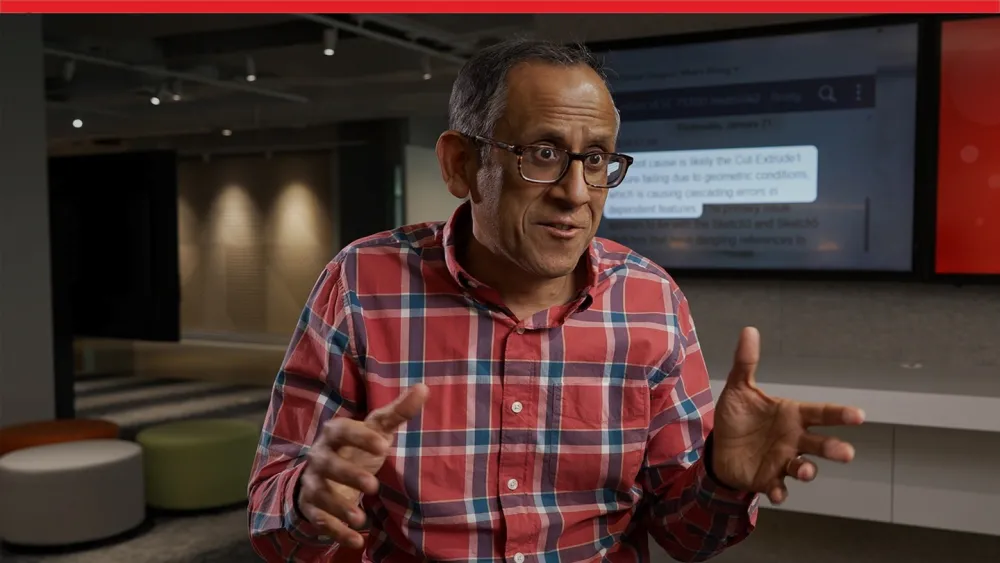
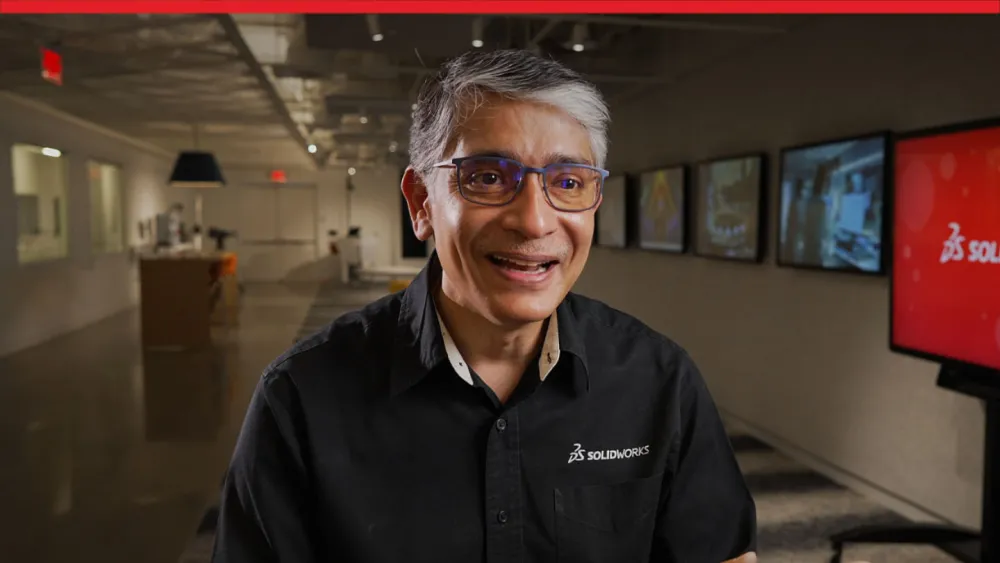
The SOLIDWORKS Approach to AI

For nearly three decades, SOLIDWORKS has empowered engineers to achieve more through innovation and productivity. SOLIDWORKS AI takes this mission to the next level by embedding advanced AI capabilities directly into the tools you already trust.

The SOLIDWORKS approach to AI rests on three convictions. First, AI works best as a companion—sitting beside you, guiding your decisions and surfacing best practices exactly when you need them. Second, AI must be contextual. Because it lives inside the SOLIDWORKS Design workflows, it understands the faces, features and assemblies you're working on, delivering relevant suggestions for parts, assemblies and drawings. Third, security sits at the front and center of everything we build.

SOLIDWORKS AI streamlines the design process from concept to manufacturing, reduces time-consuming manual work and brings fragmented engineering knowledge back into your CAD workflow, so you can focus on solving complex problems and bringing superior products to market faster.

SOLIDWORKS AI Is Not Replacing Engineers

A human always stays in the loop with SOLIDWORKS AI, so design intent and accuracy stay intact. AI is just an engine. You are the driver.

SOLIDWORKS AI amplifies human creativity, judgment and expertise rather than replacing it. As a mechanical engineer, for example, you create things that people's lives depend on, which is why a human must always remain in the loop. Every output still requires your expert decision-making to maintain accuracy, uphold design intent and preserve integrity.

By eliminating mundane, repetitive tasks, SOLIDWORKS AI frees your time for what engineers do best: generating ideas, exploring more design options, and solving the problems that matter most. This doesn't commoditize your value, AI expands it, acting as a force multiplier. You become an empowered expert, equipped to deliver higher-quality designs, make better decisions and discover entirely new ways of working.

AI Data Security at SOLIDWORKS

Security and privacy are the foundation for all our SOLIDWORKS AI driven tools. We know your intellectual property is the most valuable asset you possess. Your designs and models are the money in your bank, and we treat ourselves as the bank in charge of protecting those assets.

SOLIDWORKS AI models are trained only on proprietary or synthetic data, and not on client data. SOLIDWORKS does not use proprietary customer data to train AI models without explicit written permission. Your IP remains yours alone and will never be used to benefit another business.

Every algorithm is engineered to respect confidentiality, keeping your proprietary designs protected against unauthorized access. We adhere to the Dassault Systèmes Trust Center's rigorous guidelines on AI security and data privacy. For the most current and comprehensive policies, refer directly to the 3DS Trust Center.

Meet Your AI Companions

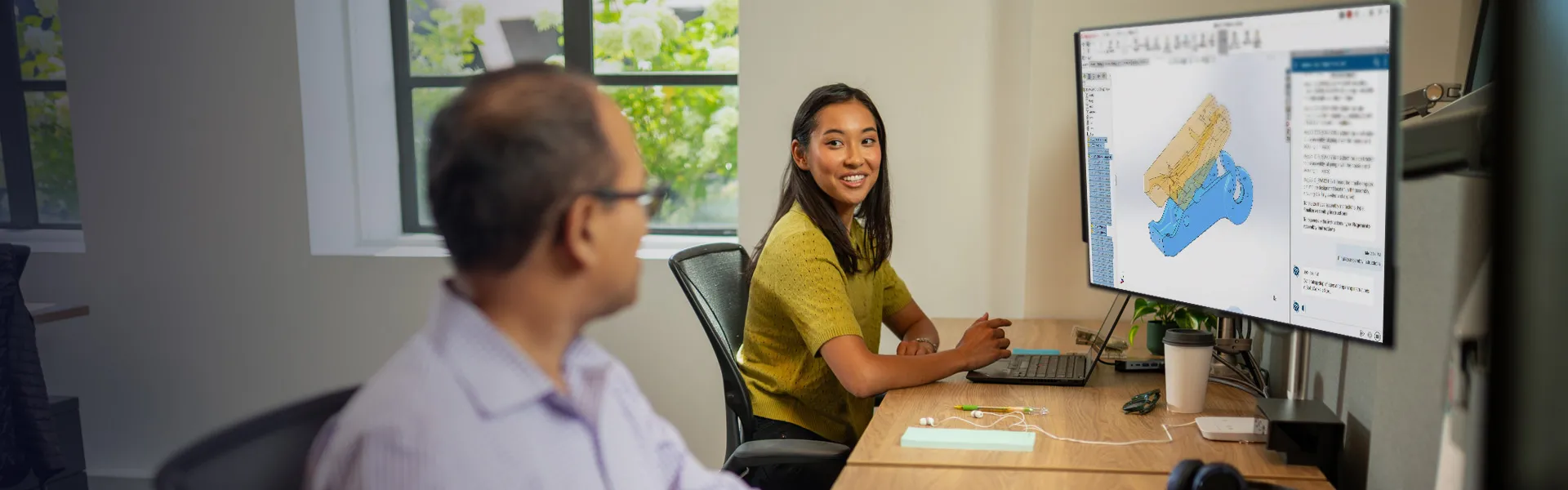
Modern product engineering demands speed, precision, intelligence, and decision-making at every stage of development. SOLIDWORKS AI Virtual Companions AURA, LEO and MARIE answer that demand by placing an AI-powered technical expert directly inside your design environment, helping reduce complexity while increasing your design efficiency. Think of an AI Virtual Companion as a knowledgeable specialist working right beside you within your existing design process. It helps you learn new skills, guides you through optimization tasks and when directed, completes work on your behalf. You remain in control of the design decisions and design changes. AI Virtual Companions' capabilities work in collaboration with your CAD workflows without pulling you away from the tools you already know.

Learn more about SOLIDWORKS AI and Virtual Companions

Frequently Asked Questions


Bring AI Into Your Engineering Workflow

SOLIDWORKS AI is already improving productivity today. Request a demo to learn more or get started with the guide to Virtual Companions.

SOLIDWORKS icons showing a person pointing to a presentation board

Request a demo

See how you can increase productivity, design more compelling products, and be more cost-effective.

SOLIDWORKS buying online icon, cloud server

Buy Online

Ready to purchase? Visit the online store to buy now.

SOLIDWORKS getting started showing an arrow in a circle on a laptop screen

Getting Started

Own a license and want to use SOLIDWORKS AI? Visit the Getting Started page to learn how you can take advantage of SOLIDWORKS AI.