SOLIDWORKS Simulation | Structural Analysis
Make better design decisions with high-performance structural finite element analysis (FEA) software
SOLIDWORKS
Ahlberg Cameras uses SOLIDWORKS Design and SOLIDWORKS Simulation to verify radiation-tolerant camera systems early, adapt proven designs to each customer, and show operators the evidence they need.
Deliver camera, lighting, and inspection systems for demanding nuclear environments, adapting each design to different customer requirements and proving it is safe before it goes near the reactor.
Use SOLIDWORKS Design to design, review, and iterate with cross-functional teams, and SOLIDWORKS Simulation to verify frames and lifting devices early and document the results customers require.
For 45 years, Ahlberg Cameras has served the nuclear industry. The company develops and manufactures high-quality, radiation-tolerant camera, lighting, and CCTV solutions, along with customized systems for demanding nuclear environments. Its products are used at more than 200 reactors in 35 countries, in reactor operation and maintenance as well as research, waste management, and decommissioning.
Requirements for quality, safety, and verification vary widely by country, customer, and application. “We have to be flexible enough to meet those different needs,” says CEO Johan Bäckström. “That’s why reliability, repeatability, and attention to detail are so important to us.” Engineering at Ahlberg Cameras runs on SOLIDWORKS® Design and SOLIDWORKS Simulation, which help the team design, review, and iterate together with colleagues in electrical engineering and technical documentation.
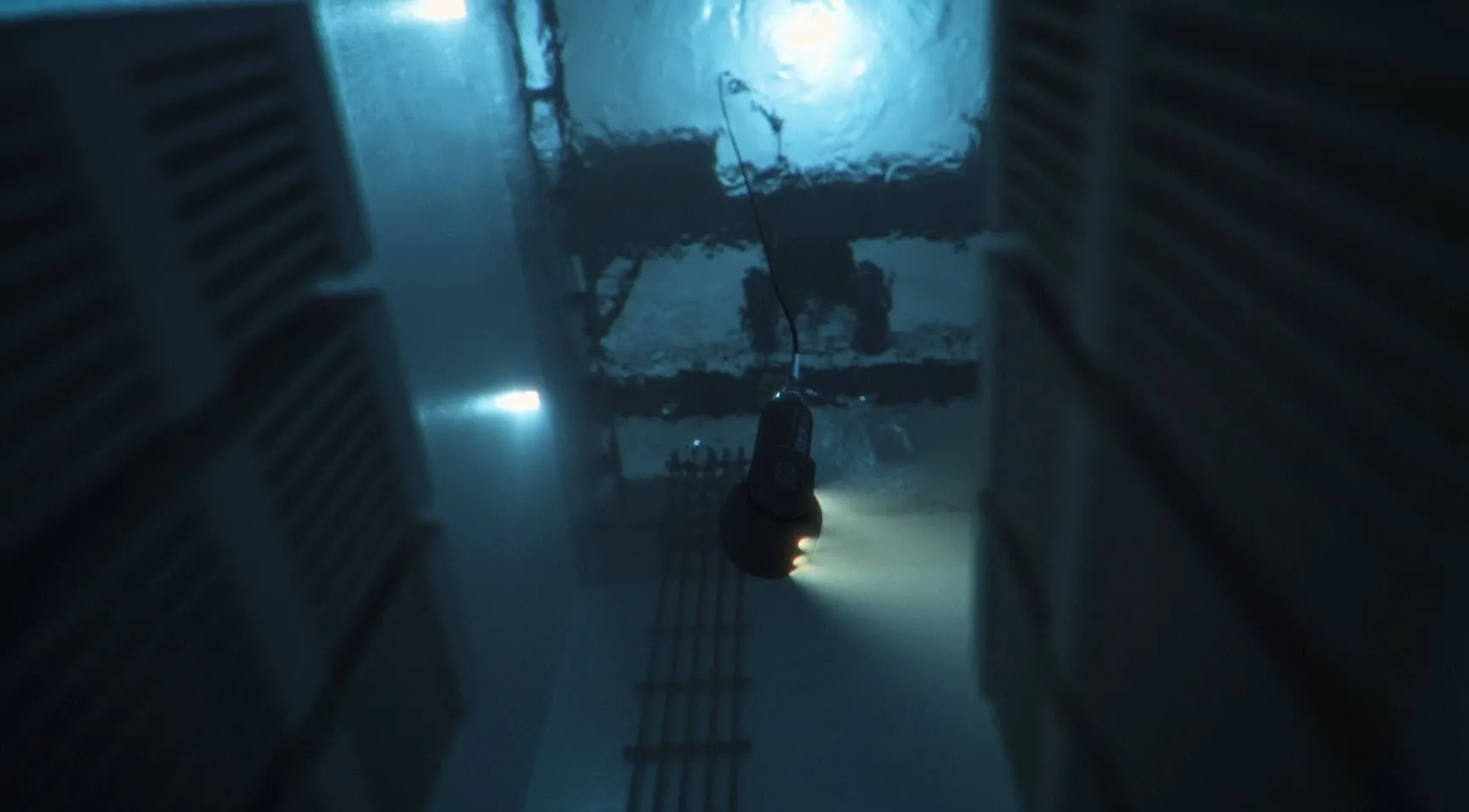
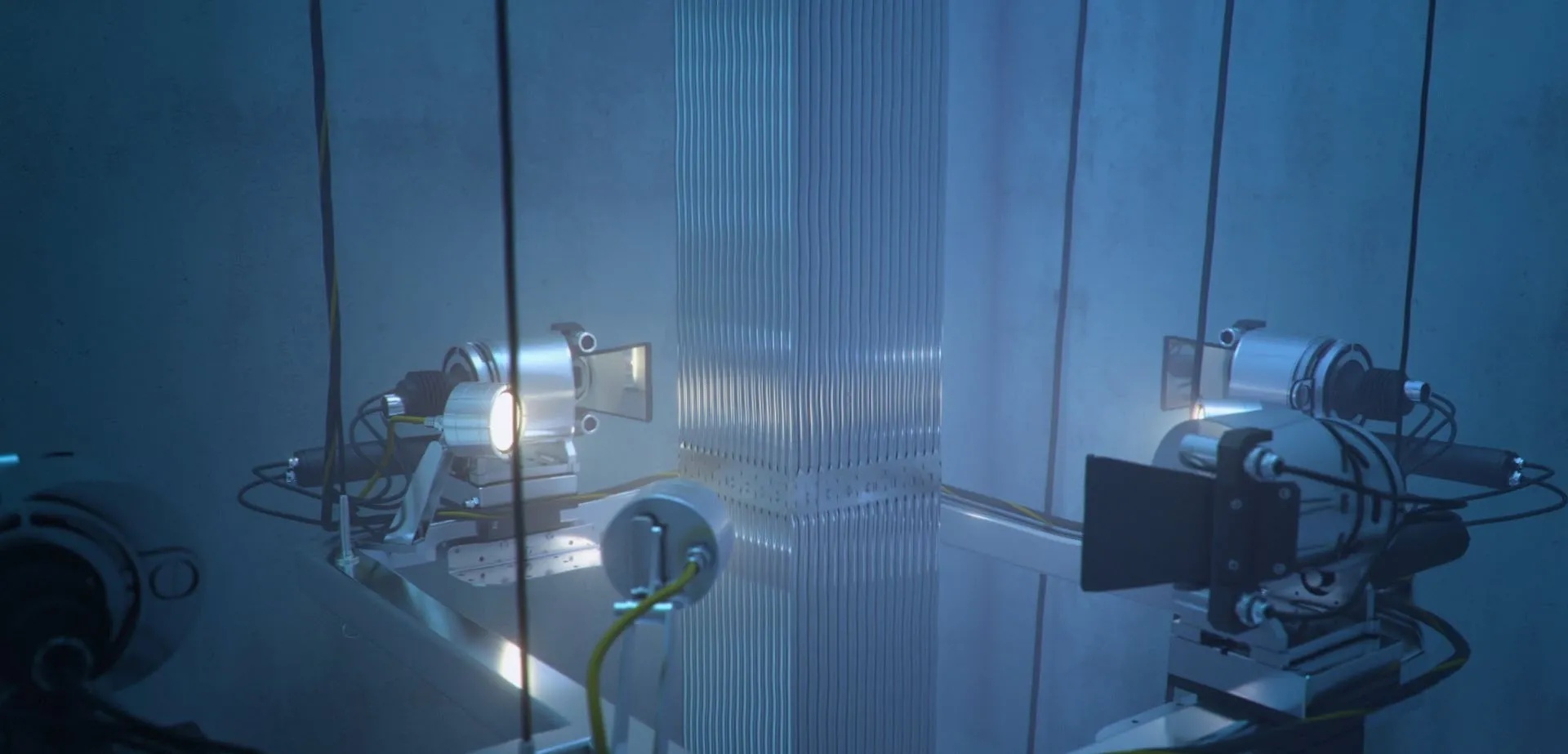
An Ahlberg Cameras radiation-tolerant underwater camera and light at work in a reactor pool.
Some Ahlberg Cameras products operate extremely close to nuclear fuel, so confidence in a design has to come early. “We use simulations to verify that our product is able to go in those environments we are delivering to,” explains Mechanical Engineer Max Book. “We want to verify really early that a product works.”
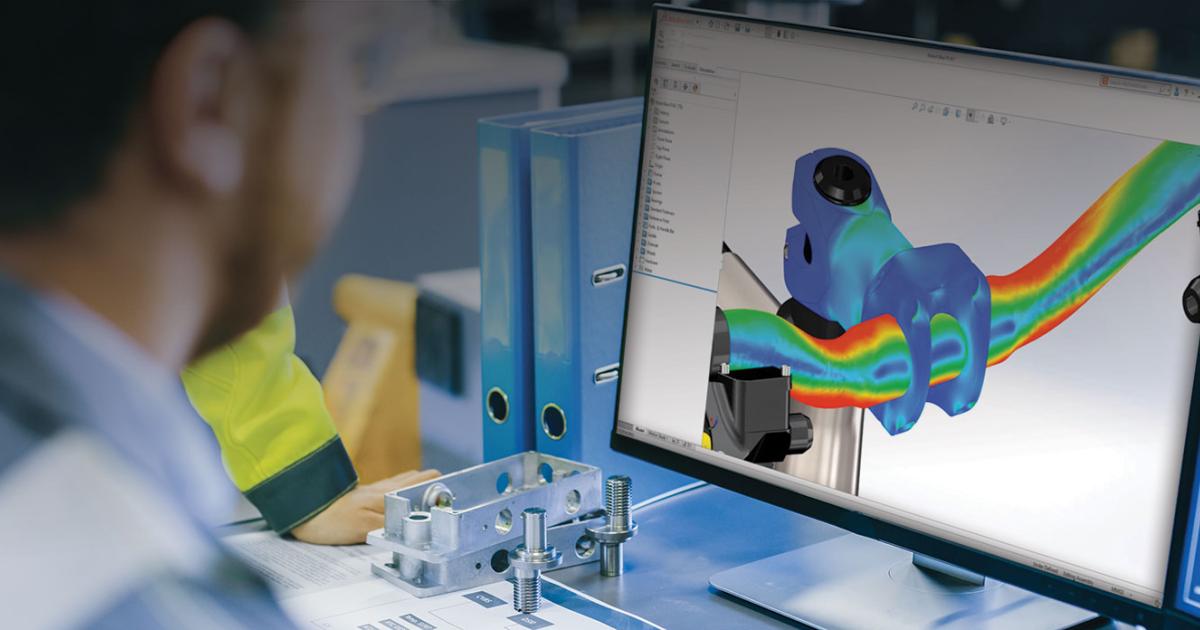
Engineers use SOLIDWORKS Design and SOLIDWORKS Simulation to test the base idea first, then iterate from there. They apply structural simulation most often to lifting devices and frames, including the four-phase system used to inspect fuel rod assemblies. The team analyzes the loads in the frame and checks that the welds hold up.
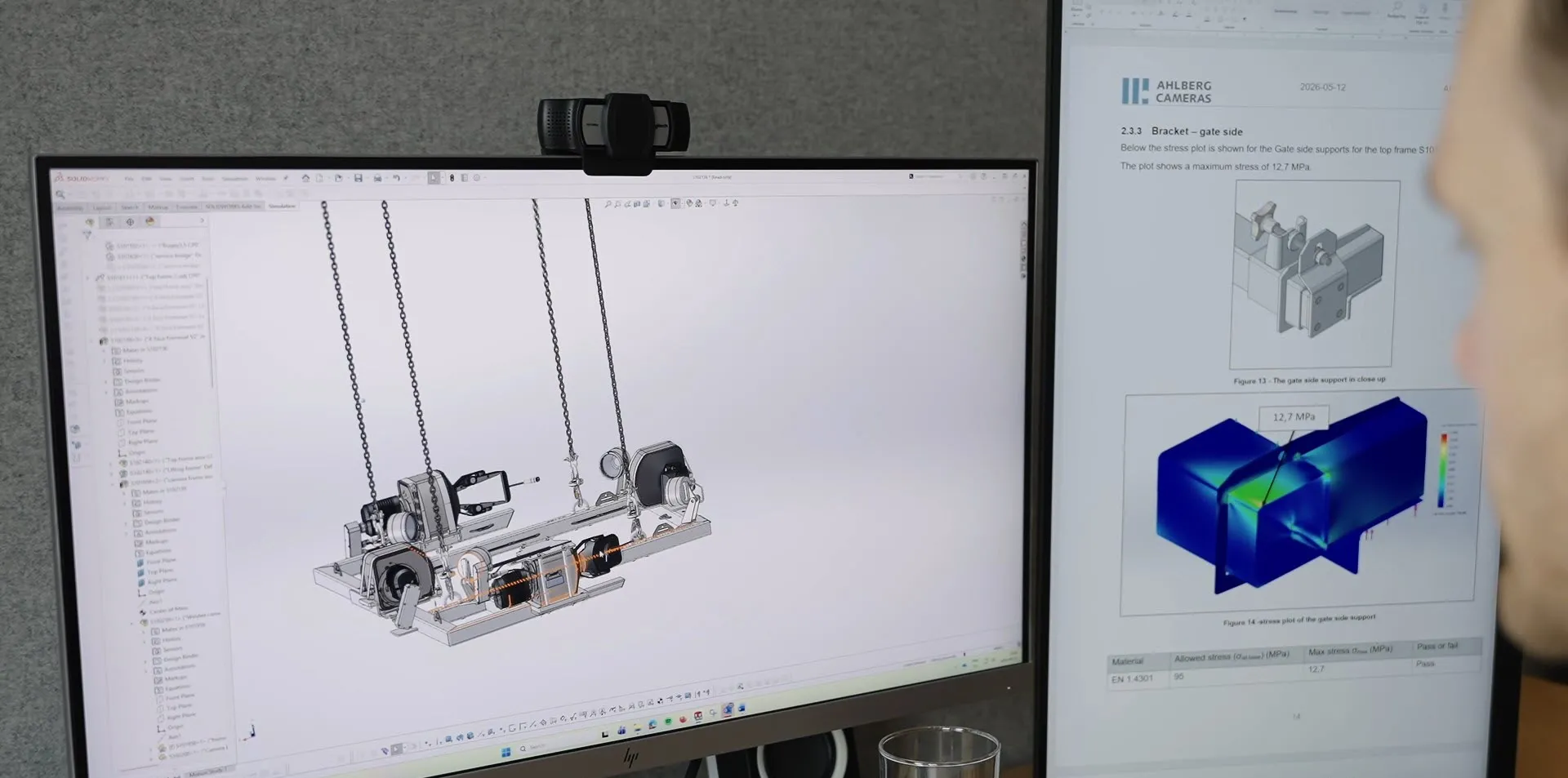
Engineers set up loads and connections on an inspection frame in SOLIDWORKS Simulation, with the stress report alongside.
Make better design decisions with high-performance structural finite element analysis (FEA) software
SOLIDWORKS
Discover SOLIDWORKS Design, the industry-standard 3D CAD software with cloud collaboration, secure file management, and AI-powered features.
SOLIDWORKS
By using simulations, we can show the customers the results and give them confidence to use our product
Ahlberg Cameras delivers its four-phase systems to customers around the world. Each one starts from a baseline frame design, but no two installations are the same. “We have to adapt the frame design to each customer,” says Book. “We need to simulate what that different scenario gives us.”
With SOLIDWORKS Simulation, engineers can test each variation against the customer’s own conditions before anything is built. That way, every frame reflects the demands of its installation rather than a one-size-fits-all assumption.
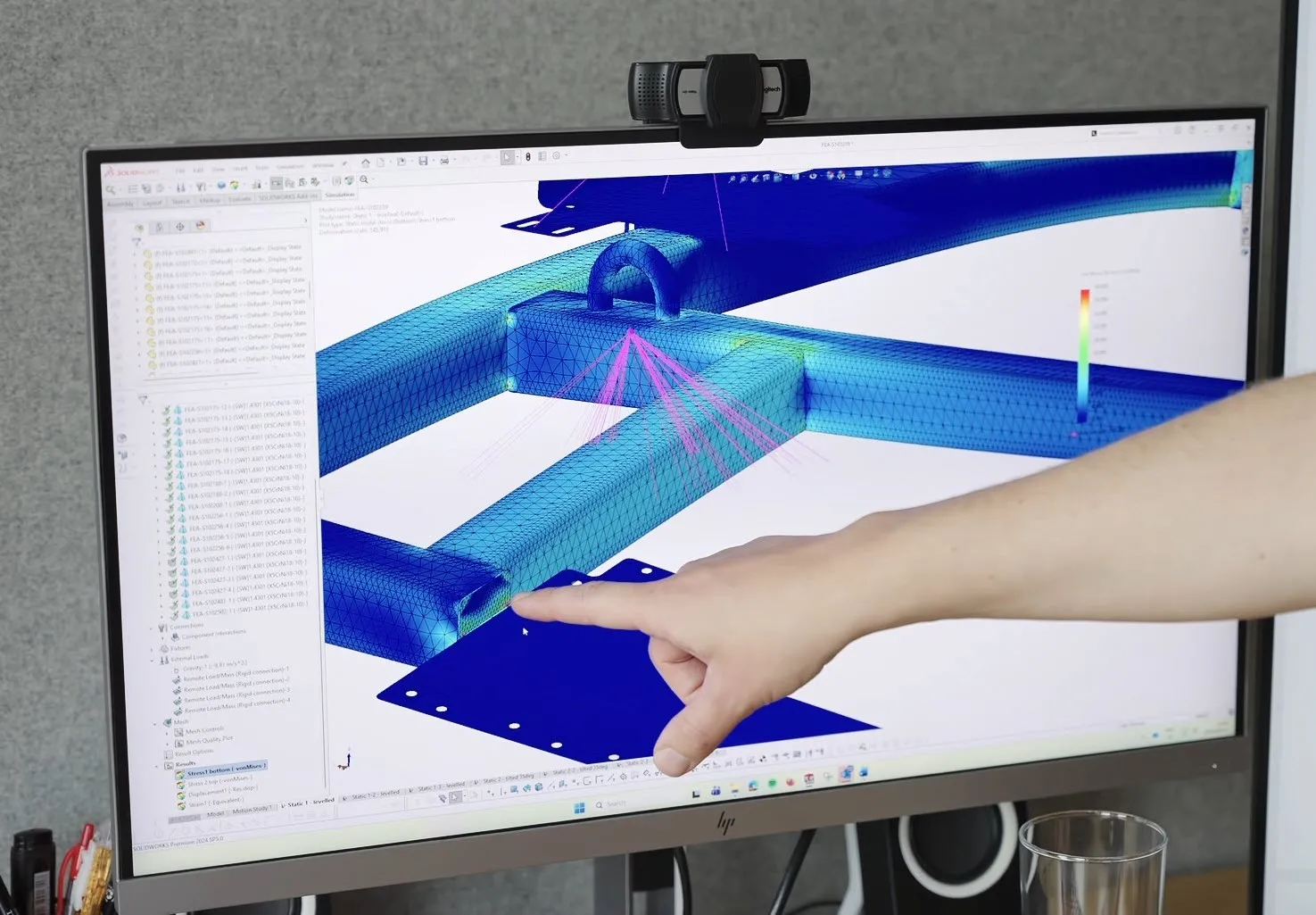
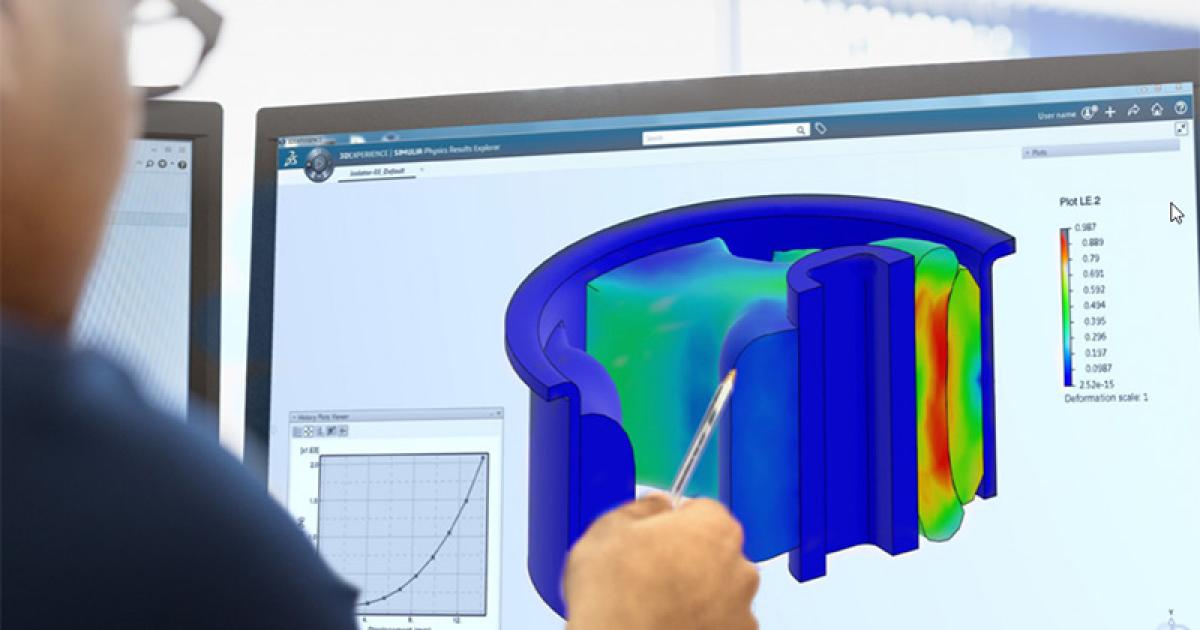
A mesh-based stress plot shows how load travels through the frame’s welded joints.
In nuclear applications, safety cannot be assumed. “It’s really important that our products are safe and hold up to our requirements, so nothing can happen to anything inside the reactor,” says Book. Customers ask for a full report on their frames, showing how they hold up to the weight and to the scenarios that could occur.
SOLIDWORKS Simulation supplies that evidence. Stress plots show how load travels through each frame, and the results go straight into the documentation customers rely on to approve and use the product.
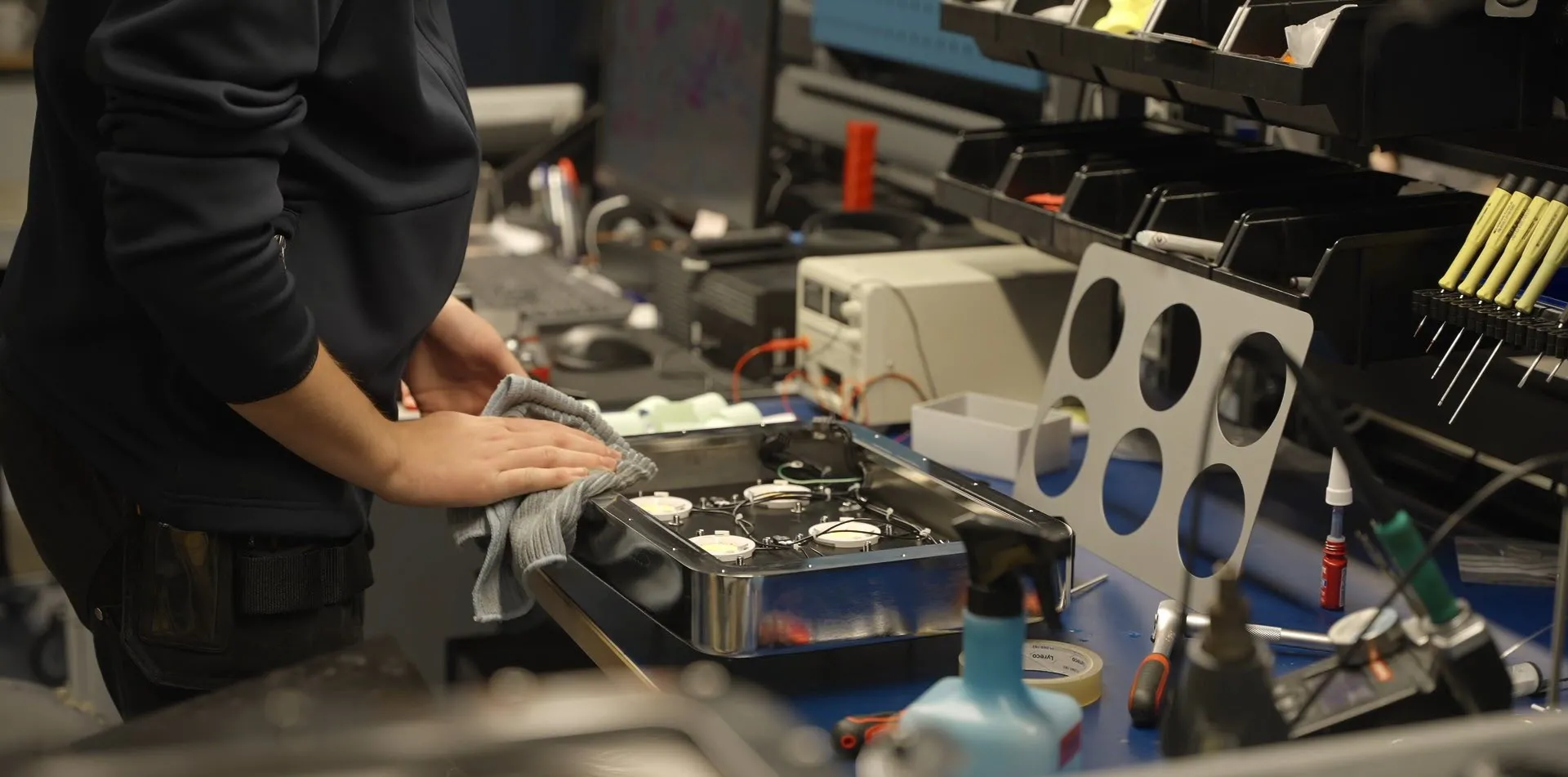
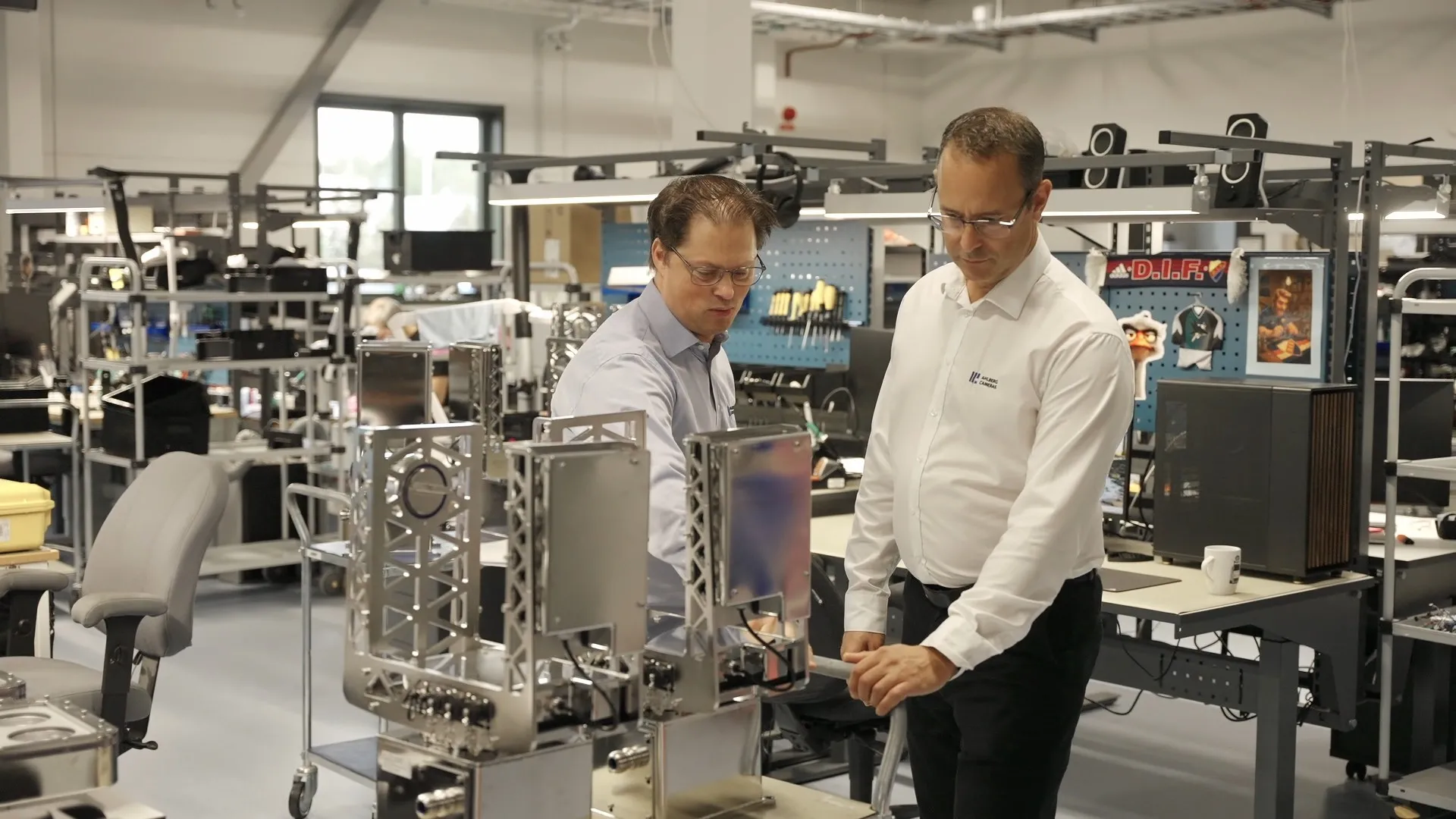
An Ahlberg Cameras technician finishes assembly of a lighting unit in the company’s workshop.
Simulation does more than validate finished designs. “Using SOLIDWORKS Simulation helps us explore different design ideas,” Book says. “We can see if the different ideas work or not, and it can help us come up with new ideas and the innovations we are pushing for.”
That flexibility helps Ahlberg Cameras keep its leading position by bringing new products and technologies to market. For Bäckström, the team behind those products is what he is proudest of. “People really have a commitment to deliver the best possible solution to the customer,” he says. To keep delivering, he wants development software that is “easy and gives us the answers we are searching for, to be able to design future technology.” He sees SOLIDWORKS as part of that future.
Innovate faster, design better & grow your career with SOLIDWORKS. Choose the industry standard 3D CAD solution trusted by professionals worldwide.
SOLIDWORKS
Discover advancements in AI CAD tools and their impact on AI product design and how this delivers real-world outcomes for SOLIDWORKS designers.
SOLIDWORKS
Discover what unified Modeling & Simulation (MODSIM) is and how it transforms product design, enabling real-time collaboration and faster innovation.
SOLIDWORKS
This guide will help you evaluate CAD system criteria such as ease of use, collaboration capabilities, data management, and scalability.
EBooks
SOLIDWORKS solutions enable you and your team to quickly transform new ideas into great products.