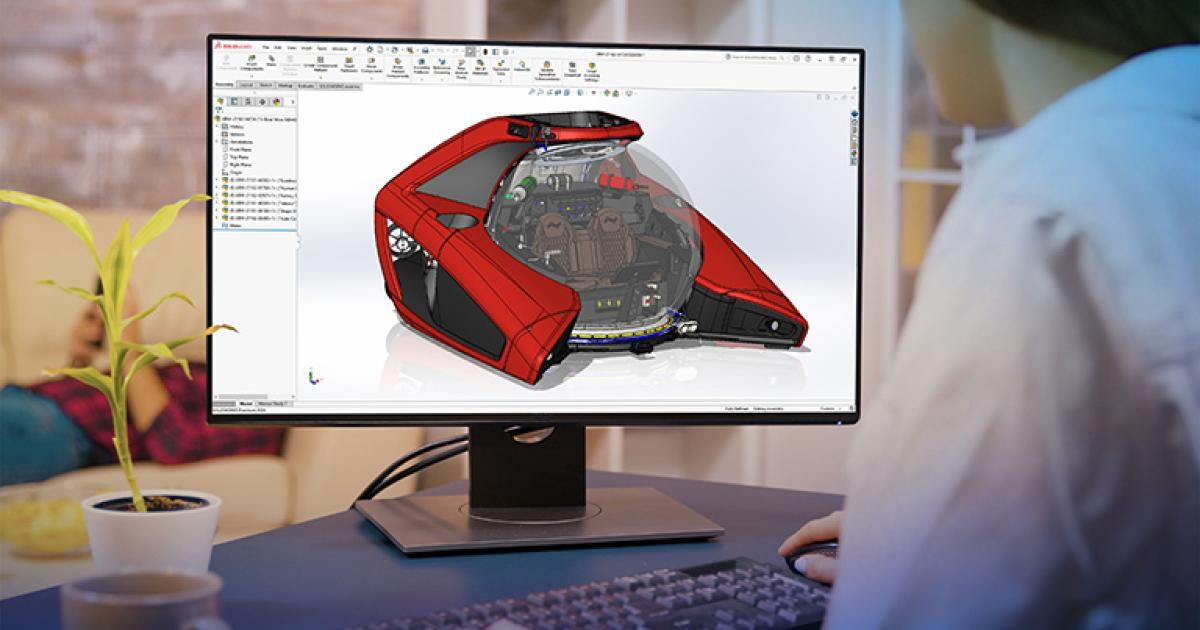
SOLIDWORKS Simulation | Structural Analysis
Make better design decisions with high-performance structural finite element analysis (FEA) software
SOLIDWORKS
From liquid cooling to sim racing hardware, Asetek Racing uses SOLIDWORKS Design and SOLIDWORKS Simulation to go from idea to prototype in days, not months.
Develop new mechanical products fast, across liquid cooling and sim racing, while delivering the realism, precision and durability serious racers demand.
Use SOLIDWORKS Design to model every product from early draft to final design and move directly into prototyping, and SOLIDWORKS Simulation to catch weak points before parts fail.
Asetek Racing was founded to solve a thermal problem. As CPUs and GPUs ran hotter, the company set out to cool them with liquid. Today, its engineers face a different challenge: building racing hardware that puts drivers as close to the real thing as possible.
That shift began with a community project. Asetek launched a “gaming academy” for local kids and bought five racing simulators. The software and customer service were poor, and the hardware made it hard to run all five at once. CEO and founder André Sloth Eriksen recalls asking himself whether Asetek could do it better. Asetek Racing™ is the answer. Designed and engineered in Denmark, the product range spans direct drive wheelbases, steering wheels, pedals, button boxes and cockpits, from the entry-level Initium™ system to the Forte® and Invicta™ lines. All of it is developed in SOLIDWORKS® Design, which Asetek has used for around 20 years.
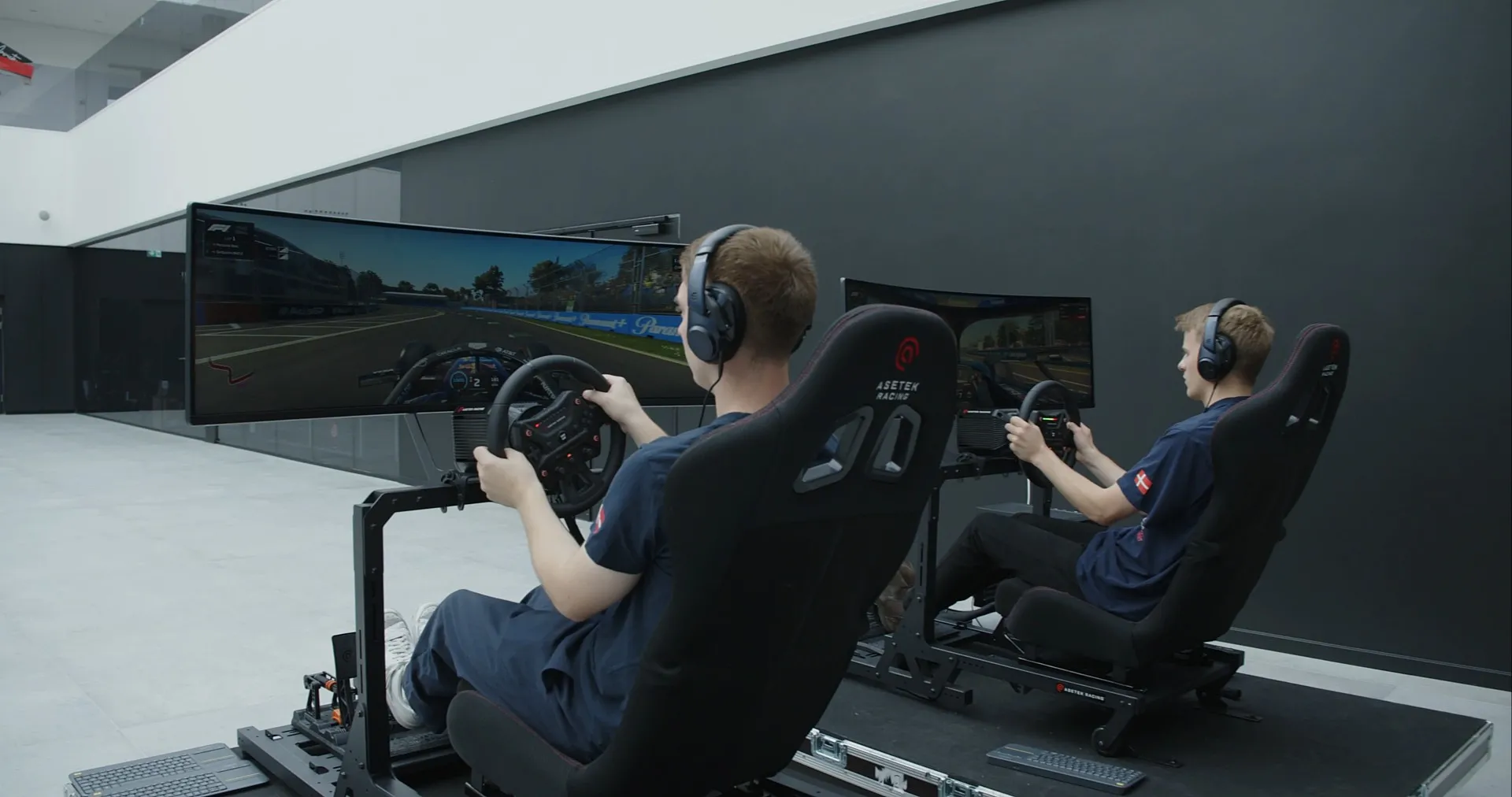
Asetek Racing rigs put the company’s wheelbases, steering wheels and seats to the test.
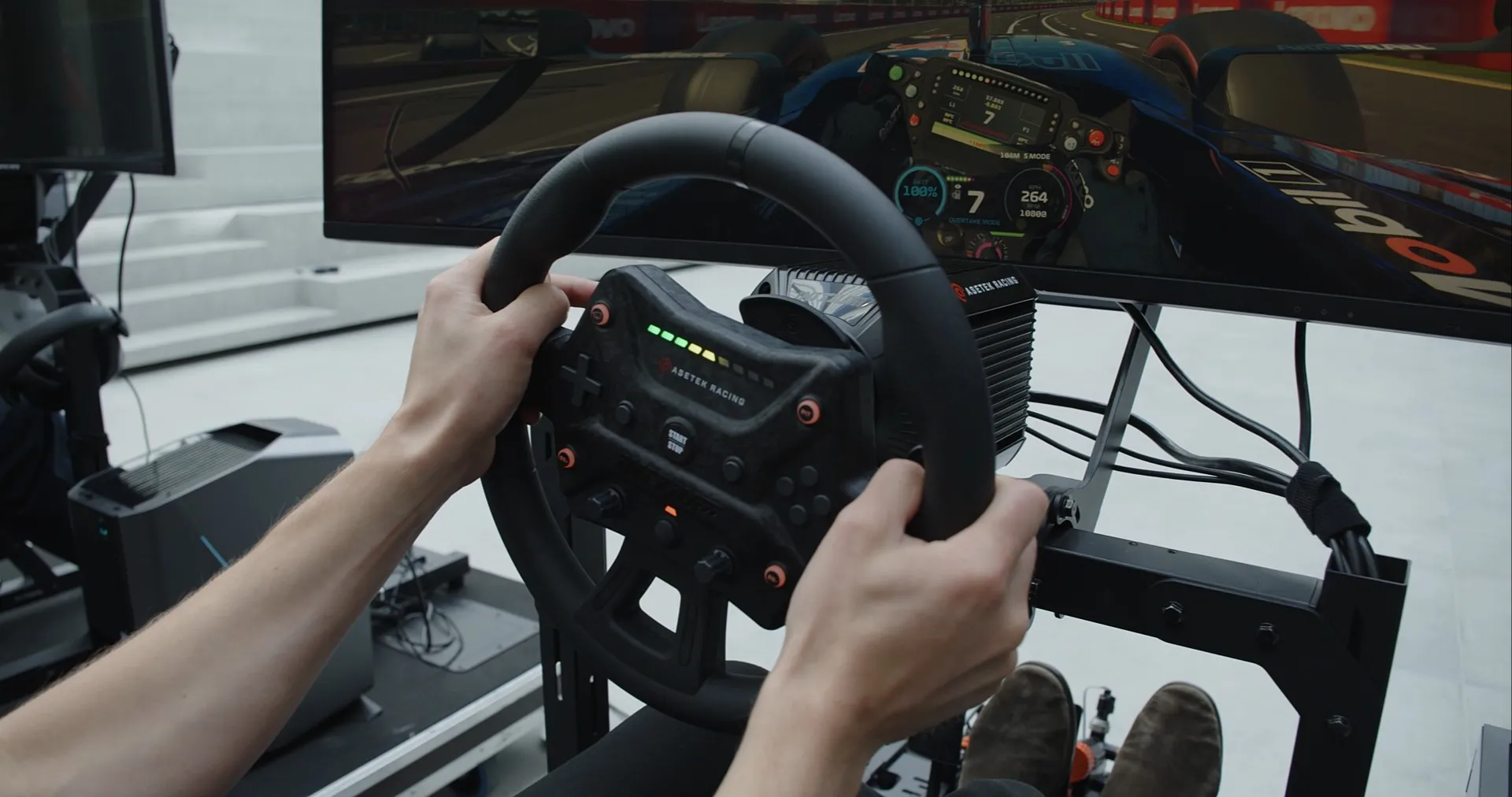
Asetek doesn’t just want to match competitors. “We really try to mimic the real race feeling,” Eriksen says. That ambition shows in the hardware, including a real hydraulic brake cylinder that can handle 200 bar of pressure, and in details like a quick release that carries both data and power through a single connection when the steering wheel is attached.
Delivering that realism takes constant mechanical engineering, and speed matters. Mechanical engineer Mads Mørup Schjoldager says surfacing and organic shapes are his favorite parts of SOLIDWORKS Design, because “you can quickly get my thoughts out of my brain and into the software.”
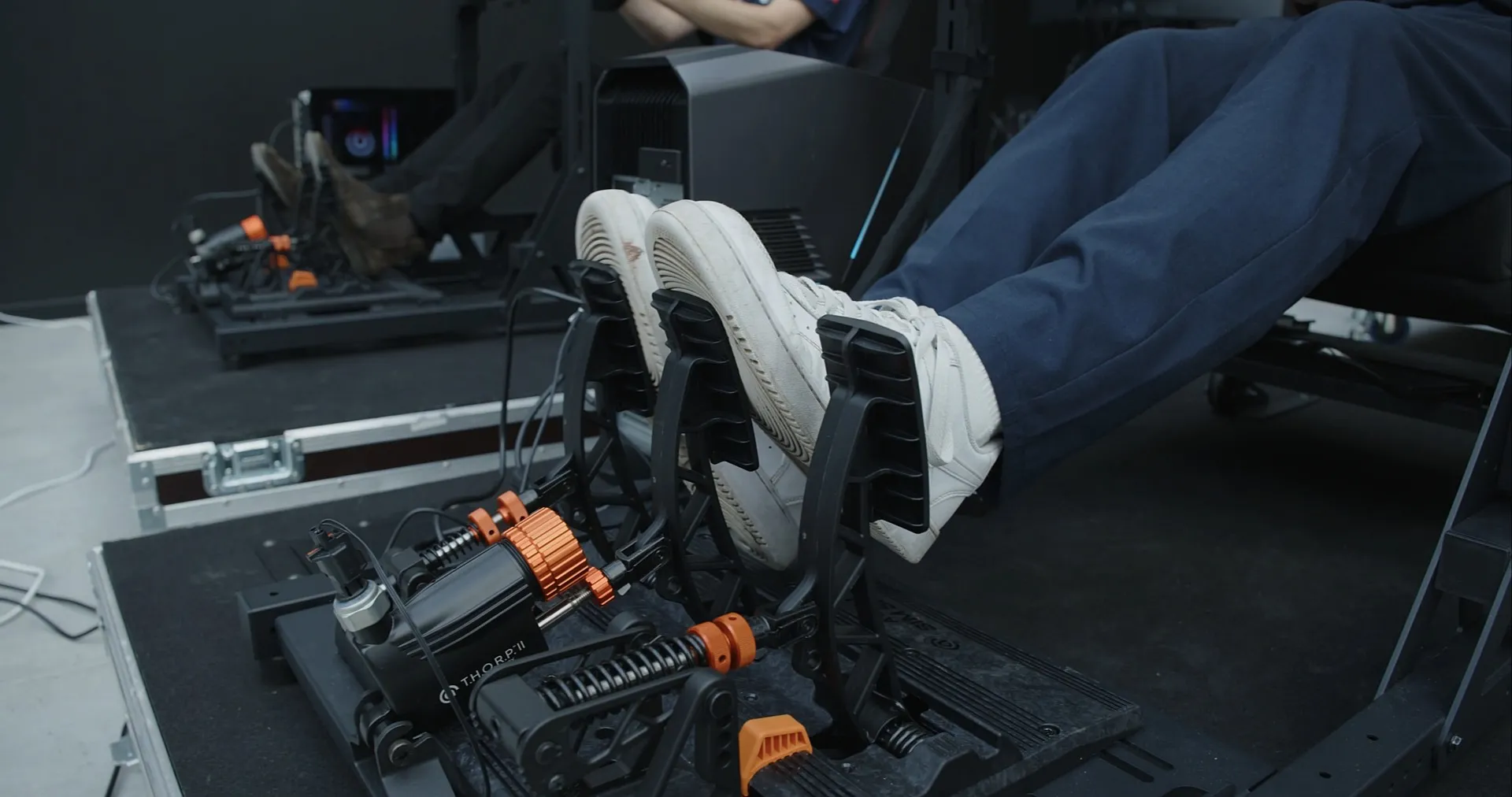
T.H.O.R.P.™ II pedals bring hydraulic braking to the sim rig.
Make better design decisions with high-performance structural finite element analysis (FEA) software
SOLIDWORKS
Discover SOLIDWORKS Design, the industry-standard 3D CAD software with cloud collaboration, secure file management, and AI-powered features.
SOLIDWORKS
Everything we do, from liquid cooling to the racing, everything is modeled in SOLIDWORKS, from the early draft to the final product.
Asetek models everything in SOLIDWORKS so it can move directly from design to prototyping, whether through 3D printing, SLS or CNC machining. “That is one of our competitive edge[s],” Eriksen says. “We can go into prototypes immediately.”
The same workflow connects engineers with the people running the machines. Production can request small tweaks or make them directly in their own SOLIDWORKS Design version, which keeps the shop floor more effective. The result is pace. “We are coming with new ideas very fast, so I try to draw them up very fast,” Schjoldager explains. “In a matter of weeks, a week or two, we could have a new product.” The team can run “5 or 10 iterations just in one day.”
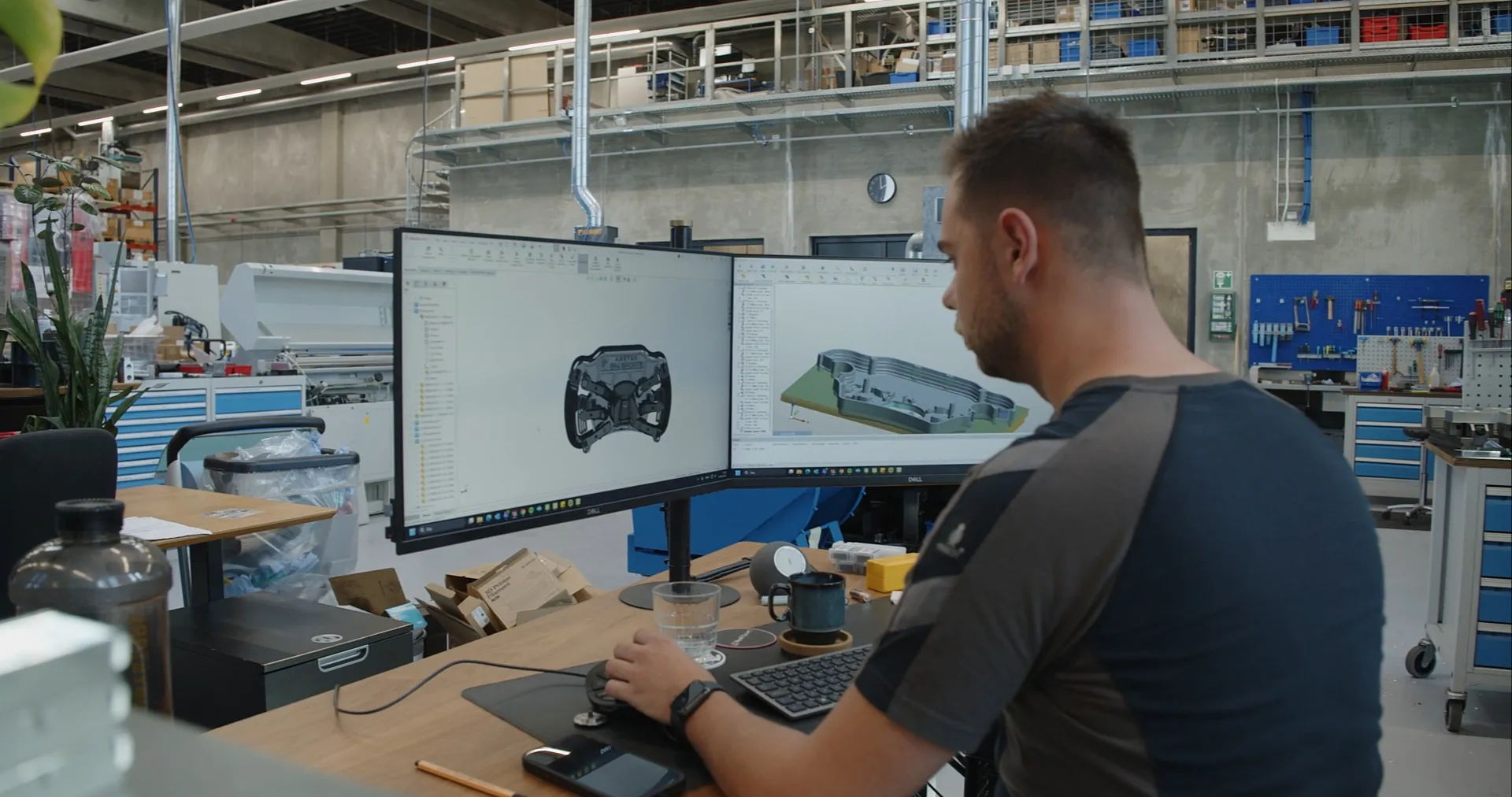
Asetek engineers model steering wheels and machining setups side by side in SOLIDWORKS Design.
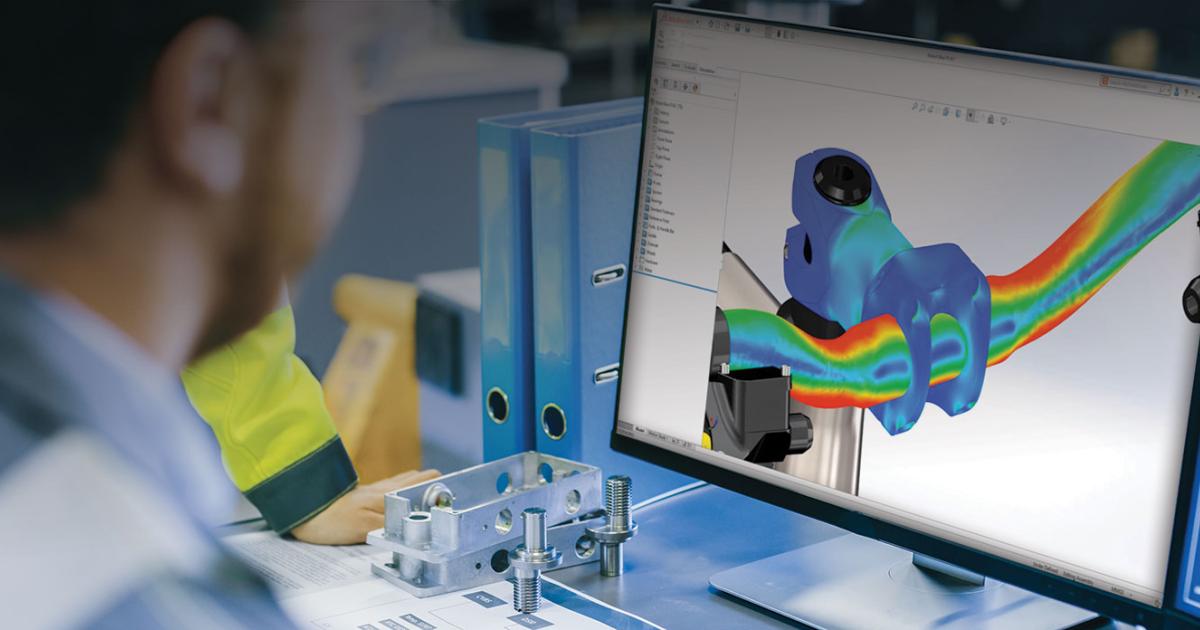
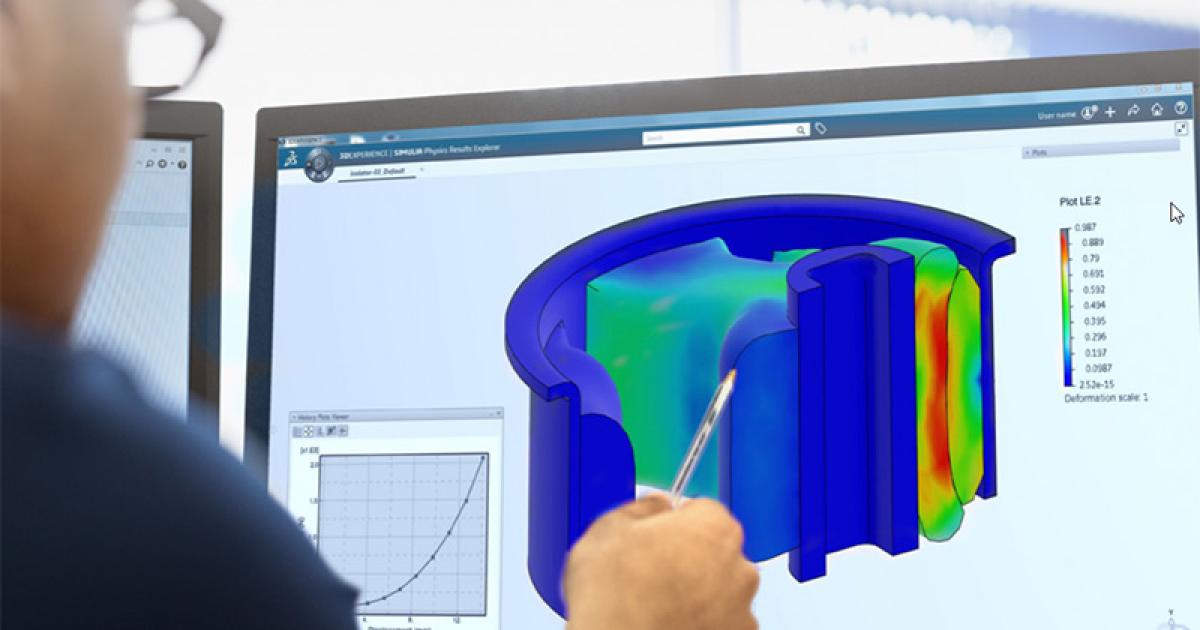
SOLIDWORKS Simulation is a big part of Asetek’s design phase, and one case shows why. On the company’s first steering wheel, the paddle shifters made it through development with an issue the team hadn’t seen. Dynamic testing revealed stress concentrations in one area of the paddle.
SOLIDWORKS Simulation had pointed to the same place. “Exactly where the simulation software said the stresses were highest is where we had the first fracture,” Schjoldager says. “The forces are more or less identical to what we saw in the simulation software.”
Armed with that data, the team redesigned the part with a thicker plastic section and a rib extended up the paddle to spread the load, removing the stress concentrations in the final design.
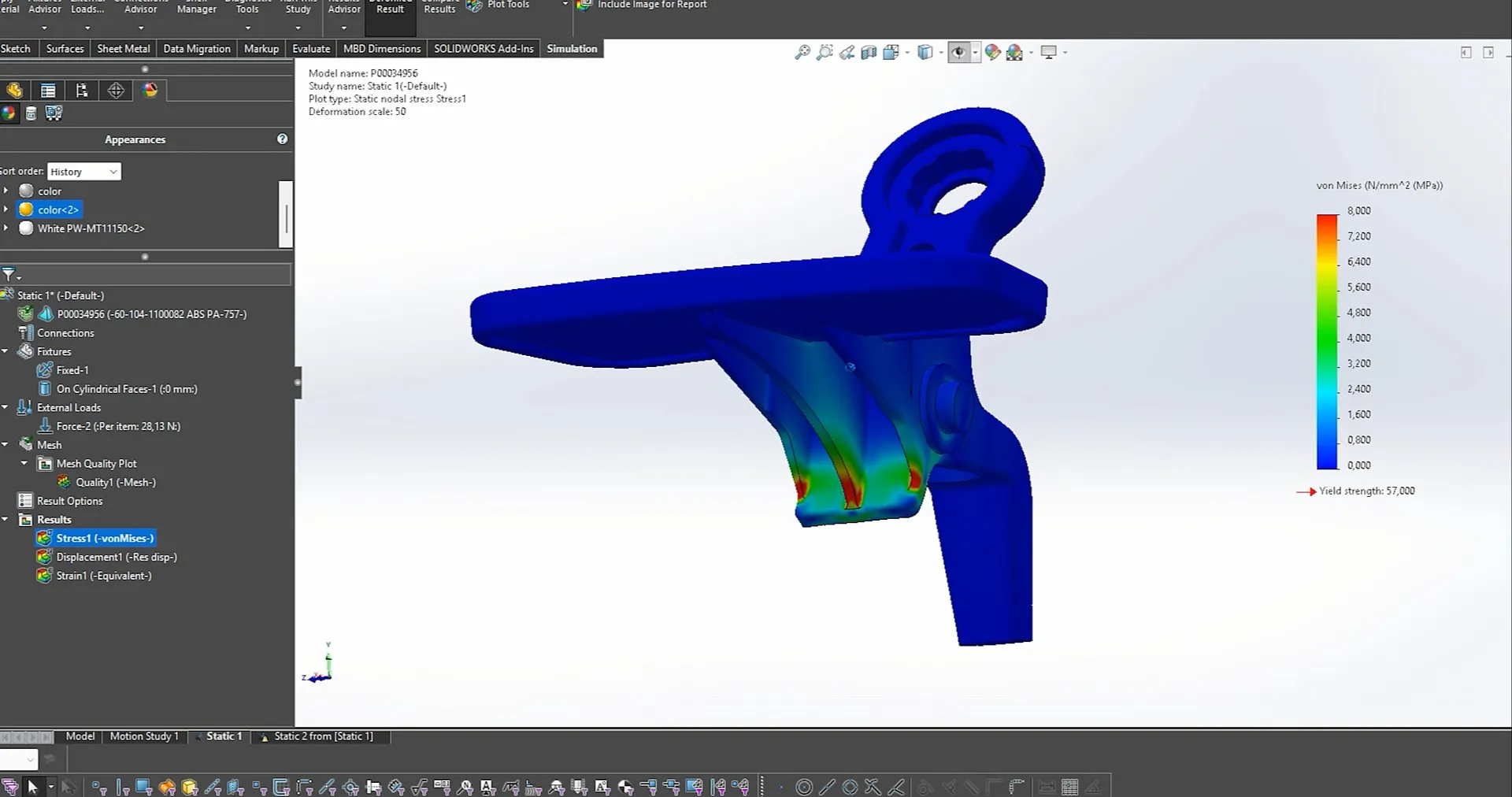
SOLIDWORKS Simulation highlights stress concentrations in the paddle shifter
SOLIDWORKS Support and AI Plans at Asetek’s team also point to the people behind the software. “Getting access to good support and fast support is paramount,” Eriksen says. The team has worked with its SOLIDWORKS partner for a long time, and a training session earlier this year gave them a preview of features in newer versions.
Asetek is also looking forward to AI capabilities in SOLIDWORKS as another way to move faster through prototyping. For a company built on innovation, the goal is simple. “We want to win,” Eriksen says. “And I think having that drive is super important.”
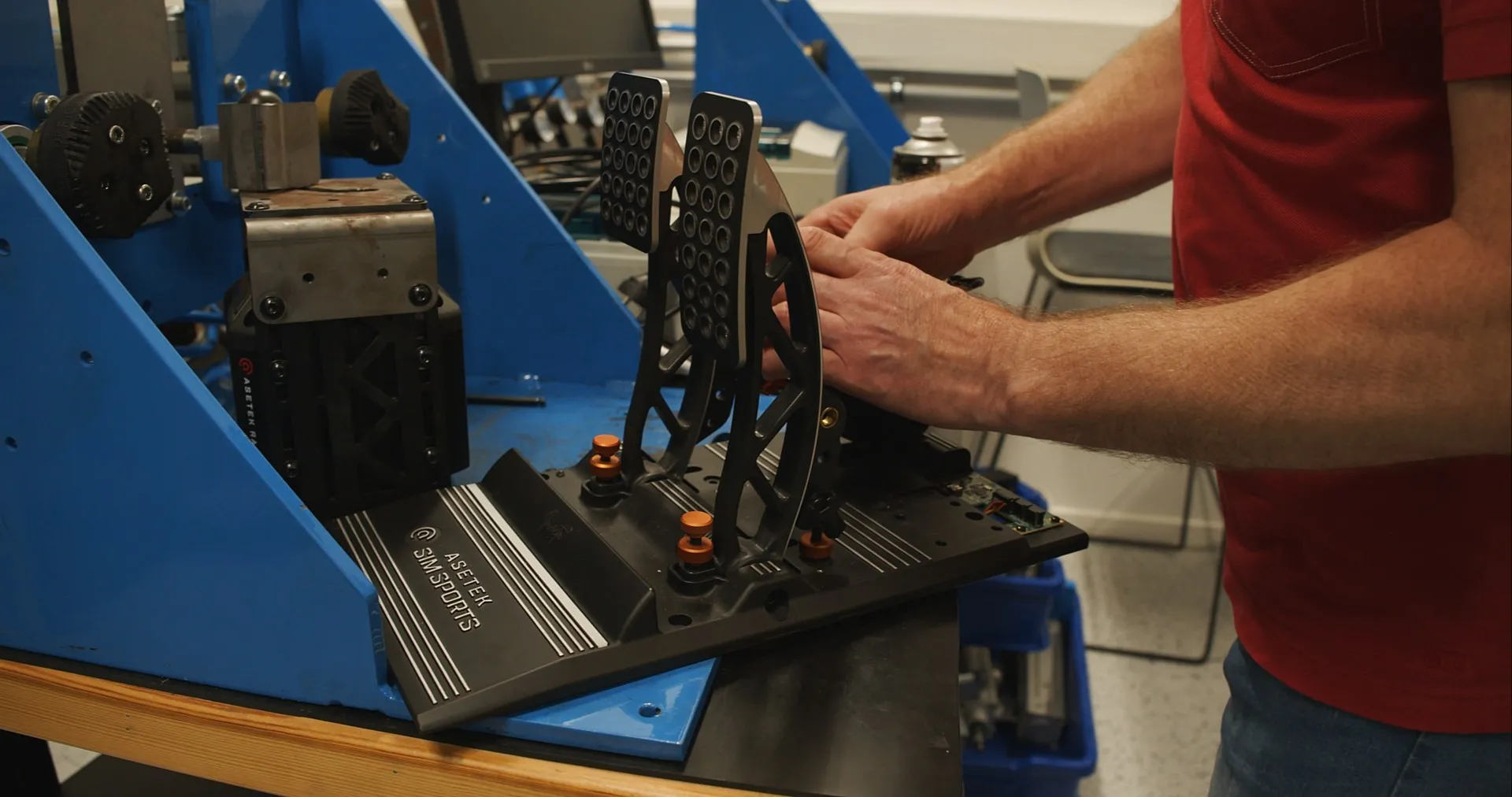
Pedal assemblies are built and tested hands-on in Asetek’s workshop
Innovate faster, design better & grow your career with SOLIDWORKS. Choose the industry standard 3D CAD solution trusted by professionals worldwide.
SOLIDWORKS
Discover advancements in AI CAD tools and their impact on AI product design and how this delivers real-world outcomes for SOLIDWORKS designers.
SOLIDWORKS
Discover what unified Modeling & Simulation (MODSIM) is and how it transforms product design, enabling real-time collaboration and faster innovation.
SOLIDWORKS
This guide will help you evaluate CAD system criteria such as ease of use, collaboration capabilities, data management, and scalability.
EBooks
SOLIDWORKS solutions enable you and your team to quickly transform new ideas into great products.