SOLIDWORKS Simulation | Structural Analysis
Make better design decisions with high-performance structural finite element analysis (FEA) software
SOLIDWORKS
Mining equipment manufacturer leverages SOLIDWORKS Design and SOLIDWORKS Simulation to build innovative equipment and minimize physical prototypes.
Retain design knowledge and engineering expertise by moving from equipment servicing into internal product development and production.
SOLIDWORKS Design for in-house equipment development and integrated SOLIDWORKS Simulation software for component validation.
GEARS Mining (short for Grinding Equipment and Reline Support) began as a mining services company in 2014. Its specialists maintained mechanical, electrical, hydraulic, and pneumatic equipment used throughout crushing and grinding operations.
The company focus was service, not product development.
When GEARS customers began encouraging the mining services company to design and manufacture equipment of its own, management knew that undertaking the challenge would require more than fabrication capacity. GEARS needed to develop its own engineering department for design and validating its industrial equipment.
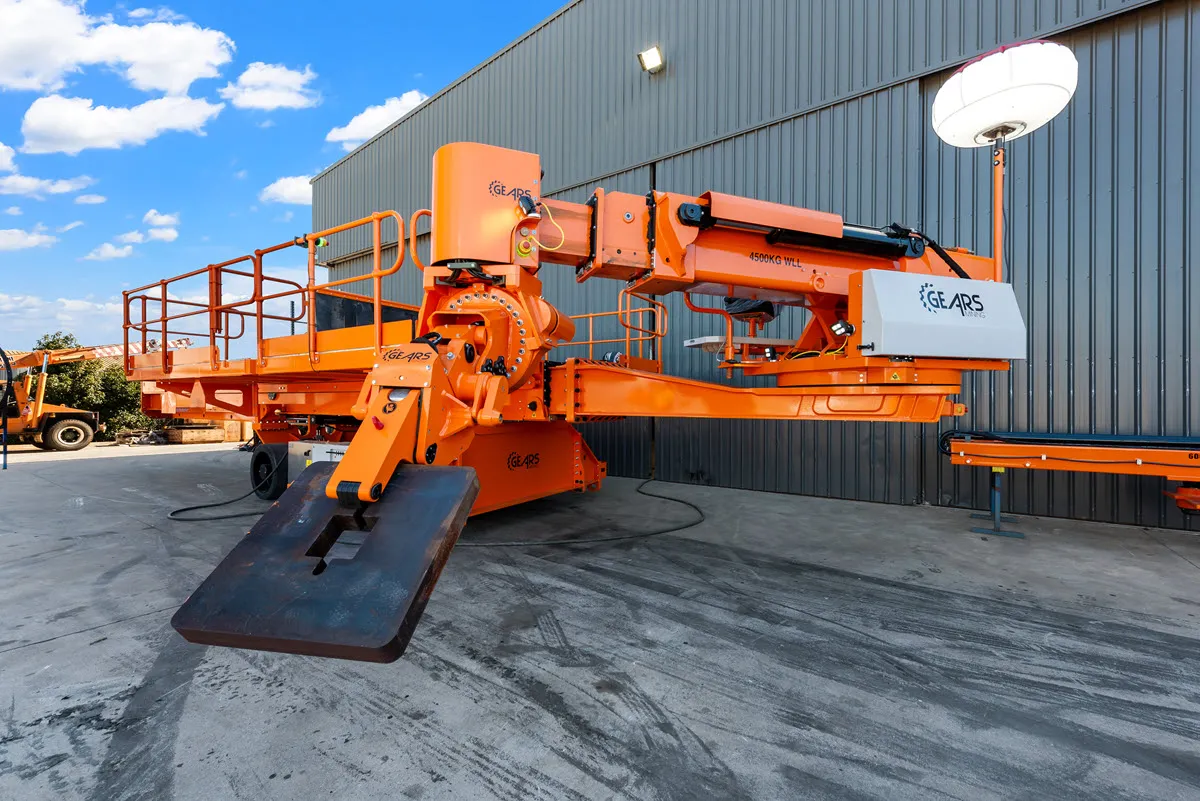
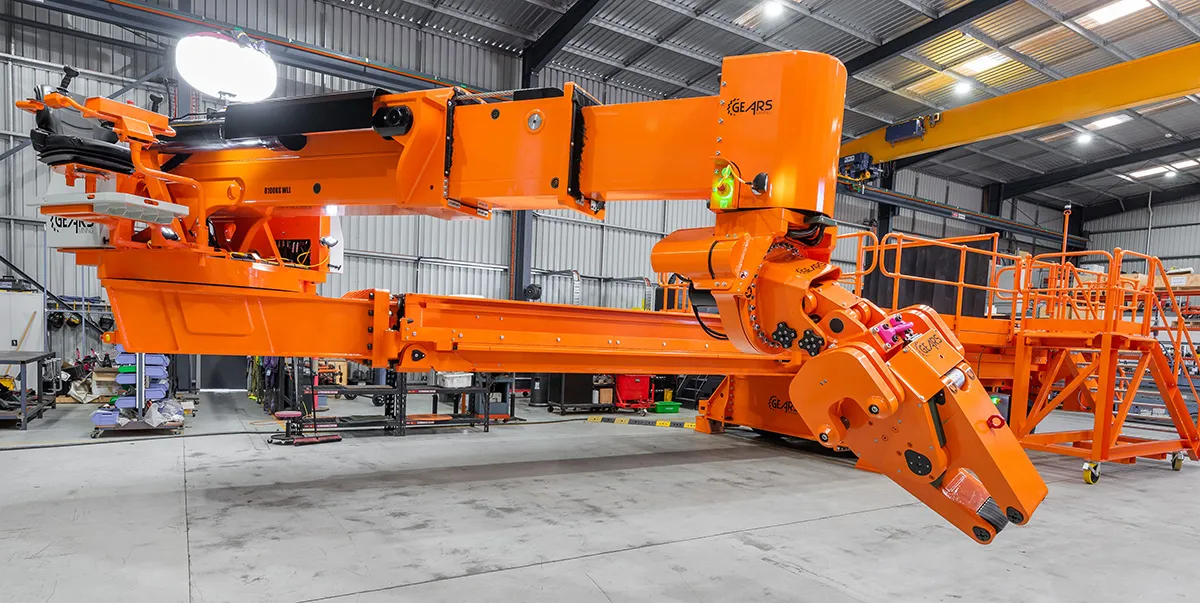
Today, GEARS Mining helps maintain the giant rotating mills that grind rock by providing equipment that removes and replaces their worn internal liners. The company develops these mill-relining systems with SOLIDWORKS® Design. Used around the globe, its equipment includes liner handlers, feed chute transporters, rock breakers, inching drives, and liner-bolt removal tools. The company also relies heavily on SOLIDWORKS Simulation before committing designs to physical prototypes.
Before bringing its 3D design work in house, GEARS outsourced it. While that approach supplied designs, it did not build an engineering knowledge base inside the company. According to Chief Engineer Andrew Tuxford, “GEARS was outsourcing its design work, so the resulting intellectual property (IP) was leaving the company [with each project].”
The challenge grew as customers continued to ask GEARS to expand from servicing equipment to designing and manufacturing it. To develop its own products, GEARS needed to retain not only the CAD models but also the engineering knowledge behind them. Keeping that expertise in house would help its engineers improve and validate future designs.
Leveraging SOLIDWORKS Design enabled GEARS to build an internal engineering team. Tuxford explains, “Bringing SOLIDWORKS in and building design capabilities with in-house engineers enabled GEARS to begin retaining its IP and knowledge internally.”
Make better design decisions with high-performance structural finite element analysis (FEA) software
SOLIDWORKS
Discover SOLIDWORKS Design, the industry-standard 3D CAD software with cloud collaboration, secure file management, and AI-powered features.
SOLIDWORKS
Honestly, without [SOLIDWORKS] Simulation, we wouldn't have a business. It's as simple as that. The primary benefit is the huge cost savings. Being able to run simulations without having to develop prototypes or conduct tests … saves us a huge amount of time.”
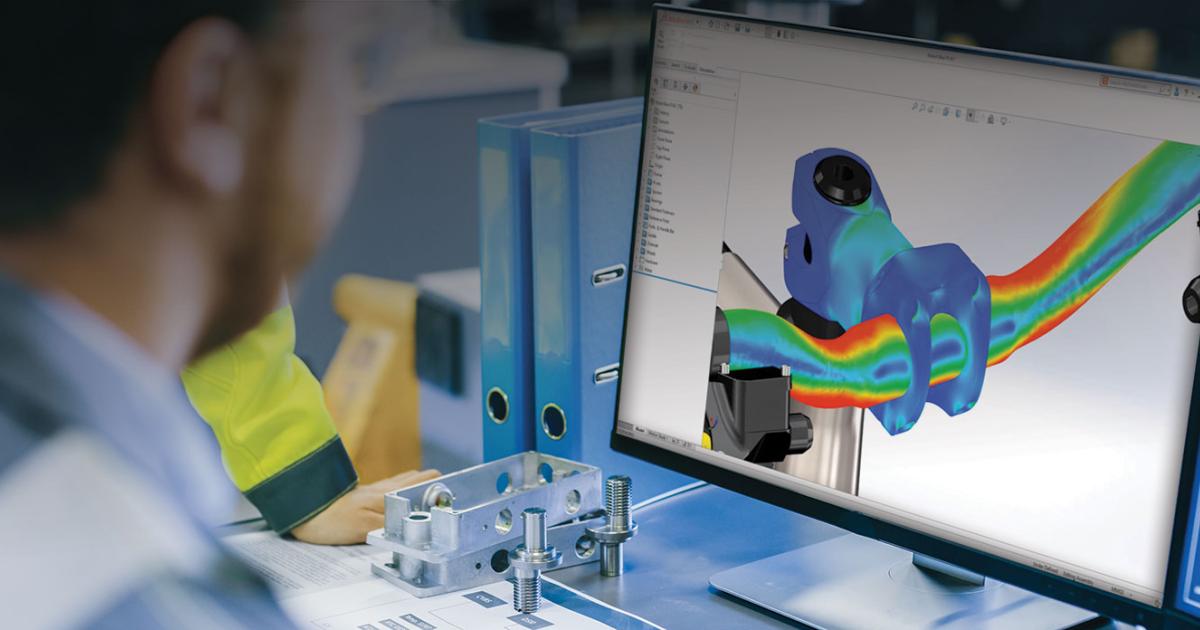
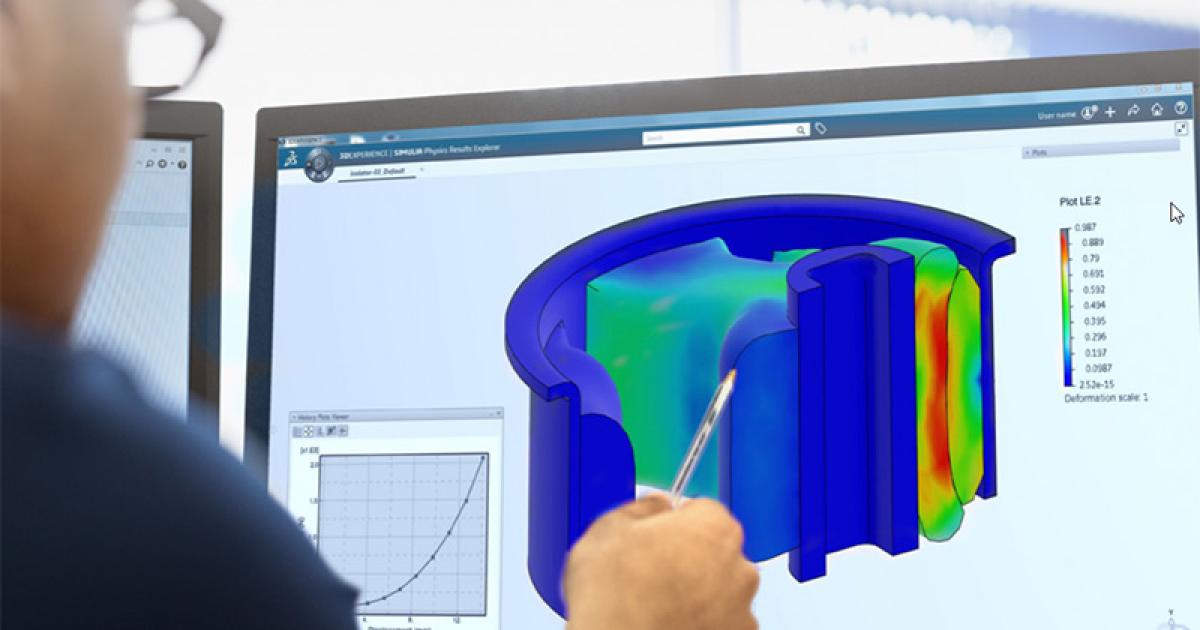
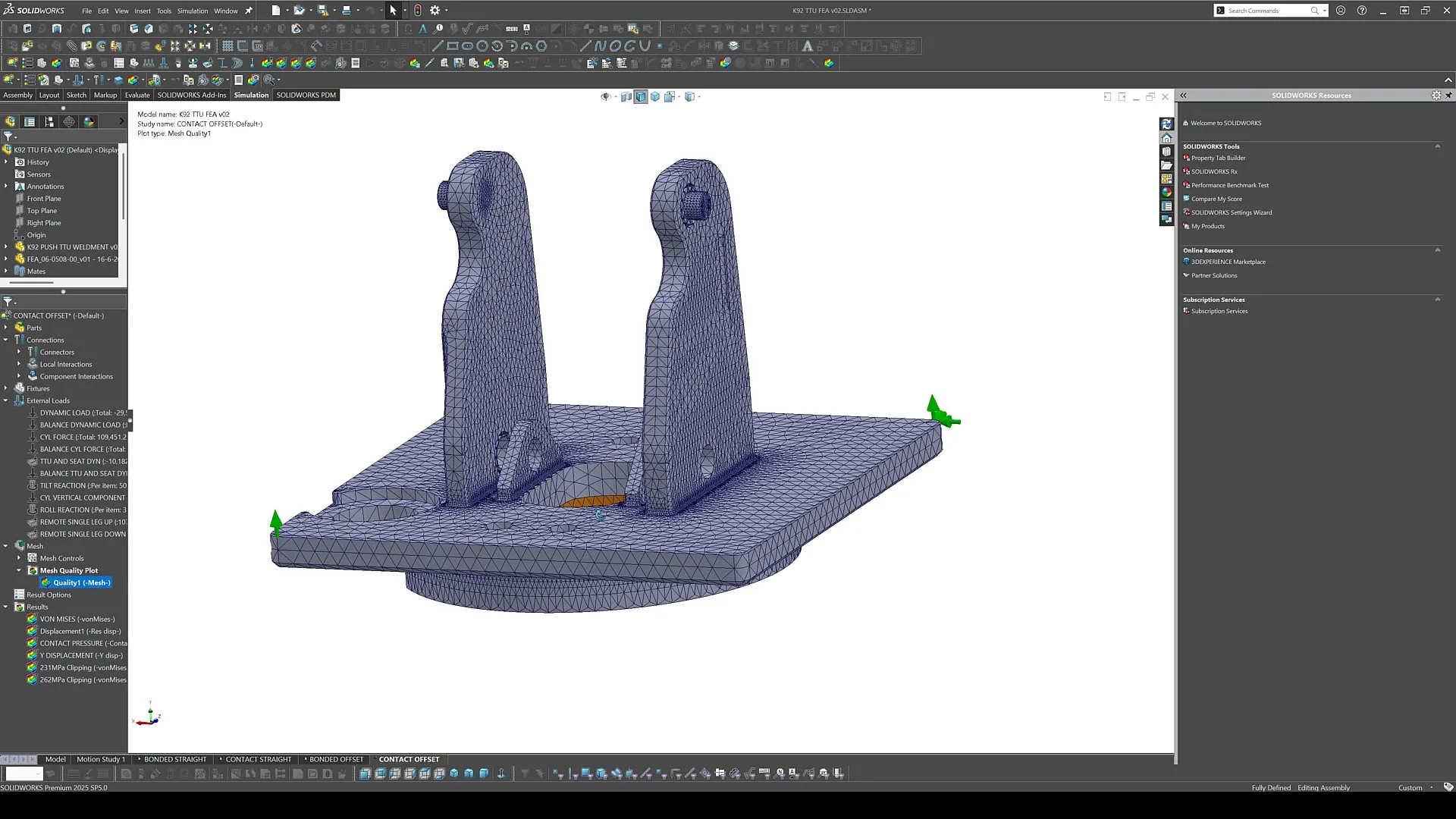
Because SOLIDWORKS Simulation is embedded in the SOLIDWORKS Design environment, engineers can evaluate a current design without exporting its geometry to a separate interface. Further, design modifications are reflected in the simulation model, which enables engineers to rerun an analysis against updated geometry without re-creating its setup: SOLIDWORKS integrated simulation connected everyday design work with validation.
At GEARS, simulation is part of every engineer’s job rather than the responsibility of a dedicated specialist. Each engineer analyzes the components assigned to them as a design develops, confirming that each component can withstand expected loads and meet GEARS’ internal design criteria.
Simulation changed how much physical proof work GEARS needed. Tuxford is direct about the result: “Honestly, without [SOLIDWORKS] Simulation, we wouldn't have a business. It's as simple as that. The primary benefit is the huge cost savings. Being able to run simulations without having to develop prototypes or conduct tests … saves us a huge amount of time.”
GEARS reduced its reliance on the prototyping process while saving substantial time and money. The integrated CAD and simulation workflow also keeps design and analysis connected as engineers revise the geometry.
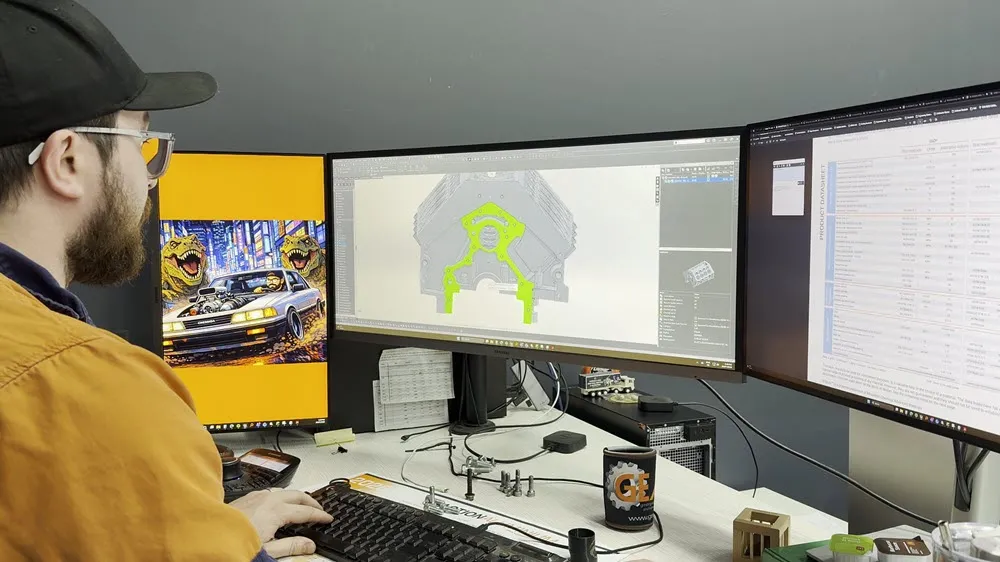
GEARS developed its in-house engineering and manufacturing capabilities to create mill-relining equipment designed around safety, reliability, and ease of maintenance. In addition, the company demonstrated versatility in a very different performance environment by applying the same process to demanding mechanical projects on the racetrack: a billet LS engine block project.
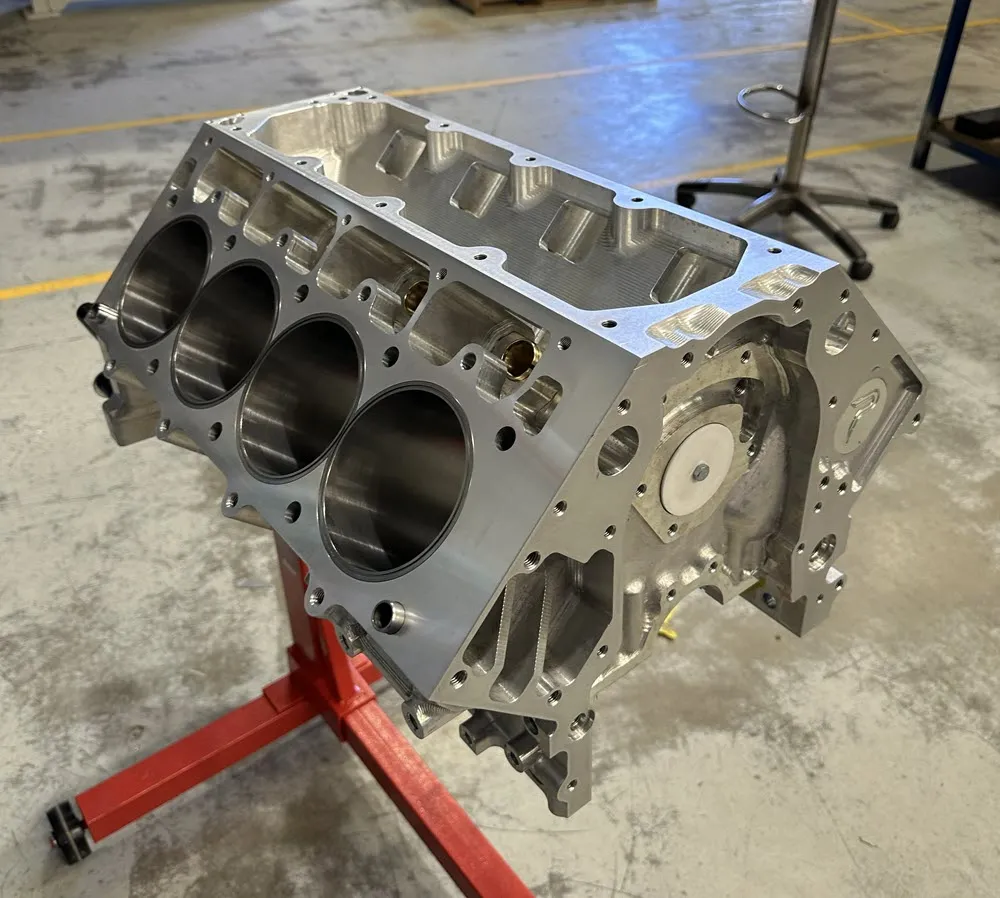
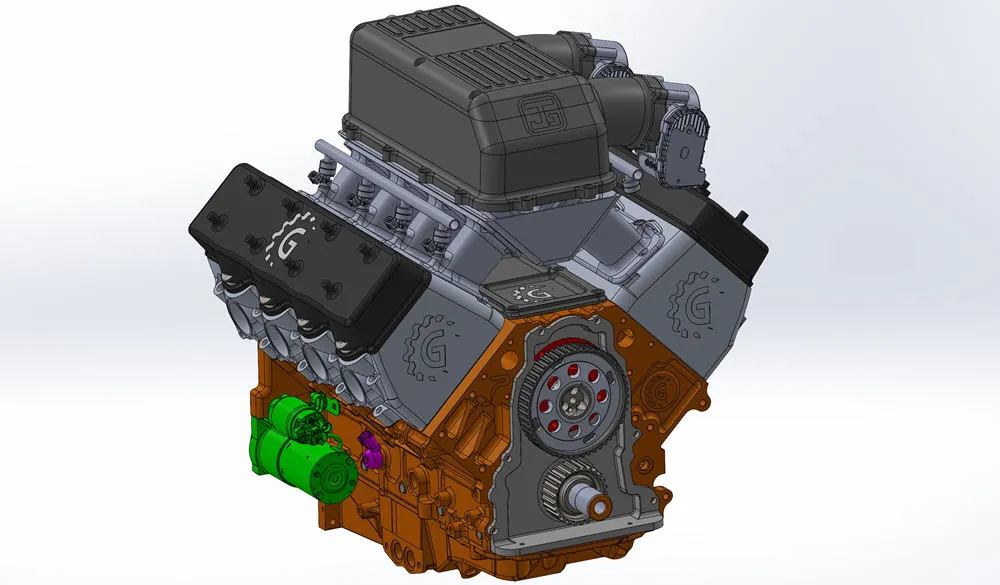
The company’s confidence in SOLIDWORKS DESIGN and SOLIDWORKS Simulation is palpable as its engineers take on motorsport work far outside its core mining equipment expertise. The company applied its internal CAD, CAM, and machining capabilities to a demanding mechanical project. Tuxford notes, “We're doing a billet LS engine block. It went straight from CAD into CAM to be machined in-house on our machining center. Zero physical prototype. Zero testing. It just went from CAD to the racetrack, basically in one hit.”
For mining equipment manufacturers, the larger lesson is ownership. Internal design and simulation capabilities retain more of the design intent, IP, and engineering knowledge inside the business, where engineers can apply it to the next machine headed for the mine.
Innovate faster, design better & grow your career with SOLIDWORKS. Choose the industry standard 3D CAD solution trusted by professionals worldwide.
SOLIDWORKS
Discover advancements in AI CAD tools and their impact on AI product design and how this delivers real-world outcomes for SOLIDWORKS designers.
SOLIDWORKS
Discover what unified Modeling & Simulation (MODSIM) is and how it transforms product design, enabling real-time collaboration and faster innovation.
SOLIDWORKS
This guide will help you evaluate CAD system criteria such as ease of use, collaboration capabilities, data management, and scalability.
EBooks
SOLIDWORKS solutions enable you and your team to quickly transform new ideas into great products.