SOLIDWORKS Simulation | Structural Analysis
Make better design decisions with high-performance structural finite element analysis (FEA) software
SOLIDWORKS
Design intuitive six-axis robot arms that integrate hundreds of mechanical and electrical components in compact assemblies while confirming fit, range of motion, and motor thermal behavior before purchasing or manufacturing parts.
Design intuitive six-axis robot arms that integrate hundreds of mechanical and electrical components in compact assemblies while confirming fit, range of motion, and motor thermal behavior before purchasing or manufacturing parts.
SOLIDWORKS Design to visualize complete robot assemblies, evaluate component fit and range of motion, and create accurate manufacturing drawings. SOLIDWORKS Simulation for evaluating motor thermal behavior early in development.
Standard Bots wants to make industrial automation easier to adopt. At its Glen Cove, New York, facility, the company designs nearly every robot part and assembles every final product in-house. By 2027, it plans to manufacture everything in the United States. The goal is a robot so intuitive that operators do not need a manual. “Standard Bots makes robot arms. And we do the hardware, the software, and the AI stack, and we think of our robots as really the ‘power tools’ for the 21st century,” says founder and CEO Evan Beard.
Making a robot that intuitively requires careful integration of mechanically and electrically complex systems. Standard Bots develops six-axis robot arms for applications including machine tending, welding, palletizing, pick-and-place, surface finishing, and inspection. Each task places different demands on range of motion, payload, tooling, accuracy, and integration with surrounding equipment.
Mechanical Engineering Manager Ben Niewood says the company is working to remove the barriers that have made robots too difficult, expensive, or poorly suited to the work users need them to perform. “We are trying to make it easier for the whole American industrial base to automate and use robotics, to automate tasks that humans can't or don't want to do.”
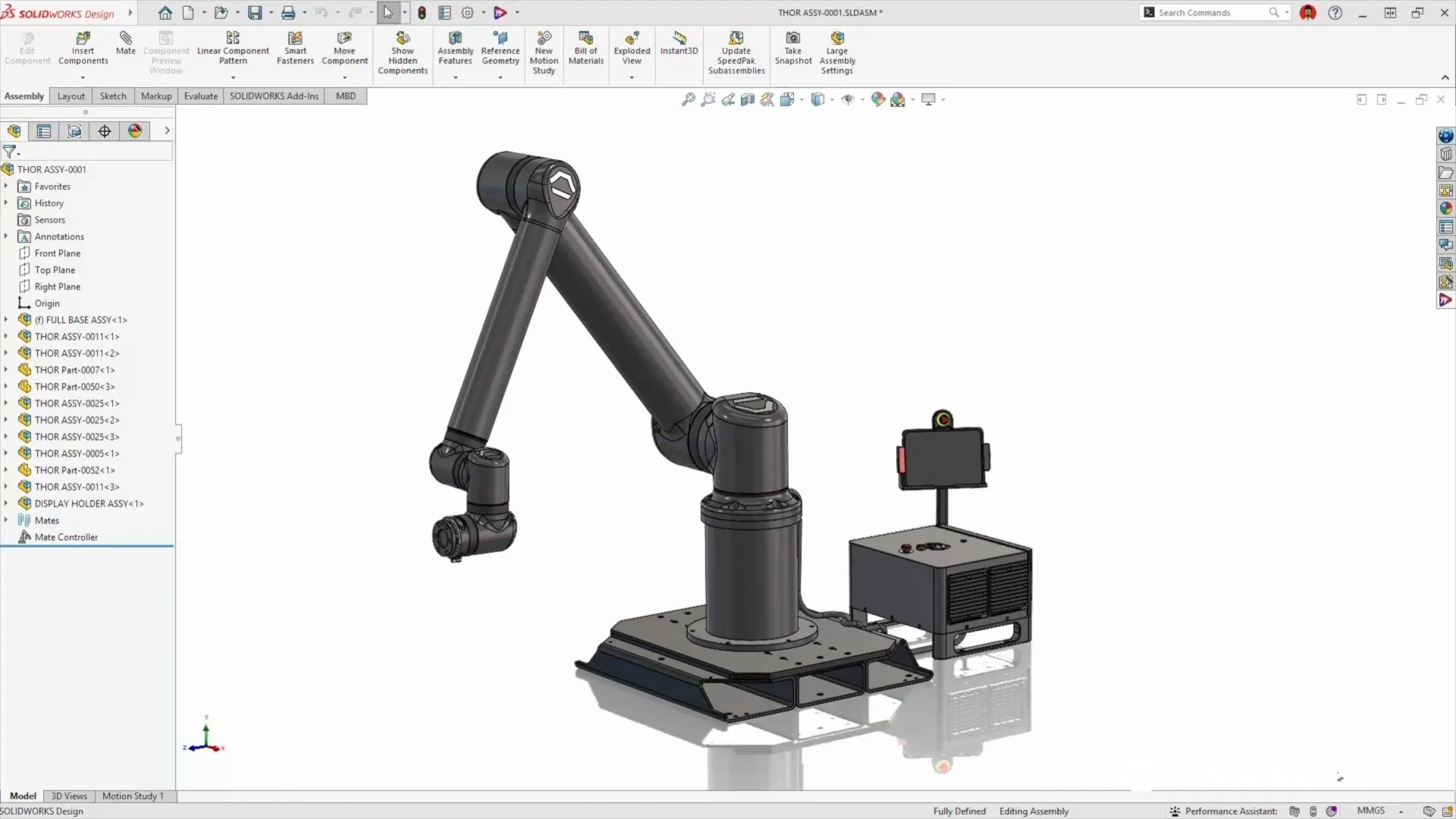
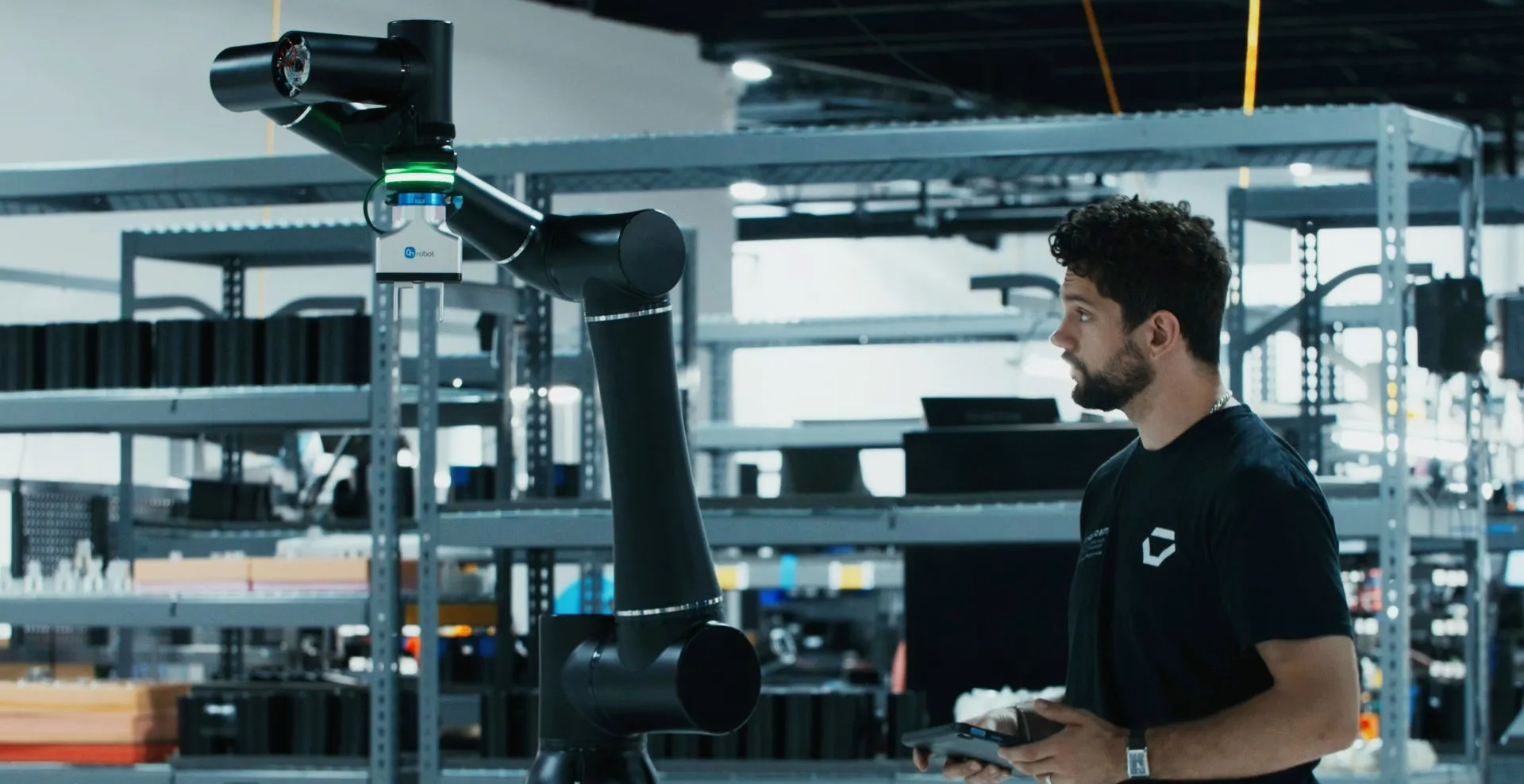
One of Standard Bots cobots completely designed within SOLIDWORKS
Before Standard Bots buys components or releases parts for manufacturing, engineers need confidence that the robot will fit together and perform its intended motion. Mechanical and electrical components must share tight internal envelopes without restricting joint movement or creating assembly problems.
Standard Bots uses SOLIDWORKS® Design to model the complete assembly in 3D, evaluate component fit, and move the robot while in digital form to see where it can and cannot reach. In a detailed SOLIDWORKS 3D product model, engineers can check fit, clearances, motion, and potential interference before manufacturing begins. Standard Bots also creates production drawings to communicate the geometry and dimensions needed to manufacture parts accurately.
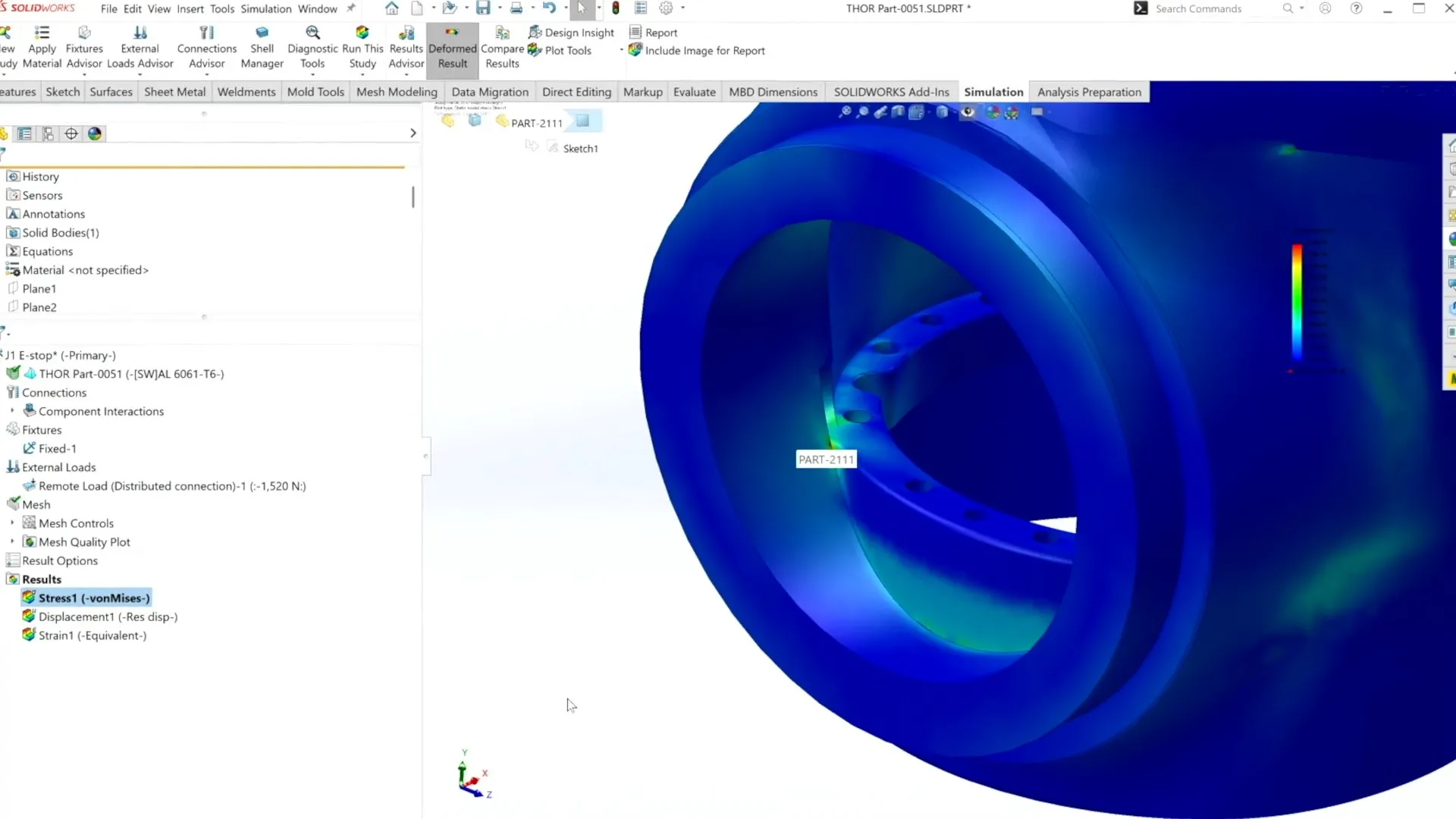
Standard Bots uses SOLIDWORKS Simulation for thermal checks during development
Make better design decisions with high-performance structural finite element analysis (FEA) software
SOLIDWORKS
Discover SOLIDWORKS Design, the industry-standard 3D CAD software with cloud collaboration, secure file management, and AI-powered features.
SOLIDWORKS
When we’re hiring, we need someone to get up to speed tomorrow. We can’t have them wait six months to learn a new tool. Ease of use and familiarity are critical for us, and SOLIDWORKS wins that battle every day.
Heat adds another integration problem.
Robot motors generate heat inside a tightly packaged assembly, and surrounding components affect how that heat moves through the design. Standard Bots uses SOLIDWORKS Simulation for thermal checks during development. Because simulation is integrated with the SOLIDWORKS Design model, engineers can evaluate heat transfer efficiently before physical testing. “Our motors get hot,” Niewood says. “We can use SOLIDWORKS Simulation to get a really quick and easy check on how that part is going to behave.”
Niewood continues, “We’ve got hundreds of unique parts, maybe even thousands, and we need to see how they all come together in 3D. We use SOLIDWORKS for all our CAD design so we can evaluate everything on-screen before we have to buy or manufacture anything. We also use it to create accurate manufacturing drawings. We’re fitting a whole bunch of different components into the assembly, and they all need to work properly together. SOLIDWORKS helps us make sure everything will fit and function as intended when we assemble it.”
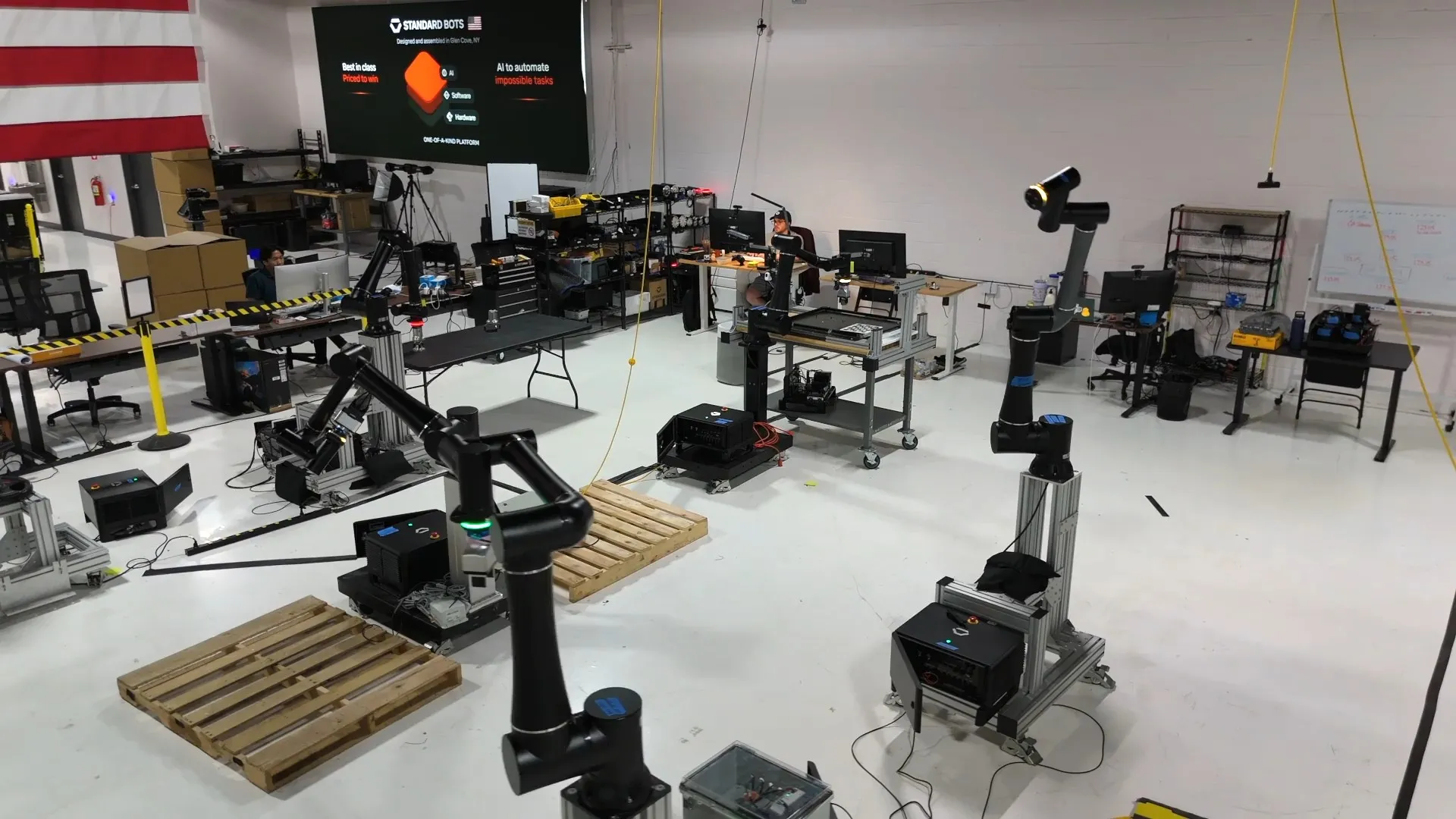
Standard Bots shop floor - testing all cobots
President & CEO at Designatronics Inc., Robert Kufner, a Standard Bots customer, describes the robot’s impact on shop-floor operations:
“We needed to augment our shop floor by automating some of the unhealthy and mundane operations. In this case, cobots [collaborative robots designed to work alongside people] fit the bill, and Standard Bots provided a great solution. The biggest positive was that we saw quality improve almost immediately because of the consistency a robot delivers. We were also able to produce more over time, which allowed us to redeploy our highly valued employees to other areas.”
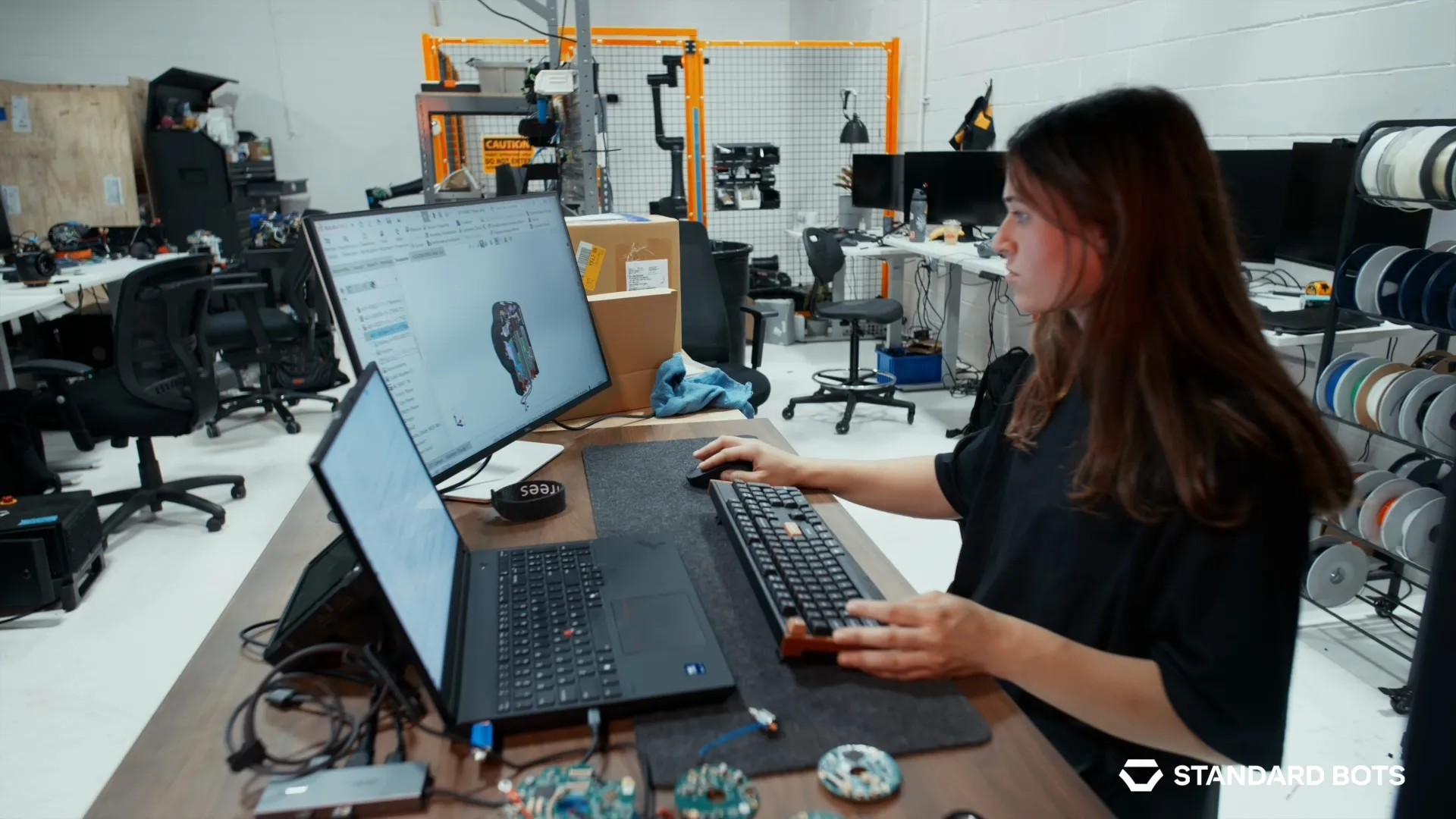
Standard Bots designs from anywhere, including the shop floor
As Standard Bots expands its engineering team, familiarity with design tools becomes a practical constraint. “When we’re hiring, we need someone to get up to speed tomorrow,” Niewood says. “We can’t have them wait six months to learn a new tool.” Because many candidates already know SOLIDWORKS, the company can shorten the ramp-up period. “Ease of use and familiarity are critical for us, and SOLIDWORKS wins that battle every day,” he adds.
![Standard Bots cobots [collaborative robots designed to work alongside people] provide a great solution for modern manufacturing](https://www.solidworks.com/assets/invest/styles/banner/public/2026-09/sb-shop-3.jpg.webp?itok=9F0c-9P8)
Standard Bots cobots [collaborative robots designed to work alongside people] provide a great solution for modern manufacturing
Across the workflow, SOLIDWORKS gives Standard Bots one environment for visualizing complex assemblies, evaluating fit and range of motion, preparing manufacturing drawings, and checking motor thermal behavior. Beard says that continuity helps new engineers contribute sooner: “We realized that SOLIDWORKS provided a single platform that could really let us hit the ground running and be the most productive from day one.” As Standard Bots grows, the company plans to keep building on that foundation. “We plan on building the biggest robotics company in the world,” Beard says.
Innovate faster, design better & grow your career with SOLIDWORKS. Choose the industry standard 3D CAD solution trusted by professionals worldwide.
SOLIDWORKS
Discover advancements in AI CAD tools and their impact on AI product design and how this delivers real-world outcomes for SOLIDWORKS designers.
SOLIDWORKS
Discover what unified Modeling & Simulation (MODSIM) is and how it transforms product design, enabling real-time collaboration and faster innovation.
SOLIDWORKS
This guide will help you evaluate CAD system criteria such as ease of use, collaboration capabilities, data management, and scalability.
EBooks
SOLIDWORKS solutions enable you and your team to quickly transform new ideas into great products.