AI Product Design with AI Tools
Accelerate product development with AI Product Design in SOLIDWORKS. Securely refine with Virtual Companions and AI CAD automation.
SOLIDWORKS
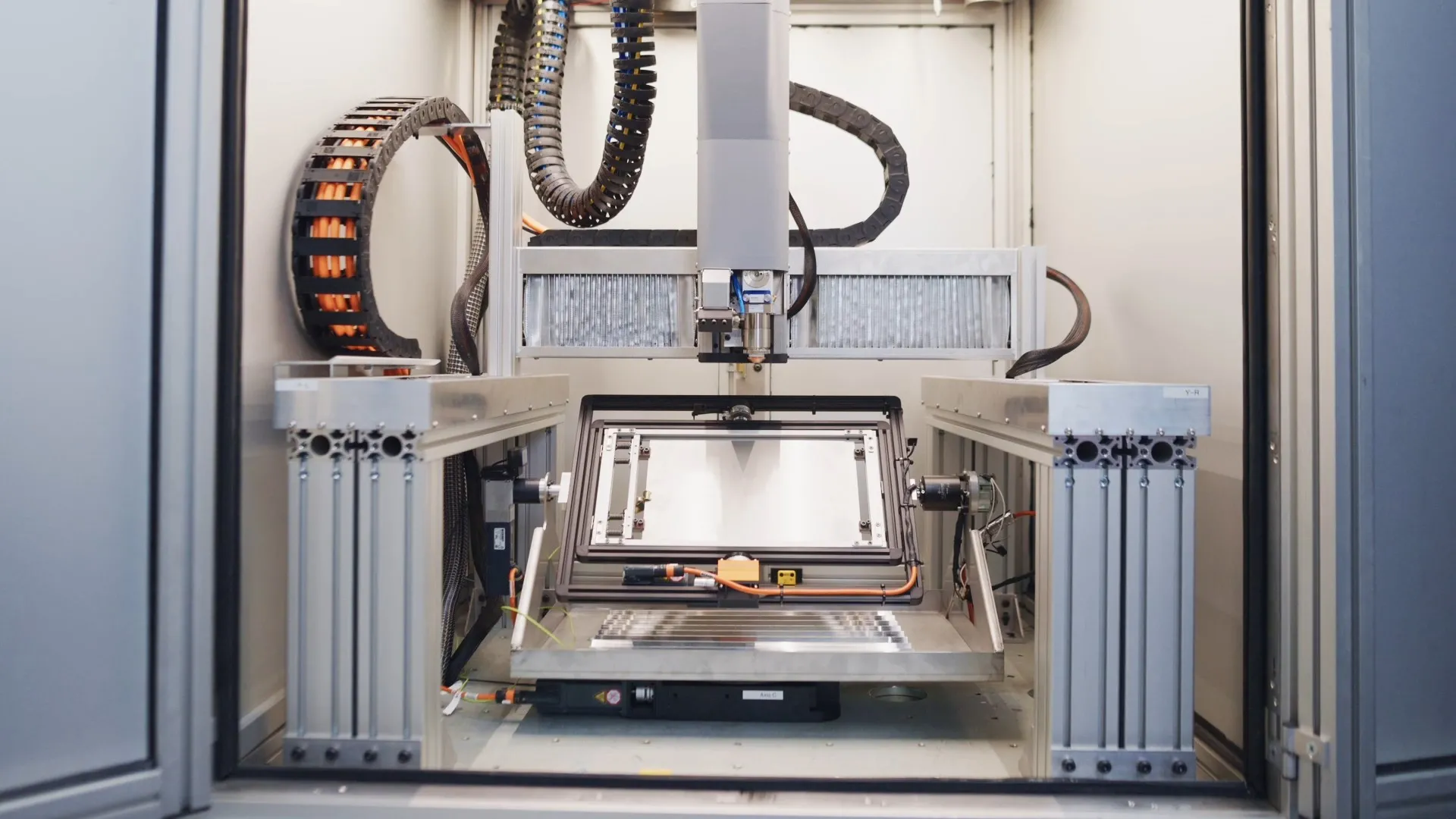
AutoShape, a spin-out from Aalborg University, built the CFE 350, a laser machine that cuts, bends, and engraves sheet metal directly from a CAD file. The team designed it in SOLIDWORKS Design and now manages its product data on the 3DEXPERIENCE Platform.
Replace sheet metal production that depends on multiple machines, tooling, and manual setup with an integrated laser system, while building an engineering foundation that can scale from one machine to a broader product portfolio.
Design the entire CFE 350 in SOLIDWORKS through the SOLIDWORKS startup program, then move the complete machine design to the 3DEXPERIENCE platform for data-managed product development.
Modern manufacturing is becoming more digital and automated, but producing sheet metal parts still relies on multiple machines, tooling, and manual setup, which creates inefficiencies. AutoShape believes it’s time for the next step: an integrated manufacturing system that shortens the production chain.
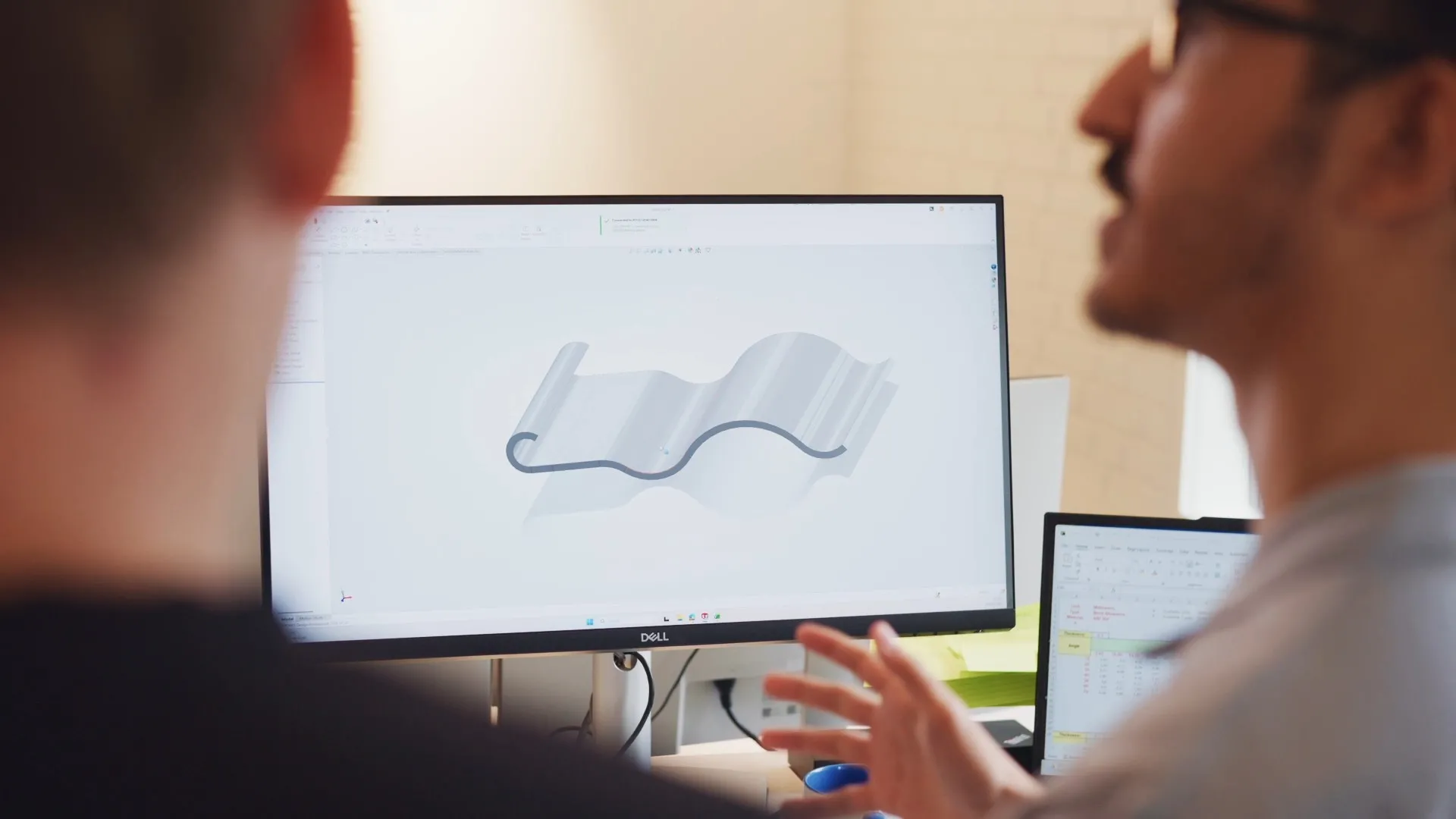
AutoShape complex sheet metal form designed in SOLIDWORKS Design
AutoShape’s story began with many years of academic research in laser processing at Aalborg University, which has since grown into an ambitious startup. As the team moved from research to building and developing their machine, they joined the SOLIDWORKS Startup Program. Morten Kristiansen, CEO of AutoShape states, “As we moved from research to building and developing our machine, we joined the SOLIDWORKS startup program. That gave us access to the tools needed to bring the CFE 350 from a concept to reality.”
The CFE 350 is an integrated laser-based sheet metal forming machine that produces sheet metal parts automatically, directly from CAD. It combines laser cutting, laser bending, laser engraving, and inline quality monitoring in a single platform. It is powered by AutoShape’s patented tool-free laser forming technology, which shapes metal without custom physical tooling.
The result is a CAD-to-part workflow that makes production less dependent on operator expertise.
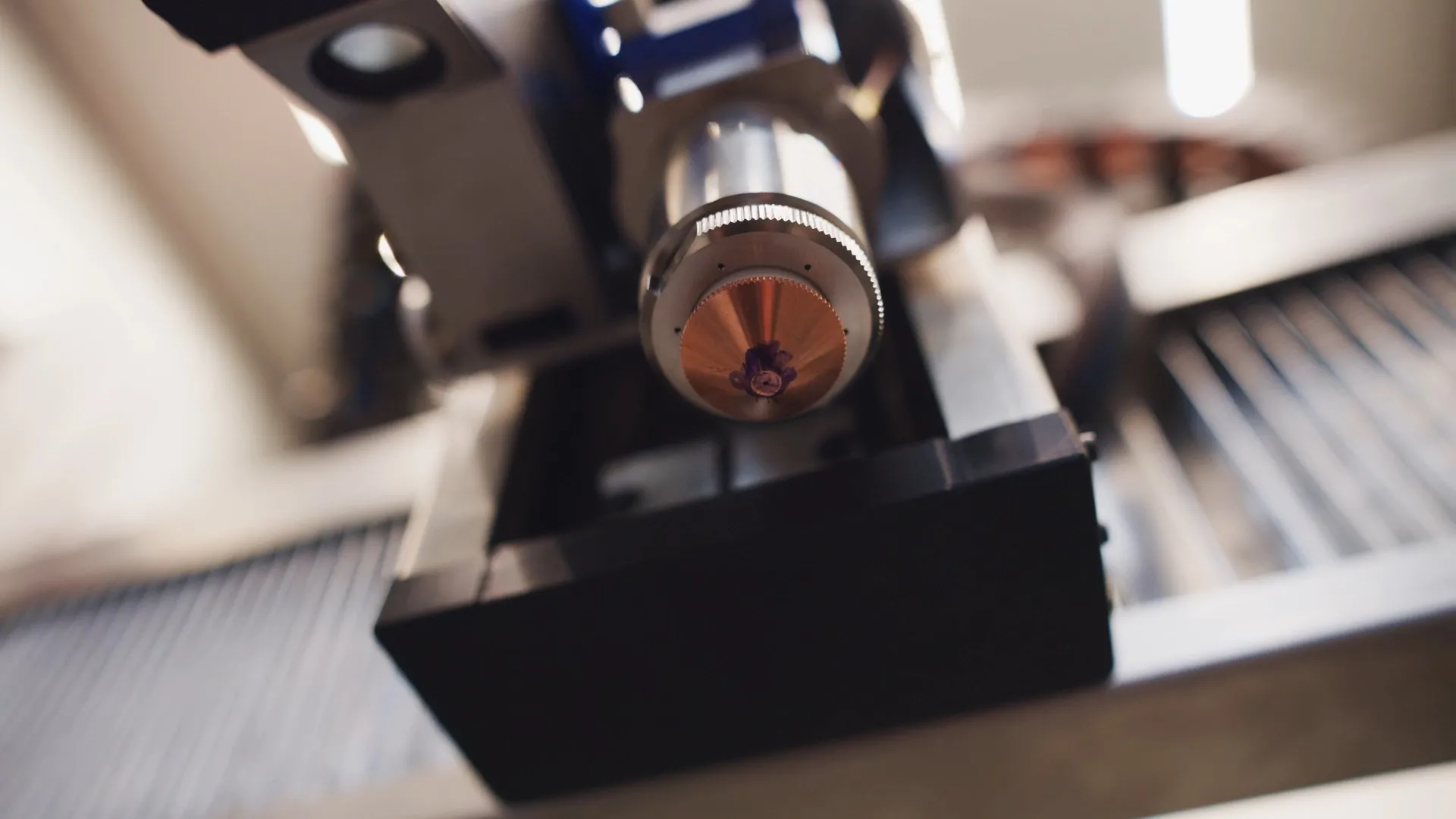
AutoShape designed the entire CFE 350 in SOLIDWORKS, from individual components to the complete machine
AutoShape designed the entire CFE 350 in SOLIDWORKS, from individual components to the complete machine. But SOLIDWORKS plays a second role as well: a part designed in SOLIDWORKS is also the input for the machine, which forms the finished part directly from that CAD file, with no custom tooling. Ewa Kristiansen, Chief Product Officer of AutoShape states: “So for us, SOLIDWORKS is relevant on both sides, in engineering the machine itself and in the digital workflow through which our customers will use it.”
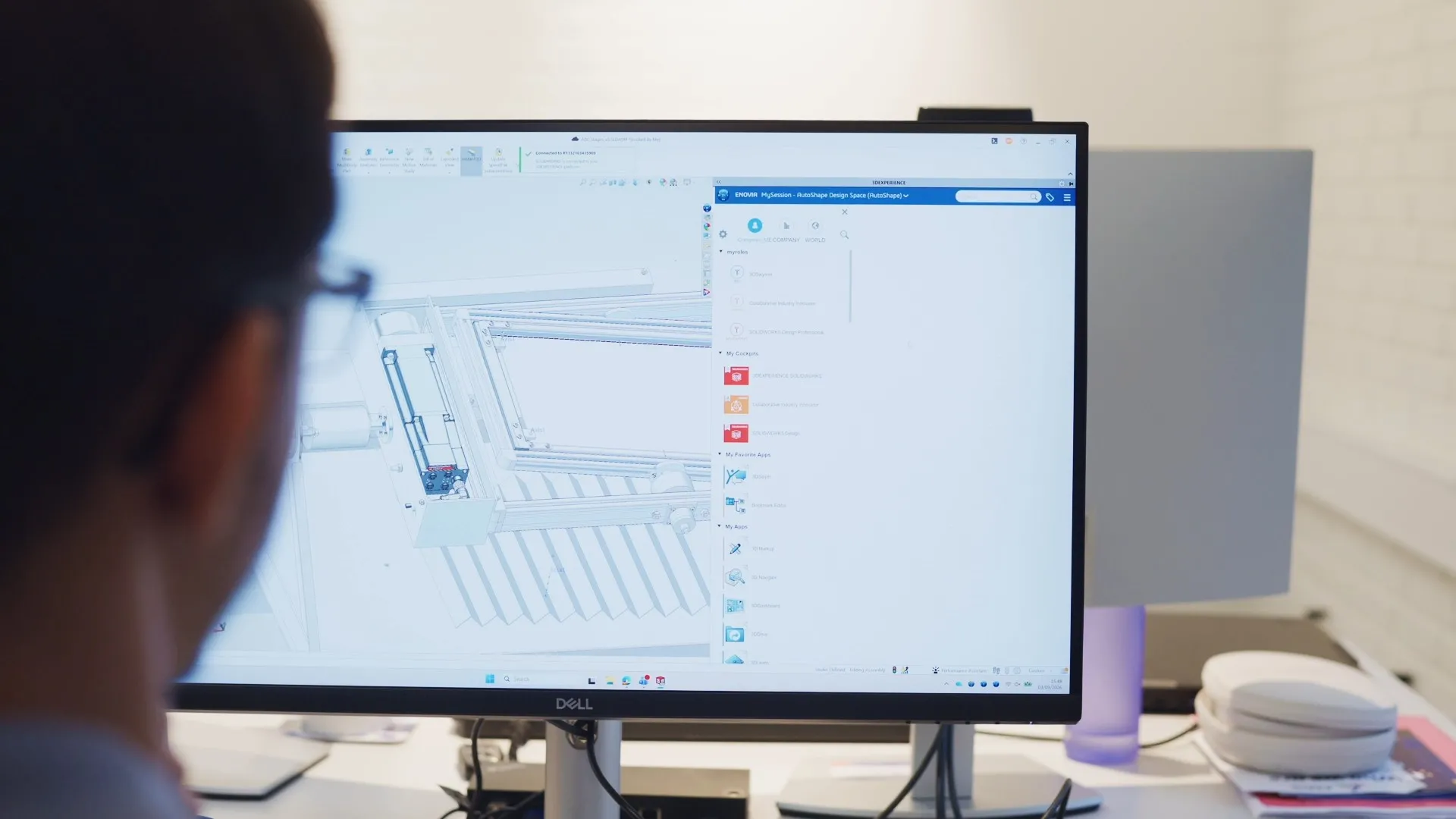
AutoShape uses SOLIDWORKS Design from initial concepts to complete production drawings.
Accelerate product development with AI Product Design in SOLIDWORKS. Securely refine with Virtual Companions and AI CAD automation.
SOLIDWORKS
Make better design decisions with high-performance structural finite element analysis (FEA) software
SOLIDWORKS
As we moved from research to building and developing our machine, we joined the SOLIDWORKS startup program. That gave us access to the tools needed to bring the CFE 350 from a concept to reality.
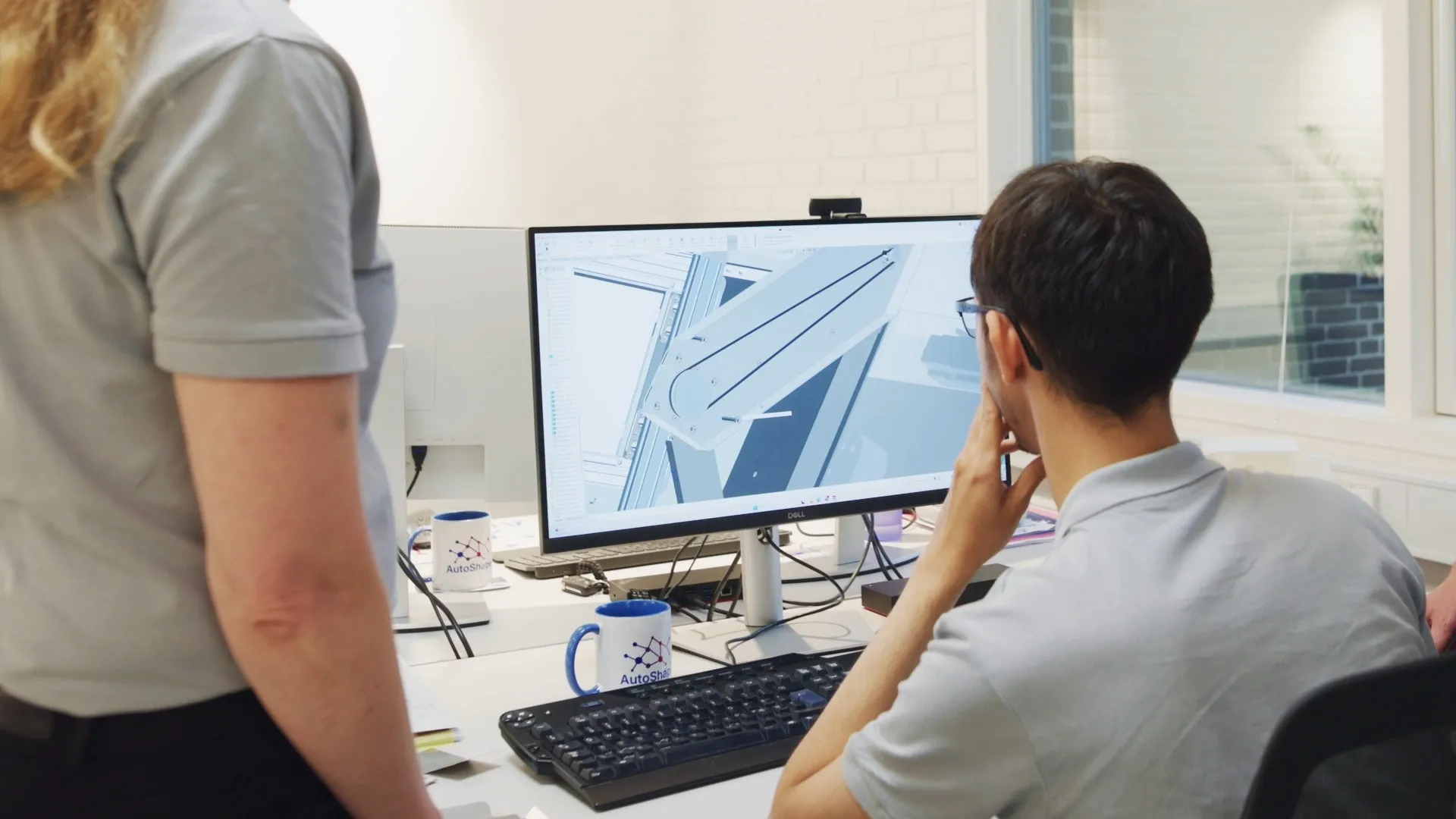
File-based design means engineers collaborate by passing individual CAD files around. Data-managed product development means the team works from shared, version-controlled product data instead of loose files. AutoShape recently made that move with 3DEXPERIENCE, and the complete CFE 350 design now lives on the platform.
The biggest change is cultural as much as technical: the team has moved from collaborating around individual files to working around shared, managed product data. They’re still in the early stages of exploring the platform’s capabilities, but 3DEXPERIENCE is now their primary product development platform, and they plan to expand how they use it as the team, product, and engineering needs grow. Samir Jørgensen, Mechanical Engineer at AutoShape noted: “As we move towards building multiple machines and eventually a broader product portfolio, managing our engineering data and development processes will become increasingly complex. This is why having this connected engineering platform will be essential for us.”
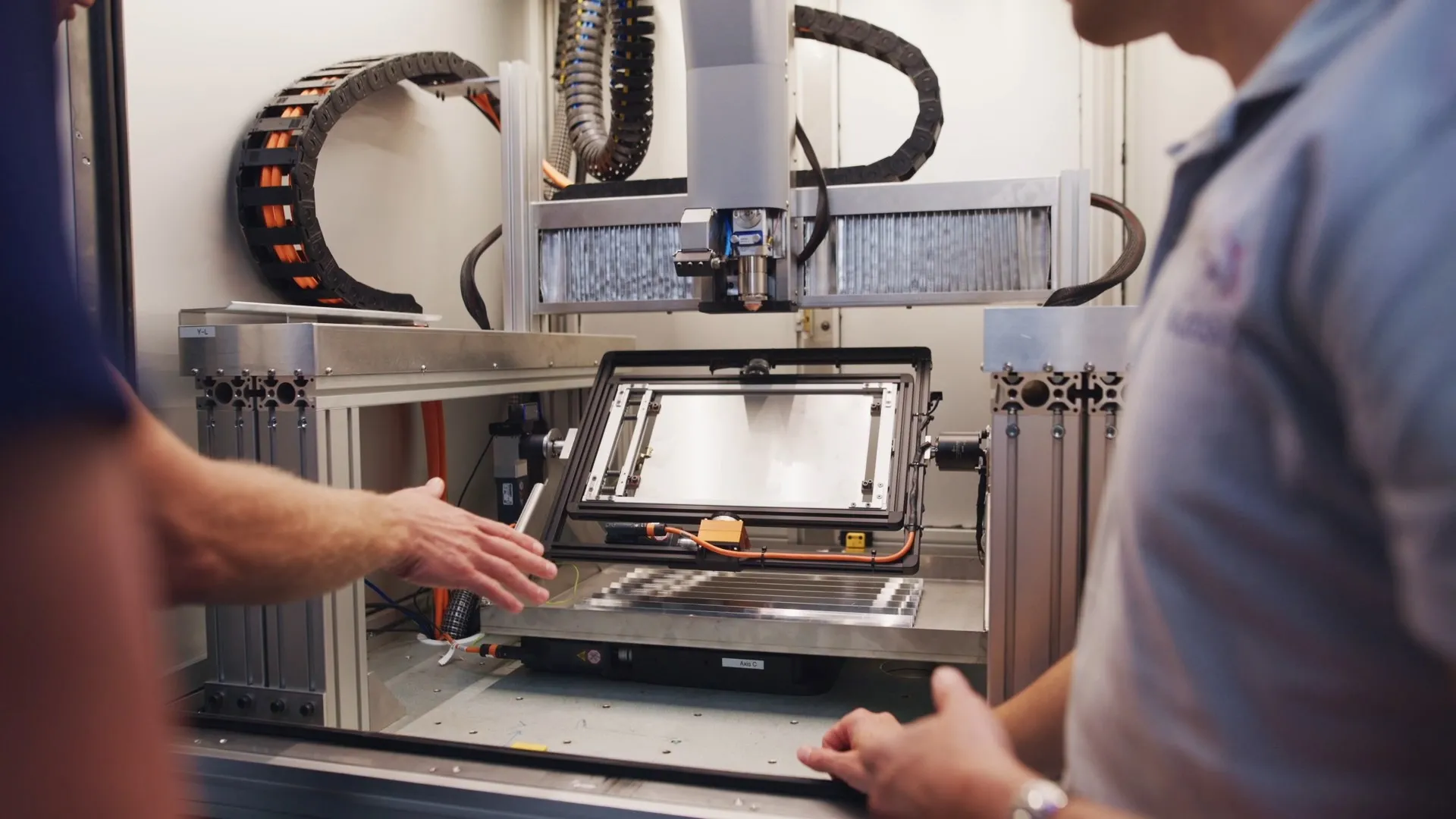
AutoShape plans for growth from the beginning, building the CFE 350’s mechanical and software architecture with a larger product portfolio in mind. With multiple machines and eventually a broader portfolio on the horizon, that means considering modularity, standardization, suppliers, assembly, and service from the very start.
Scaling the product portfolio also means scaling the way the team works. As the team grows and collaborates with interns and external partners, it needs efficient onboarding, clear engineering workflows, and a structured way of managing product data and revisions. Moving from file-based to data-managed design is becoming an important part of preparing AutoShape for its next stage.
Industry-leading 3D design tools for hardware startups at nominal cost
SOLIDWORKS
Innovate faster, design better & grow your career with SOLIDWORKS. Choose the industry standard 3D CAD solution trusted by professionals worldwide.
SOLIDWORKS
Discover collaborative design, its benefits, and tools to boost teamwork. Learn how SOLIDWORKS empowers innovation with seamless design collaboration.
SOLIDWORKS
Discover advancements in AI CAD tools and their impact on AI product design and how this delivers real-world outcomes for SOLIDWORKS designers.
SOLIDWORKS
SOLIDWORKS solutions enable you and your team to quickly transform new ideas into great products.