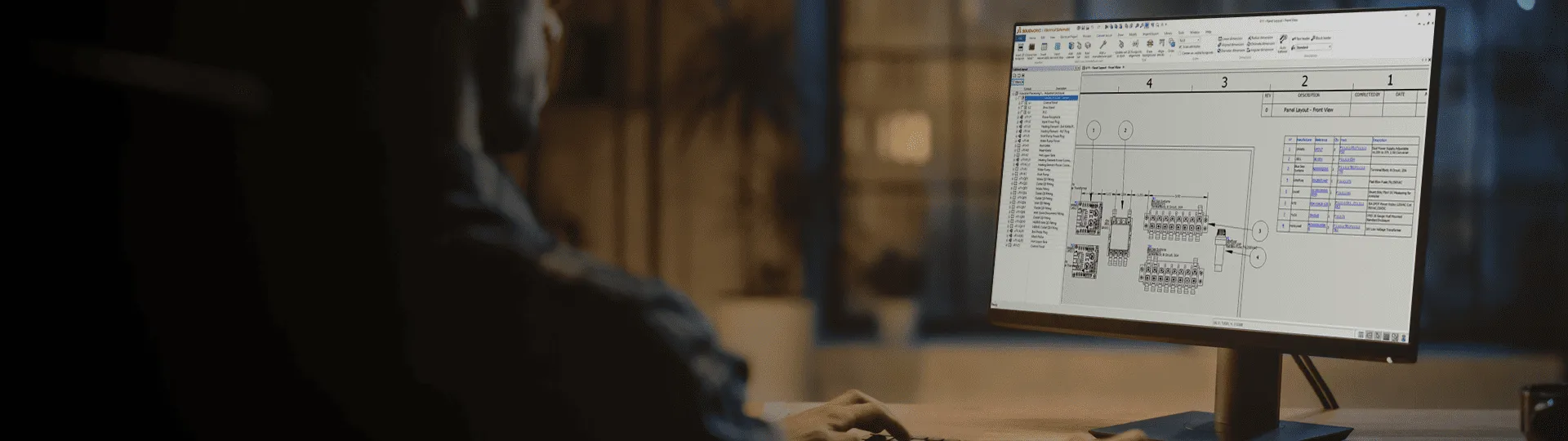
Why SOLIDWORKS Electrical?

Your engineers didn’t go to school to fill out spreadsheets and audit documentation. SOLIDWORKS Electrical automates rote tasks, eliminating human error and wasted time to ultimately free up your engineers to focus on why they became engineers—to create innovative, powerful electrical designs.

Top 3 Benefits of SOLIDWORKS Electrical

Save-time-SOLIDWORKS

Save Time

SOLIDWORKS Electrical cuts out the time wasted on tedious documentation and redesign tasks via its intelligent design tools and design reuse capabilities, allowing product developers to save time and focus on product design.

Eliminate-erros-with-SOLIDWORKS

Reduce Human Error

With parametric and associative designs, SOLIDWORKS Electrical helps engineers reduce human error throughout the design and documentation process while keeping specifications and electrical systems fully aligned, thus negating the need for timely revisions and ECOs.

Innovation-Idea-SOLIDWORKS

Drive Innovation

The time saved, improved design accuracy, and access to top-of-the-line design tools from SOLIDWORKS Electrical empower your engineers to focus on product development and driving innovation.

SOLIDWORKS Electrical Capabilities

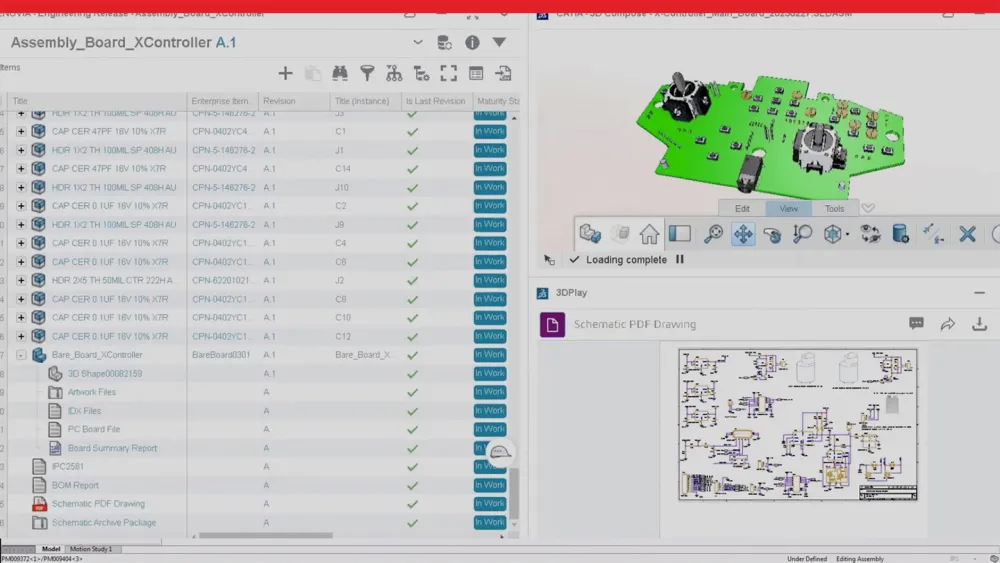
SOLIDWORKS Electrical is a robust product suite combining 2D schematic design tools with 3D CAD collaboration plus PCB integration and cloud connectivity, equipping you with the tools you need to tackle the challenges of the modern electrical landscape.

Intelligent Schematics

Intelligent-Schematics-SOLIDWORKS
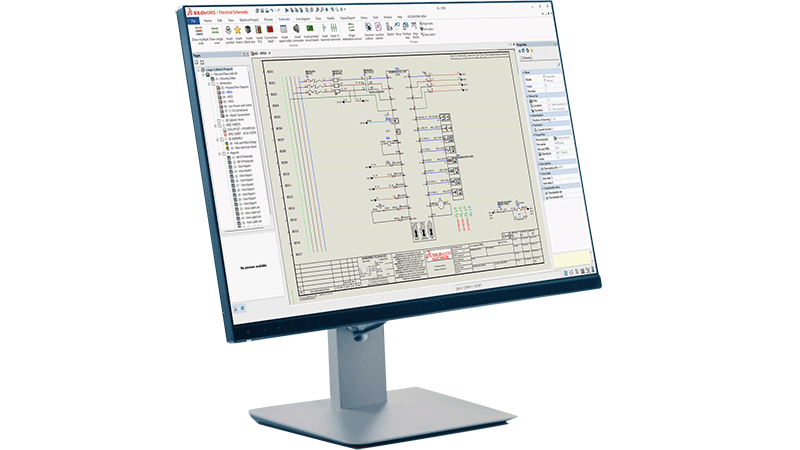
  • Parametric design: Eliminate human error and enjoy 100% time savings on tasks like circuit reuse, wire numbering, and part swapping thanks to the parametric functionality of SOLIDWORKS.
  • Rapid system development: Automate mundane and repetitive tasks, leverage symbol / manufacturer part libraries, and generate reports in seconds, while keeping your schematic layouts consistent across the project.

Streamlined Collaboration

	streamlined-collab-SOLIDWORKS
  • Electrical engineering alignment: Electrical engineers can work concurrently on the same project, eliminating file version conflicts and optimizing teamwork.
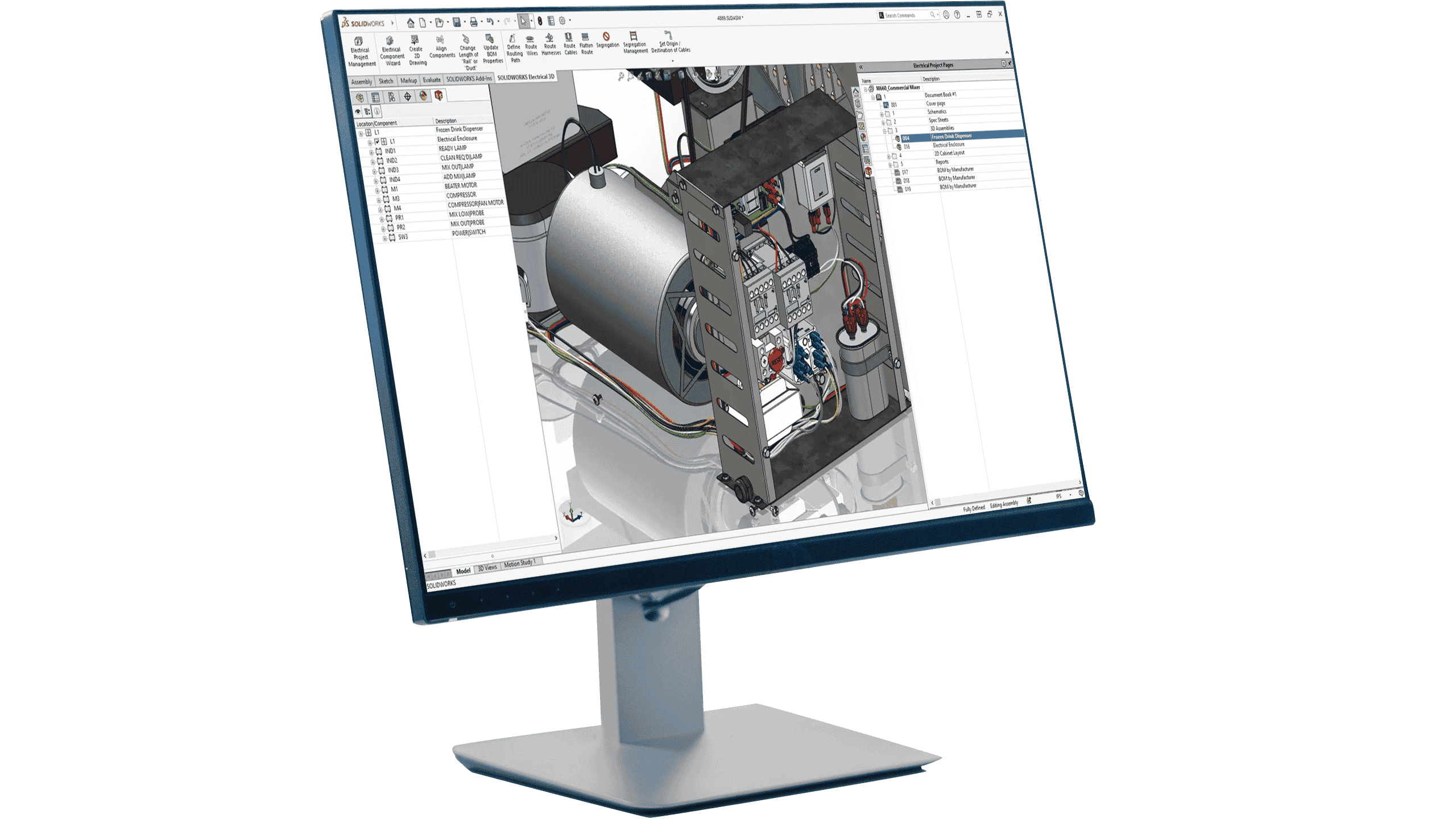
  • Coordination between electrical and mechanical teams: Seamless electrical and mechanical design integration with consistency across all team documents to put electrical and mechanical teams on the same page.

Accurate Design, 3D Visualization

Accurate-3D-Visualization-SOLIDWORKS
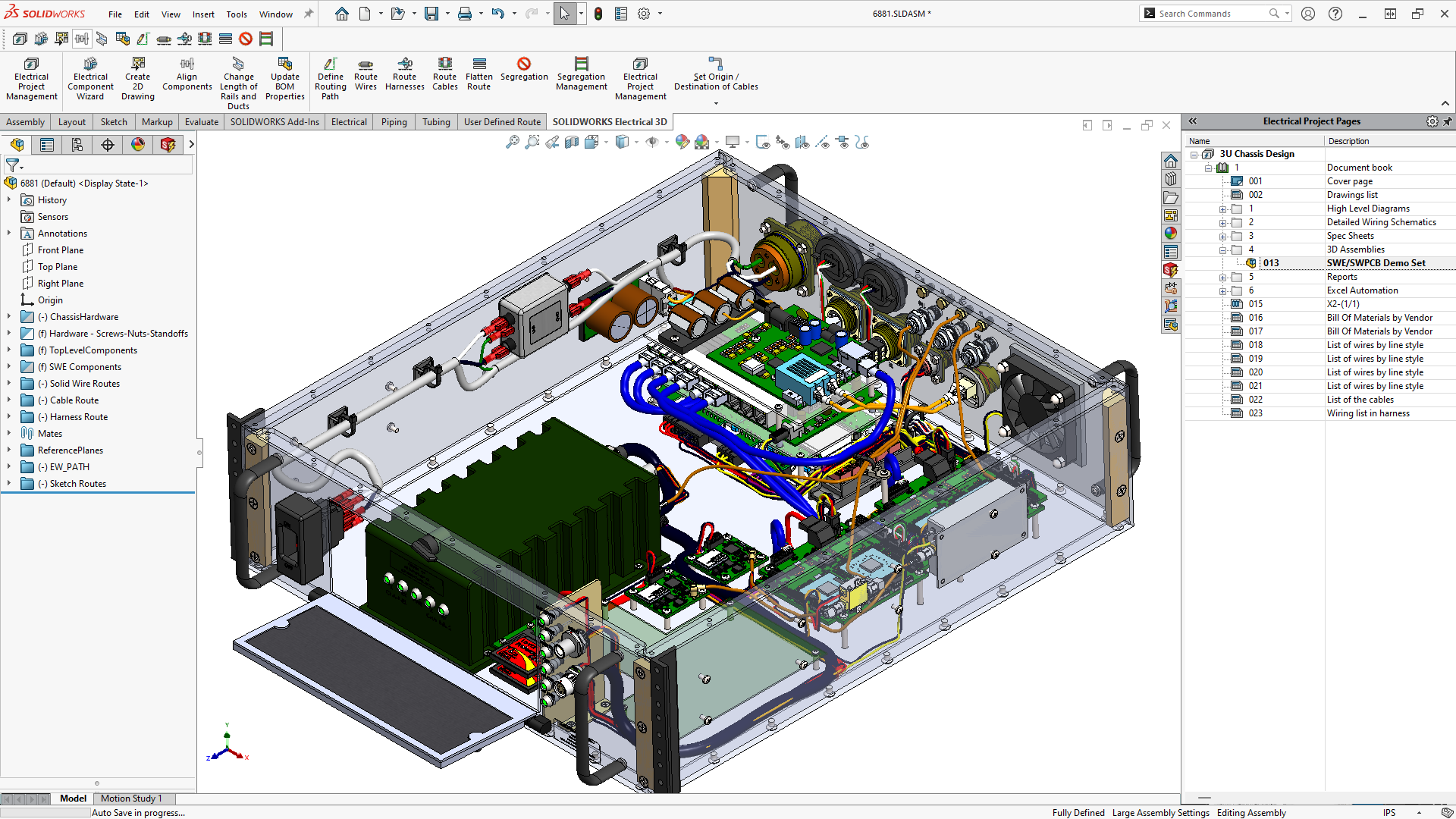
  • Precise Wire Harnessing: Determine and document accurate 3D route and wire lengths before making a single physical prototype, saving time and money and ultimately speeding up the time to production.
  • Design Intent: SOLIDWORKS Electrical is able to capture design intent, preempting edits tied to fields such as relations, parameters, and model behavior. This functionality is key to maintaining the integrity of your overall design as you modify dimensions or attributes throughout the design process. 

Business Benefit

business-benefit-SOLIDWORKS
  • Virtual Twin: Create a digital twin of your product including everything from clear, polished documentation, to photo-quality visualizations for marketing materials. SOLIDWORKS Electrical helps you tell the story of your product–from design to production.
  • Reduced Physical Prototyping: With the range of benefits detailed above from intelligent schematics to precise wire harnessing and 3D visualization, you can validate design and part fit without ever making a single physical prototype, saving you and your company time, money, and physical resources.

SOLIDWORKS Electrical Products

The SOLIDWORKS Electrical portfolio offers a range of design software products for schematic design, wire harnessing, 3D CAD integration and more. SOLIDWORKS Electrical contains all you need for streamlined, integrated electrical design. Discover each of the SOLIDWORKS Electrical products below.

Find Your Success with SOLIDWORKS Electrical

Check out some of our customer stories below for examples of how users like you have found their success with SOLIDWORKS Electrical.

Knowledge Base

Here, we cover everything from schematic design and wire harnessing to PCB design and mechatronics, all the way to AI, intelligent design tools, and more. Dive into these topics below.

How Can We Help?

SOLIDWORKS Flexible Solution icon of two dialogue quote boxes

Find the Flexible Solution for You

Speak with a SOLIDWORKS expert to discuss your business needs.

SOLIDWORKS Support icon of people standing together

Find SOLIDWORKS Support

Get technical support for SOLIDWORKS products and explore ways to grow your skills.

solidworks-intuitive-user-interface-icon.png

Buy SOLIDWORKS Solutions

Flexible purchasing options give you the power to choose a license that best suits your needs.