What's New in DraftSight 2027
Reduce costs, save time, and upgrade your CAD workflow without retraining your team.
DraftSight 2027 adds new productivity features and tools across drafting, data extraction, and BIM while keeping the interface, commands, and workflows that you expect from your 2D CAD tools.
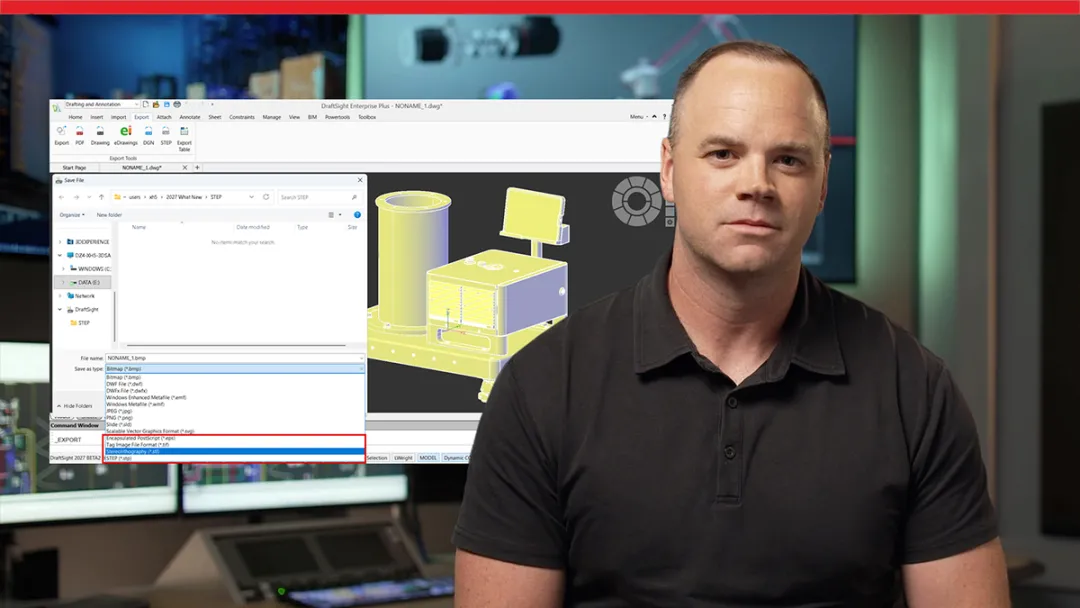
Explore what’s new with a DraftSight expert
Get an expert demo
DraftSight 2027 Top Features and Enhancements
See the top DraftSight 2027 enhancements and learn how new capabilities for drafting, data exchange, workflow automation, and BIM coordination help reduce manual effort, improve productivity, and save time across every project.
Stay current and connect with an expert for tailored guidance on your upgrade
Contact us
Why Design and Engineering Teams Choose DraftSight 2027
DraftSight delivers the familiar 2D CAD experience design teams expect while helping organizations reduce software costs and improve productivity. From an easy transition for AutoCAD users to workflow automation, advanced design tools, and new DraftSight 2027 enhancements, DraftSight provides the capabilities engineers, designers, and professionals need to work more efficiently every day.

Switch Software, Not the Way You Work

DraftSight uses familiar commands, aliases, ribbons, and keyboard shortcuts, making the transition straightforward for AutoCAD users. Existing LISP routines, scripts, macros, and customizations continue to work ensuring consistency and helping teams stay productive from the start.

Lower Costs Without Sacrificing Capability
DraftSight aligns with your design workflow and offers the drafting, CAD standards, and design tools that many organizations and professionals depend on daily, all at a lower total cost compared to many competing CAD solutions.

Save Time on Daily Drafting Tasks
DraftSight 2027 adds improvements that simplify common editing and documentation work. Updates include: Property Painter enhancements, BIM Module improvements, DWG digital signatures, FIELD enhancements, MultiViewSetup command, XLSX data extraction, and mechanical tool updates.

Extend Your 2D CAD Capabilities
DraftSight Premium and DraftSight Enterprise Plus add tools for 3D modeling, BIM support for IFC and Revit files, data extraction, automation, API and LISP customization, and cloud collaboration through the 3DEXPERIENCE platform.
Stay supported and upgrade to DraftSight 2027
Contact us

Discover What’s New in SOLIDWORKS 2027
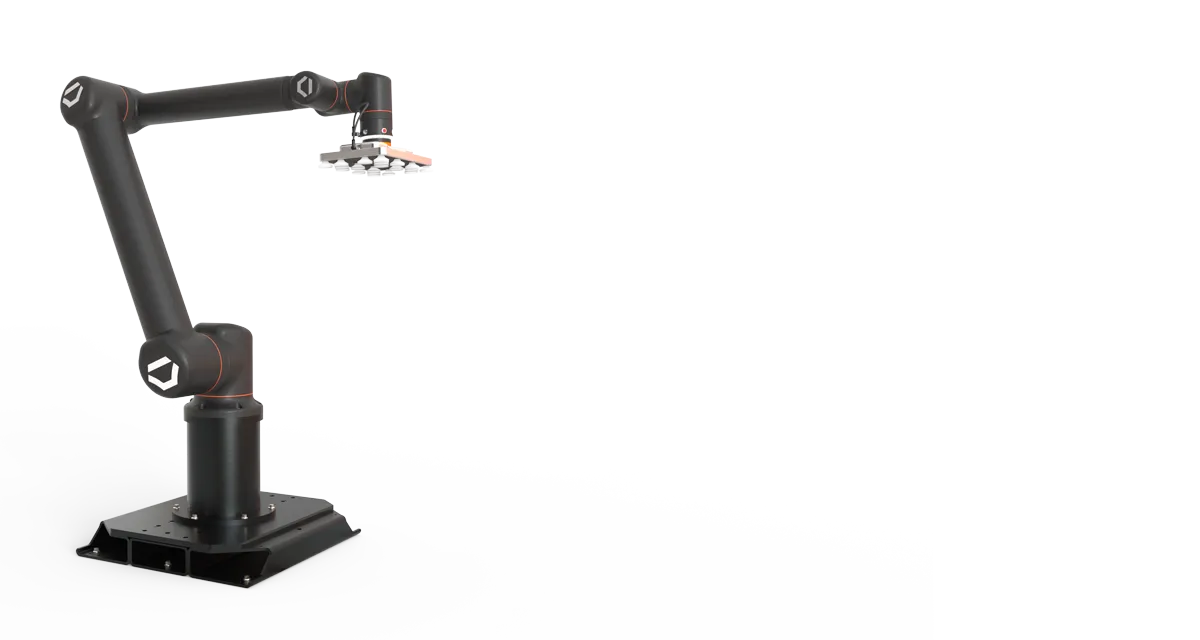
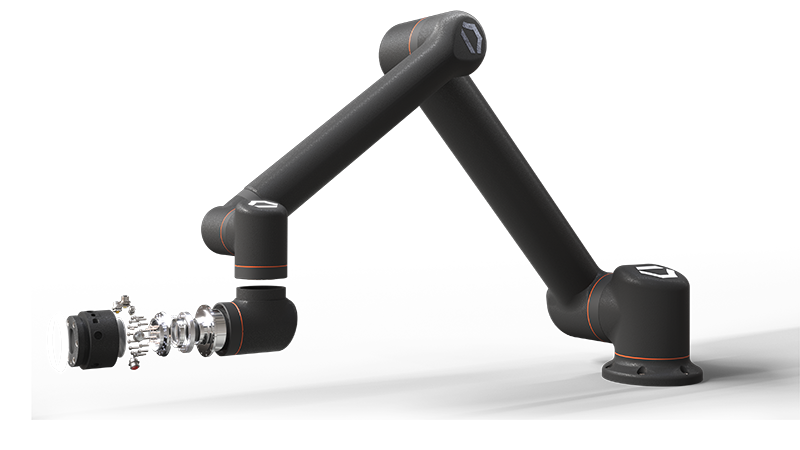
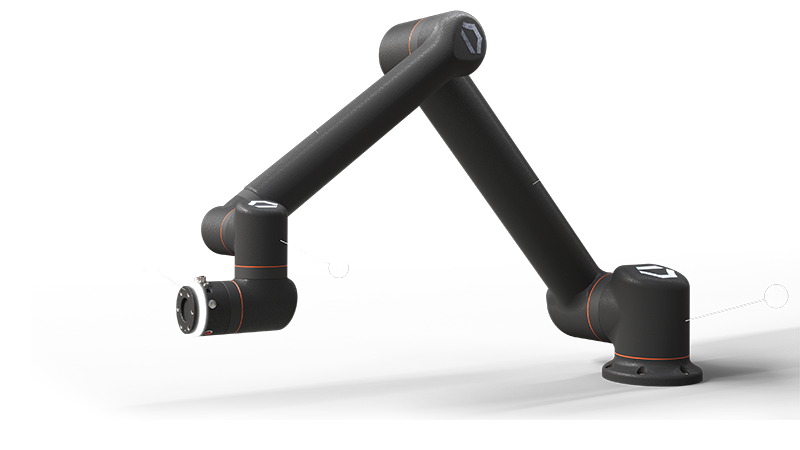
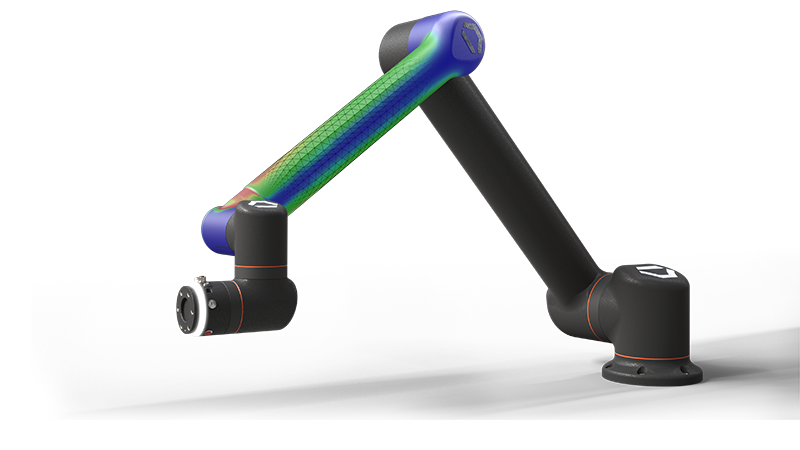
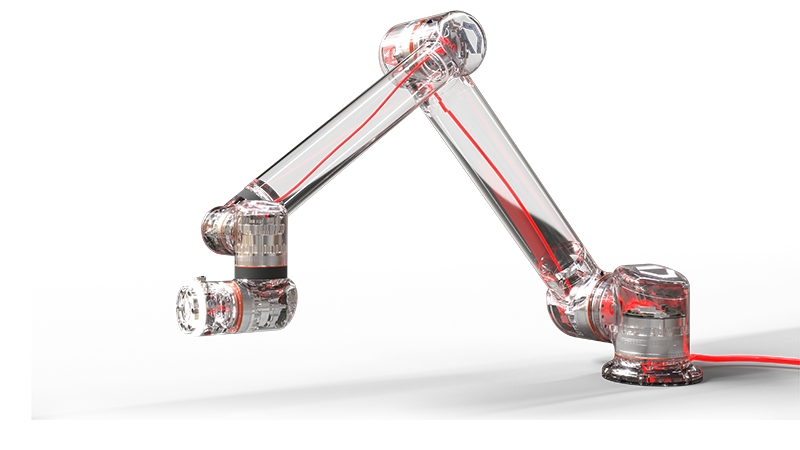
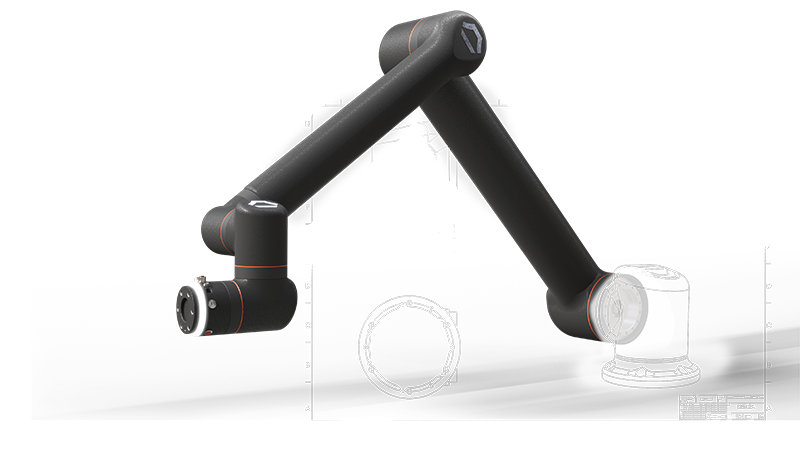
Click through the Standard Bots model to explore enhancements to the SOLIDWORKS portfolio.
-
Design and AI
Design and AI
Turn prompts, images, and legacy drawings into SOLIDWORKS geometry and production-ready documentation. Improved sheet metal and fillet modeling. Create validated, documented designs.
- PDM
- Simulation
- Electrical
- 2D CAD
Frequently Asked Questions
What's new in DraftSight 2027?
How different is DraftSight from AutoCAD? Will my team need retraining?
Will my existing scripts, LISP routines, or macros still work?
Is DraftSight just for 2D drafting?
How much can we save by switching to DraftSight?
Can DraftSight support a whole team or enterprise rollout?
Does DraftSight work with SOLIDWORKS?
Does DraftSight offer a free trial?
How Can We Help?

Compare Plans
DraftSight offers flexible licensing options that meet your needs.

Start a Free Trial
Try DraftSight on your next project. Download a 30-day free trial today.

Talk to Sales
Talk to your SOLIDWORKS Reseller Partner about your 2D CAD needs or reach out directly online.
What's New in DraftSight 2027
Save up to 70% of CAD software costs while expanding what your team can accomplish with familiar DWG tools.