What’s New in SOLIDWORKS PDM 2027
Explore SOLIDWORKS PDM 2027 enhancements that keep users productive with simplified access, faster task processing, and smarter data management.
Spend less time waiting and more time designing with enhancements that simplify everyday PDM workflows. Sign in once across connected systems, keep automated tasks running in the background without slowing your work, and reduce unnecessary file replication so your latest project data is available where it's needed. Explore the SOLIDWORKS PDM 2027 enhancements on this page to see how they can help streamline your everyday work.
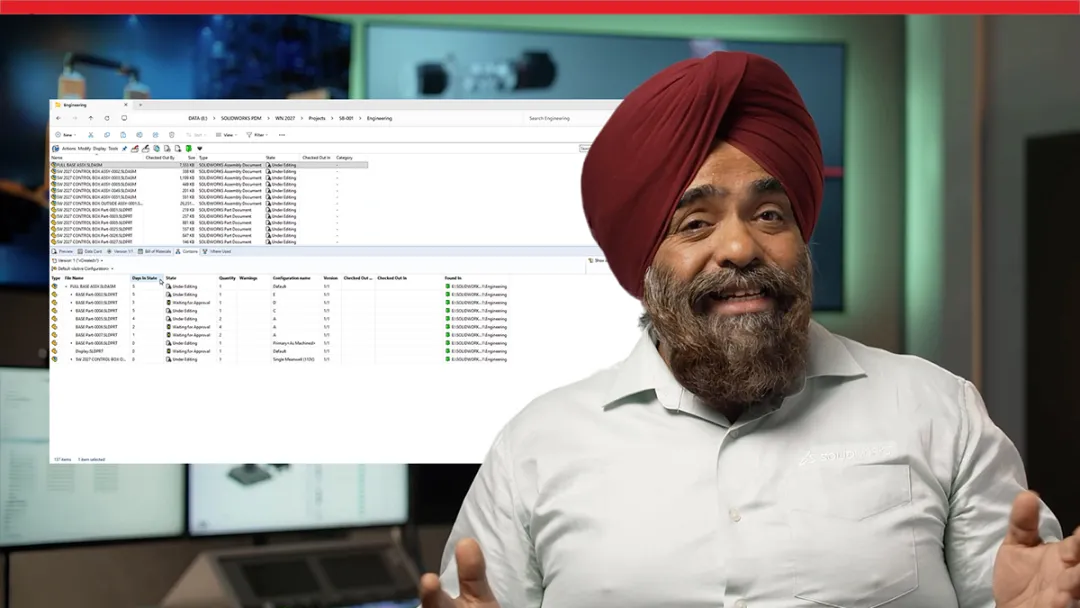
Explore what’s new with a SOLIDWORKS expert
Get an expert demo
SOLIDWORKS PDM 2027 Top Features and Enhancements
Looking for the highlights? Browse the most impactful SOLIDWORKS PDM 2027 enhancements and see how they can improve your team's everyday data management workflows.
SOLIDWORKS PDM 2027 Enhancements
Explore a list of the top 5 SOLIDWORKS PDM 2027 enhancements
Stay current and connect with an expert for tailored guidance on your upgrade
Contact us
Why Upgrade to the SOLIDWORKS PDM 2027 Portfolio
Upgrading to SOLIDWORKS PDM 2027 gives your team quick access to the latest productivity enhancements while helping you manage engineering data more efficiently. From faster workflows and improved performance to expert local support, every update is designed to help you get more value from SOLIDWORKS PDM.

Simplify Everyday PDM Access

Spend less time logging in and searching for information with single sign-on, faster Web2 performance, and customizable browser views. These enhancements make it easier for engineers to access product data, navigate vaults, and find the information they need with fewer interruptions.

Increase Productivity Across Engineering Teams
Keep work moving with distributed task processing that uses available computing resources to generate PDFs and other output files more efficiently. Combined with a more responsive Web2 experience, your team can spend less time waiting and more time designing.
Optimize Data Management Across Sites
Reduce unnecessary network traffic and improve collaboration between distributed teams with intelligent date-based replication. By synchronizing only recently modified files, SOLIDWORKS PDM 2027 keeps local vaults current while minimizing replication time and infrastructure demands.

Get Expert Local Support
Upgrading to SOLIDWORKS PDM 2027 means more than getting the latest software. It means having a trusted local reseller to help you get the most from it. From implementation and upgrades to technical support, training, and best practices, your reseller provides the expertise your team needs to adopt new capabilities faster and stay productive.

Discover What’s New in SOLIDWORKS 2027
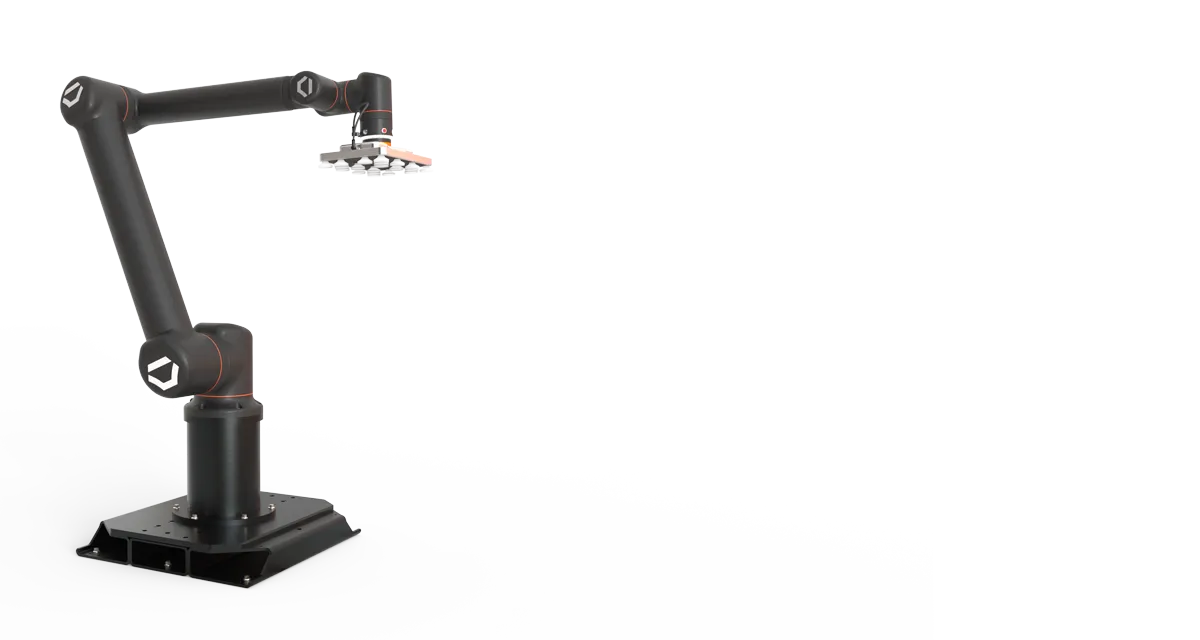
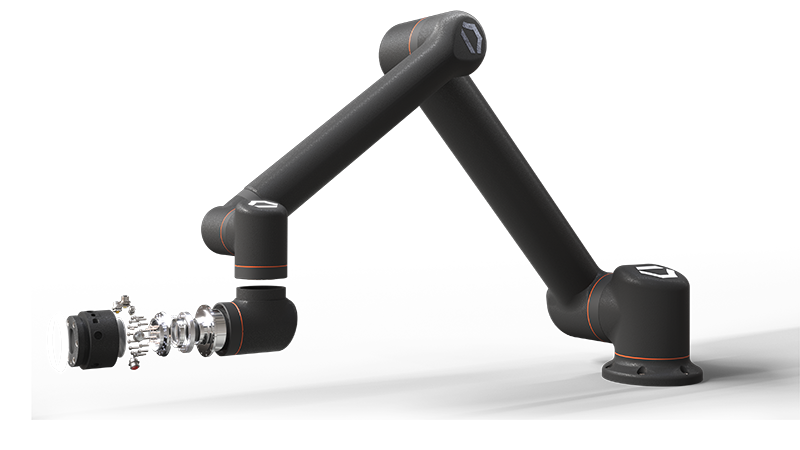
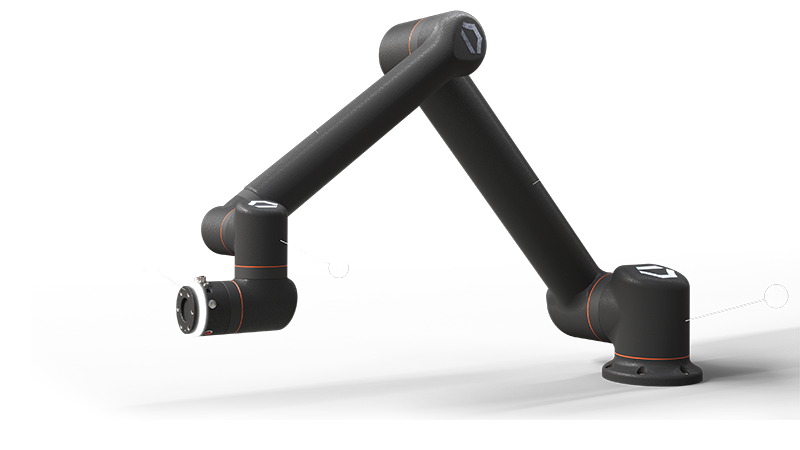
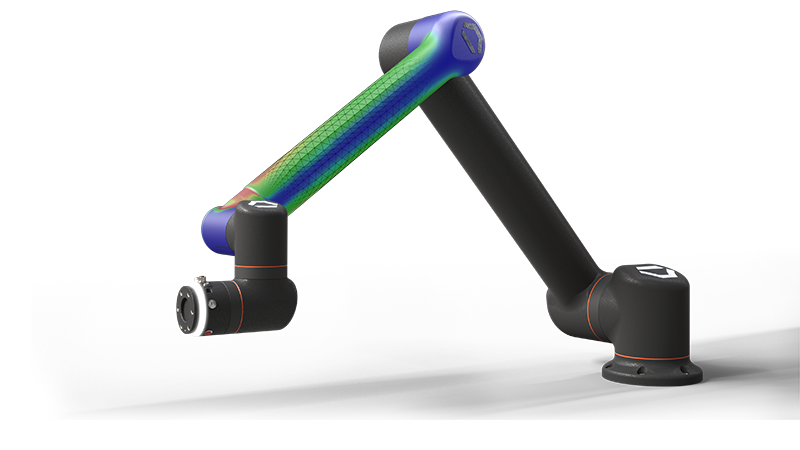
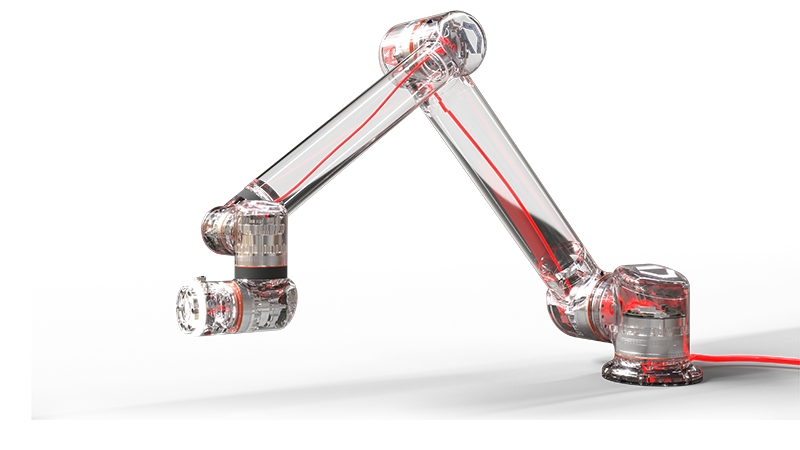
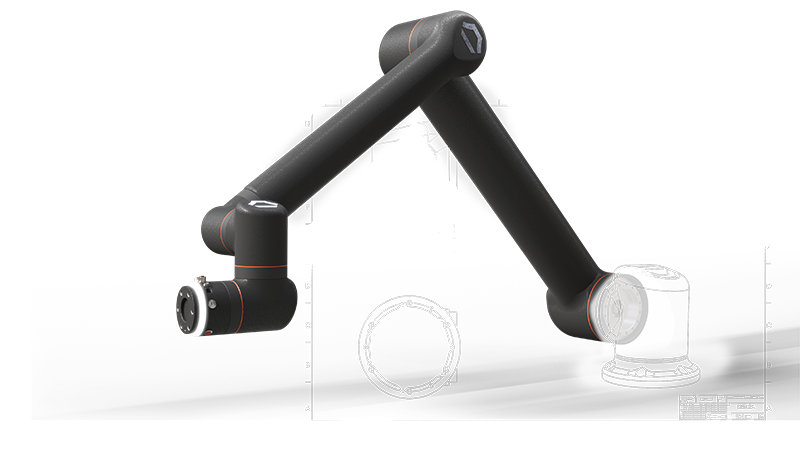
Click through the Standard Bots model to explore enhancements to the SOLIDWORKS portfolio.
-
Design and AI
Design and AI
Turn prompts, images, and legacy drawings into SOLIDWORKS geometry and production-ready documentation. Improved sheet metal and fillet modeling. Create validated, documented designs.
- PDM
- Simulation
- Electrical
- 2D CAD
Frequently Asked Questions
What are the biggest new features in SOLIDWORKS PDM 2027?
Why should I upgrade to SOLIDWORKS PDM 2027?
How does SOLIDWORKS PDM improve engineering data management?
How does SOLIDWORKS PDM help prevent data loss?
What is SOLIDWORKS PDM and what does it do for designers?
Where can I learn more about SOLIDWORKS PDM?
How Can We Help?

Upgrade SOLIDWORKS Today
Speak with an expert to upgrade to SOLIDWORKS 2027.

Find SOLIDWORKS Support
Get technical support for SOLIDWORKS products and explore ways to grow your engineering design skills.
Buy SOLIDWORKS Solutions
Flexible purchasing options give you the power to choose a license that best suits your needs.
SOLIDWORKS 2027
Explore the benefits of SOLIDWORKS 2027 with an expert near you.