What’s New in SOLIDWORKS Simulation 2027
Gain deeper insight into structural, fluid dynamics, and injection molding performance with more accurate and efficient simulation workflows.
Discover what's new in the SOLIDWORKS simulation portfolio in 2027, including enhancements for structural, plastics, and flow analysis. From advanced nonlinear modeling to streamlined simulation setup and richer analysis results, these updates help engineering teams make better design decisions faster and with greater confidence.
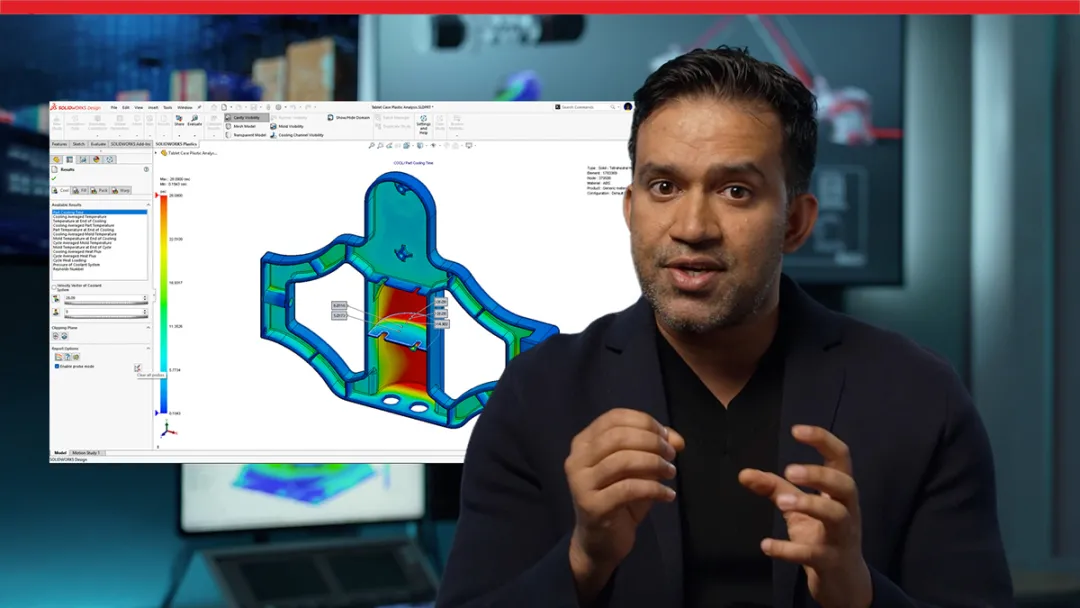
Explore what’s new with a SOLIDWORKS expert
Get an expert demo
SOLIDWORKS Simulation 2027 Top Features and Enhancements
Want a quick overview? Explore the top enhancements to the SOLIDWORKS Simulation portfolio in 2027. These enhancements will help your team validate designs faster and make engineering decisions with confidence.
SOLIDWORKS Simulation 2027 Top Ten
Explore a list of the top 10 SOLIDWORKS Simulation 2027 enhancements
Stay current and connect with an expert for tailored guidance on your upgrade
Contact us
Why Upgrade to the SOLIDWORKS Simulation 2027 Portfolio
Upgrading the SOLIDWORKS Simulation portfolio for 2027 gives your team access to the latest productivity enhancements while helping you speed up analysis and streamline your product development cycle. From faster workflows and performance improvements to expert local support, every update is designed to help you get more value from the SOLIDWORKS simulation solutions.

Increase Simulation Accuracy

Validate product performance with greater confidence using enhancements across structural, plastics, and flow simulation. New capabilities such as time-dependent bolt preload definitions, nonlinear spring connectors, and enhanced interface stress evaluation help produce results that better reflect real-world conditions.

Streamline Analysis Workflows
Reduce manual design process setup and spend more time evaluating results. Automate common tasks with SOLIDWORKS Flow Simulation enhancements like automatic sealing and one-command sub-project rebuilds, while simplifying SOLIDWORKS Plastics workflow with custom result storage, multi-point result comparisons, and consolidated eDrawings exports.

Gain Deeper Engineering Insights
Make better design decisions with richer analysis tools and improved result visibility. Evaluate beam shear stresses, monitor aggregated simulation results, identify thermally critical components faster, and compare injection molding results across multiple locations to uncover performance issues earlier in development. Complex simulations require advanced capabilities and improvements.

Get Expert Local Support
Upgrading to the SOLIDWORKS Simulation portfolio in 2027 gives you more than the latest simulation capabilities. Your local SOLIDWORKS Reseller Partner provides implementation guidance, technical support, training, and simulation best practices to help your team adopt new features faster, solve engineering challenges more efficiently, and maximize the value of every release.

Discover What’s New in SOLIDWORKS 2027
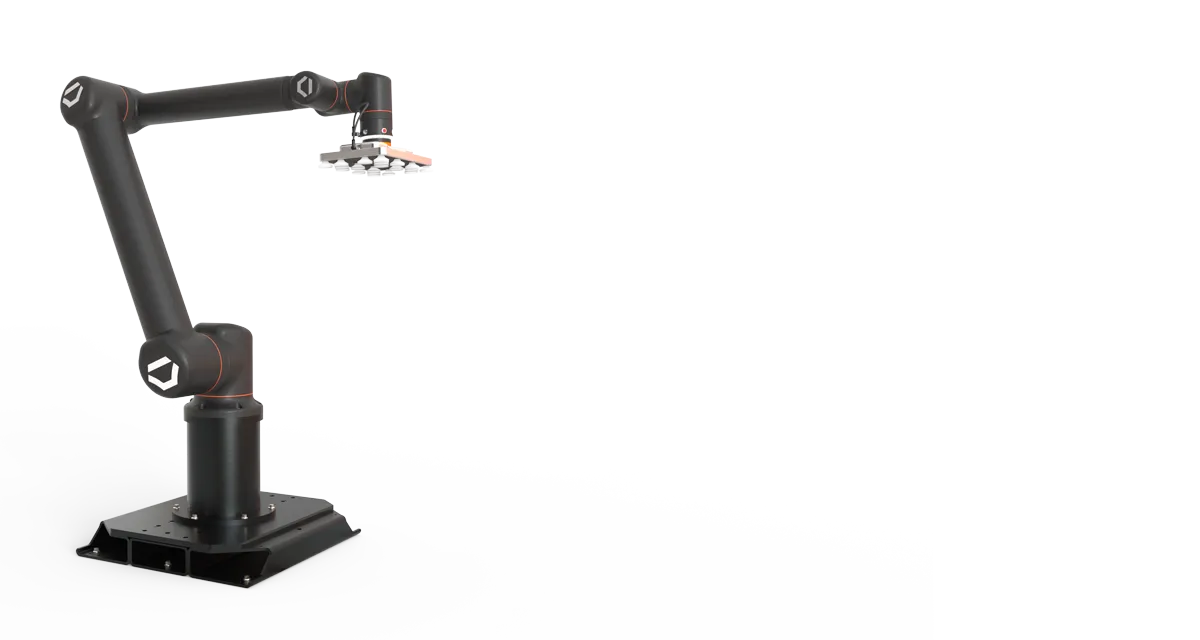
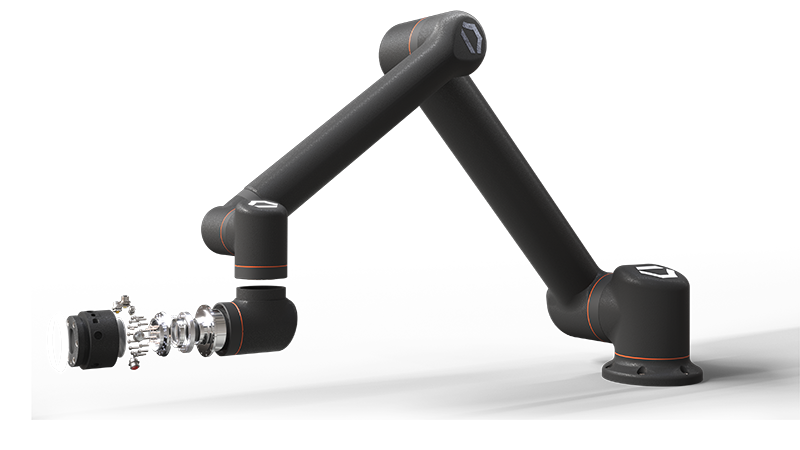
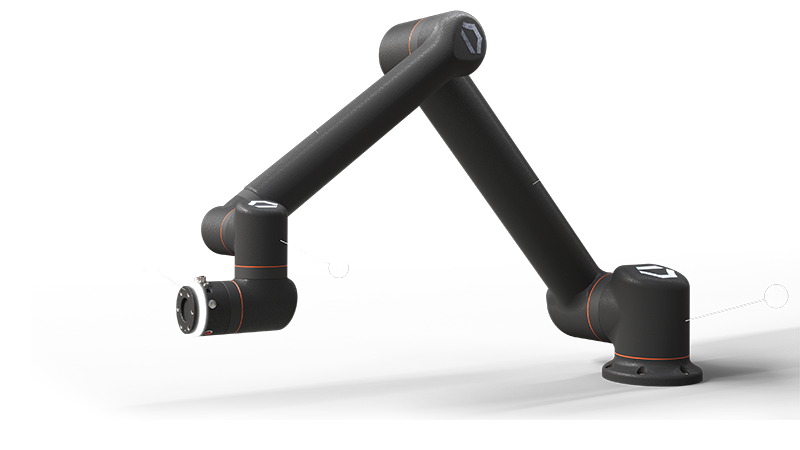
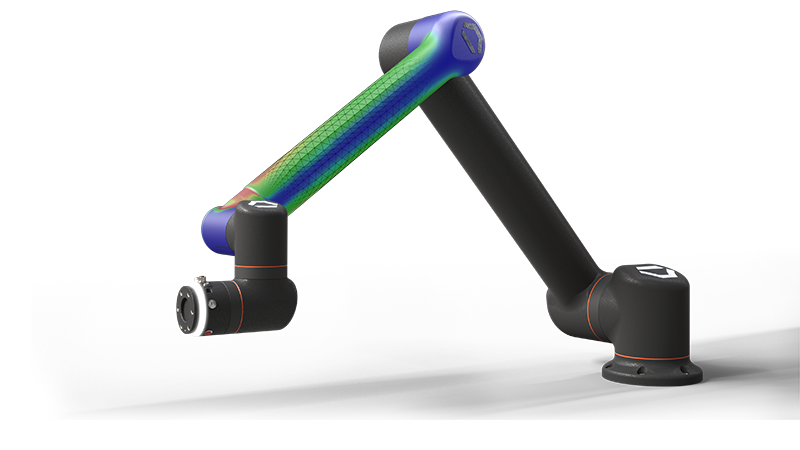
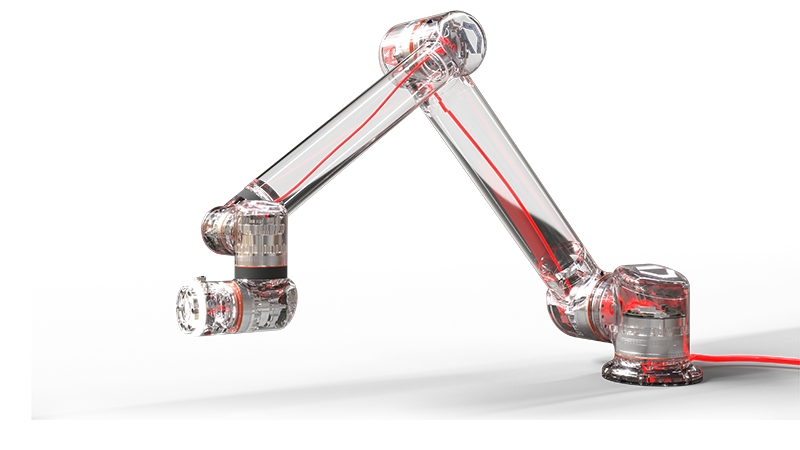
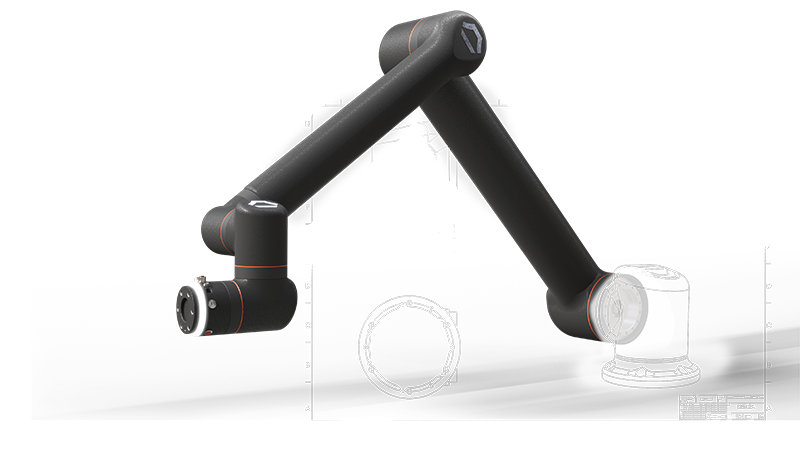
Click through the Standard Bots model to explore enhancements to the SOLIDWORKS portfolio.
-
Design and AI
Design and AI
Turn prompts, images, and legacy drawings into SOLIDWORKS geometry and production-ready documentation. Improved sheet metal and fillet modeling. Create validated, documented designs.
- PDM
- Simulation
- Electrical
- 2D CAD
Frequently Asked Questions
What are the biggest new enhancements in the SOLIDWORKS Simulation 2027 portfolio?
Why should I upgrade my SOLIDWORKS Simulation solutions?
Where can I learn more about SOLIDWORKS Simulation solutions?
How Can We Help?

Upgrade SOLIDWORKS Today
Speak with an expert to upgrade to SOLIDWORKS 2027.

Find SOLIDWORKS Support
Get technical support for SOLIDWORKS products and explore ways to grow your engineering design skills.

Buy SOLIDWORKS Solutions
Flexible purchasing options give you the power to choose a license that best suits your needs.
SOLIDWORKS 2027
Explore the benefits of SOLIDWORKS 2027 with an expert near you.