What’s New in SOLIDWORKS Electrical 2027
Design electrical systems faster with smarter wire and harness design, streamlined validation, and stronger 2D-3D connectivity with SOLIDWORKS Electrical 2027.

See the latest SOLIDWORKS Electrical 2027 enhancements in action and discover how they help streamline electrical design from 2D schematics to 3D. Learn how new capabilities for wire and harness design, integrated validation, real-time collaboration, and bidirectional 2D-3D CAD workflows reduce manual work, improve accuracy, and help you deliver manufacturing-ready electrical systems faster.

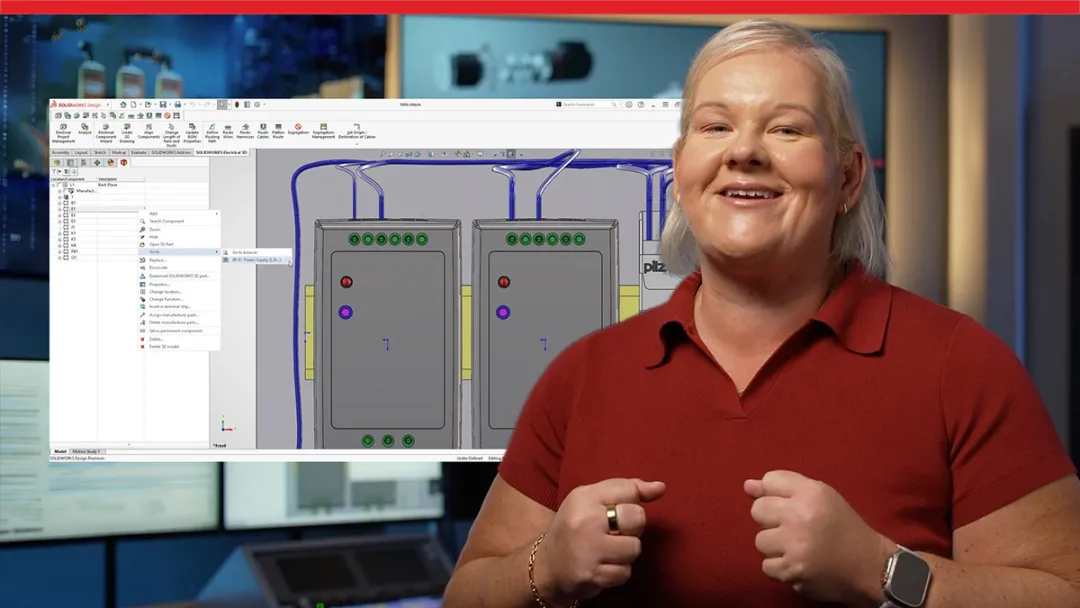
Explore what’s new with a SOLIDWORKS expert
Get an expert demo
SOLIDWORKS Electrical 2027 Top Features and Enhancements
Want the quick version? Browse the most important SOLIDWORKS Electrical 2027 enhancements and see how the latest capabilities improve wire and harness design, design validation, and electrical documentation workflows.
SOLIDWORKS Electrical 2027 Top 10
Explore a list of the Top 10 SOLIDWORKS Electrical 2027 enhancements

Stay current and connect with an expert for tailored guidance on your upgrade
Contact us
Why Upgrade to SOLIDWORKS Electrical 2027
SOLIDWORKS Electrical 2027 introduces new capabilities that help electrical design teams reduce repetitive work, improve design accuracy, and accelerate product development. From connected ECAD/MCAD workflows to expert guidance from your local SOLIDWORKS Reseller Partner, upgrading helps your team get more from every electrical project.

Design Electrical Systems More Efficiently

Speed up every stage of electrical design with enhancements that reduce repetitive work and simplify complex projects. Native wire and harness creation in line diagrams, dynamic connector editing, and smarter documentation workflows help you move from concept to production-ready designs faster.

Improve Design Accuracy and Validation
Deliver higher-quality electrical designs with tools that improve traceability and reduce errors before manufacturing. Bidirectional 2D-3D CAD navigation, intelligent change analysis, and enhanced component management help ensure your schematics and physical assemblies stay synchronized throughout development.

Get Expert Local Support
Upgrading to SOLIDWORKS Electrical 2027 gives you more than the latest electrical design capabilities—it connects you with a trusted local SOLIDWORKS Reseller Partner. From implementation and upgrades to technical support, training, and electrical design best practices, your reseller helps your team adopt new features faster, solve challenges more efficiently, and maximize the value of every SOLIDWORKS release.

Strengthen Collaboration Across Engineering Teams
Keep electrical and mechanical teams aligned with connected workflows that improve visibility across projects. Real-time collaboration, centralized project data, expanded manufacturer content, and seamless navigation between 2D schematics and 3D assemblies make it easier for ECAD and MCAD teams to work together and maintain design consistency.

Discover What’s New in SOLIDWORKS 2027
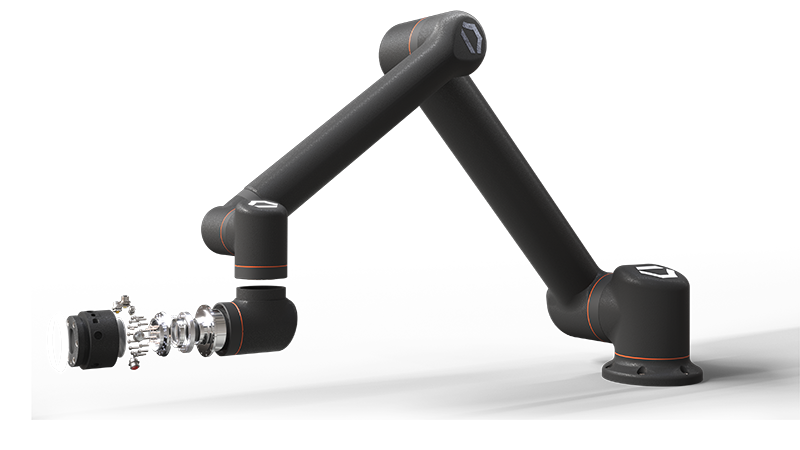
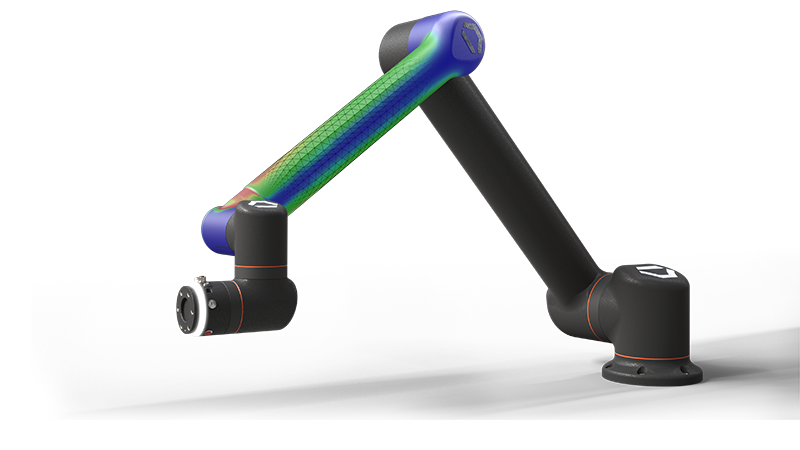
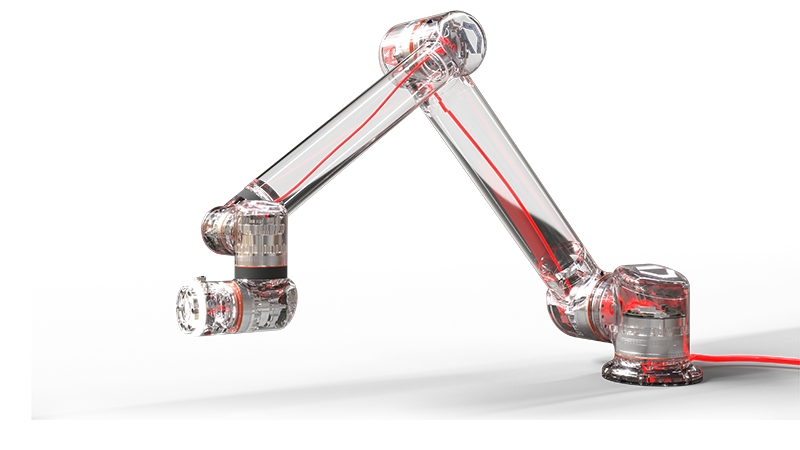
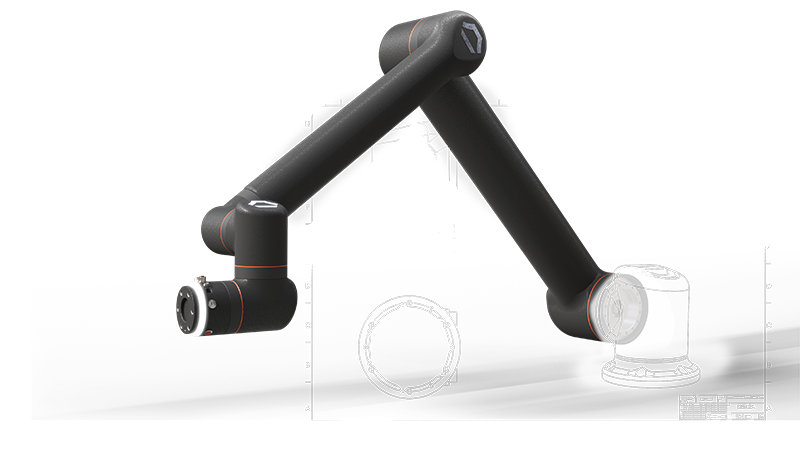
Click through the Standard Bots model to explore enhancements to the SOLIDWORKS portfolio.
-
Design and AI
Design and AI
Turn prompts, images, and legacy drawings into SOLIDWORKS geometry and production-ready documentation. Improved sheet metal and fillet modeling. Create validated, documented designs.
- PDM
- Simulation
- Electrical
- 2D CAD
Frequently Asked Questions
What are the biggest new features in SOLIDWORKS Electrical 2027?
Who should upgrade to SOLIDWORKS Electrical 2027?
Where can I learn more about SOLIDWORKS Electrical?
How Can We Help?

Upgrade SOLIDWORKS Today
Speak with an expert to upgrade to SOLIDWORKS 2027.

Find SOLIDWORKS Support
Get technical support for SOLIDWORKS products and explore ways to grow your engineering design skills.

Buy SOLIDWORKS Solutions
Flexible purchasing options give you the power to choose a license that best suits your needs.
SOLIDWORKS 2027
Explore the benefits of SOLIDWORKS 2027 with an expert near you.