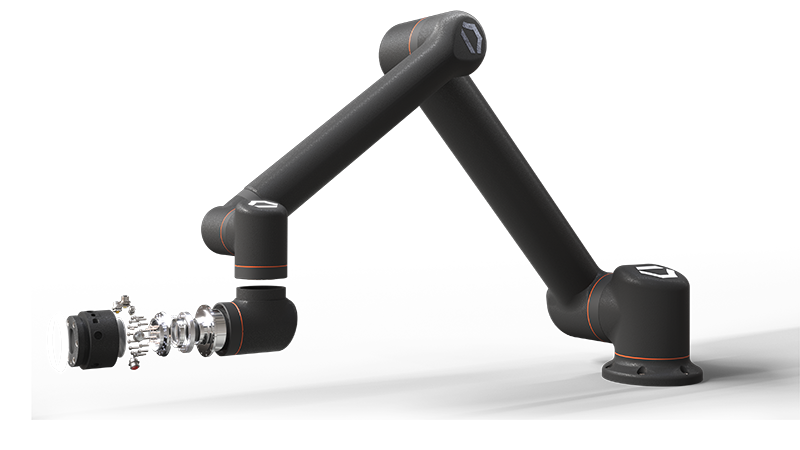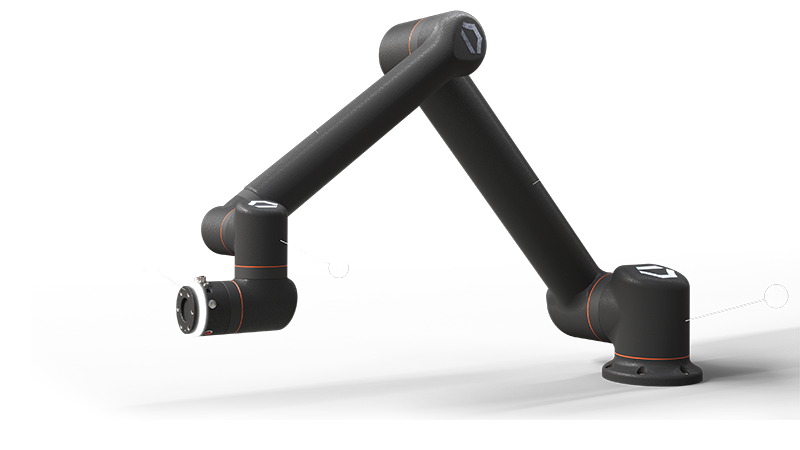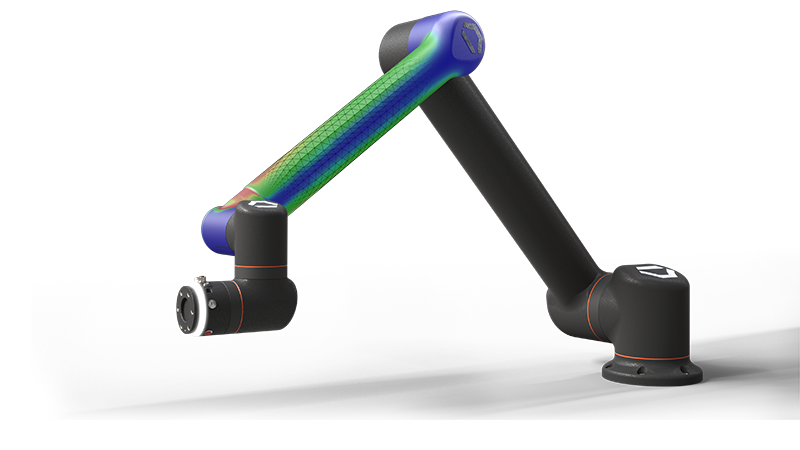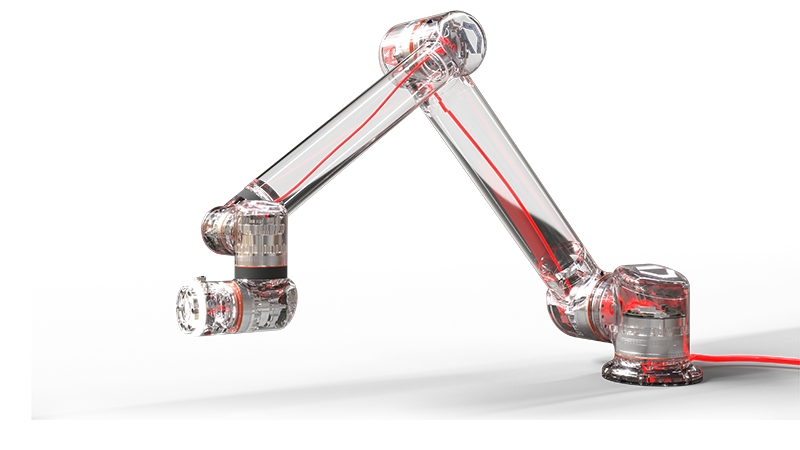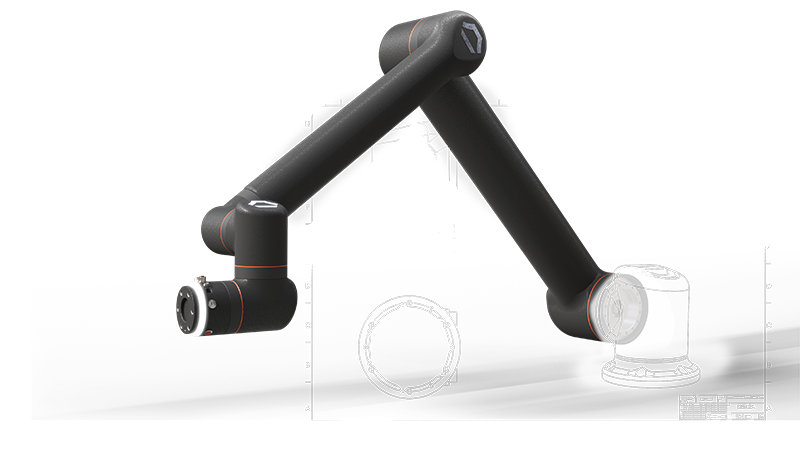
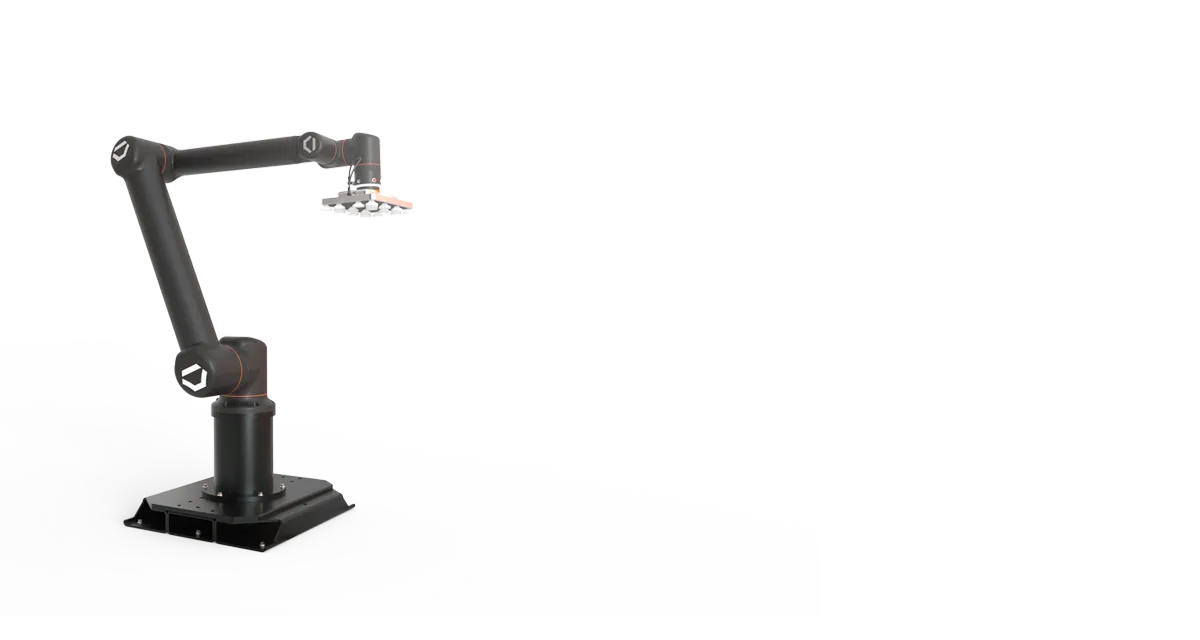
SOLIDWORKS  3D rendering of Standard Bots robot Thor

Enhancement Spotlight: SOLIDWORKS AI and Virtual Companions

Explore the AI Innovations Every SOLIDWORKS User Should Know
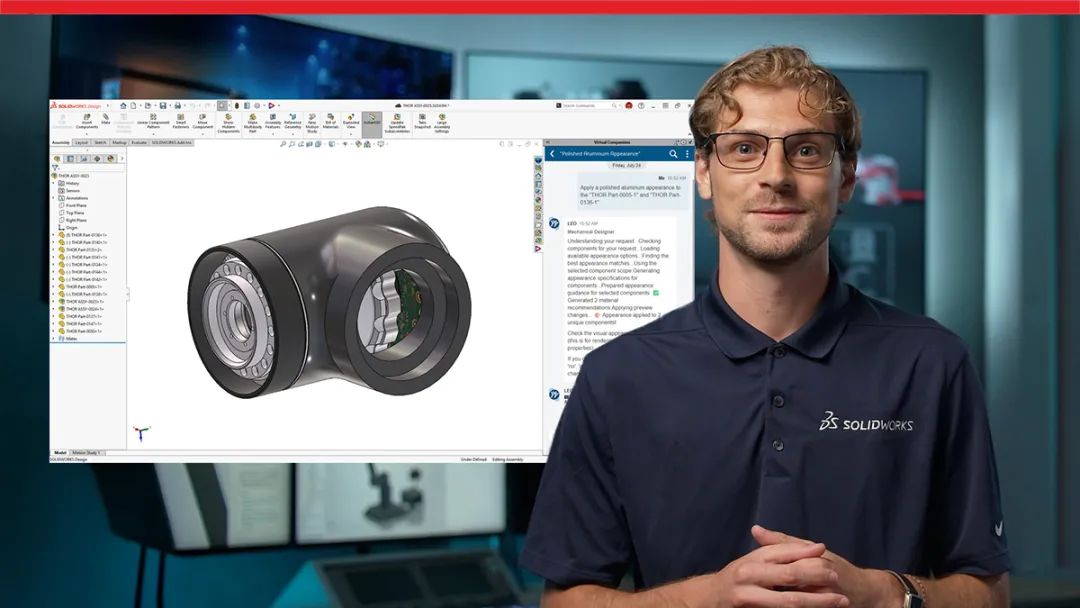
Get an expert-led introduction to SOLIDWORKS AI and discover how Virtual Companions bring added intelligence and engineering expertise directly into your design workflow. Learn how the five pillars of SOLIDWORKS AI, Intent to CAD, Design Validation, Engineering Guidance, Manufacturing Documentation, and Assembly Optimization, help accelerate workflows by reducing repetitive tasks, generating new ideas, assisting with troubleshooting, and automating time-consuming work. This video also explores how these capabilities are evolving rapidly, offering a glimpse into the future of AI-assisted engineering and the growing role SOLIDWORKS Virtual Companions will play in helping designers and engineers work faster, make more informed decisions, and focus on higher-value design challenges.
Explore what’s new with a SOLIDWORKS expert Get an expert demo
SOLIDWORKS 3D rendering of Standard Bots robot Thor

Explore SOLIDWORKS Design 2027 Enhancements

See the latest SOLIDWORKS 2027 enhancements by category using the tabs below. Each section features a curated overview and video highlighting the newest capabilities for Parts, Assemblies, Drawings, and Data Collaboration, making it easy to discover the updates most relevant to your workflow.

SOLIDWORKS Design 2027 Top Features and Enhancements

Short on time? Explore the 10 biggest SOLIDWORKS Design 2027 enhancements, including AI and Data Collaboration, and watch short demo videos to quickly discover the new features that will have the greatest impact on your daily design workflows.

Explore Top 10 enhancements for Design, AI, and Data Collaboration


Design and Modeling 2027 Top 10

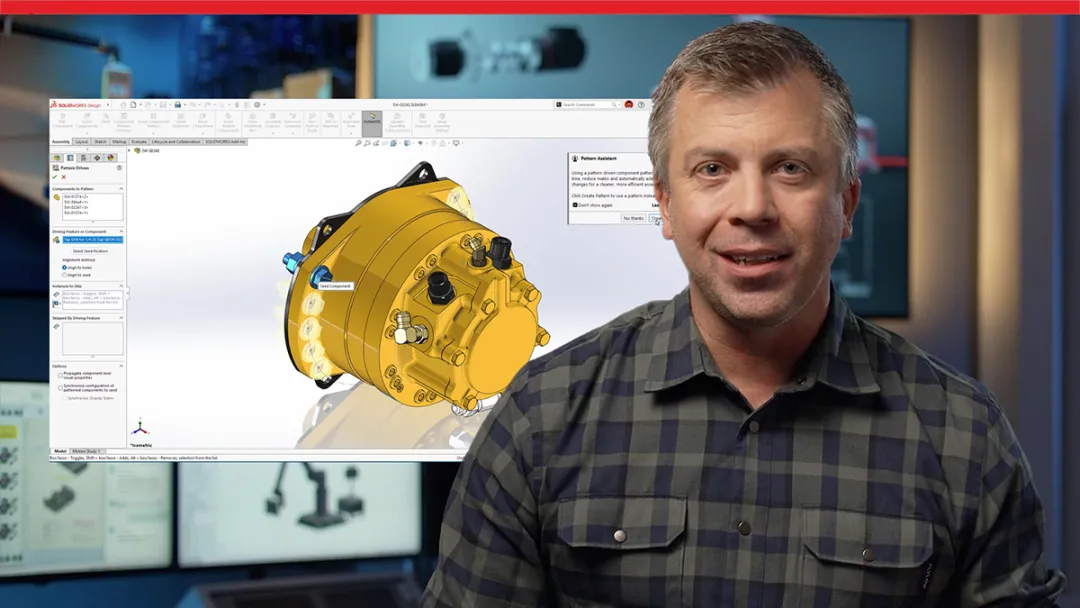
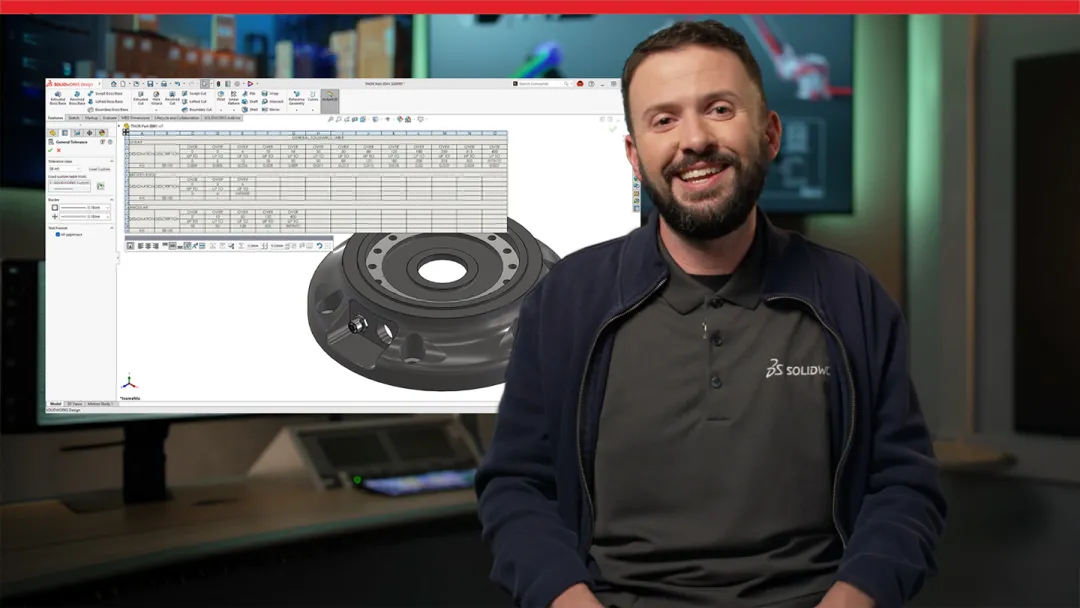
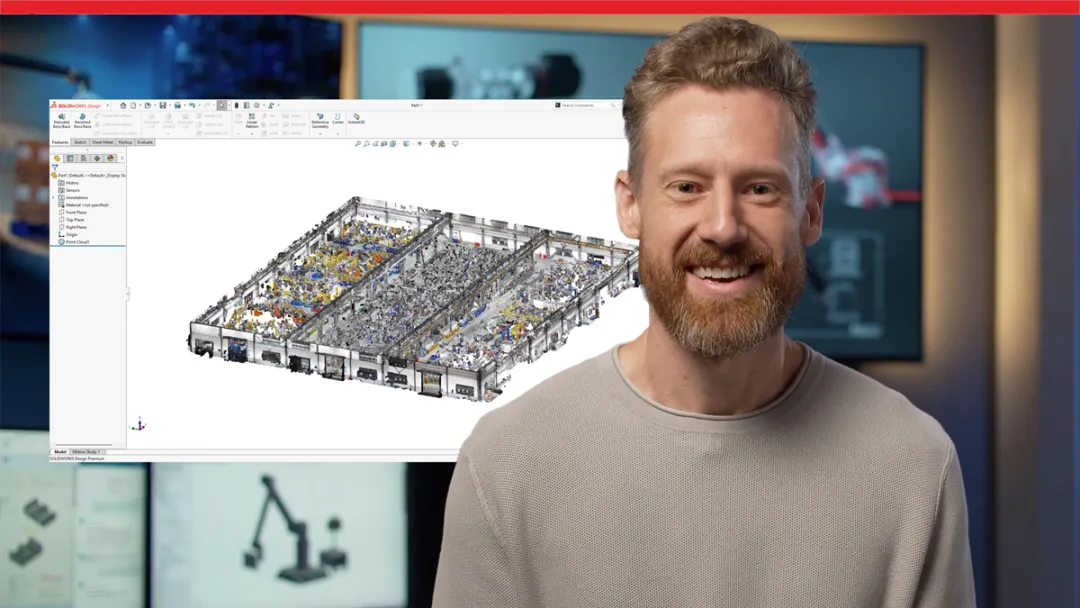
From In-Context Design and Performance Assistants, the ability to import massive point clouds with color, and the option to install multiple versions of SOLIDWORKS Deign, see how you will benefit from SOLIDWORKS Design 2027.


SOLIDWORKS AI 2027 Top 10

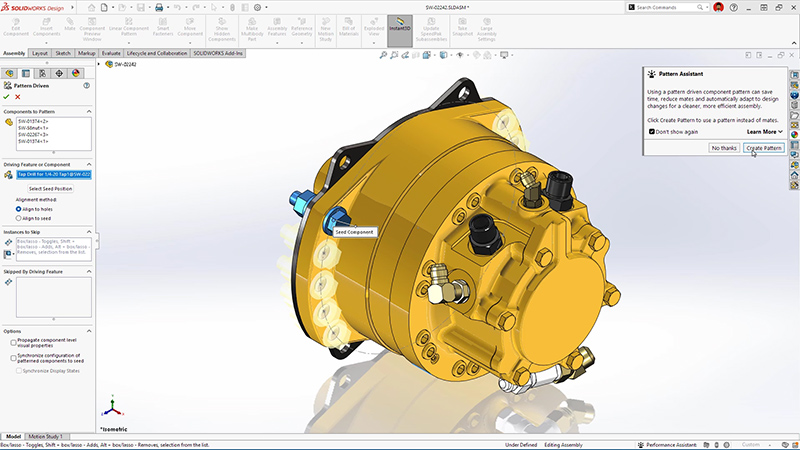
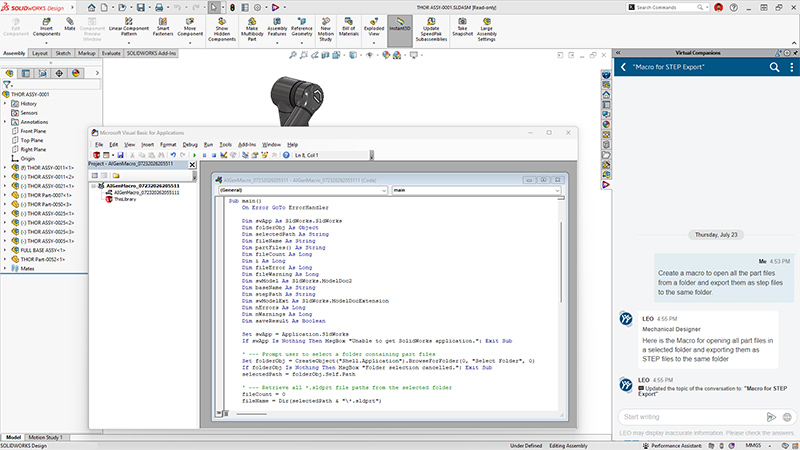
From finding and fixing your biggest assembly slowdowns without manual trial and error, producing consistent assembly instructions in minutes instead of hours, and natural language macro generation, see how you will benefit from SOLIDWORKS AI.


Data Collaboration 2027 Top 10

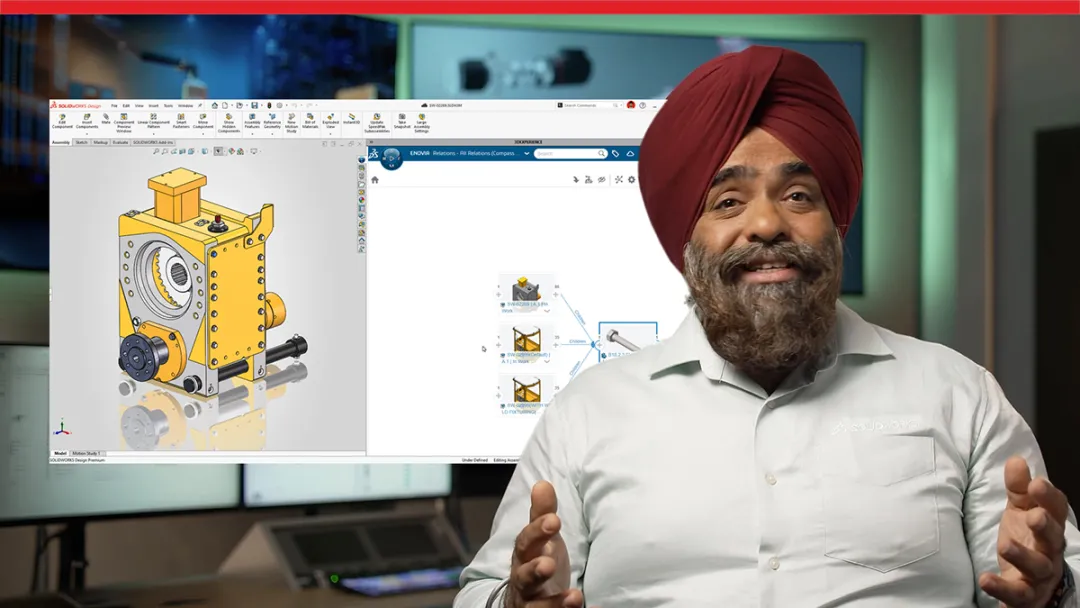
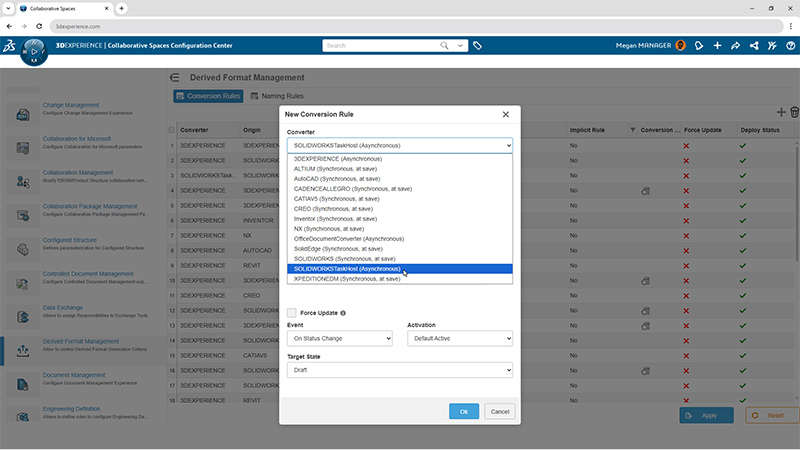
From accessing Content Explorer in the Task Pane to aligning SOLIDWORKS materials with governed 3DEXPERIENCE platform material definitions, see how you will benefit from SOLIDWORKS 2027 data management and collaboration enhancements.

Stay current and connect with an expert for tailored guidance on your upgrade Contact us

Why Upgrade to SOLIDWORKS Design 2027

Upgrading to SOLIDWORKS 2027 gives your team immediate access to the latest productivity enhancements while ensuring compatibility with customers, suppliers, and partners. Beyond new features, an active subscription keeps your engineering environment optimized with expert support and the latest innovations.

SOLIDWORKS icon with magic wand

Access Hundreds of New Enhancements

Take advantage of customer-driven improvements across parts, assemblies, drawings, manufacturing documentation, performance, and AI. Every release is designed to eliminate repetitive work, improve quality, and help you deliver products faster.

icon depicting two puzzle pieces about to connect

Increase Interoperability

Stay on the latest version to maximize compatibility with customers, suppliers, and partners while supporting multi-version environments when needed. Reduce translation issues, improve data exchange, and ensure everyone is working from the latest design information.

SOLIDWORKS icon with hand and gear

Optimize Engineering Workflows

Benefit from AI-assisted experiences, faster large assembly performance, improved documentation tools, and tighter integration with the 3DEXPERIENCE platform. Connected workflows reduce manual tasks and keep engineering teams focused on design instead of administration.

SOLIDWORKS icon showing people standing next to eachother

Get Expert Local Support

Your SOLIDWORKS subscription includes access to knowledgeable local resellers who provide implementation guidance, technical support, training, and best practices tailored to your business. Their expertise helps your team adopt new capabilities faster and maximize the value of every SOLIDWORKS release.

Stay supported and upgrade to SOLIDWORKS 2027 Contact us Download the top reasons to stay current
SOLIDWORKS 2027 dark gradient background image

Discover What’s New in SOLIDWORKS 2027

Click through the Standard Bots model to explore enhancements to the SOLIDWORKS portfolio.

Frequently Asked Questions


How Can We Help?

SOLIDWORKS Flexible Solution icon of two dialogue quote boxes

Upgrade SOLIDWORKS Today

Speak with an expert to upgrade to SOLIDWORKS 2027.

SOLIDWORKS Support icon of people standing together

Find SOLIDWORKS Support

Get technical support for SOLIDWORKS products and explore ways to grow your engineering design skills.

solidworks-intuitive-user-interface-icon.png

Buy SOLIDWORKS Solutions

Flexible purchasing options give you the power to choose a license that best suits your needs.