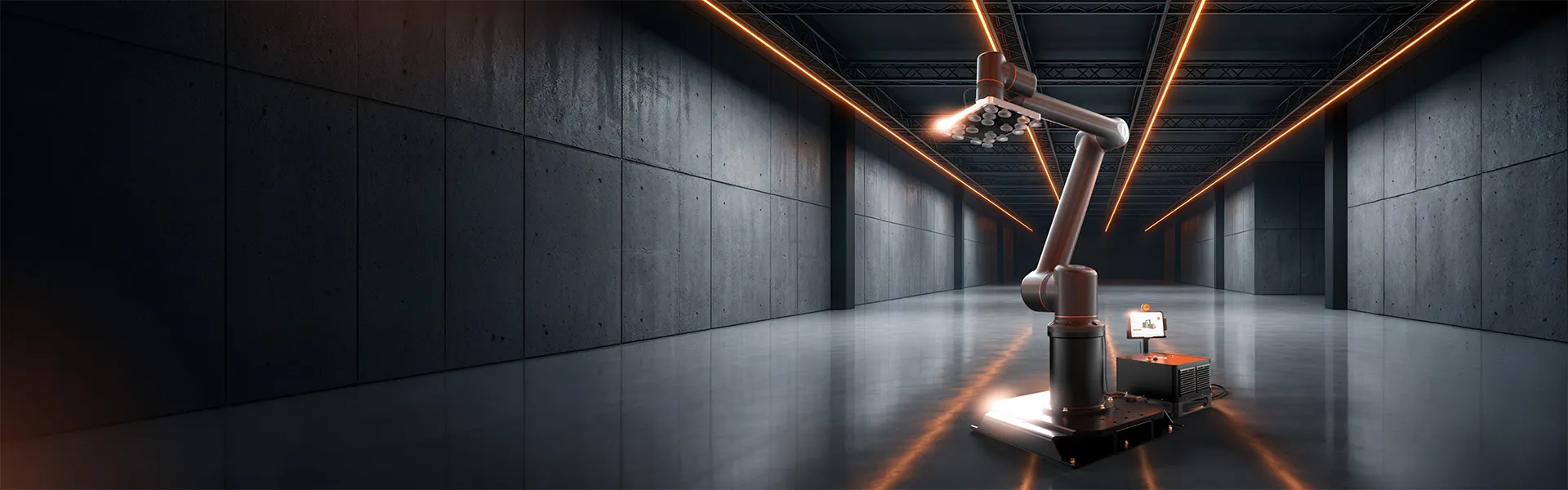
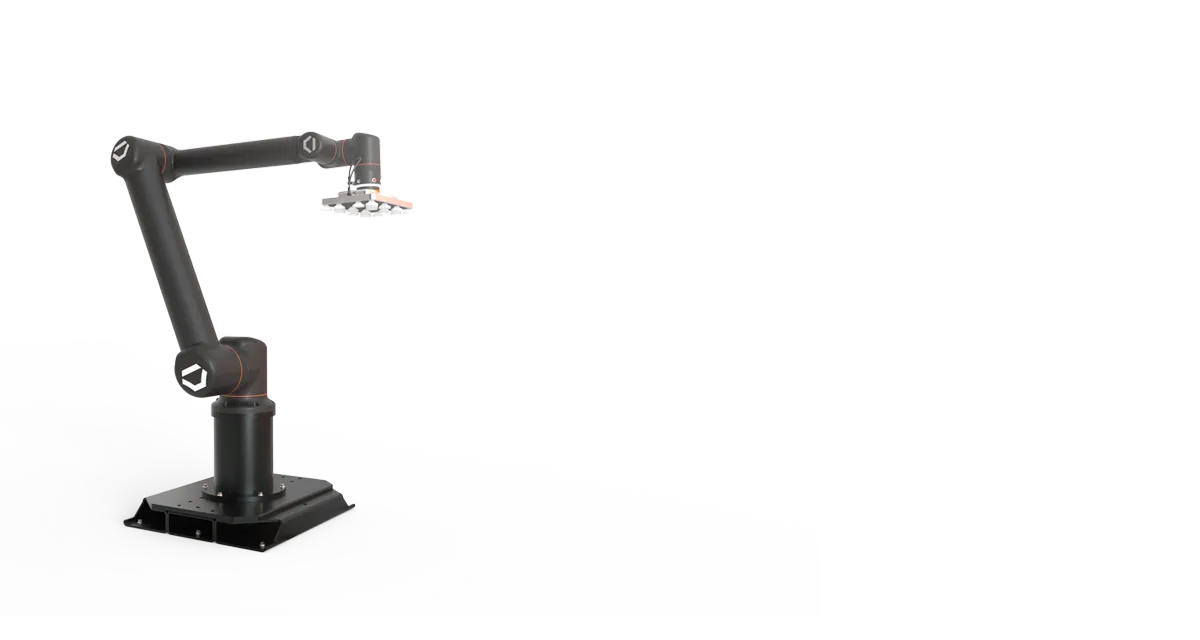
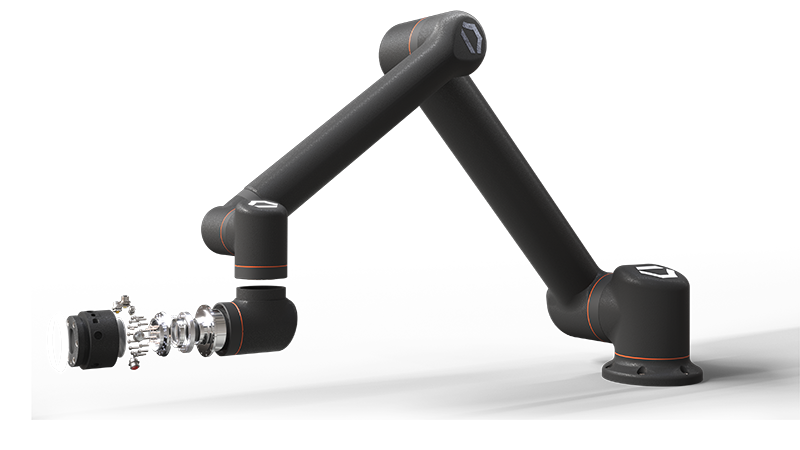
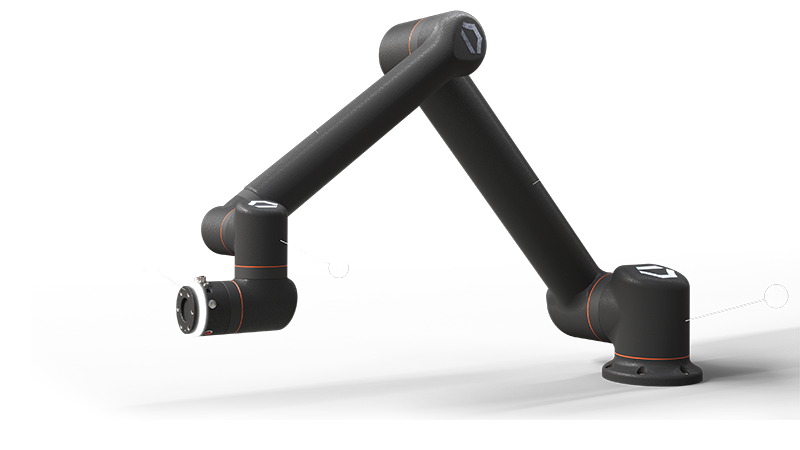
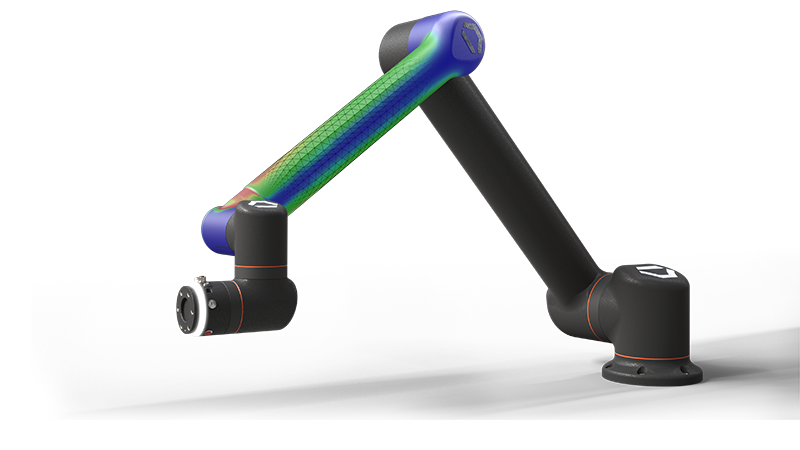
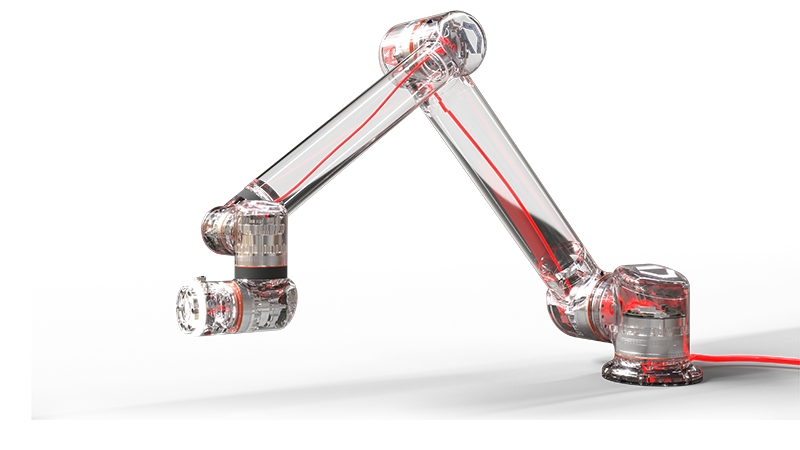
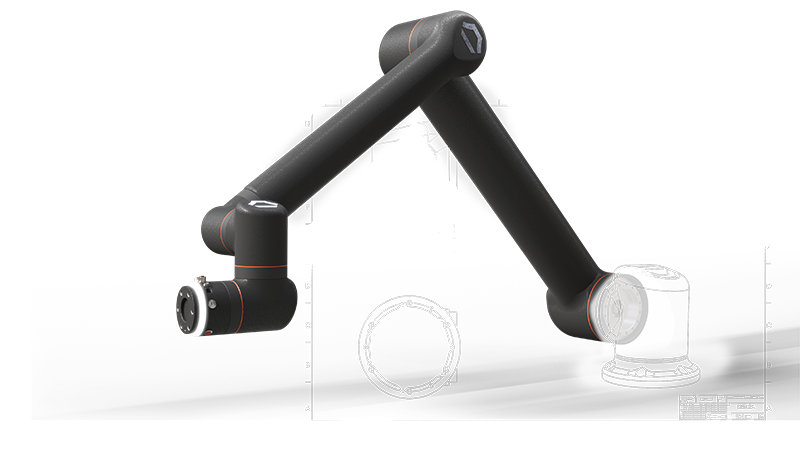
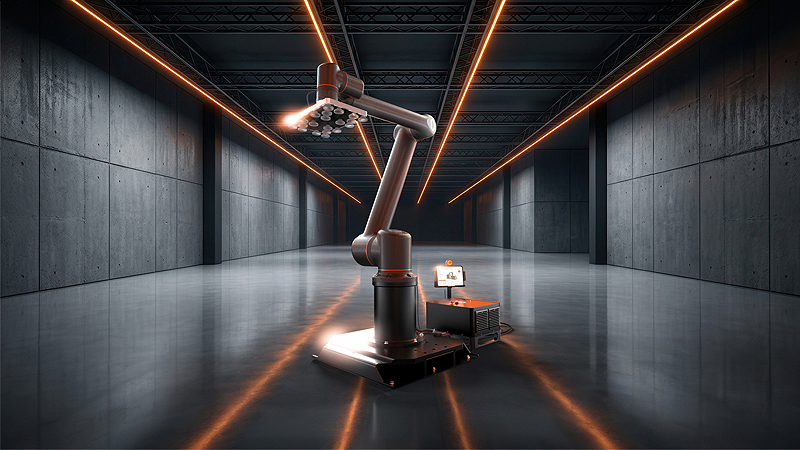
SOLIDWORKS  3D rendering of Standard Bots robot Thor

Build What’s Next with Faster Workflows and Hundreds of New Enhancements

SOLIDWORKS 2027 introduces hundreds of enhancements across the portfolio, including AI capabilities that accelerate design and documentation. Whether you're designing parts, validating performance, managing engineering data, creating electrical systems, or producing manufacturing documentation, every update helps reduce manual work, improve quality, and bring products to market faster.

Watch the video for an introduction to SOLIDWORKS 2027 from SOLIDWORKS CEO and VP of R&D Manish Kumar.

Explore what’s new with a SOLIDWORKS expert Get an expert demo
SOLIDWORKS 2027 dark gradient background image

Discover What’s New in SOLIDWORKS 2027

Click through the Standard Bots model to explore enhancements to the SOLIDWORKS portfolio.

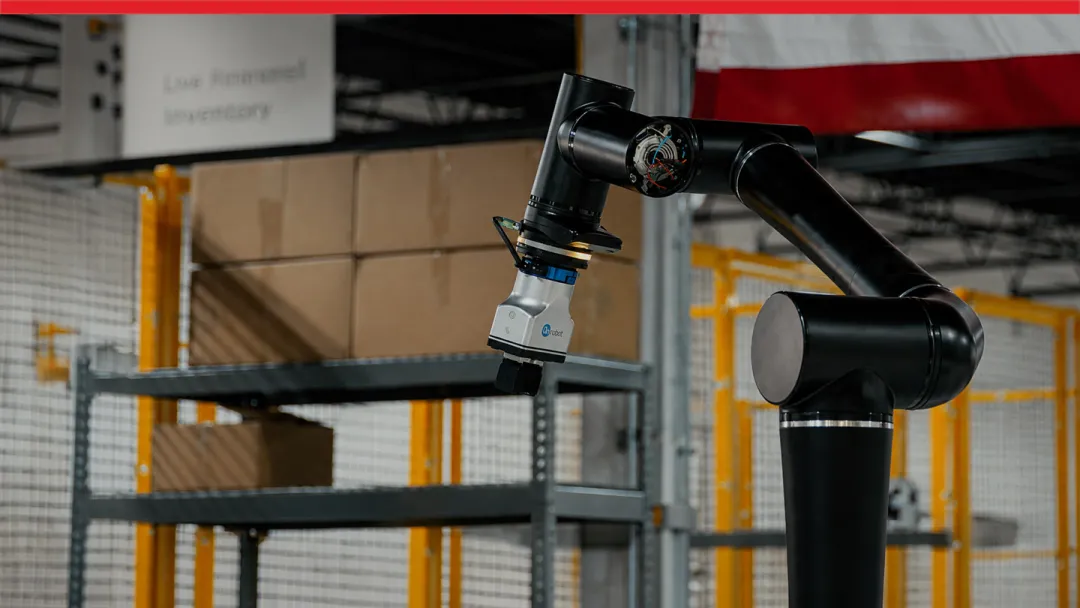
Why Standard Bots is Upgrading

Hear how Standard Bots is preparing for SOLIDWORKS 2027 and why the team is excited about the latest AI capabilities. Learn why keeping everyone on the latest version helps create a more unified, compatible design environment.

Stay current and connect with an expert for tailored guidance on your upgrade Contact us

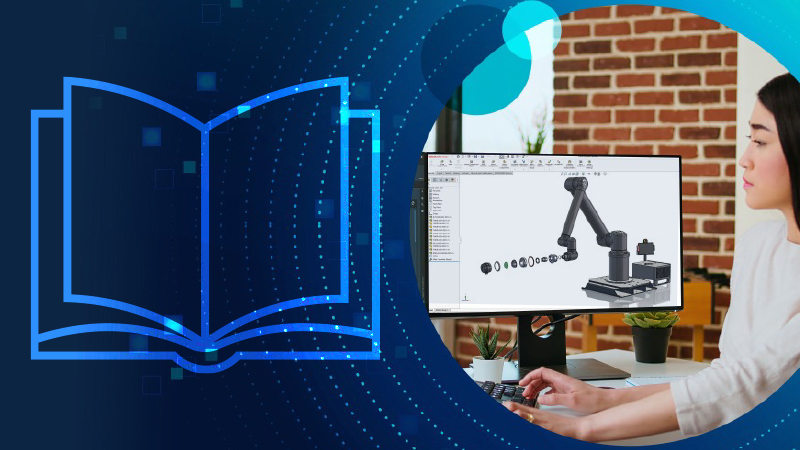
Download the SOLIDWORKS 2027 Enhancements eBook and AI Research Report


Innovate Faster with SOLIDWORKS 2027 Enhancements

Explore hundreds of enhancements across the SOLIDWORKS portfolio, including AI-powered capabilities, SOLIDWORKS Design, SOLIDWORKS PDM, SOLIDWORKS Simulation, SOLIDWORKS Electrical, DraftSight 2D CAD, and more to simplify product design workflows, improve quality, and accelerate time to market.


Engineering Leaders on AI Usage in Product Development

AI is rapidly changing product development, but where is it delivering real value today? Based on responses from 220+ engineering and manufacturing professionals, this Tech-Clarity research report explores how leading organizations are using AI to address growing product complexity, improve engineering productivity, preserve institutional knowledge, and accelerate time-to-market. 

The Advantage of Staying Current with SOLIDWORKS

SOLIDWORKS icon with hand and gear

Maintain a Supported, Reliable CAD Environment

Engineering environments constantly evolve through operating system updates, new hardware, graphics drivers, and changing IT requirements. Staying up to date ensures your SOLIDWORKS environment remains fully supported, reducing the risk of compatibility issues while providing access to technical support, bug fixes, the Knowledge Base, and expert assistance when problems arise.

SOLIDWORKS icon depicting a manufacturing engineer

Improve Everyday Engineering Performance

Every SOLIDWORKS release includes performance improvements, workflow refinements, and usability enhancements that reduce time spent on common tasks. Instead of relying on workarounds or slower workflows, staying current helps engineers work faster with less friction. Recent releases have delivered significant gains in common modeling workflows, showing that many updates focus on productivity as much as new functionality.

SOLIDWORKS icon showing three gears

Eliminate Version Compatibility Headaches

As customers, suppliers, and partners upgrade to newer versions of SOLIDWORKS, older installations increasingly rely on exports, file translations, and manual workarounds. Staying current provides ongoing interoperability improvements, supported upgrade paths, and capabilities such as saving files to previous releases, making it easier to share designs  without costly rework.

SOLIDWORKS icon showing a down arrow

Reduce Hidden Engineering Costs

Delaying upgrades may save money in the short term, but the operational costs often return in the form of troubleshooting, CAD rework, file translation, slower performance, and manual processes. Staying current minimizes these hidden inefficiencies so engineering teams spend more time designing products and less time managing outdated software.

Stay supported and upgrade to SOLIDWORKS 2027 Contact us Download the top reasons to stay current

Frequently Asked Questions


How Can We Help?

SOLIDWORKS Flexible Solution icon of two dialogue quote boxes

Upgrade SOLIDWORKS Today

Speak with an expert to upgrade to SOLIDWORKS 2027.

SOLIDWORKS Support icon of people standing together

Find SOLIDWORKS Support

Get technical support for SOLIDWORKS products and explore ways to grow your engineering design skills.

solidworks-intuitive-user-interface-icon.png

Buy SOLIDWORKS Solutions

Flexible purchasing options give you the power to choose a license that best suits your needs.